Mockup & Fidelity Modes
Switch between wireframe mockups and high-fidelity designs. Export screens to images.
Why You Need This
How this feature boosts your daily productivity
Early-stage ideas need wireframes — clean, low-detail layouts that focus on structure. Later, you need high-fidelity designs to validate styling and spacing. Instead of using two different tools, toggle between Mockup and Fidelity modes instantly. Export finished screens as images for documentation, client presentations, or developer handoff. One tool, two levels of detail.
How It Works
Get started in 4 simple steps
Open the Design Canvas
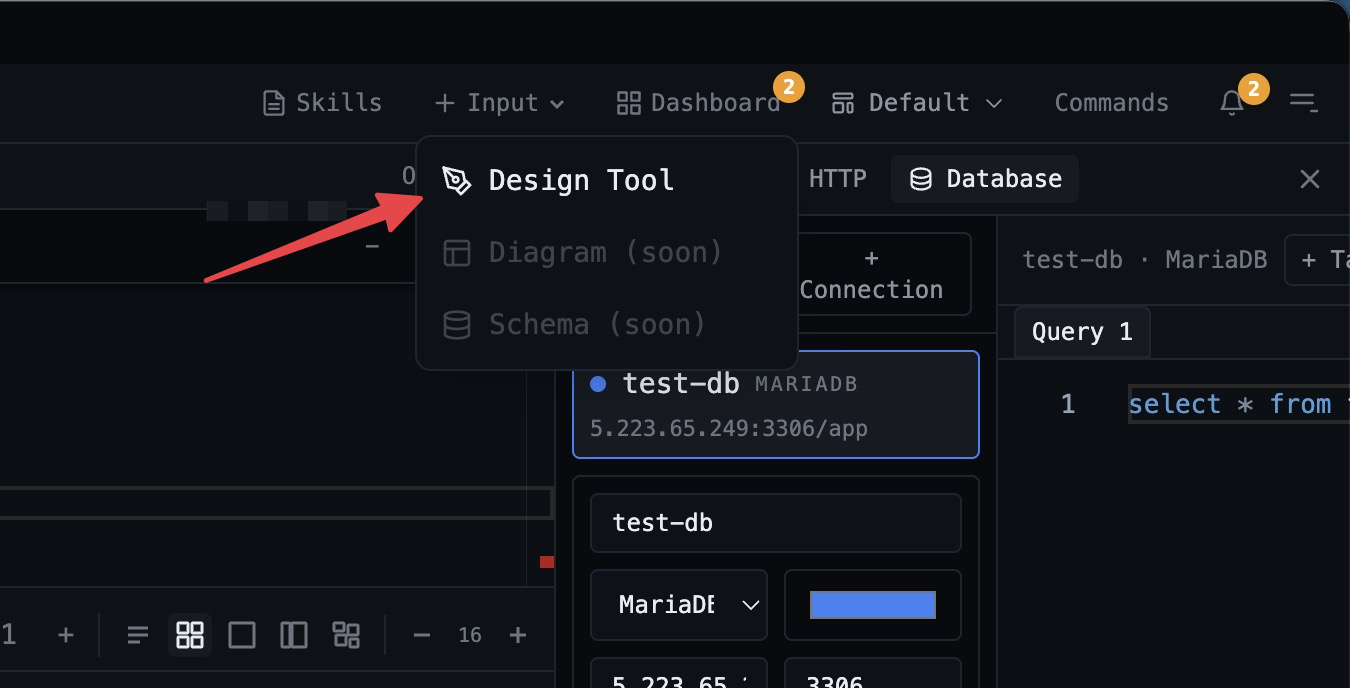
Switch to the Design Tool from the output panel. Start with a blank canvas or an AI-generated starting point.
Build Your Layout
Drag components from the palette — buttons, cards, inputs, navbars. Arrange them on the canvas with snap guides.
Refine with AI
Use the AI chat bubble to generate or modify designs with natural language. "Add a hero section with a gradient background."
Export & Implement
Export screens as images for documentation. Switch between mockup and fidelity modes for different stages of design.
Without 1DevTool
The manual way vs. the 1DevTool way
The Hard Way
The 1DevTool Way
Key Capabilities
Everything included with Mockup & Fidelity Modes
Why It Matters
The productivity impact of having design tool built into your workspace
No Context Switch to Figma
Prototype designs right inside your development workspace. No heavy app loading or account switching required.
AI-Powered Generation
Describe what you want in plain English and get a complete design. Iterate by chatting, not clicking.
Developer-Friendly
Built for developers who need quick mockups, not pixel-perfect illustrations. Mockup and fidelity modes match your stage.
Export & Implement
Export screens as images for documentation or client reviews. Your design and code live side by side.
More in Design Tool
Other features in this category you might find useful
Visual Design Canvas
Drag-and-drop design canvas with a component palette, property inspector, and layers panel.
AI-Powered Design
Generate designs from natural language prompts using an AI chat bubble integrated into the canvas.
Draw a Diagram by Describing It
Describe a diagram in the Draw canvas prompt bar and an installed AI CLI inserts real shapes, arrows and labels next to whatever you already sketched. Everything it generates stays editable — never a flat image you have to redraw to change.
Ready to boost your workflow?
Download 1DevTool for free and experience Mockup & Fidelity Modes along with 305 other features — all in one app.