v1.33.1July 7, 2026
Reopen closed terminals, C# Code Intelligence, and safer project renames
Reopen closed terminals, C# Code Intelligence, and safer project renames. Also in this release: Terminal Recovery and Safer Project Renaming.
Download v1.33.1
The download page always has the newest build; installers for this version are on GitHub.
What changed
New features
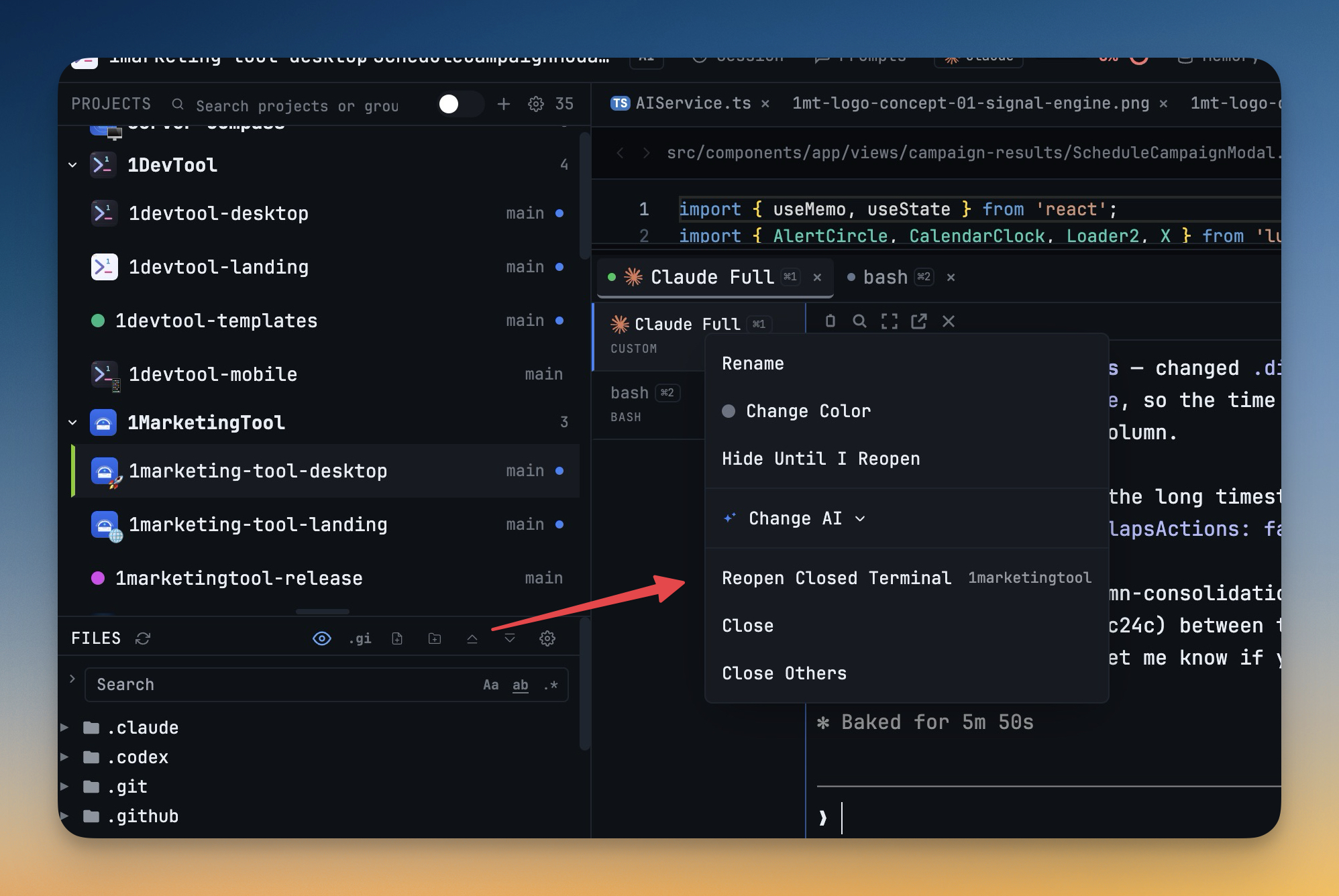
9- Reopen recently closed terminals from the terminal menu — right-click a terminal tab and choose Reopen Closed Terminal to restore the most recently closed terminal setup
- Restored terminals keep their name, command, color, working folder, worktree binding, and AI conversation resume details
- Close several terminals and reopen them one at a time in last-closed order
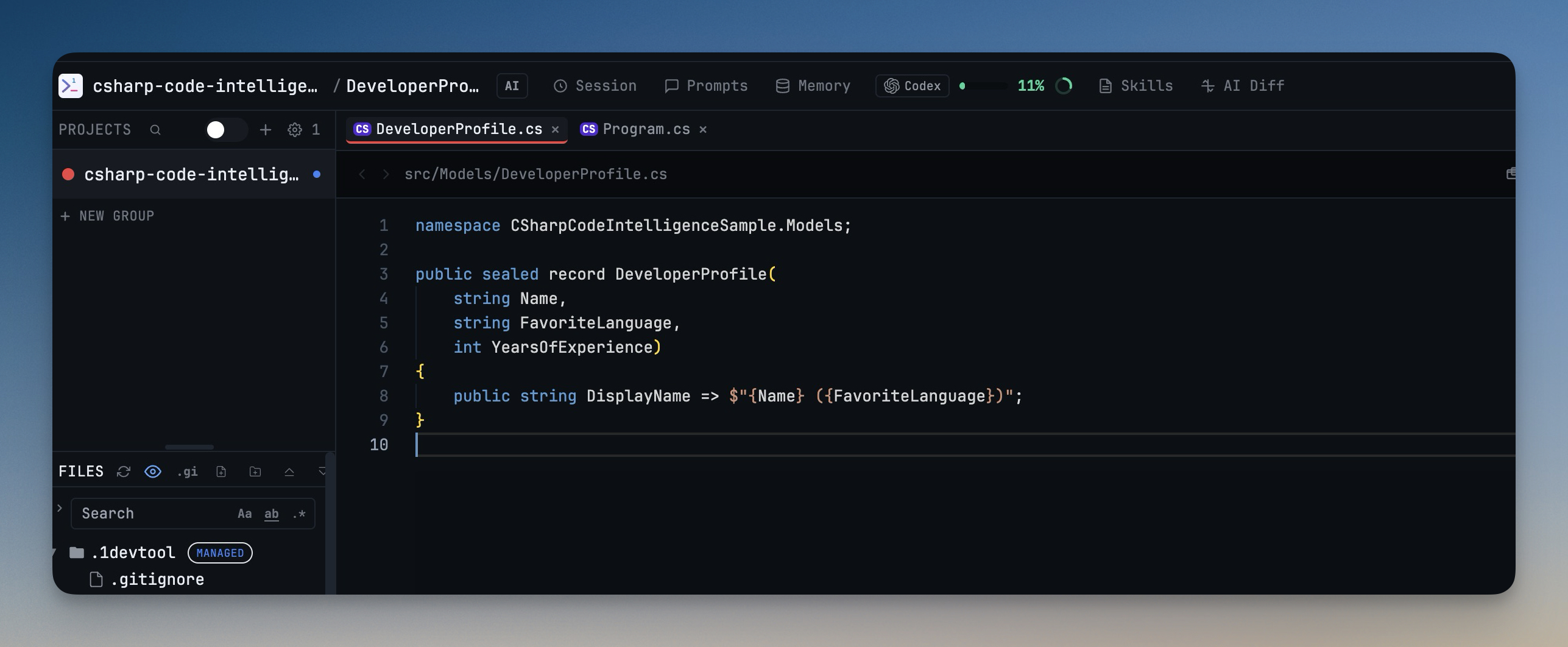
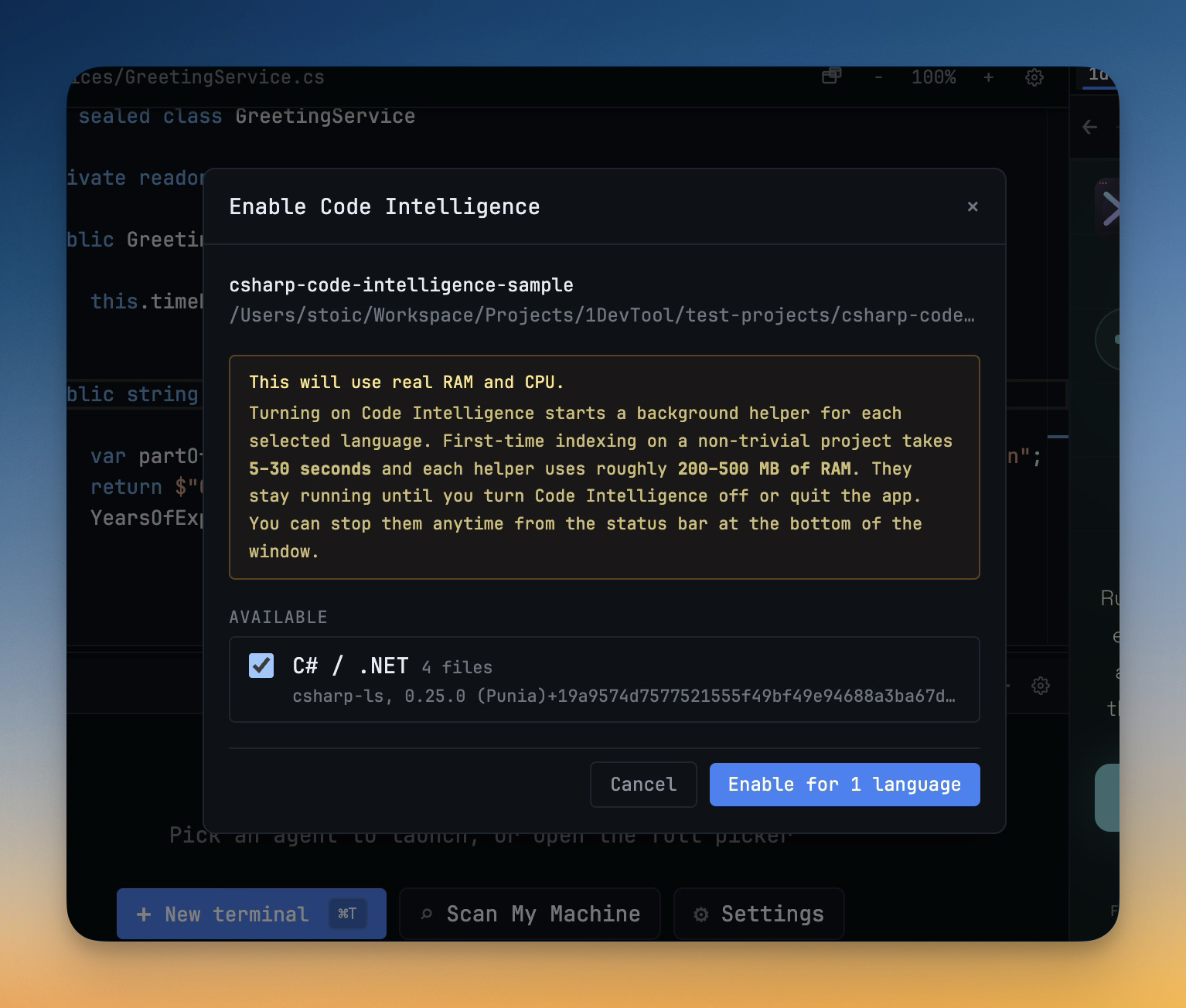
- Edit C# and .NET projects with Code Intelligence — C# files now get language badges, editor language detection, completions, hover details, diagnostics, and go-to-definition support when the C# language server is available
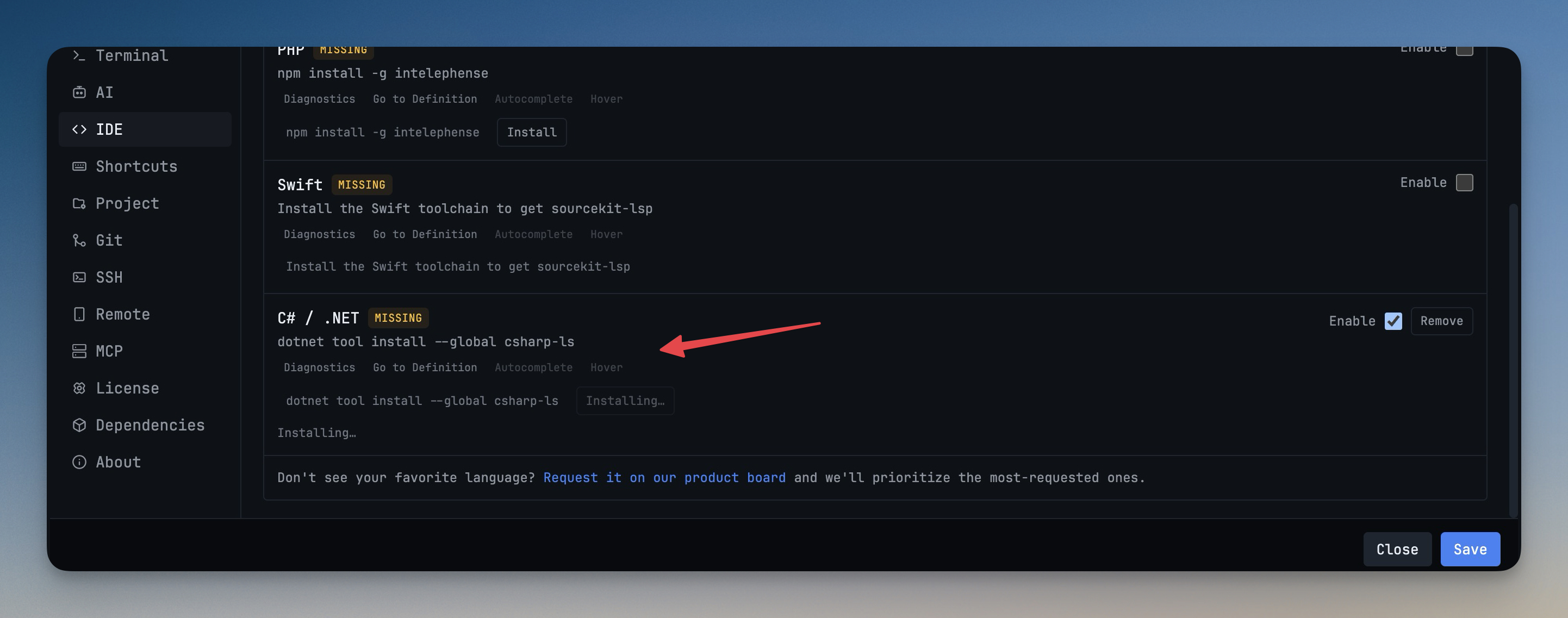
- Code Intelligence settings can install or update the C# language server through .NET tools
- If the .NET SDK is missing, 1DevTool now shows a clear setup message and a direct action to get it
- Rename local project folders from the sidebar — renaming a local project now moves the folder on disk and keeps the workspace connected to the new location
- Open files, terminals, worktrees, HTTP request files, SQLite databases, and Project Settings stay aligned with the renamed folder
- SSH project renames update the project display name without trying to rename the remote folder
Improvements
4- Make Project Settings locks clearer — Free users can inspect Project Settings status, while Pro-only edit, apply, reload, reveal, export, and credential actions now show clearer locked states and upgrade prompts
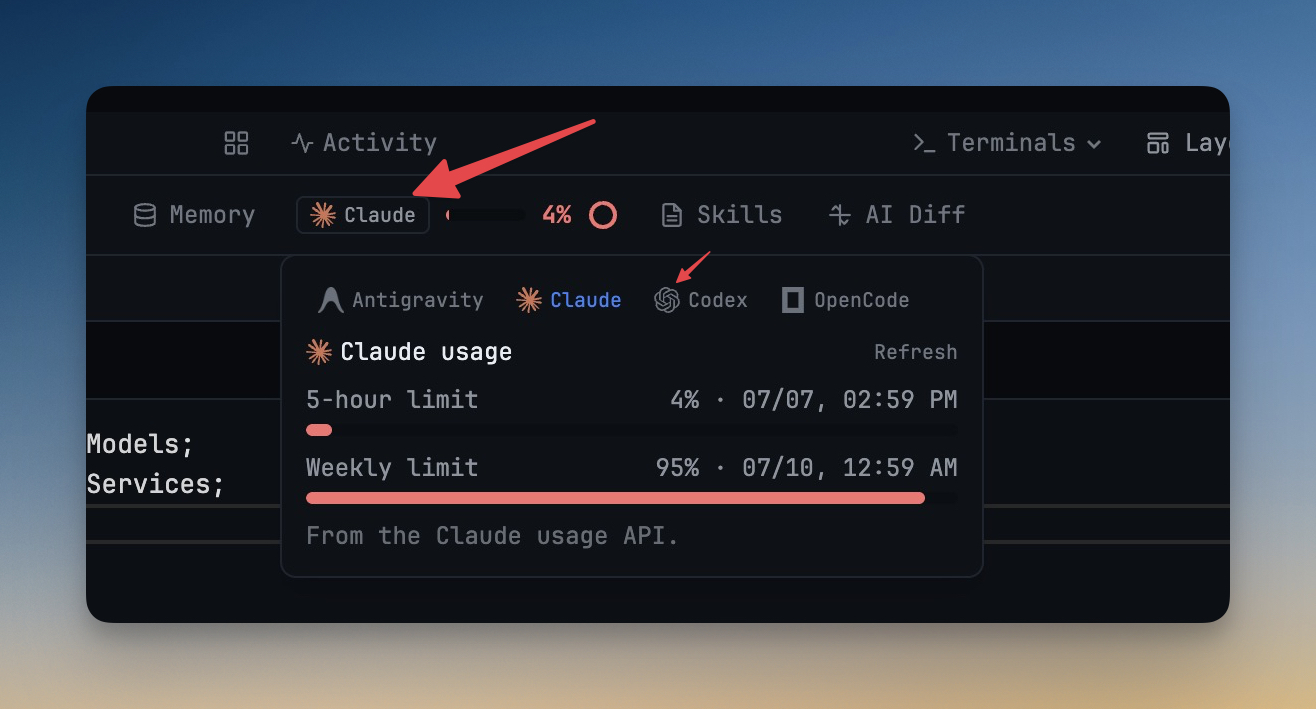
- Use agent logos across more AI surfaces — AI usage, Remote Control usage, AI Diff sessions, Skills, and Memory now show recognizable agent marks instead of plain text labels where possible
- Place AI usage beside prompt history — the App Toolbar now shows the AI usage pill immediately after Prompts and before Memory, keeping related AI history and quota controls together
- Keep Agent Input sends focused on the prompt — hitting the Free daily AI Diff cap now skips diff tracking for that prompt instead of interrupting Agent Input
Bug fixes
4- Fixed Codex resume rows showing fallback titles — Resume AI Sessions now reads current Codex thread titles, first prompts, previews, project folders, branches, models, and activity times more reliably
- Fixed recent Codex sessions showing 0 turns — long startup context no longer prevents the first real prompt from appearing in recent-session previews
- Fixed project rename failures with empty database state — projects without saved database connections can now be renamed without an error
- Fixed Agent Input composer flashes during project switches — disabled Agent Input composer settings are respected while terminals remount and load, so the composer no longer appears for a frame over loading terminals
Screenshots