v1.36.0July 10, 2026
AI quota alerts with one-click account switching, multi-command startups, and much faster search
AI quota alerts with one-click account switching, multi-command startups, and much faster search. Also in this release: Multi-Command Startup Sequences.
Download v1.36.0
The download page always has the newest build; installers for this version are on GitHub.
What changed
New features
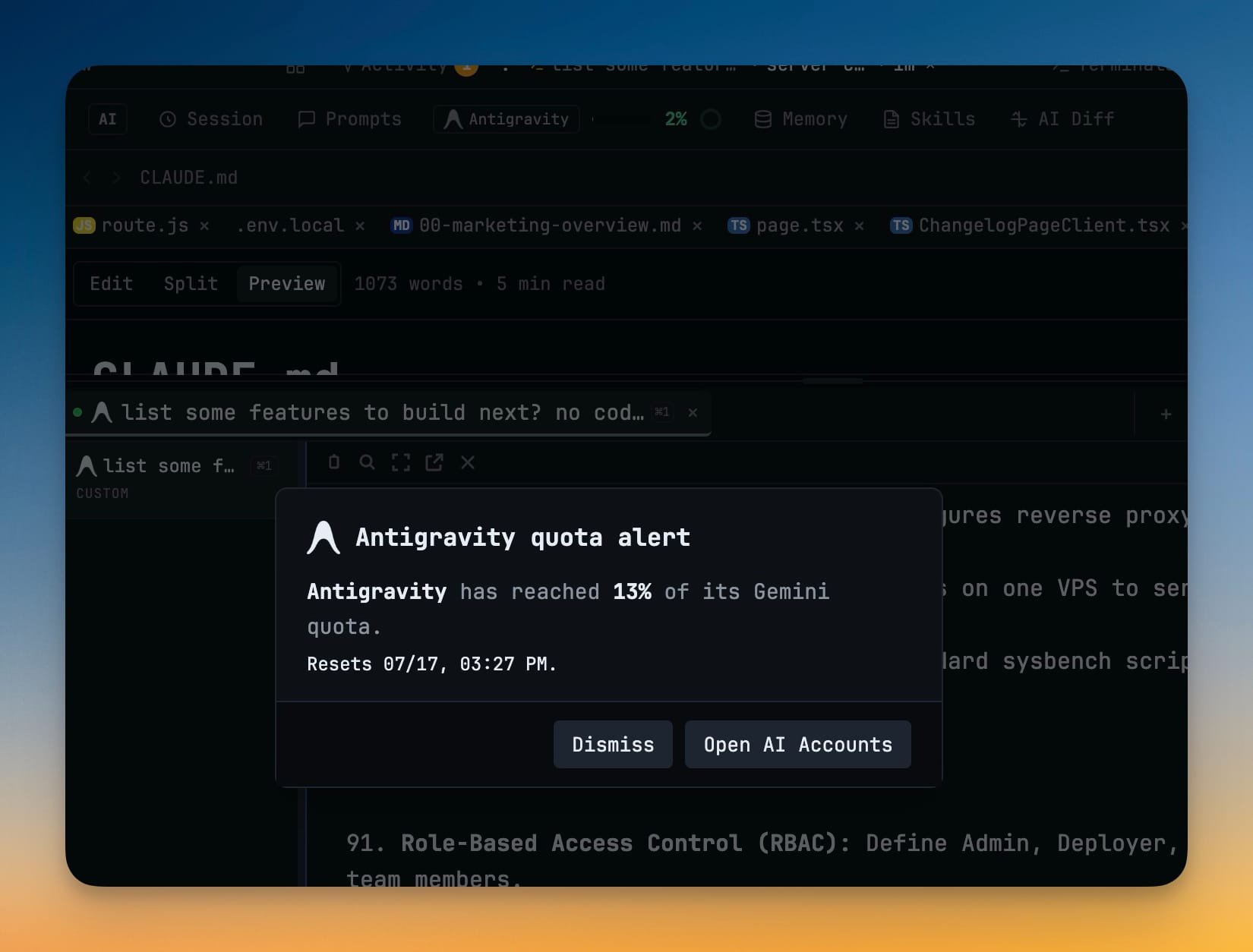
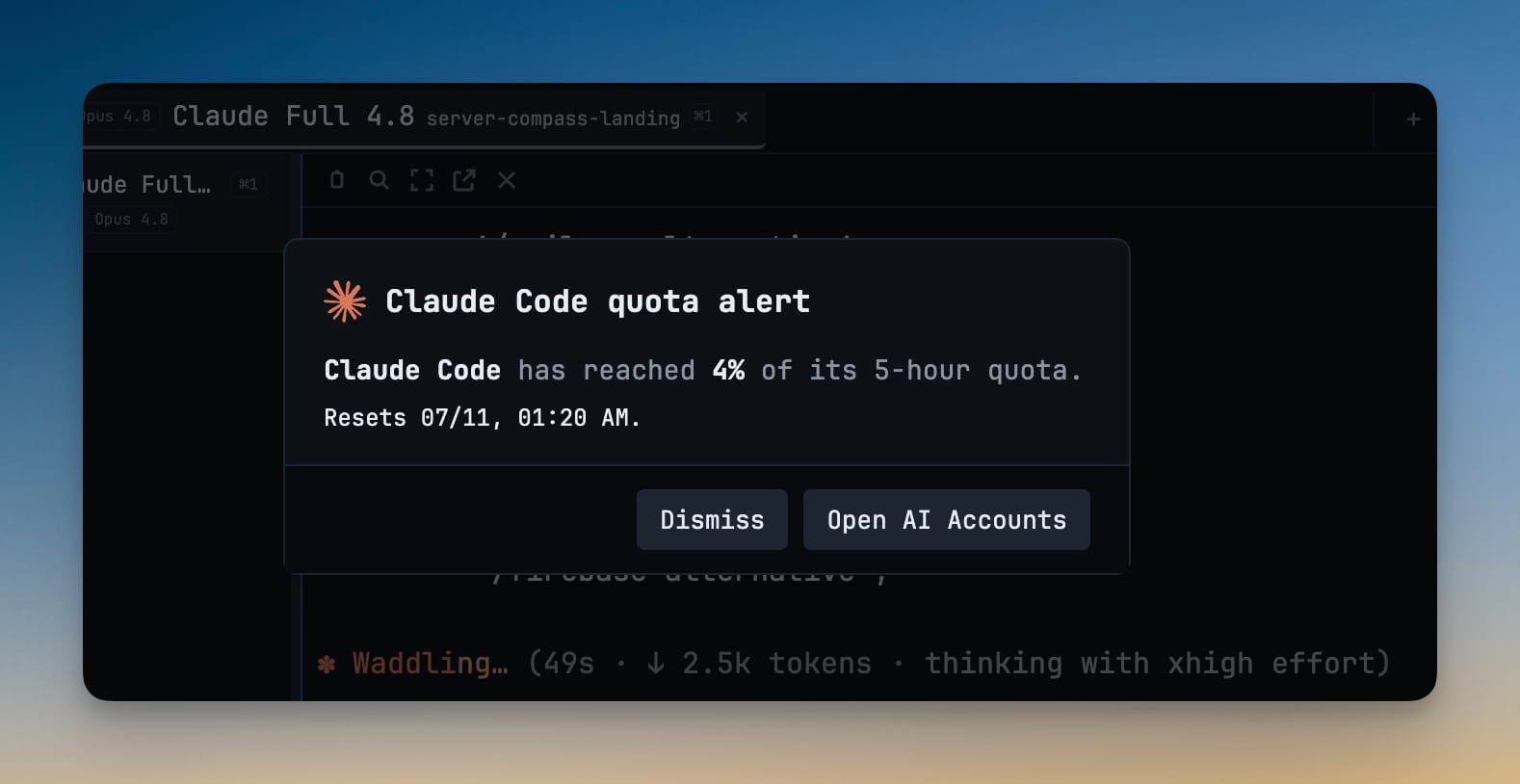
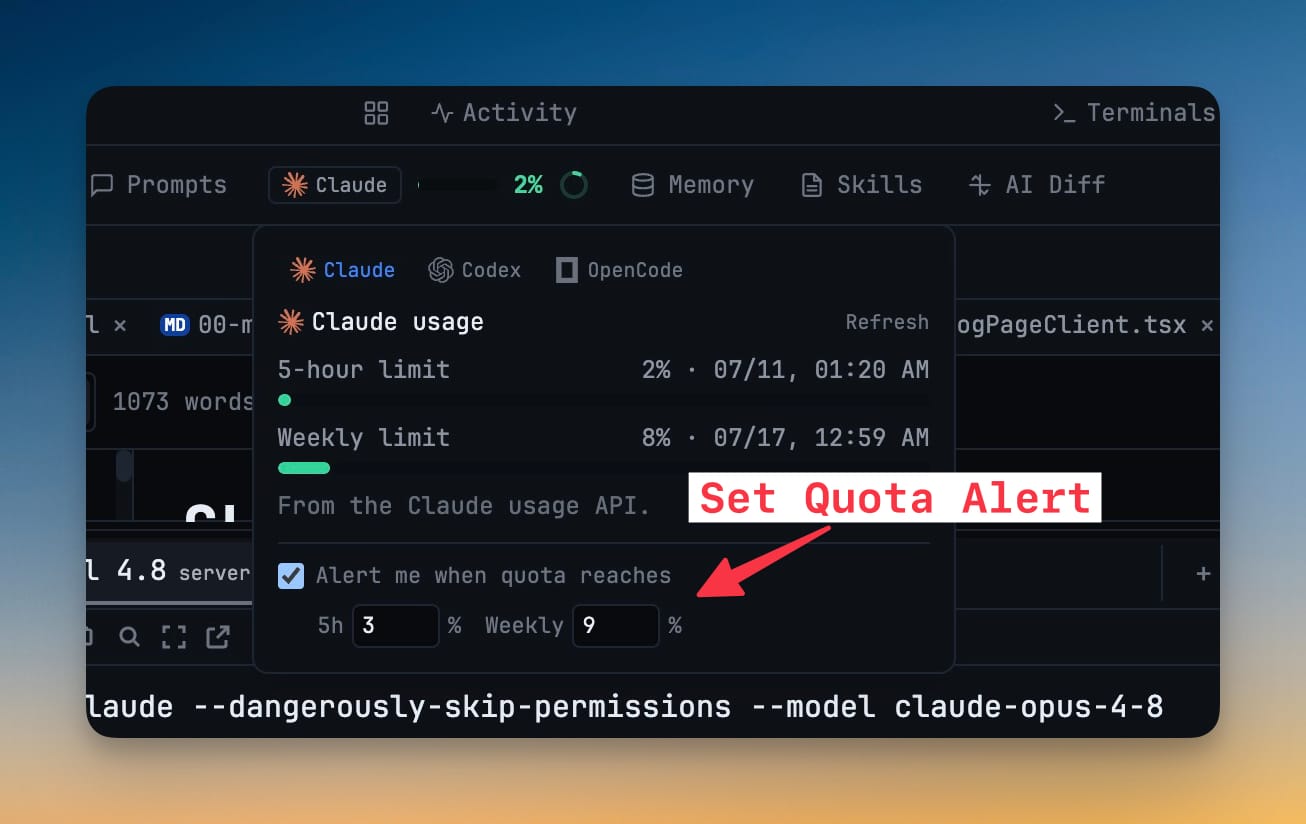
6- Get alerted before you run out of AI quota — set a usage threshold per agent and 1DevTool warns you when your session or weekly usage reaches it (default 80%)
- When an alert fires, switch to a spare account that's still under the limit in one click
- Turn alerts on and pick the threshold right from the quota pill, or from Settings → Accounts
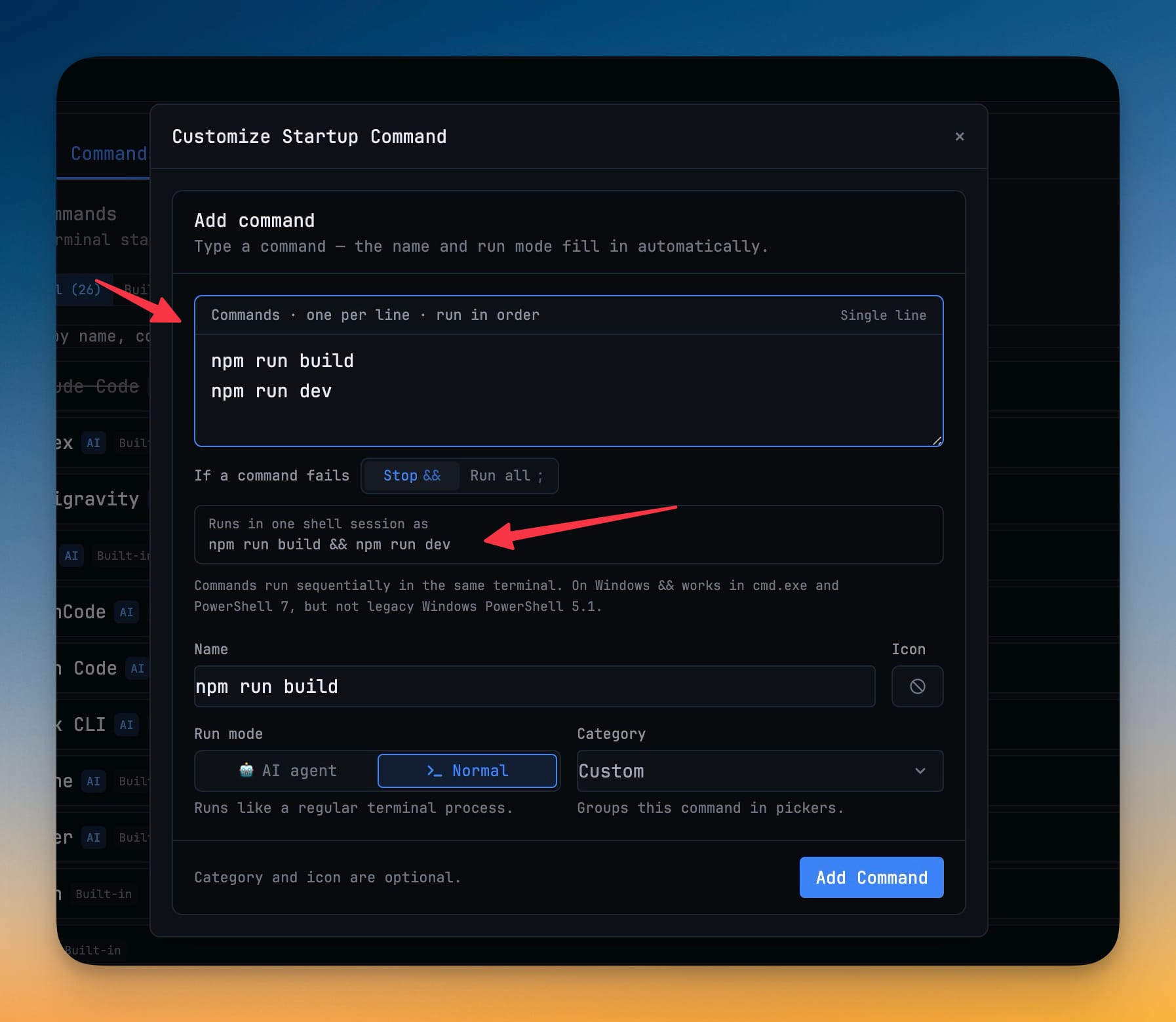
- Run several startup commands in order in one terminal — write one command per line when creating or editing a command, and 1DevTool runs them together in the same session
- Choose stop-on-error to stop if a command fails, or run-all to keep going
- Sequences run safely on Windows, macOS, and Linux
Improvements
5- Much faster search in large projects — file and workspace search in the file explorer and Command Palette is now noticeably quicker and no longer lags or flickers on big repositories, and searches cancel cleanly as you keep typing
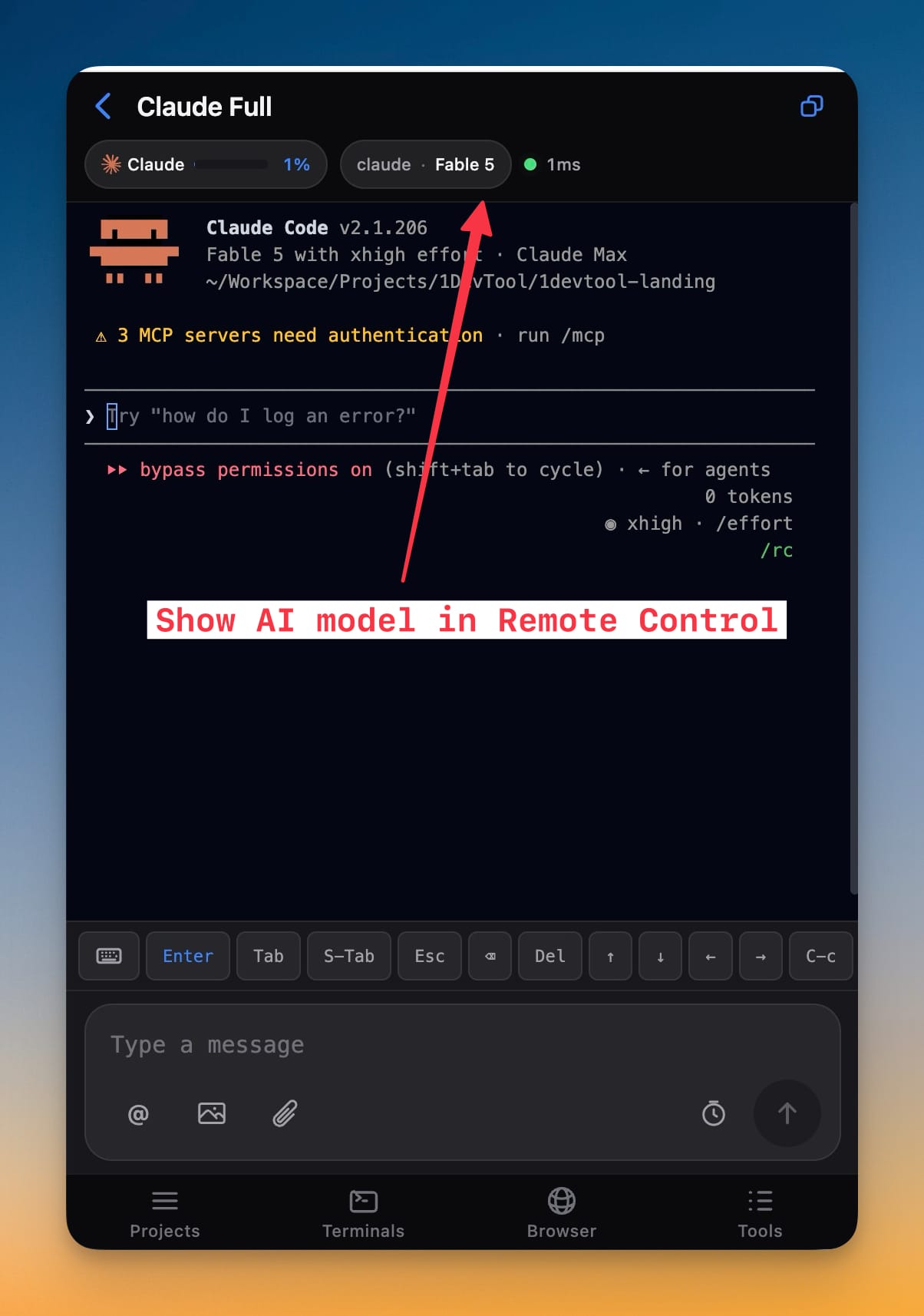
- Reader Mode works across more AI terminals — Reader Mode now opens a clean, readable transcript for OpenCode, Cline, Grok, and Codex terminals instead of showing empty or garbled content
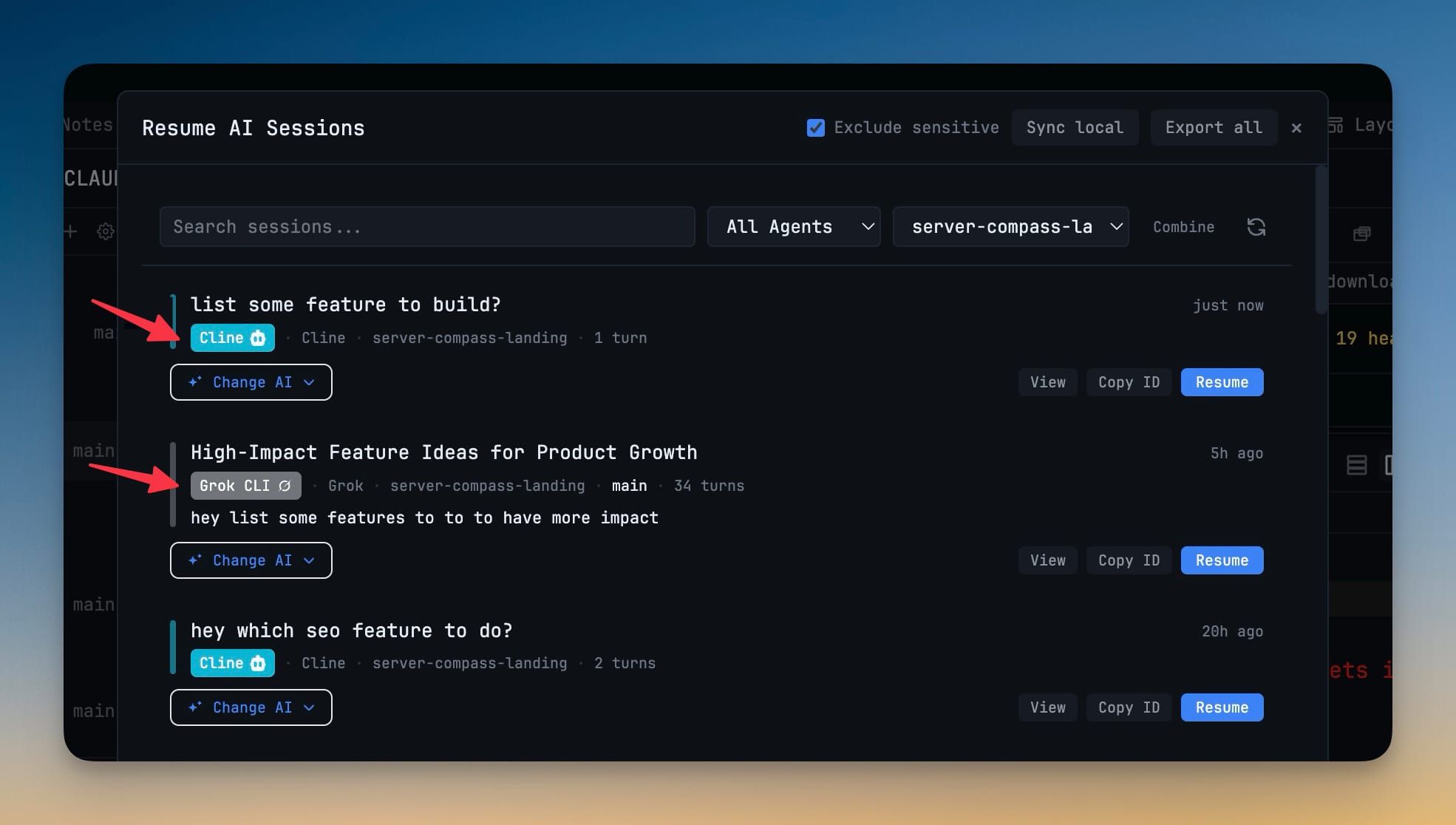
- Resume Cline sessions — past Cline conversations now appear in Resume AI Sessions and can auto-resume on restart, with titles, previews, project folders, and activity times
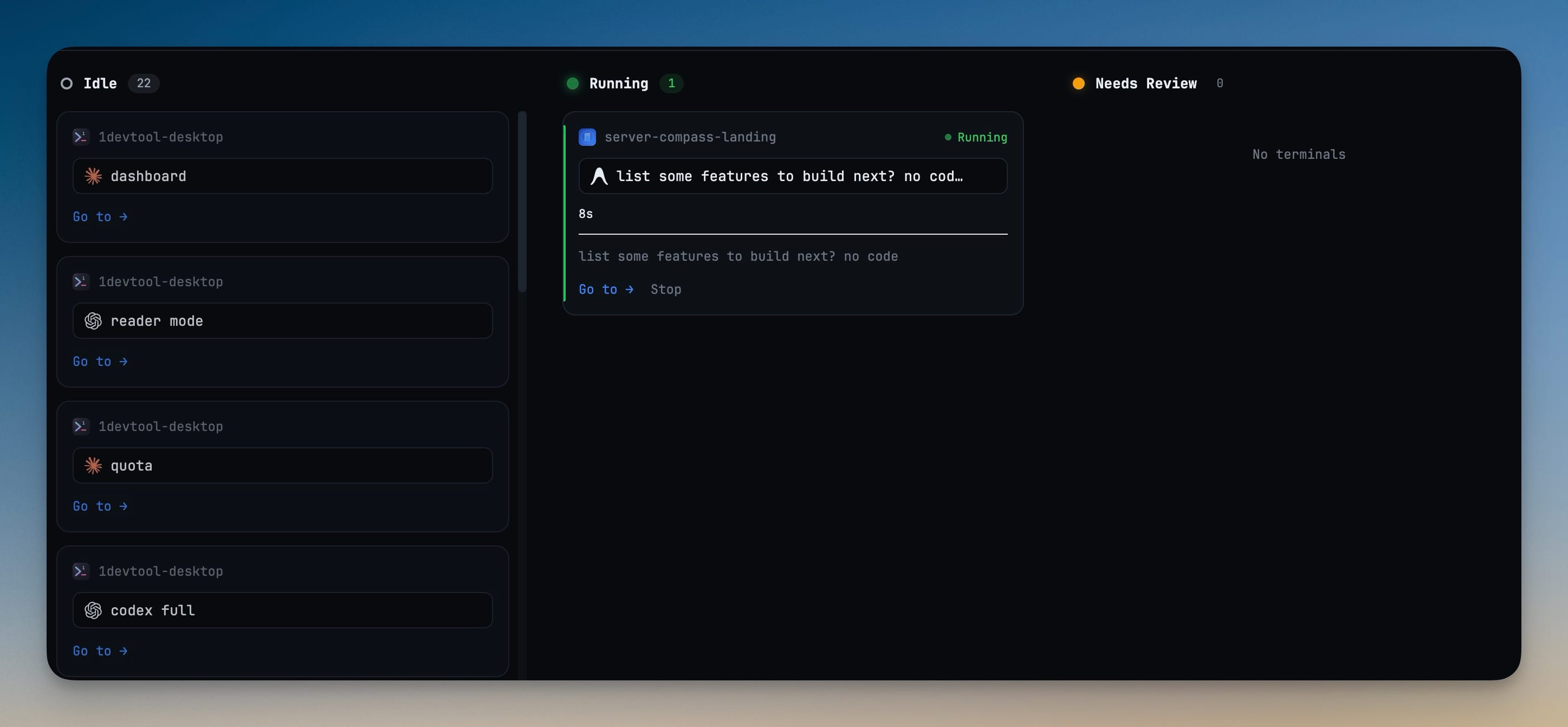
- Brand logos across more terminal views — the Terminal Dashboard cards and the All Terminals list now show each agent's logo instead of a plain letter or text label
- Clearer AI tab names for attachments — AI terminal tabs now summarize prompts that include images or files instead of showing raw file paths
Bug fixes
4- Fixed Grok and Cline terminals not scrolling — their native full-screen interface now scrolls with the wheel like other terminals
- Fixed Grok tabs keeping a temporary name — Grok tabs now update to the final generated session title once it's ready
- Fixed language server setup failing to find its install path — Code Intelligence language servers now install and update more reliably
- Fixed Grok usage missing from the quota pill — Grok accounts now report their remaining quota
Screenshots