v1.49.0July 19, 2026
Agent Team and Agent Swarms
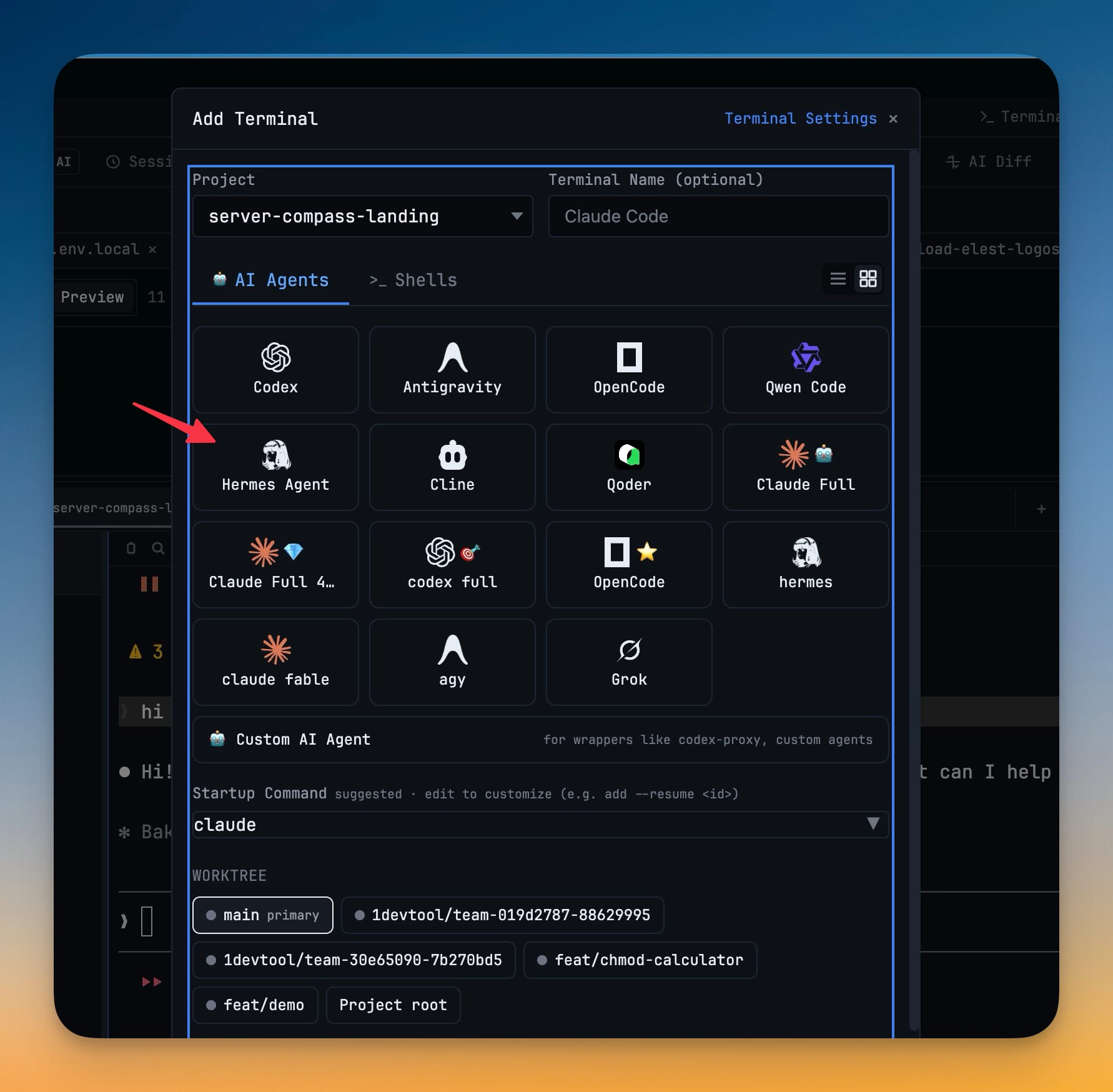
Agent Team and Agent Swarms. Also in this release: Hermes Agent.
Download v1.49.0
The download page always has the newest build; installers for this version are on GitHub.
What changed
New features
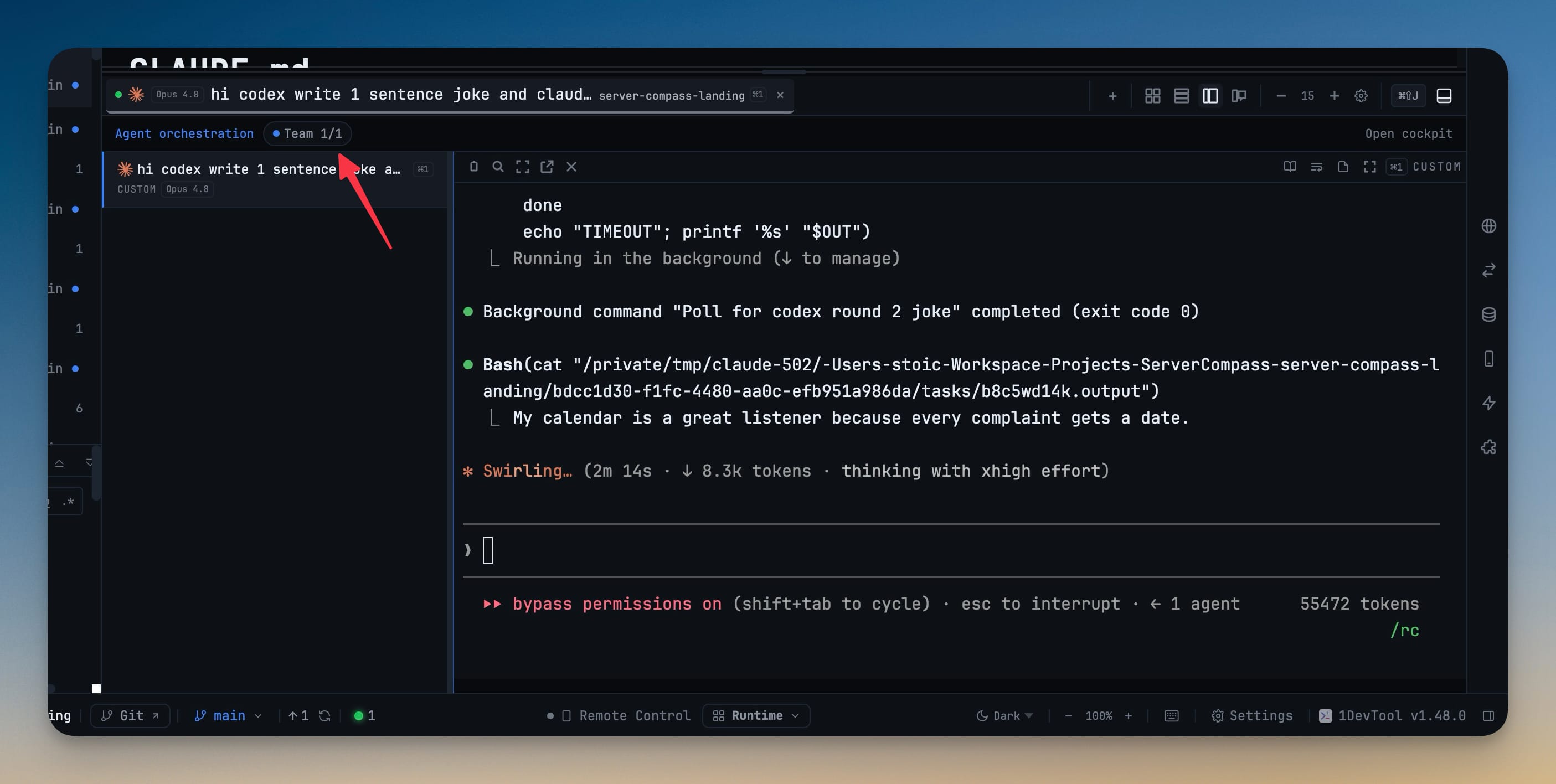
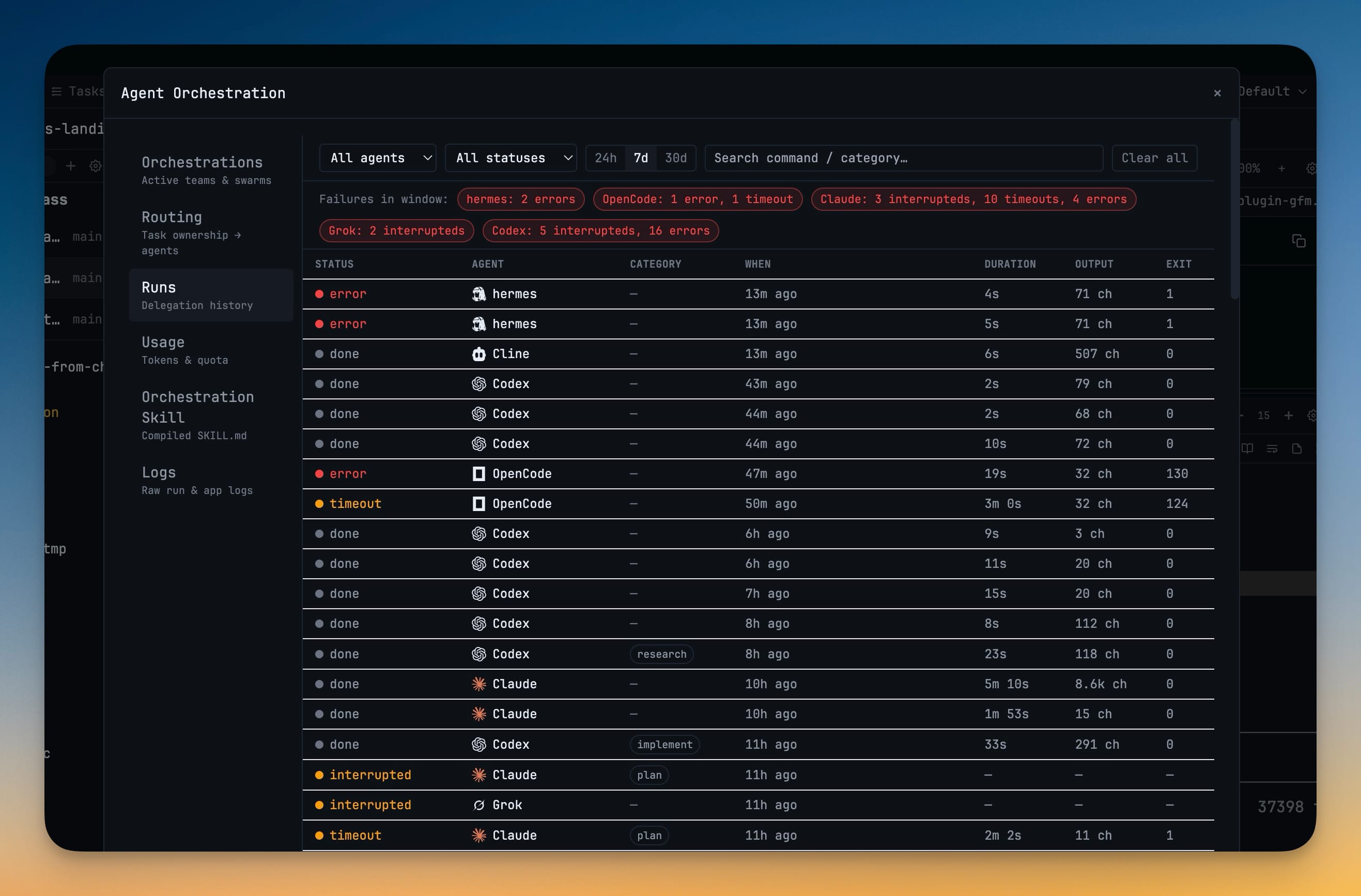
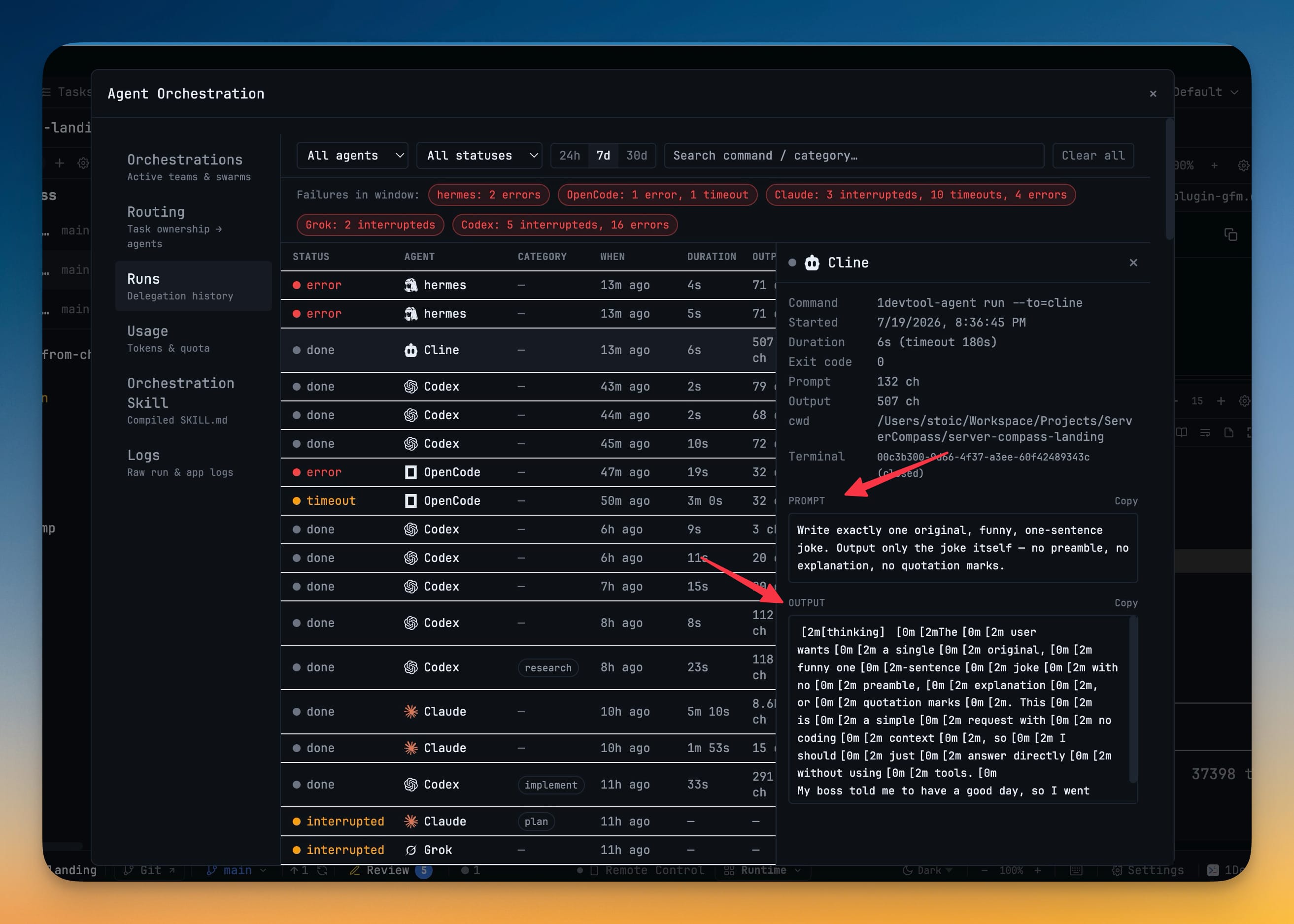
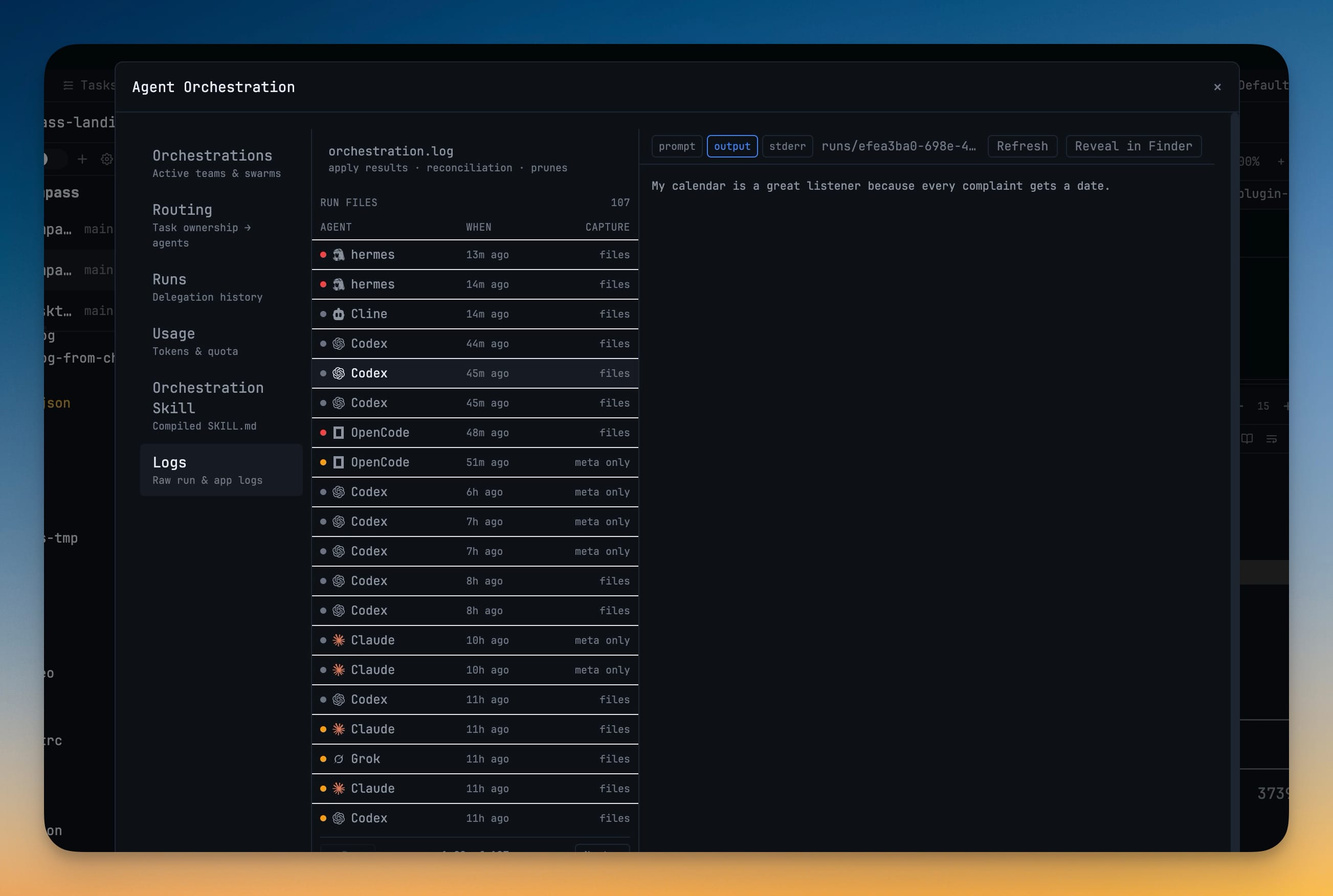
7- See every active team and swarm at a glance with live status
- Pause or resume the worker pool whenever you want to slow things down or free up your machine
- Open a Team's shared workspace to jump straight into the agents' terminals
- Watch agents hand work off and talk to each other on a live message activity rail
- Cancel queued workers while letting already-running ones finish
- Automatic detection of your Hermes install across macOS, Linux, and Windows
- Usage tracking, memory browsing, and session resume all included
Improvements
4- Snappier terminal switching and steadier heavy workspaces — terminals now run in a dedicated background process with a most-recently-used cache, so flipping between tabs is near-instant and large sets of terminals stay responsive
- Pin terminals in Terminal Canvas — keep the terminals you care about visible even when you filter the canvas to only running terminals
- Read wide terminals comfortably from your phone — Remote Control adds a fit-to-width toggle for desktop-mirrored terminals
- More reliable AI agent delegation on Windows and in tmux — interactive handoffs between agents now work from ordinary tmux-backed shells and handle Unicode prompts correctly on Windows
Bug fixes
1- Fixed terminal text wrapping past the panel edge — transcript lines that ran a few columns too wide now line up with the pane on both desktop and Remote Control
Screenshots