Maps on Your Phone
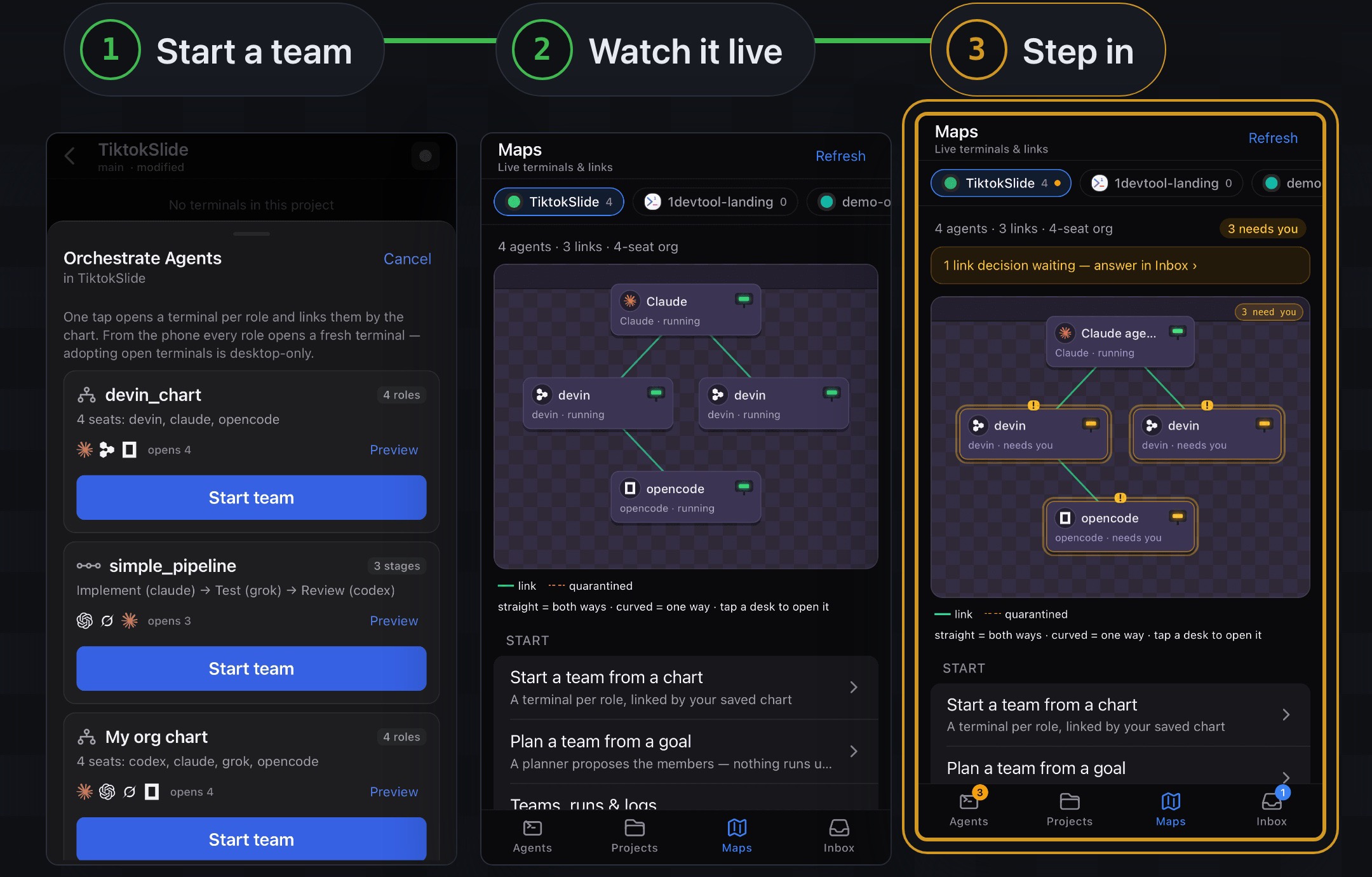
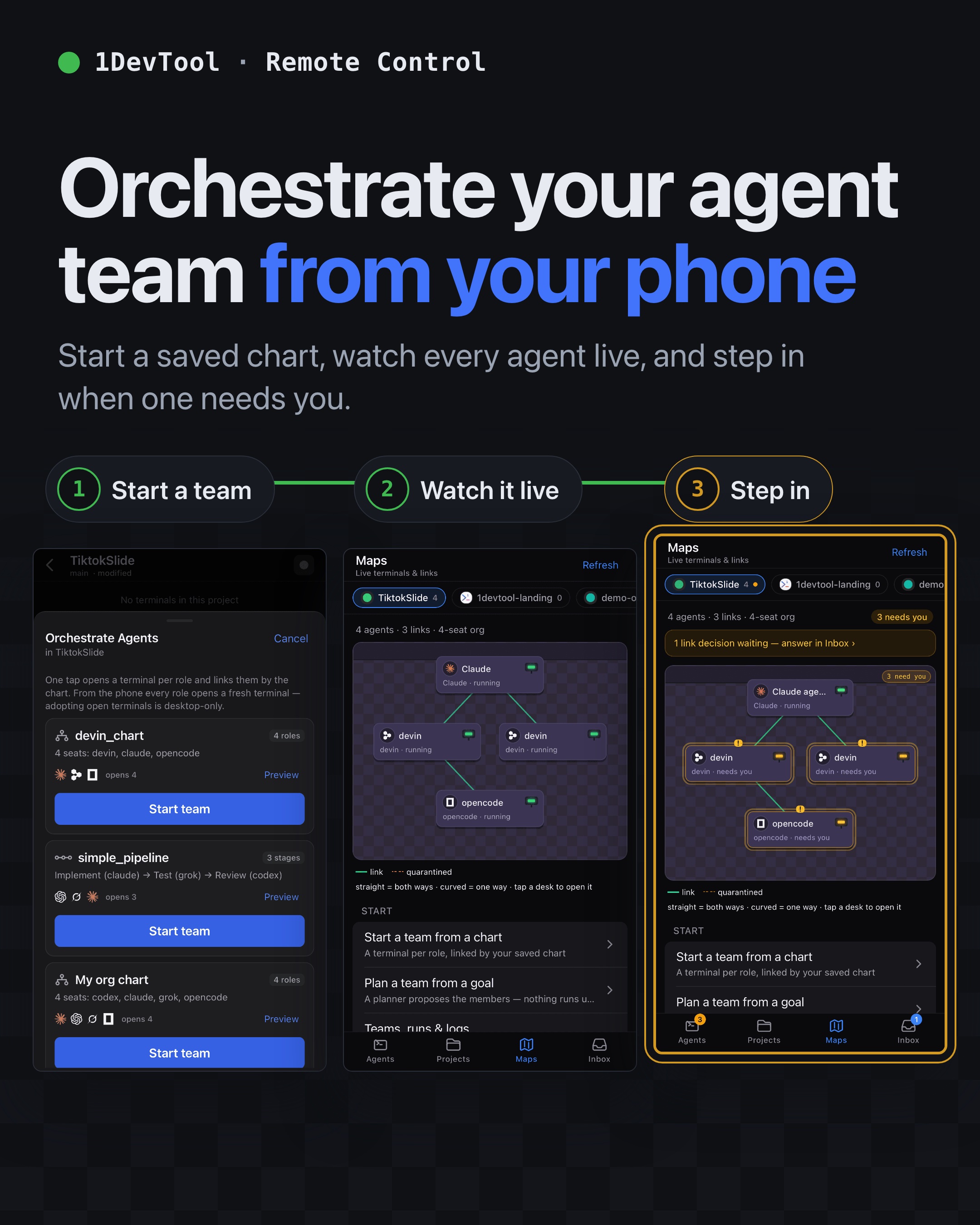
A Maps tab on the phone draws each project's agents as desks and their links as lines, laid out by chain of command, so you can see who is running, who is idle and who needs you in one view. Tap any desk to open that terminal.
More Screenshots
Click any image to zoom in
Why You Need This
How this feature boosts your daily productivity
Away from the desk, a list of terminals tells you what is open but not how the work is shaped: which agent reports to which, which link is carrying messages, and which member stopped because it needs a decision only you can make. Maps puts the team on one screen, arranged the way the org chart or team is actually built, marks every desk that is waiting on you, draws suspended links dashed so a broken hand-off is visible, and points you to the Inbox when a link request needs an answer.
How It Works
Get started in 4 simple steps
Open the Maps tab
On the paired phone tap Maps. The header reads Maps — Live terminals & links, with a chip for every project open on the desktop.
Pick a project
Its agents are laid out by chain of command: org chart tiers, a team's host above its members, unlinked agents in a Not linked list below.
Read the desks
Each desk shows its role and state. Desks waiting on you are marked and counted in a badge like 3 needs you; quarantined links are drawn dashed.
Tap a desk to act
Tapping a desk opens that terminal so you can read and reply. A link request waiting shows a banner that takes you to the Inbox.
Without 1DevTool
The manual way vs. the 1DevTool way
The Hard Way
The 1DevTool Way
Key Capabilities
Everything included with Maps on Your Phone
Why It Matters
The productivity impact of having project management built into your workspace
Triage in One Glance
The marked desks are the ones worth your next thirty seconds, so you stop opening terminals one by one to find the stuck agent.
See the Shape of the Work
Who reports to whom and which links carry messages is visible on the phone, not only on the desktop canvas.
Broken Hand-Offs Show Up
A link suspended by a closed or relaunched terminal is drawn dashed instead of looking healthy.
More in Project Management
Other features in this category you might find useful
Multi-Project Workspace
Work on multiple projects simultaneously with instant switching. Entire workspace state is preserved per project.
Smart File Explorer
Real-time file tree with type icons, .gitignore filtering, search, and right-click context menus.
Per-Project Code Intelligence
Spawn real typescript-language-server, gopls, pyright, rust-analyzer, clangd, solargraph, intelephense, or sourcekit-lsp for the projects you opt into — with project-aware errors and zero false positives.
Color-Coded Projects
Assign accent colors to each project for instant visual identification across your workspace.
Ready to boost your workflow?
Download 1DevTool for free and experience Maps on Your Phone along with 319 other features — all in one app.