Mention Another Project
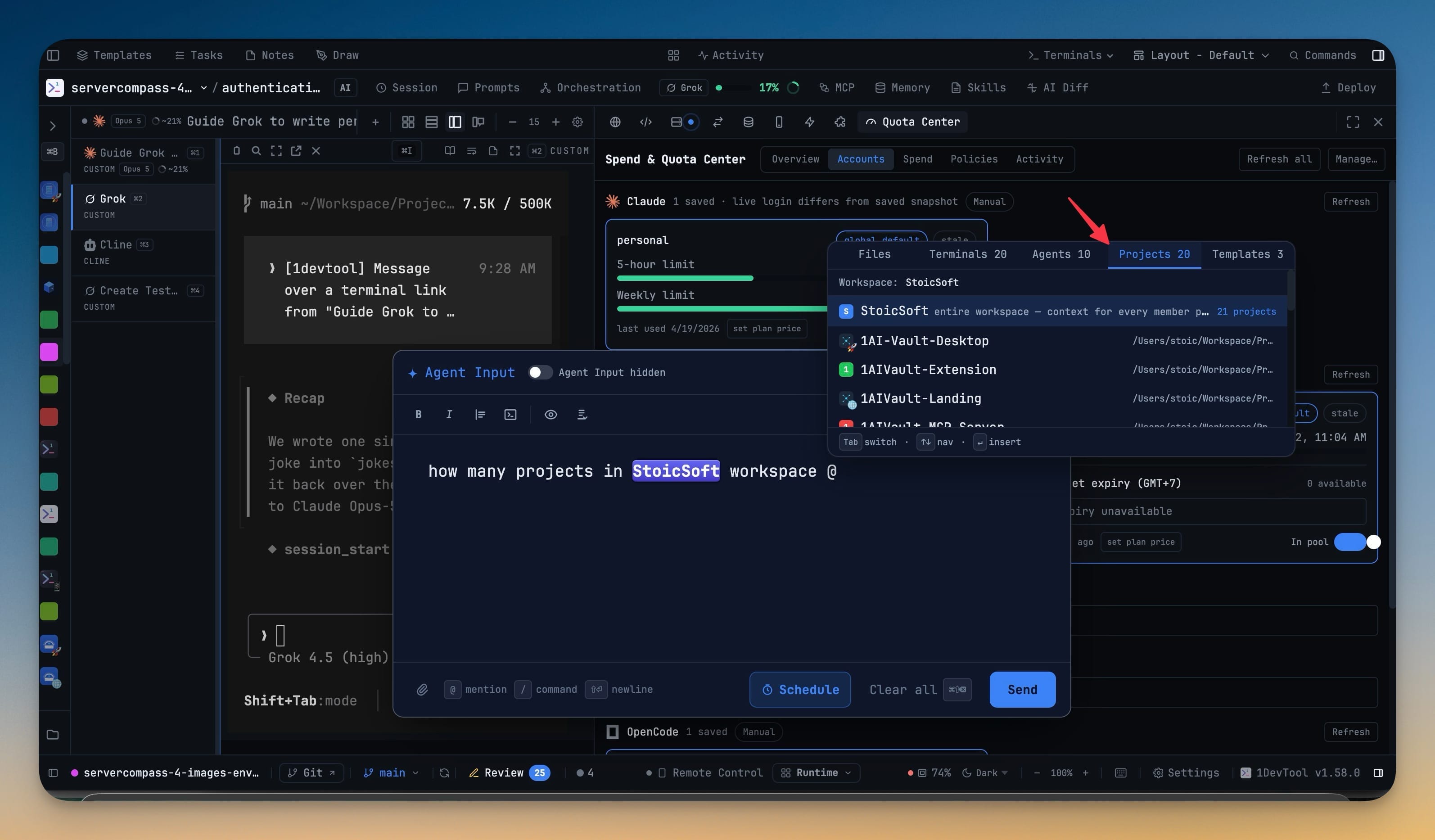
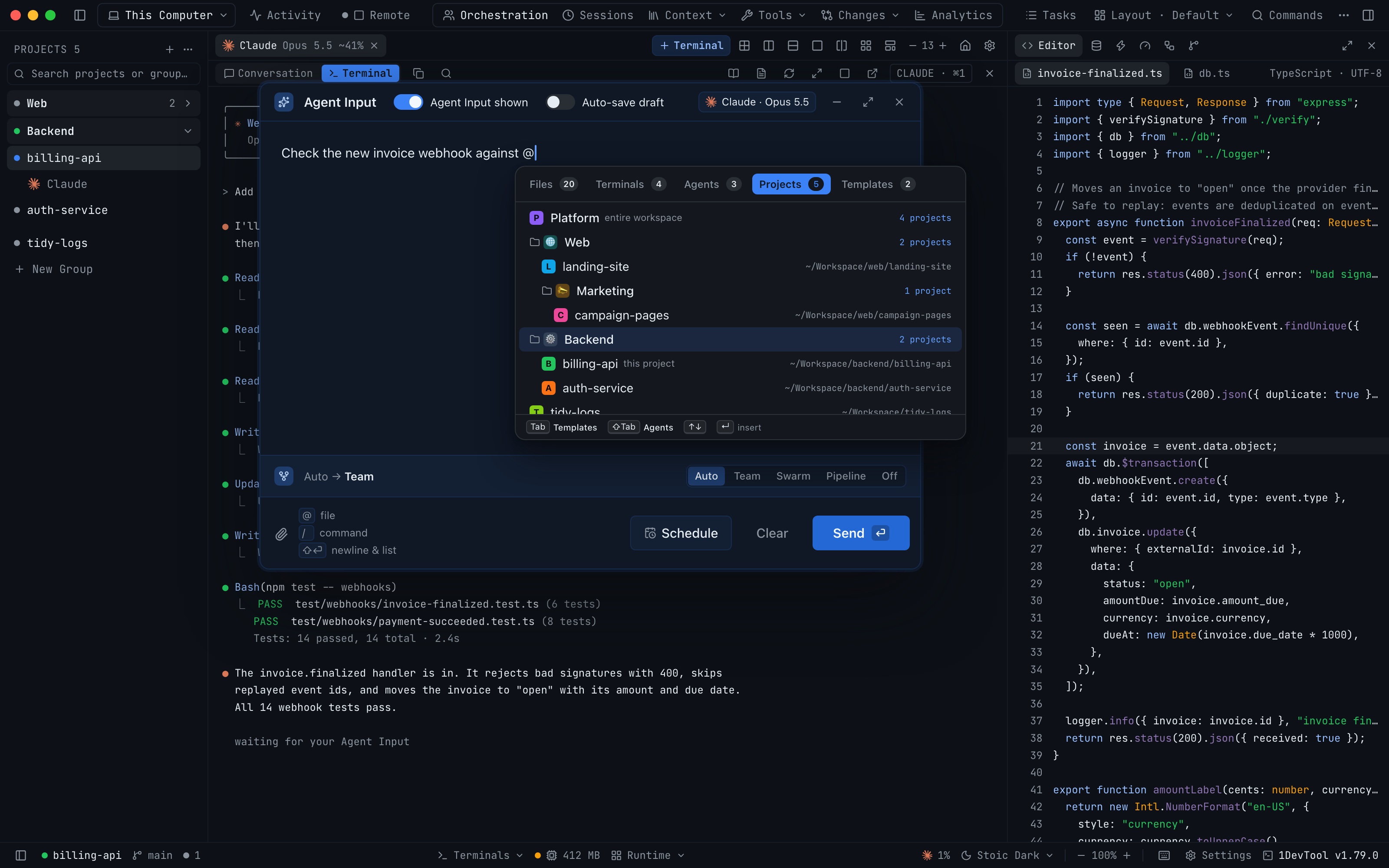
Hand your agent the context of any project, or of a whole sidebar group of projects, from the Projects tab of the Agent Input @ picker, without leaving the terminal you are in. The tab mirrors your sidebar's groups and nesting, so no workspace is needed, and a workspace you belong to still mentions all of its projects in one row.
More Screenshots
Click any image to zoom in
Why You Need This
How this feature boosts your daily productivity
When the bug is in the API but you are working in the web app, the usual fix is copy-paste: open the other project, find the file, paste it in, and hope you grabbed enough. Mentioning the other project instead gives the agent that project's real context by name: its root folder, the group it sits in, and the AI terminals already open in it. Mentioning one other project also points @ file search at that project's folder, so your file mentions cross the repo boundary rather than stopping at it. When the change spans a product, pick its sidebar group and every project under it, nested groups included, goes along in one mention, worked out again when you press Send, with a plain line telling you if the list had to be cut short.
How It Works
Get started in 4 simple steps
Type @ in Agent Input
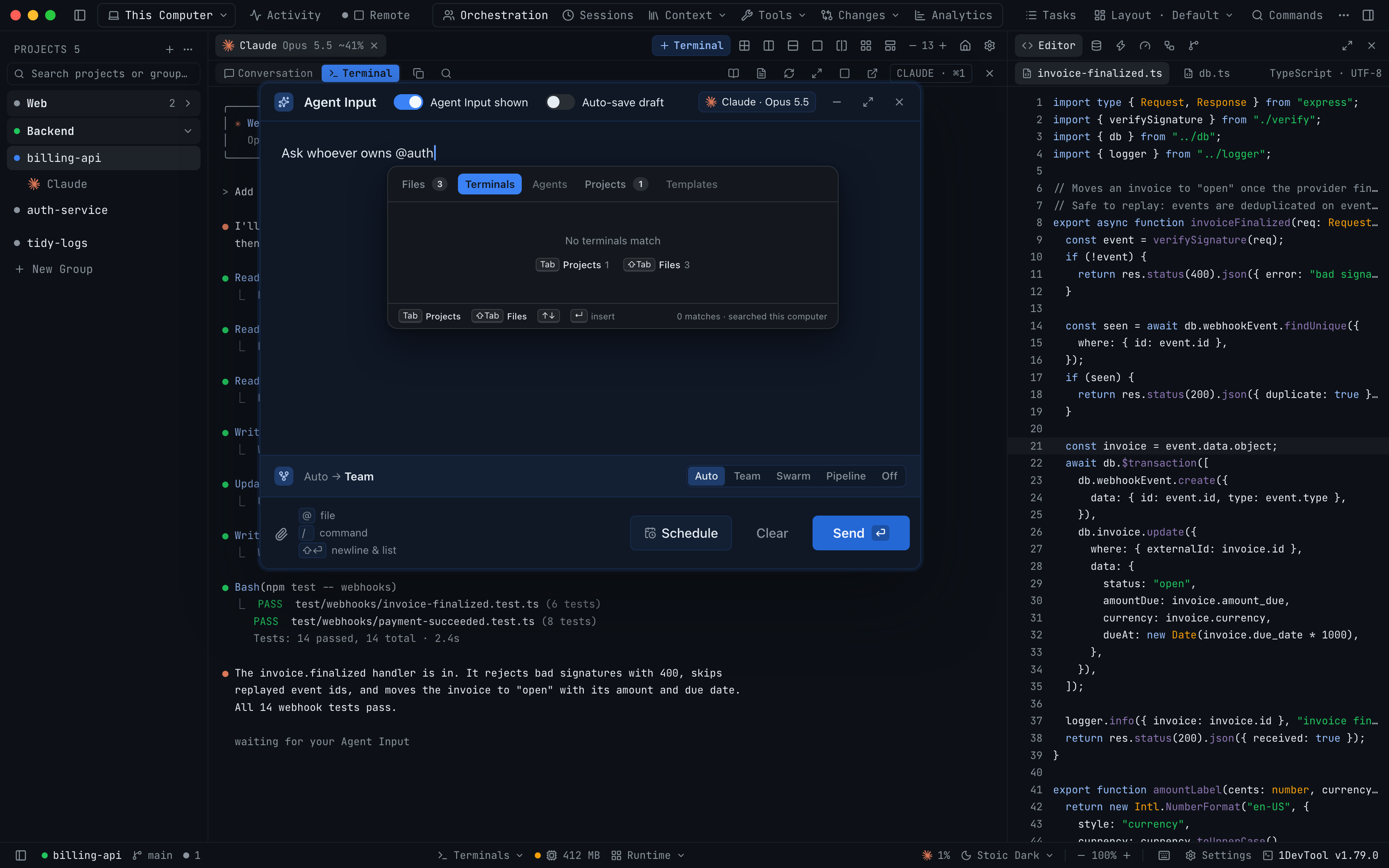
The picker opens with tabs for Files, Terminals, Agents, Projects and Templates. Tab and Shift+Tab jump between the tabs that have results.
Open the Projects tab
Your projects are listed the way the sidebar lists them, with groups and nested groups in the same order. No workspace is needed.
Pick a project or a whole group
@Backend mentions one project. A group row mentions every project under it, nested groups included. A workspace you belong to leads the list as one row.
Send with the context attached
Each project reaches the agent with its root folder, its group and its open AI terminals. Mentioning one other project also points @ file search at its folder.
Without 1DevTool
The manual way vs. the 1DevTool way
The Hard Way
The 1DevTool Way
How it compares
To give an agent context from another repo, people paste files into the prompt or add the other folder to the agent's workspace.
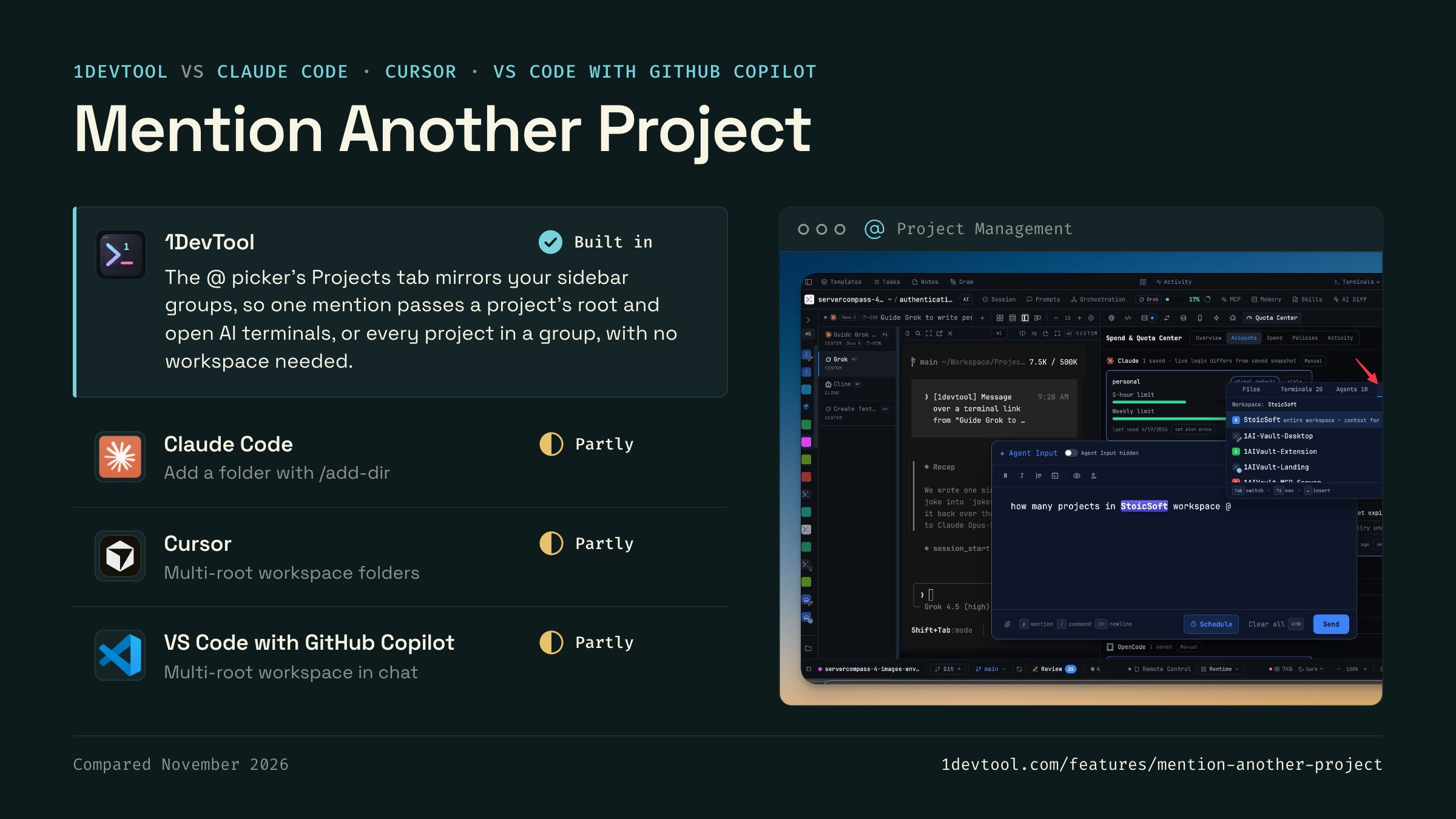
 1DevToolBuilt inBuilt in
The @ picker's Projects tab mirrors your sidebar groups, so one mention passes a project's root and open AI terminals, or every project in a group, with no workspace needed.
 Claude CodePartlyPartly
Claude Code's /add-dir command and --add-dir flag let a session read and edit files in another directory alongside the current one.
- Partly
Cursor indexes every folder in a multi-root workspace, and an agent session can target a saved workspace of several folders.
- Partly
Copilot Chat works across the folders of a VS Code multi-root workspace once you add the other repository to it.


Checked November 2026 against each app's public docs. These products change quickly. If a row is out of date, tell us at feedback.stoicsoft.com/1devtool.
Key Capabilities
Everything included with Mention Another Project
Why It Matters
The productivity impact of having project management built into your workspace
Instant Project Switching
Switch between projects in one click with complete state restoration. No more 5-minute setup rituals.
Visual Organization
Color-coded projects, file type icons, and layout presets keep your workspace organized and recognizable.
Smart File Navigation
.gitignore-aware filtering, instant search, and context menus make finding and opening files effortless.
Workspace Memory
Every project remembers its terminals, open files, database connections, and layout. Pick up exactly where you left off.
More in Project Management
Other features in this category you might find useful
Multi-Project Workspace
Work on multiple projects simultaneously with instant switching. Entire workspace state is preserved per project.
Smart File Explorer
Real-time file tree with type icons, .gitignore filtering, search, and right-click context menus.
Per-Project Code Intelligence
Spawn real typescript-language-server, gopls, pyright, rust-analyzer, clangd, solargraph, intelephense, sourcekit-lsp, or csharp-ls for the projects you opt into — with project-aware errors and zero false positives.
Color-Coded Projects
Assign accent colors to each project for instant visual identification across your workspace.
Ready to boost your workflow?
Download 1DevTool for free and experience Mention Another Project along with 342 other features — all in one app.