1DevTool Blog

AI Coding Tips, Editor Comparisons & Agent Workflows

Hands-on guides for Claude Code, Codex CLI, and Gemini CLI. Head-to-head comparisons vs Cursor, Copilot, Windsurf, and VS Code. Workflows for multi-agent coding, persistent terminals, and agentic development.

Drag Files Into Any Terminal — No More Typing Paths

May 22, 2026

Drag Files Into Any Terminal — No More Typing Paths

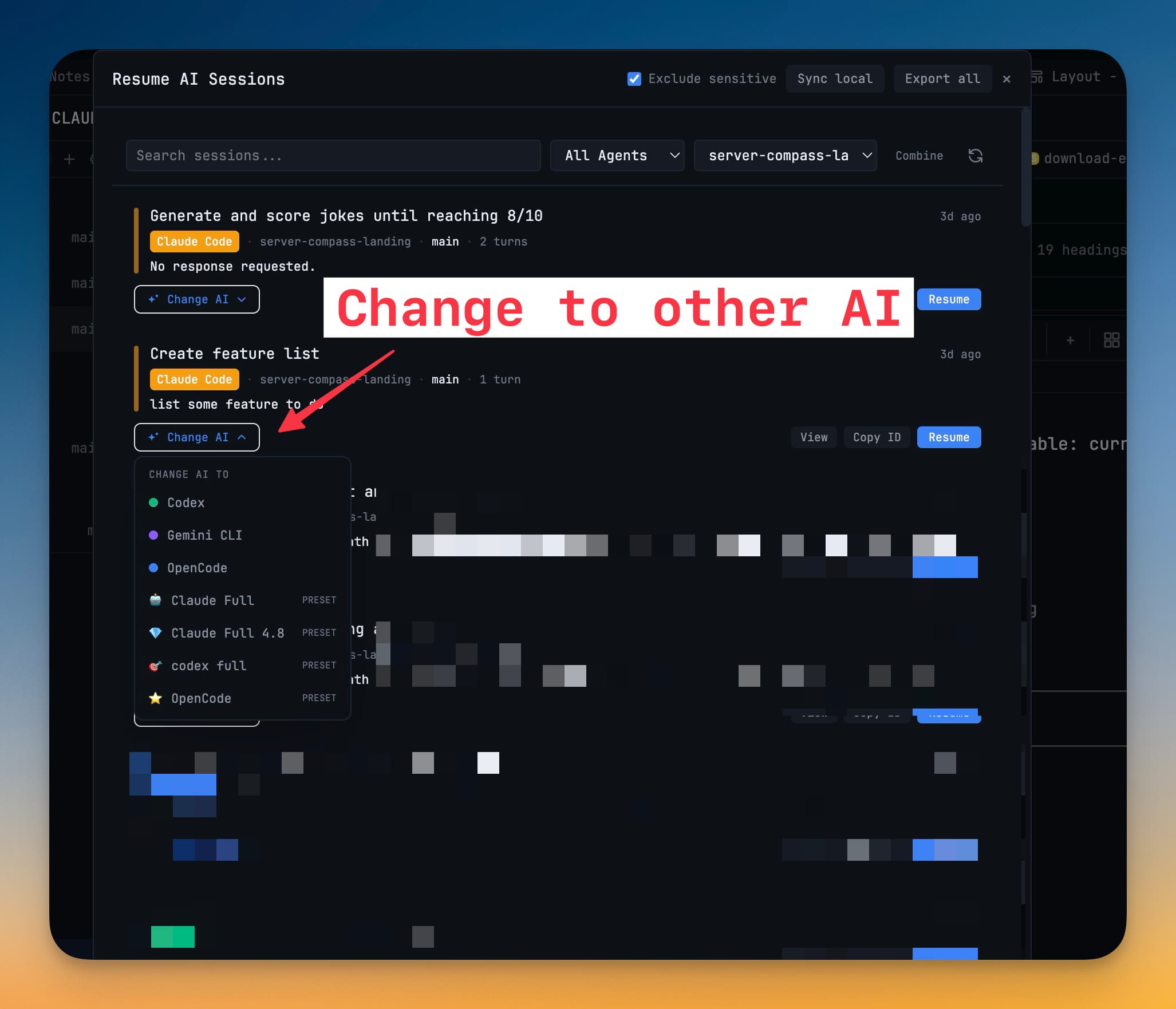
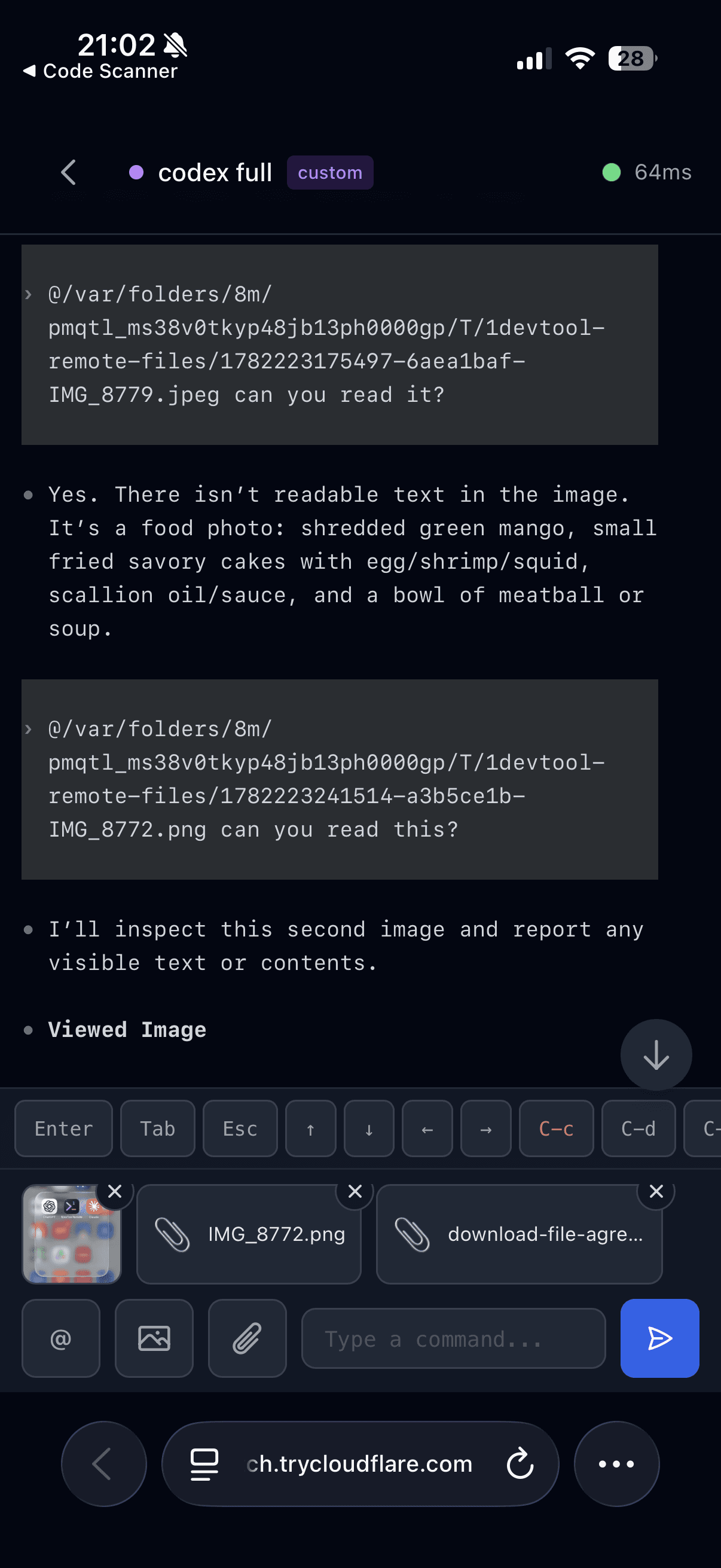
Drop a file from Finder or the File Tree onto any terminal to insert its path instantly — AI terminals get @mention syntax, shell terminals get properly escaped paths.

Features#drag-and-drop#terminal#file-paths#tmux#performance
A New Look: Stoic Themes and Bundled Nerd Font

May 21, 2026

A New Look: Stoic Themes and Bundled Nerd Font

Stoic Dark and Stoic Light are the new default themes — a warm, calm palette for long sessions. Plus, JetBrainsMono Nerd Font ships in the box so icon glyphs render everywhere from day one.

Features#themes#nerd-font#customization#agent-input#ux
Start AI agent workflows from a template — channels in v1.18.0

May 5, 2026

Start AI agent workflows from a template — channels in v1.18.0

Multi-agent runs always begin with the same orchestration boilerplate. v1.18.0 ships built-in templates for Fix Bug, Code Review, PR Review, Write Tests, Audit, Refactor, plus a dedicated channel workspace, faster routing, and a friendlier Free tier.

Features#multi-agent#channels#templates#ai-workflow#free-tier
OpenCode Now Runs Inside the 1DevTool Workspace

May 2, 2026

OpenCode Now Runs Inside the 1DevTool Workspace

OpenCode is now a first-class agent in 1DevTool. Launch the full TUI inside your workspace, resume sessions from the Resume dialog, autocomplete slash commands, and find your OpenCode prompts in Prompt History.

features#opencode#ai-agents#cli#terminal#session-resume
Open Files from Finder Straight into Your Workspace

Apr 24, 2026

Open Files from Finder Straight into Your Workspace

Set 1DevTool as the default app for .md, .json, .yml, and .txt files, and double-clicking them opens straight into your workspace — in the right project, ready to edit or send to an AI agent.

features#workflow#files#productivity#terminals#finder
Build and Run iOS/Android Apps Without Leaving Your Workspace

Apr 23, 2026

Build and Run iOS/Android Apps Without Leaving Your Workspace

A new Build panel in 1DevTool lets you compile and install iOS or Android apps directly onto the simulator mirror — no switching to Xcode or Android Studio. Write, build, and see the result in one window.

features#ios#android#mobile#simulator#build
iOS Simulator Mirror and an IDE-Style Database Workspace in 1DevTool

Apr 22, 2026

iOS Simulator Mirror and an IDE-Style Database Workspace in 1DevTool

1DevTool v1.17.0 brings a live iOS simulator with real input and inspection, plus a tabbed database workspace, global HTTP/DB state, and terminal focus mode.

Features#ios-simulator#mobile-testing#database-workspace#query-editor#glide-data-grid#claude-code#codex-cli#gemini-cli#developer-workflow#terminal-focus-mode
1DevTool Blog — AI Coding Tips, Editor Comparisons & Agent Workflows