Aug 10, 2026
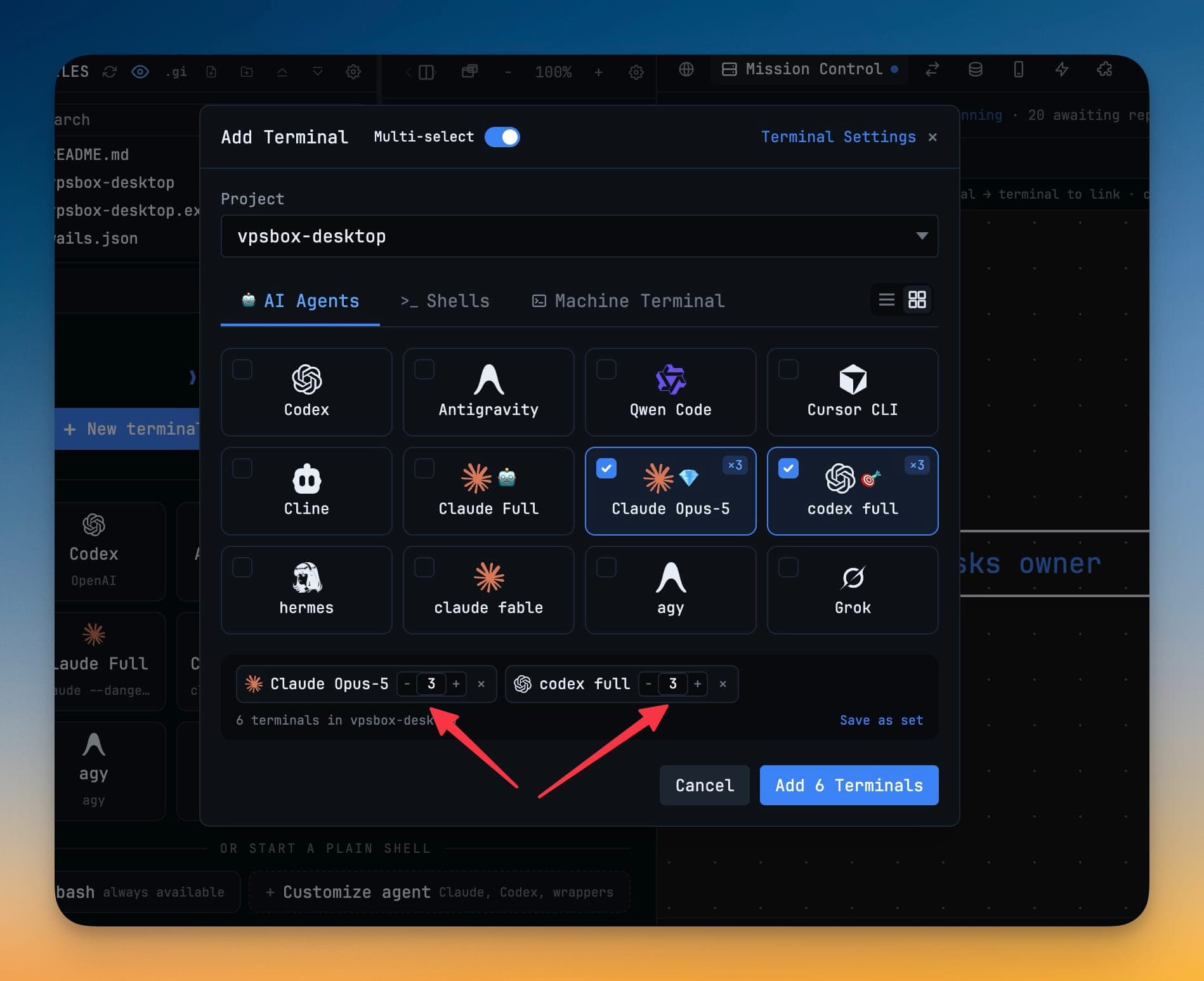
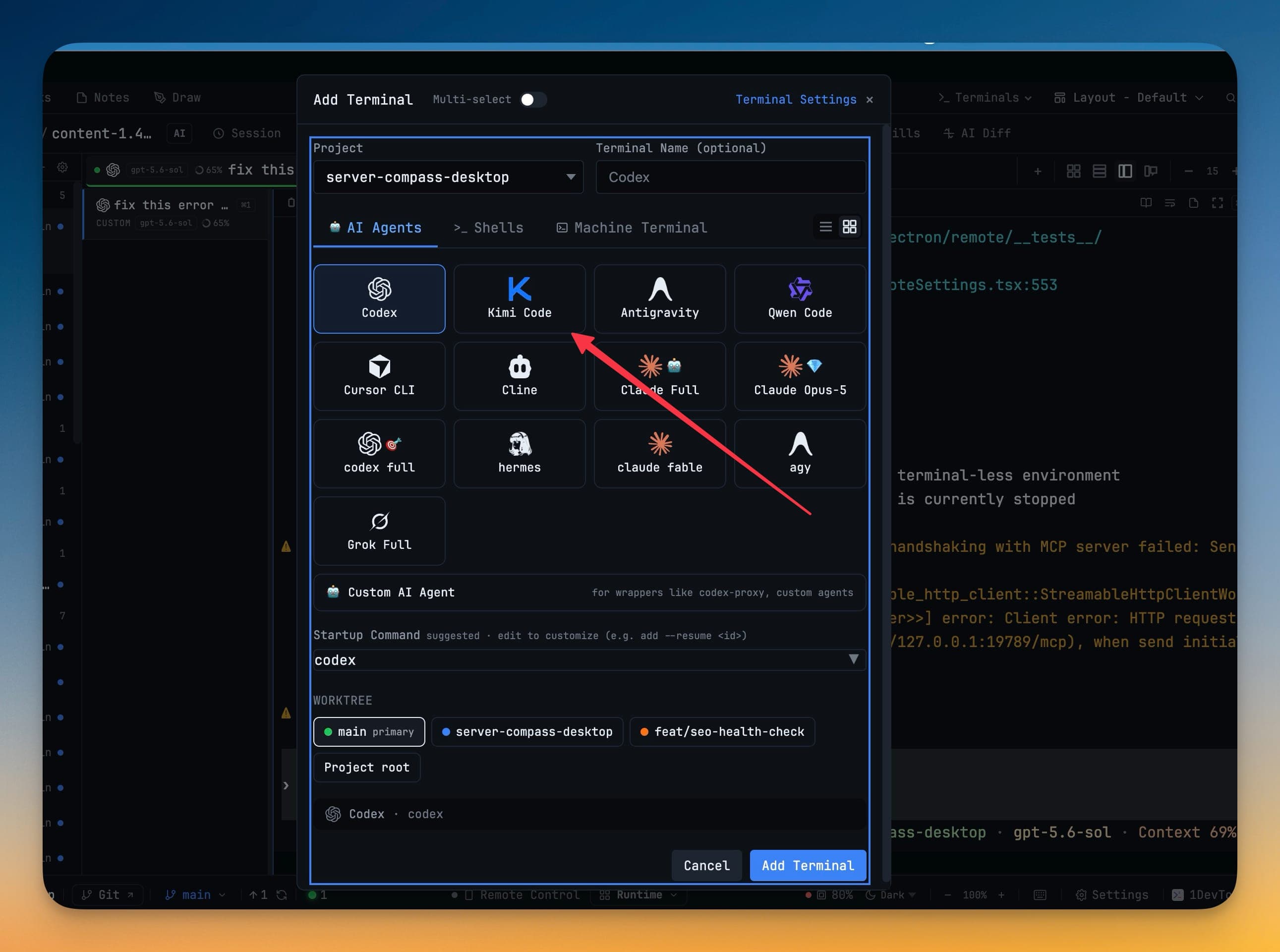
Run Kimi Code as a first-class AI terminalInstall the kimi CLI and open Moonshot's Kimi Code from the same picker as Claude and Codex — model chips, skills, resume, and team delegation included.
1DevTool Blog
Hands-on guides for Claude Code, Codex CLI, and Gemini CLI. Head-to-head comparisons vs Cursor, Copilot, Windsurf, and VS Code. Workflows for multi-agent coding, persistent terminals, and agentic development.

Aug 10, 2026
Run Kimi Code as a first-class AI terminalInstall the kimi CLI and open Moonshot's Kimi Code from the same picker as Claude and Codex — model chips, skills, resume, and team delegation included.

Aug 7, 2026
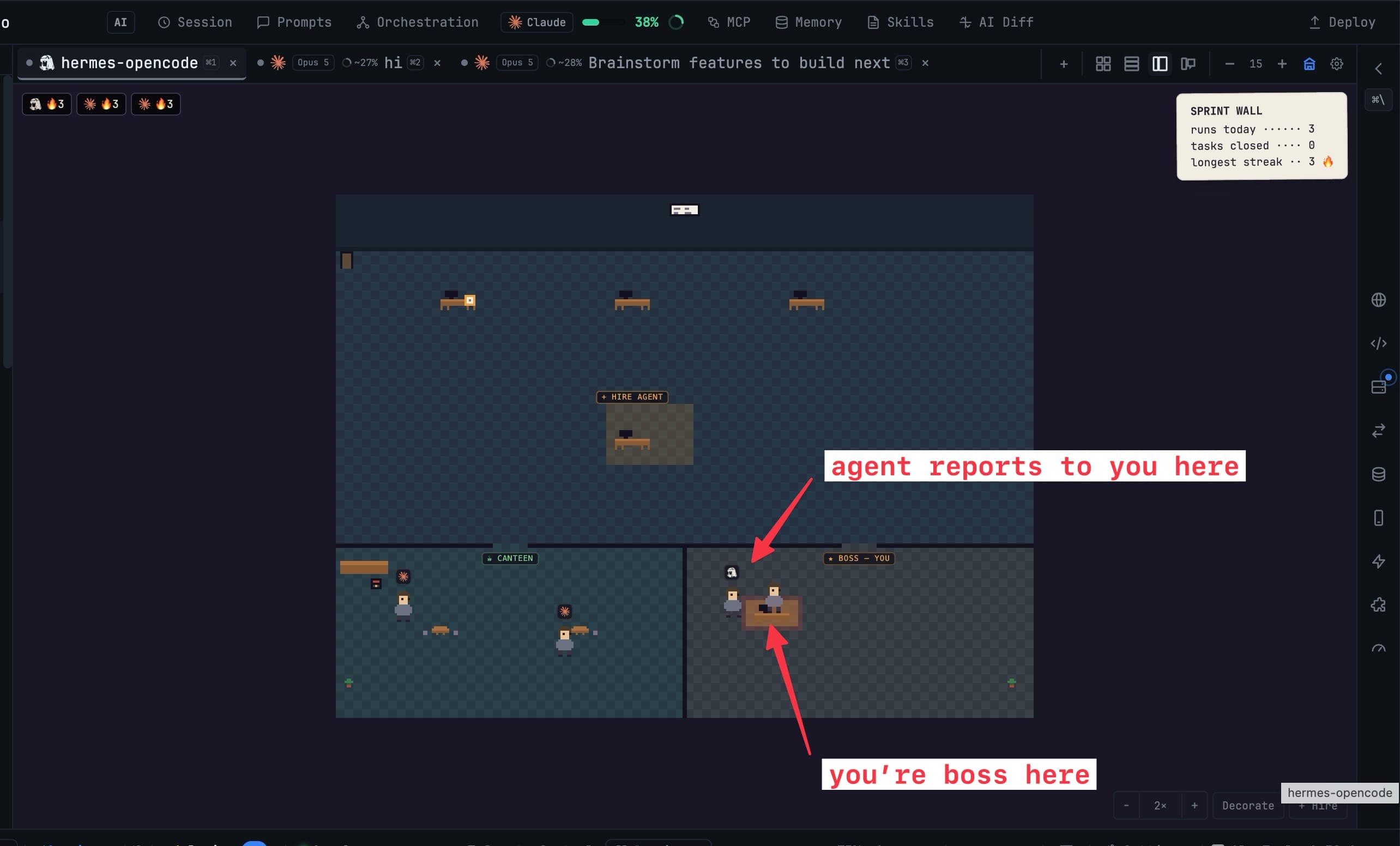
Watch Your Agents WorkAgent Office turns the terminal grid into a room where every AI terminal is a character at a desk — so you can tell which agent is stuck, which is waiting on you, and which is done without opening a single tab. Plus the Vibe Coder layout, AI-generated diagrams, Tailscale remote access, and commit messages written from your diff.

Aug 4, 2026
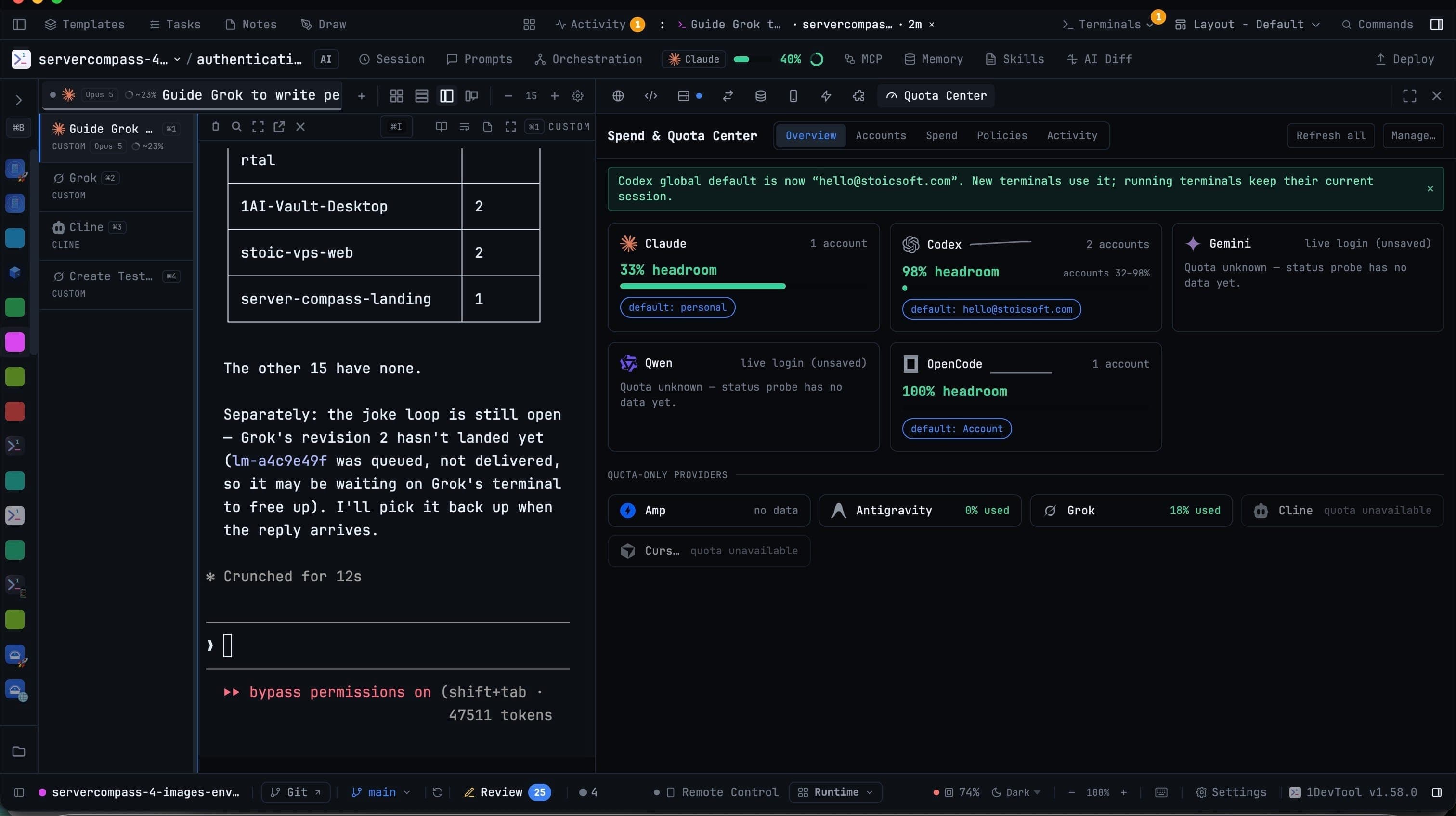
Your Accounts, Your Projects, Your Machines1DevTool 1.59.0 gives you one panel for every AI account you own, workspaces that bind several repositories into one product, and pairing that makes your other computer's agents usable from this window.

Aug 3, 2026
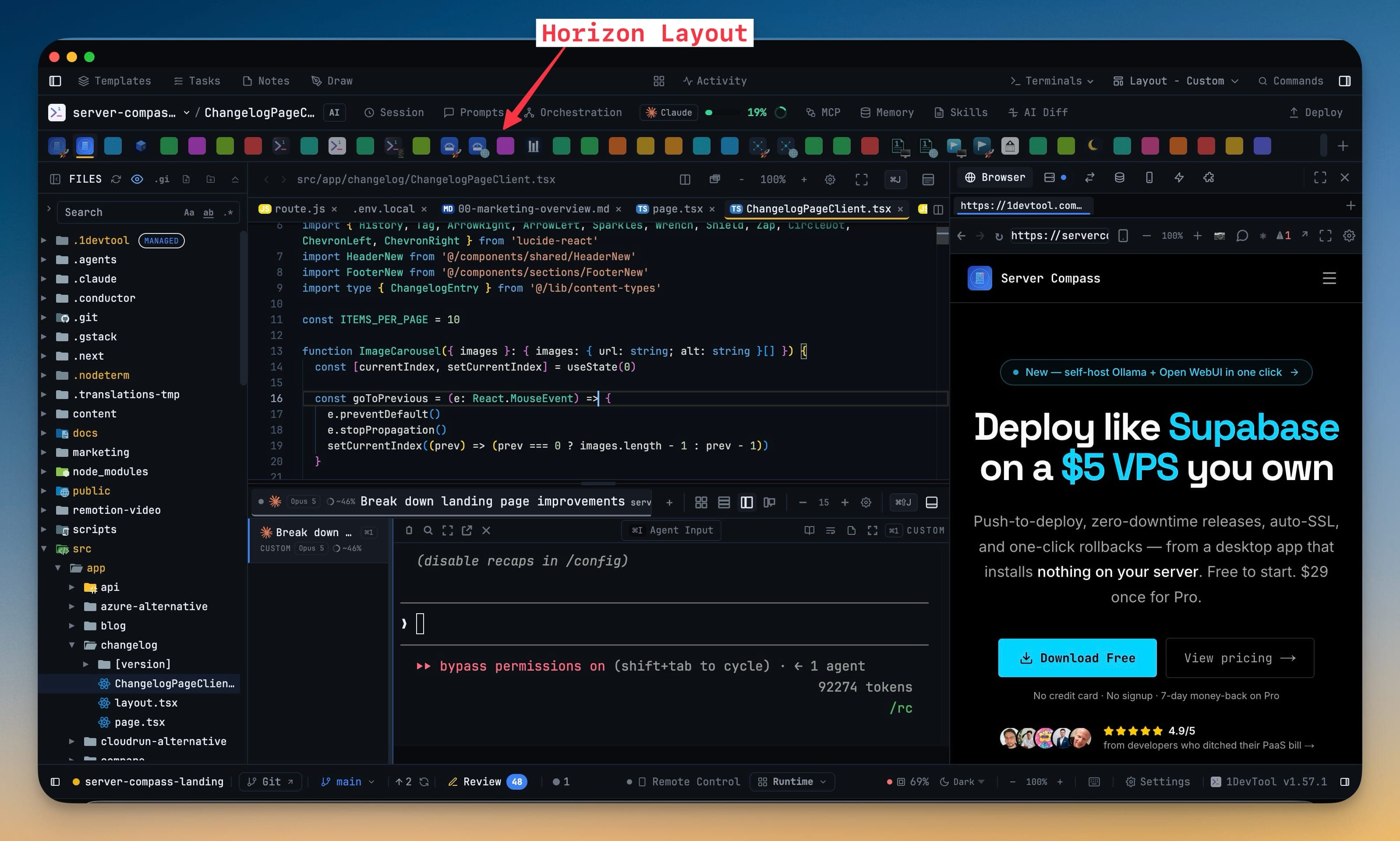
Your sidebar was doing two jobs. Now it only does one.Horizon moves your projects to a strip of icons across the top of the window, so the file tree gets the whole left sidebar. Classic brings back a standalone File Explorer beside a dedicated Editor. And any layout you can see can be pushed to every project in one click.

Aug 1, 2026
Proof your prompt actually reached the agentA prompt is now reported as sent only after 1DevTool confirms it left the agent's composer — so a delegation can no longer look live while the agent sits idle. Plus Markdown sticky notes, per-agent terminal counts, and a file tree you can resize or collapse.

Jul 31, 2026
Browse and edit in one workspaceThe File Tree and the editor now share a single workspace tab that keeps your expanded folders, open files and scroll position while you work elsewhere — plus Mission Control that reveals itself when work starts, one-click project actions, and a local password generator.

Jul 28, 2026
Your agents can read each other's workLinked agents can now pull a peer's transcript, terminal screen or published file and use the answer in the same turn — behind four separate grants that stay off until you give them. Plus a rebuilt Tasks board, a planner you choose, and terminals that fit the phone reading them.

Jul 27, 2026
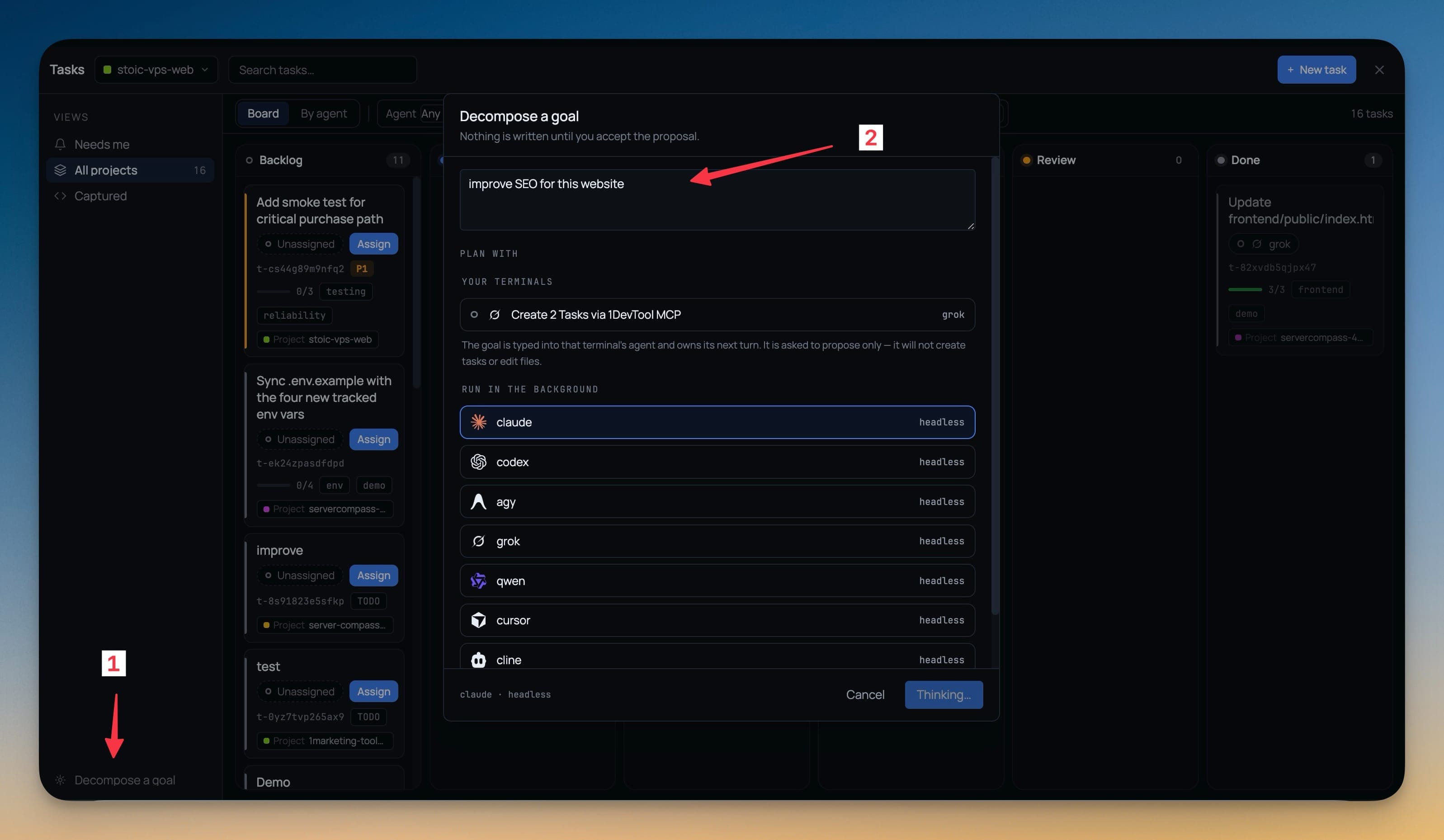
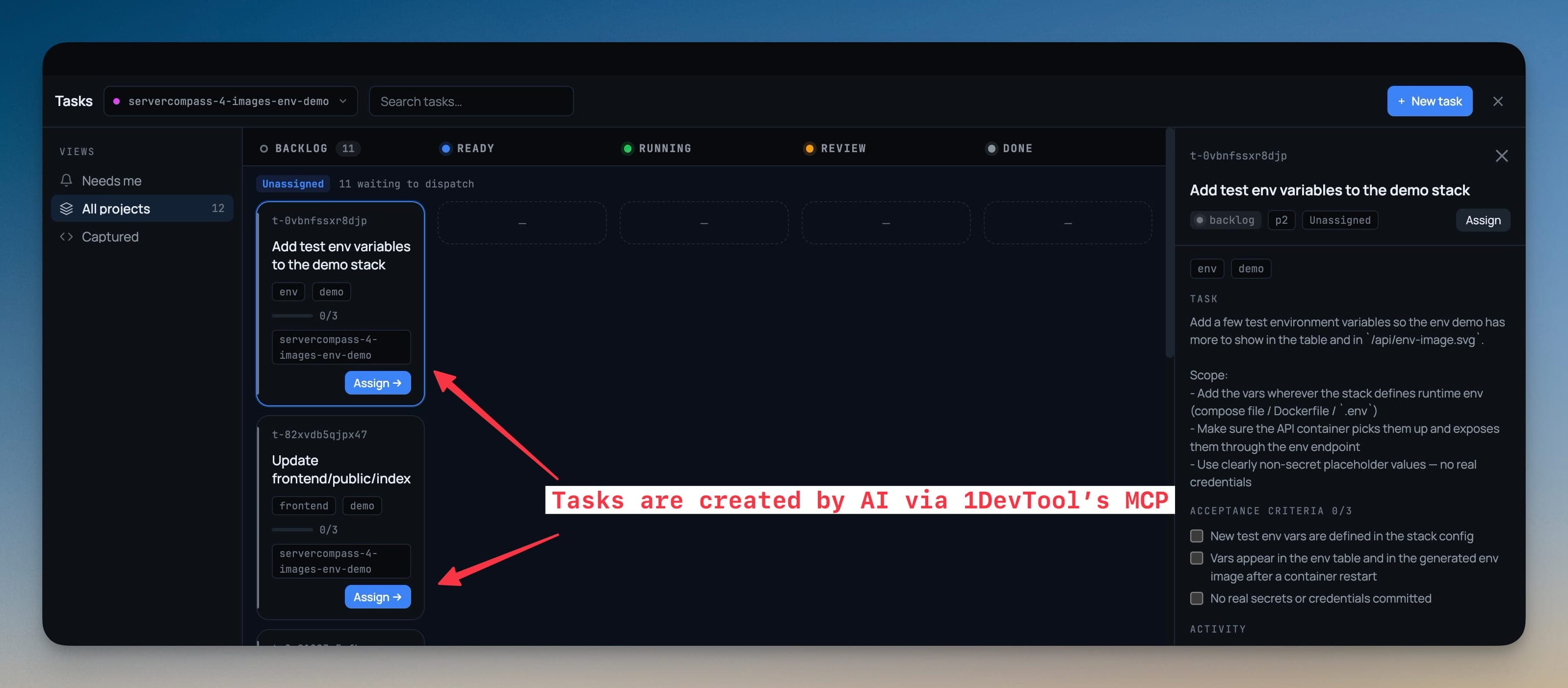
Assign a task to an AI agent and it starts workingTasks is now a board your agents work directly — assigning a task spawns the terminal, sends the work and binds the run, with plan and done approval gates you can answer from your phone and tasks stored as markdown in your repo.

Jul 25, 2026
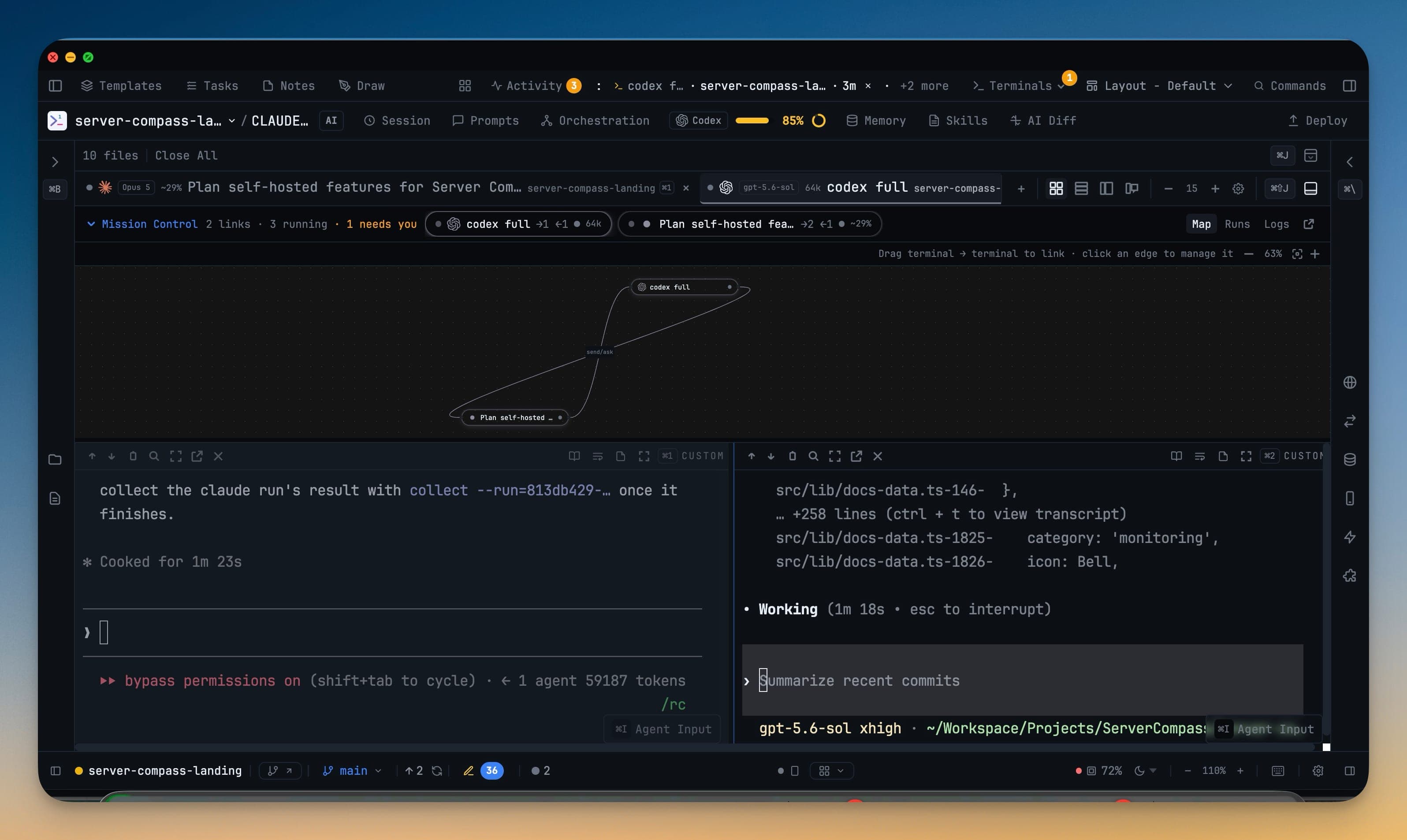
Your AI Agents Can Now Hand Work to Each Other — A WalkthroughMention a terminal you already have open and your prompt is delivered into that live agent — with the answer routed back to you. A step-by-step tutorial for linked terminals, Mission Control, and the Team Map in 1DevTool 1.52.0.

Jul 22, 2026
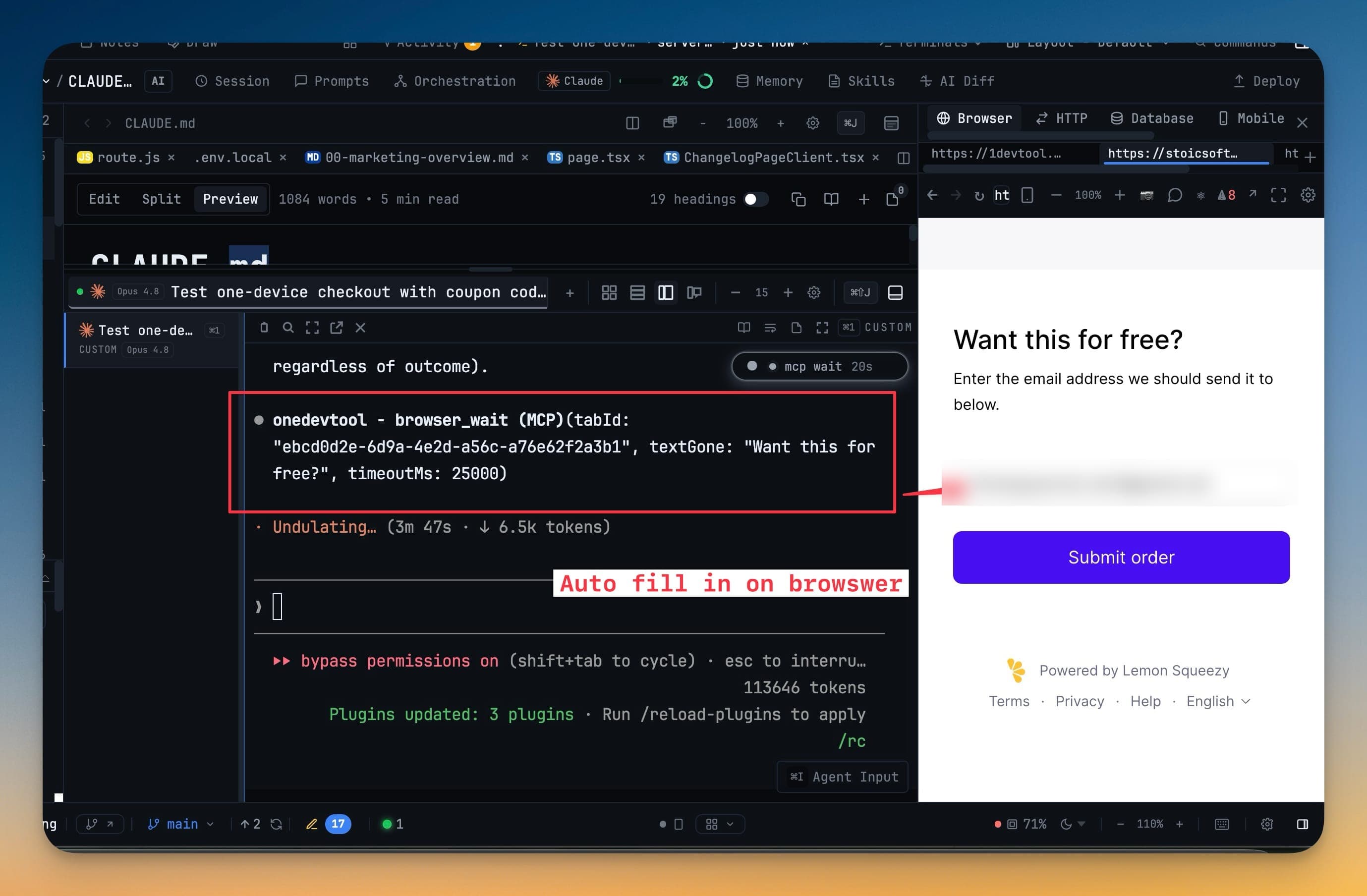
Let an AI Agent Drive the Browser You're Already UsingAgent browser automation usually means a second, empty browser that hits your login wall on step one. In 1DevTool v1.51.0, an agent connected through MCP drives the Browser panel already docked in your workspace — your tabs, your session, watched live.

Jul 20, 2026
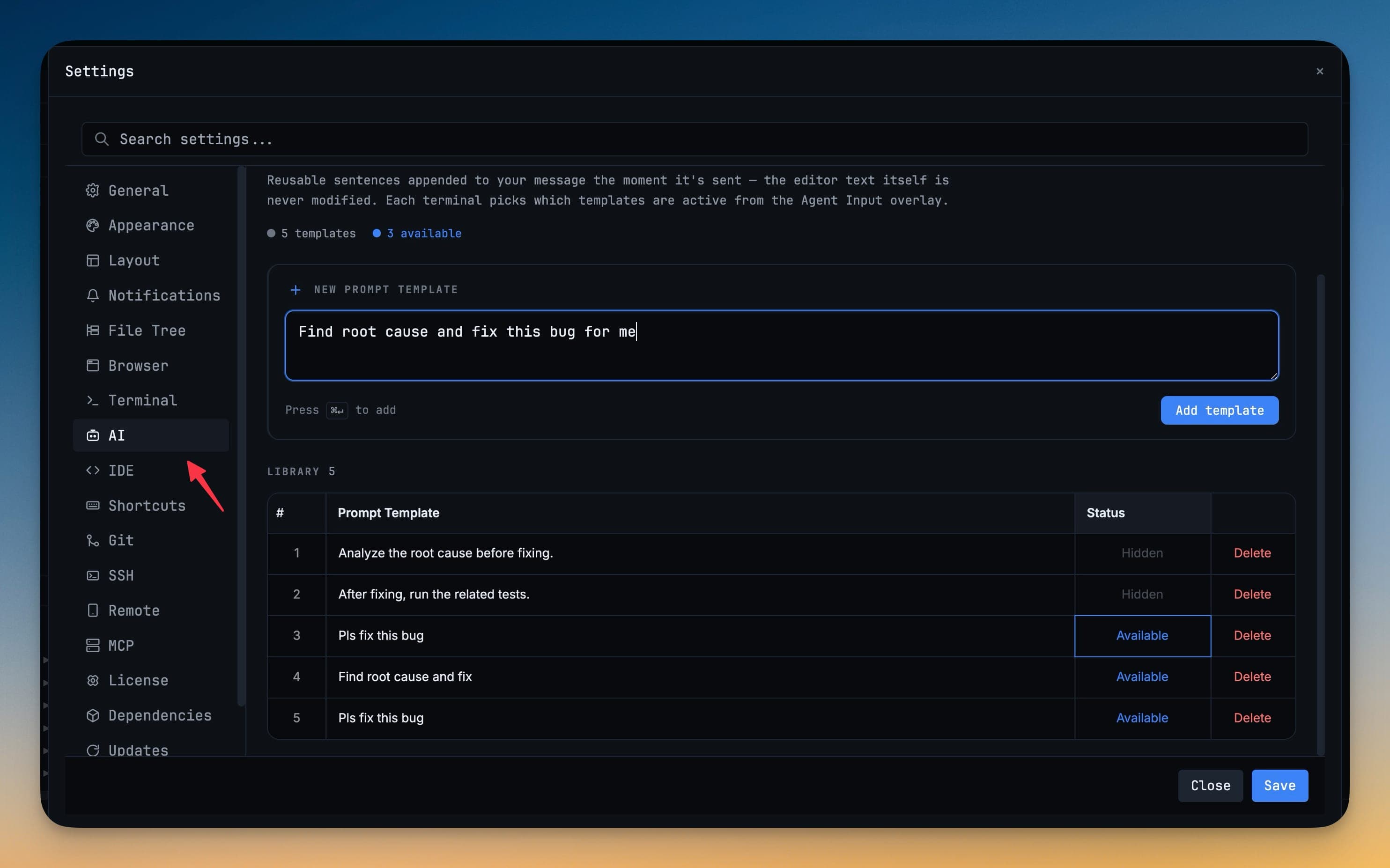
Stop retyping the same instructions to your AI agents1DevTool 1.50 adds Prompt Templates — a reusable library of AI instructions you write once and append or insert into any terminal, so you stop retyping the same guardrails every session.

Jul 19, 2026
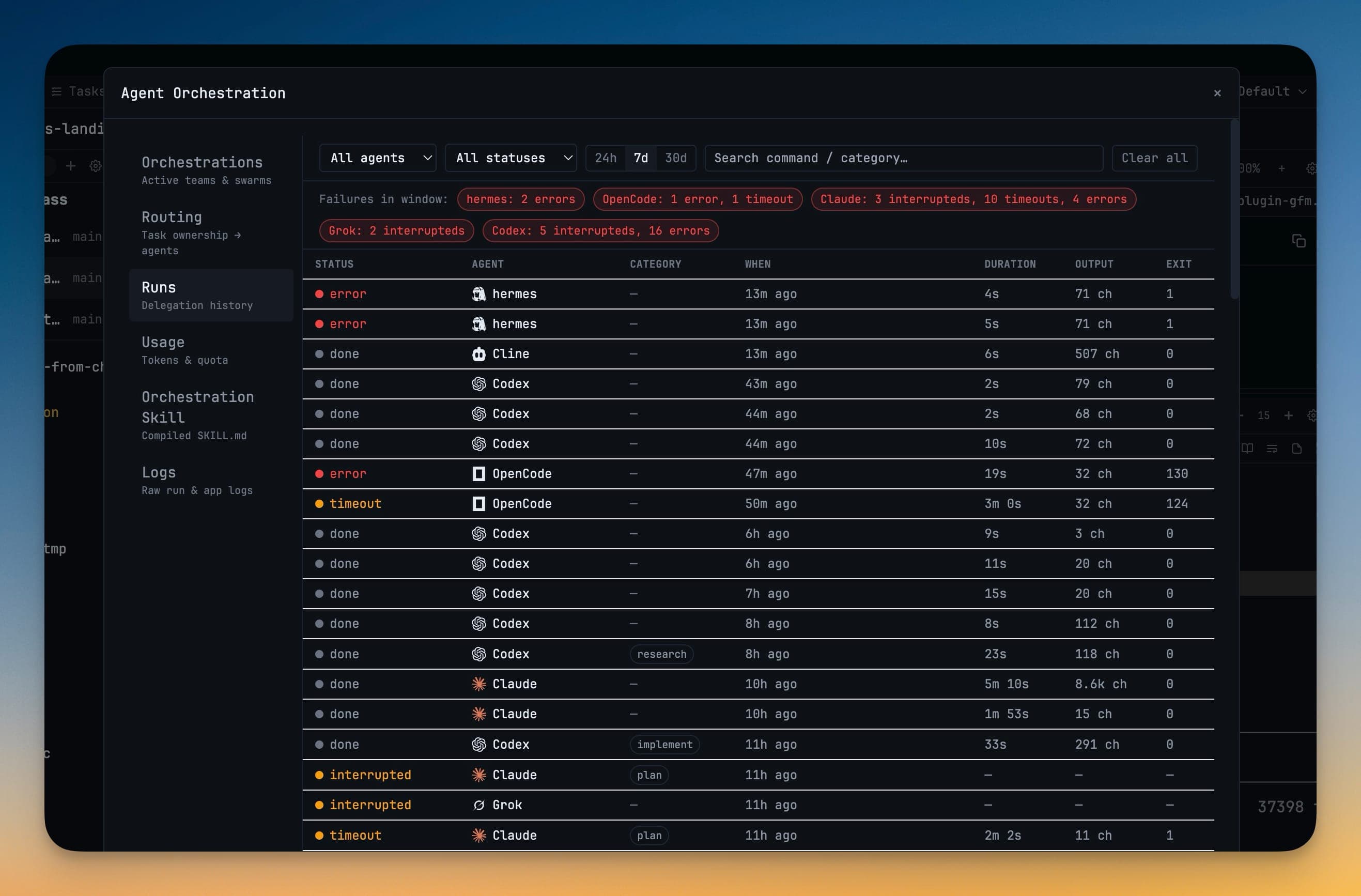
Put a Team of Agents on One JobStart a Team of agents that share a workspace, or a Swarm of headless workers, and coordinate all of them from one live Orchestrations view — instead of babysitting a wall of terminals.