Agent Teams & Swarms
Put several AI agents on one job — a Team that shares a workspace, or a Swarm of headless workers — and read what they cost.
Linked Terminals is one agent handing work to another. A Team or a Swarm is several agents on the same job at once, started as a unit and managed as a unit.
- A Team shares a workspace. Every member has a real terminal you can open, read, and type into.
- A Swarm is headless workers. Nothing to watch pane-by-pane — you care about throughput and the result.
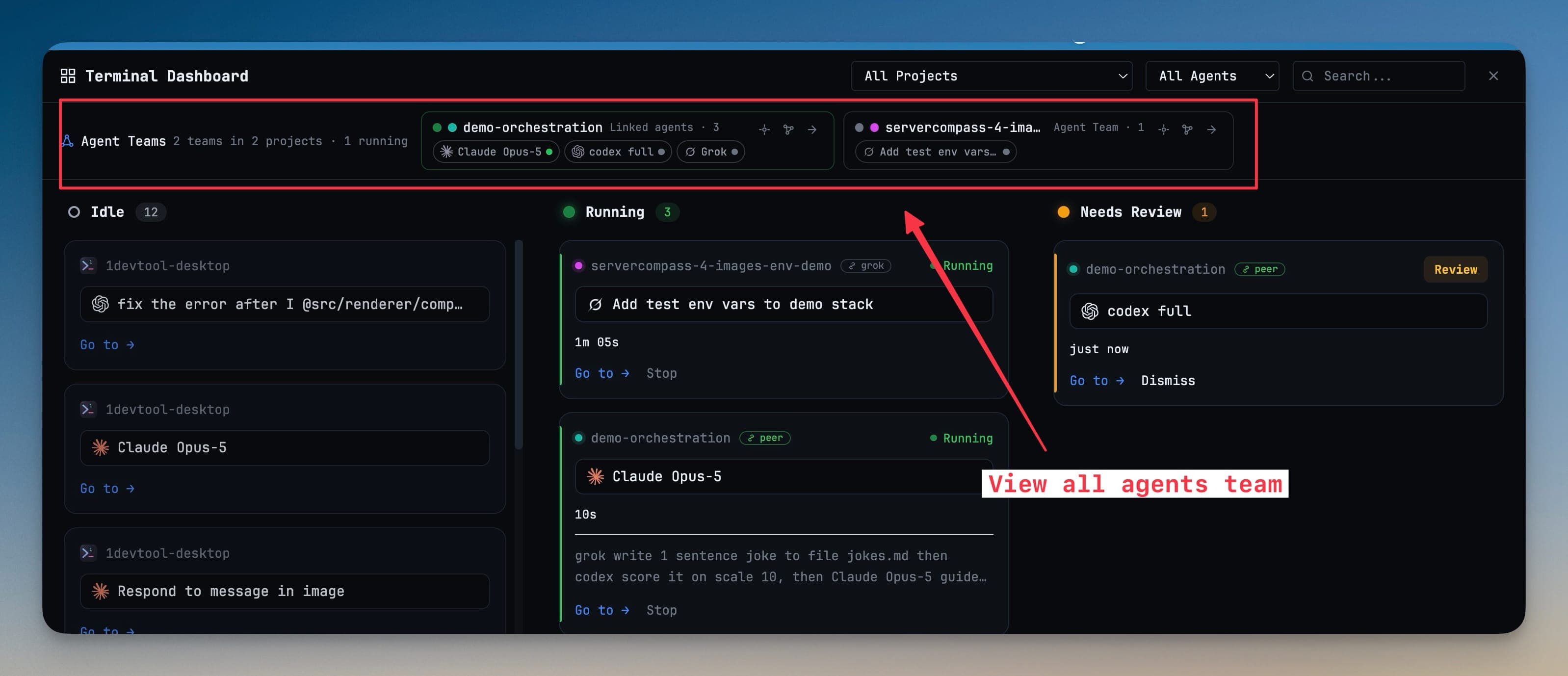
Start one
Open the Orchestration Dashboard and go to Orchestrations. Start a Team or a Swarm, and every active one is listed there with live status.
From that view you can:
- Pause or resume the worker pool — slow things down, or give your machine back
- Open a Team's shared workspace — jump straight into the agents' terminals
- Cancel queued workers while the already-running ones finish
- Watch the message activity rail, where agents hand work off and answer each other
Headless workers inherit your normal command-line environment, so an agent that needs your PATH, your tool versions, or your logged-in CLIs behaves the same headless as it does in a terminal.
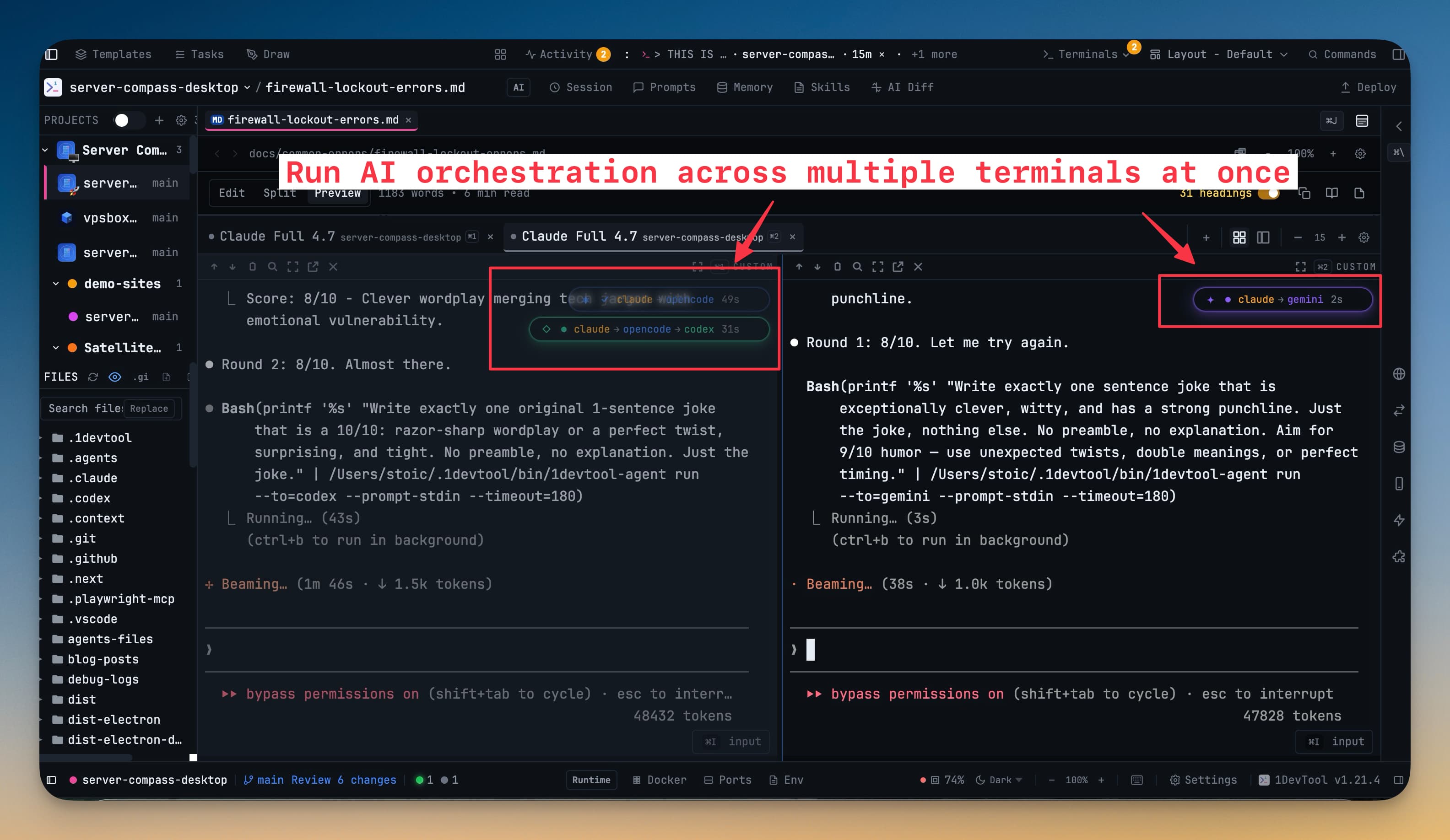
See running teams from anywhere
A live team rail appears on the Dashboard, in the All Terminals list, and in Terminal Canvas. Each entry names the team, says which project it lives in and what it's doing, and gets you inside in one click.
Read your usage by team
Per-agent token counts stop meaning much once agents work for each other — a cheap orchestrator that spawned four expensive workers looks cheap.
The Usage tab groups by team. A team is named after its members — opus 5 + fable + codex — so a row means something before you open it.
- Tokens and cost are attributed through captured session ids only. A member with nothing readable says
not trackedrather than showing a fabricated zero. - Sessions no live team claims stay visible as Not in a team, so the rows still add up to what the machine really spent.
- Busy is agent time and can exceed the clock, because agents work in parallel. Active is wall clock since the team formed. They are shown as the two different facts they are.
- Usage is scanned on request with Load tokens & cost, cached afterwards, and stamped tokens as of HH:MM with a Rescan beside it.
- Expand a team to break it down per member; click a member's tokens to jump to that terminal.
Read the logs as a conversation
Logs group by team too. Runs nest under the team that produced them, and selecting a team header opens a merged stream that interleaves run starts, output, and the messages that travelled between members — one readable conversation instead of five parallel transcripts.
When a member can't take the prompt
If a run can't confirm that a terminal's composer is ready, it offers a headless fallback rather than stalling until a timeout — while still letting you retry the queued terminal prompt. Stopping a run releases its workers and their capacity cleanly.
Agents you can put on a team
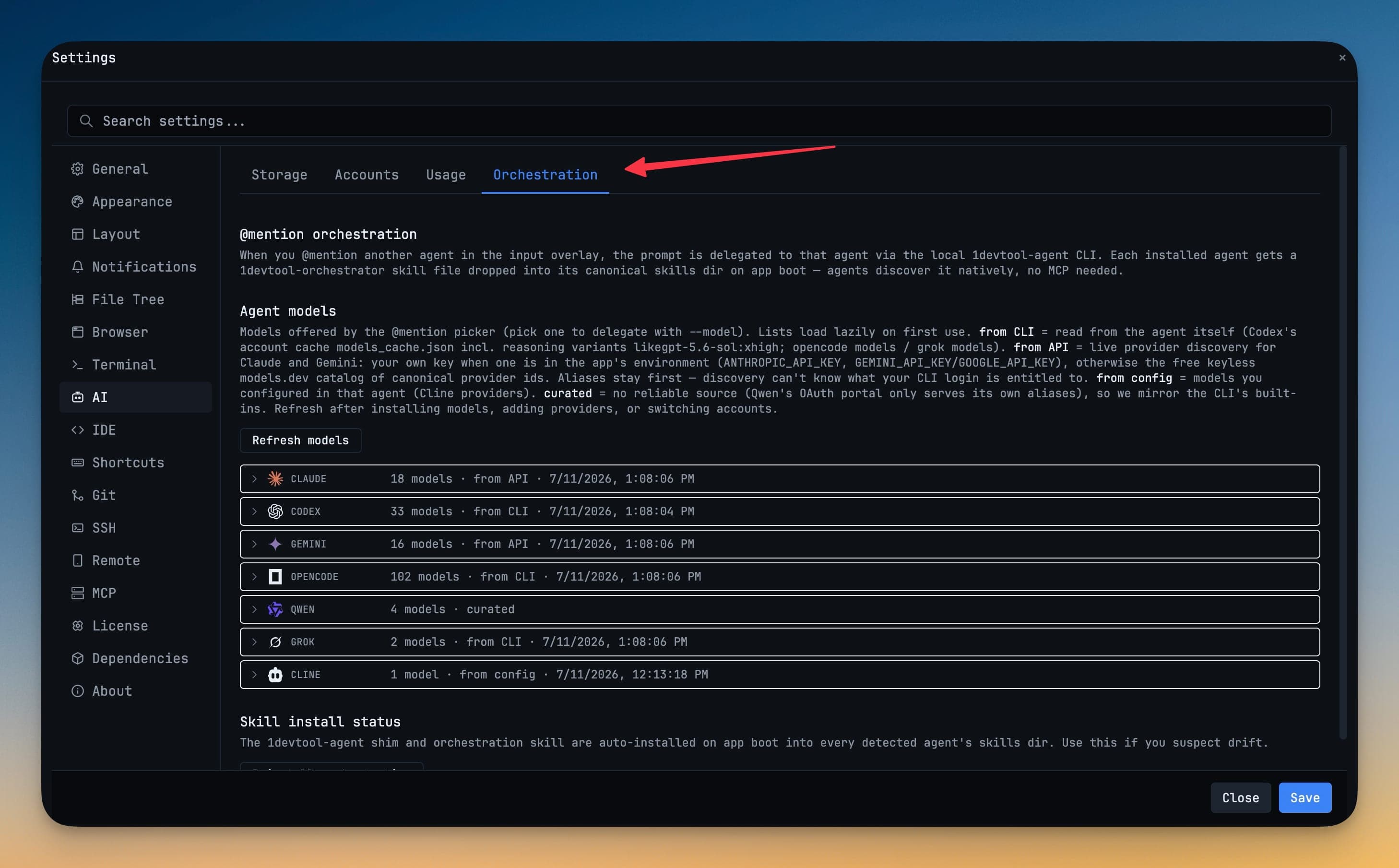
Any agent 1DevTool supports as a terminal can join, including Claude Code, Codex, Gemini, Grok, Antigravity, Hermes, OpenCode, Cursor, and your own custom agent presets. Mixing models is the point — a builder and a reviewer that share a vendor share its blind spots.
Next
- Mission Control — the cockpit above your terminals
- Team Map — who is linked to whom, and what just moved
- Tasks — dispatching a board's worth of work to agents