HTTP Client — Overview
A built-in Postman-style HTTP client for testing APIs without leaving your workspace.
If you've ever used Postman or Insomnia to test APIs, you already know the idea. 1DevTool brings that same experience directly into your workspace — no separate app to install, no window to switch to, no copy-pasting URLs back and forth.
What Is the HTTP Client?
The HTTP Client is a full-featured API testing tool built into 1DevTool. You can send requests to any API endpoint, inspect the response, save your requests for later, and organize them into collections — all without leaving the app.
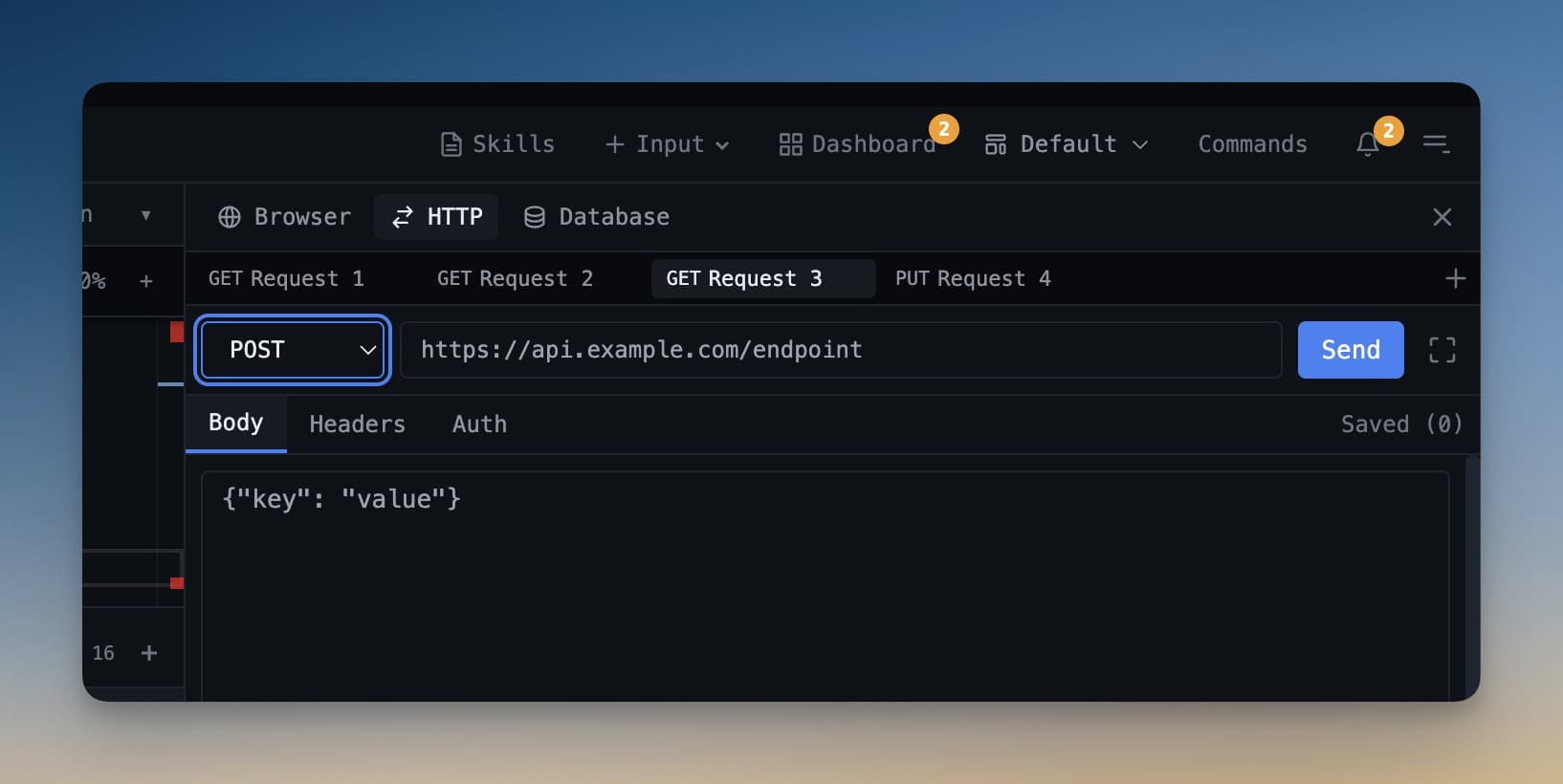
It supports every common HTTP method: GET, POST, PUT, DELETE, PATCH, HEAD, and OPTIONS. Whether you're hitting a REST API, a local development server, or a third-party service, the HTTP Client handles it.
Why Use It Instead of Postman?
Context switching is expensive. When your AI agent is building an API endpoint and you want to test it, the old workflow looks like this: copy the URL → switch to Postman → paste the URL → configure headers → send → switch back → repeat. That's four unnecessary interruptions per test.
With the built-in HTTP Client, you stay in one window. You can watch your agent write a route, immediately test it in the panel next to your terminal, see the response, and tell the agent what to fix — all without leaving 1DevTool. The faster your feedback loop, the faster you ship.
How to Open the HTTP Client
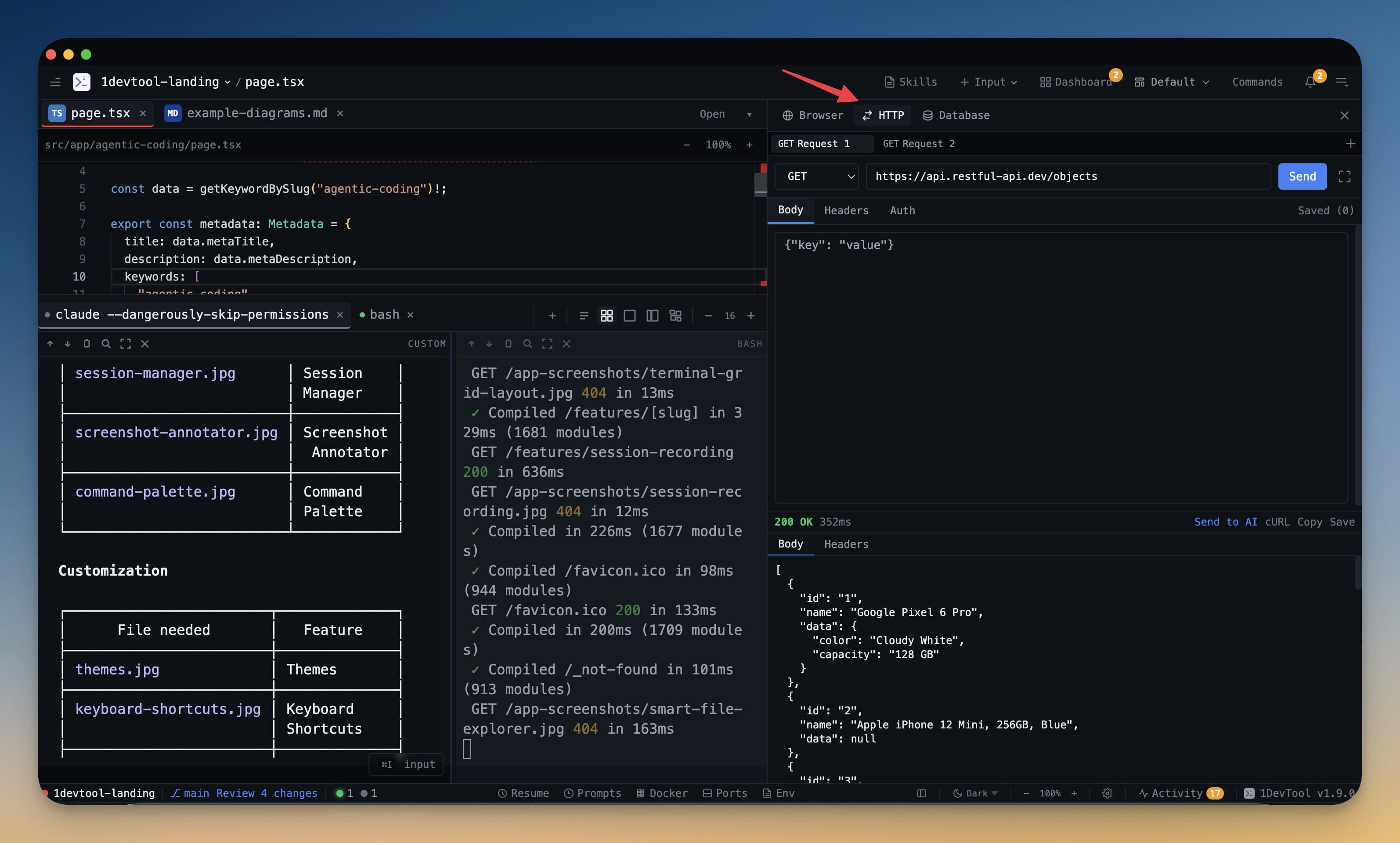
- Click the HTTP icon in the left icon strip
- Or press Cmd+H (Mac) / Ctrl+H (Windows/Linux)
The HTTP panel opens in the main workspace area. You can resize it, float it, or dock it alongside your terminal.
Key Features
Saved request collections — save any request to a named collection. Requests are stored locally and persist across sessions. Organize them into folders by project or API.
Environments — define variables like {{base_url}} or {{auth_token}} once, then reuse them across all your requests. Switch between environments (development, staging, production) in one click.
Response inspector — the response panel shows status code, response time, response size, headers, and body. JSON responses are automatically pretty-printed with syntax highlighting and collapsible nodes.
JSON pretty-print — messy minified JSON becomes readable instantly. No need to paste into a formatter.
Who Is This For?
If you're new to API testing, the HTTP Client is a great way to learn — it's simpler than Postman and you don't need to learn a separate tool. If you're already a Postman or Insomnia user, you can import your existing collections and pick up where you left off (see Import Collections).