IDE Strip — Overview
A lightweight file editor docked in your workspace — open any file without switching apps.
The IDE Strip is a code editor built directly into your 1DevTool workspace. It sits alongside your terminals, browser panel, and other tools so you can read and edit files without switching to a separate application. It's not meant to replace your full IDE for heavy editing sessions — it's the editor you reach for when you want to quickly check a file, make a small fix, or follow along as an AI agent modifies code.
Powered by Monaco
The IDE Strip uses Monaco, the same editor engine that powers Visual Studio Code. That means you get the editing experience you already know:
- Full syntax highlighting for all major languages — TypeScript, JavaScript, Python, Rust, Go, JSON, YAML, SQL, and more
- Autocomplete — Monaco's built-in IntelliSense suggests completions as you type
- Language detection — the language is detected automatically from the file extension, and a badge in the tab shows which language is active (e.g.,
TypeScript,Python,JSON) - Bracket matching, indent guides, line numbers — all the standard editor chrome you'd expect
Opening a File
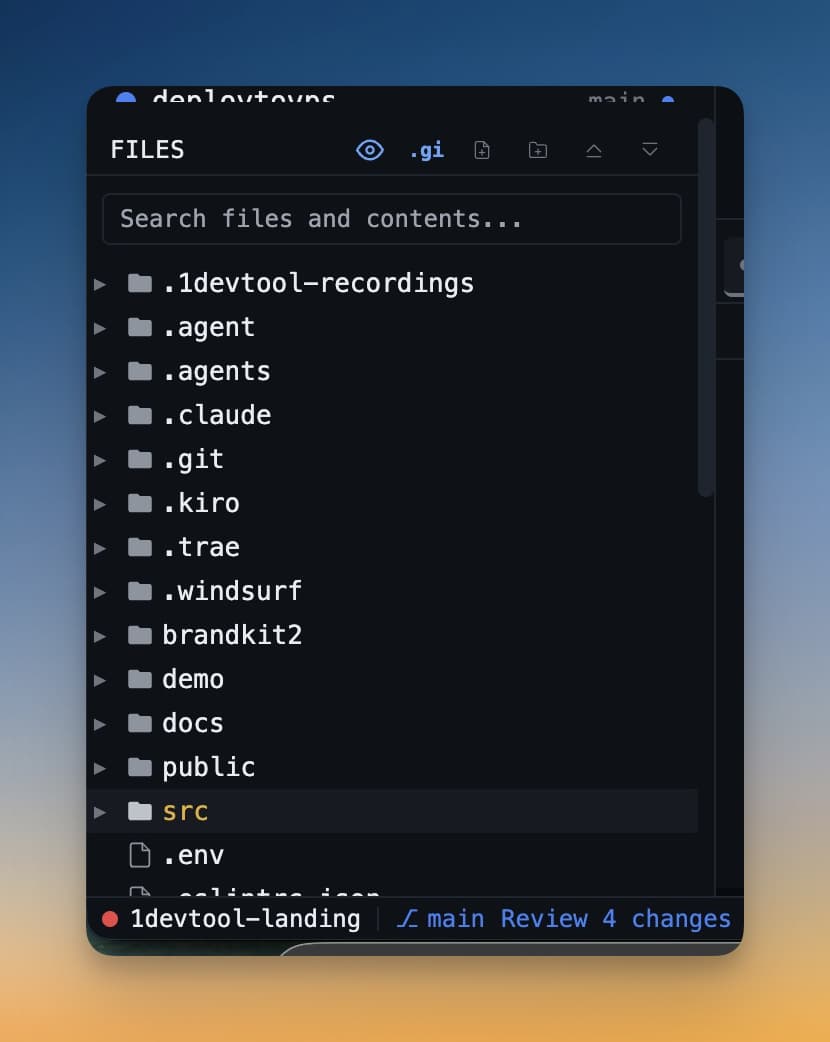
Click any file in the file tree on the left sidebar. The file opens in the IDE Strip immediately. If the Strip isn't visible yet, it appears automatically the first time you open a file.
Tabs
You can have multiple files open at the same time as tabs. Click a different file in the tree to open it as a new tab. Switch between tabs by clicking them. Tabs with unsaved changes show a dot indicator so you always know what's been modified but not yet saved.
Markdown and Diagrams
The IDE Strip has two special modes that go beyond plain code editing:
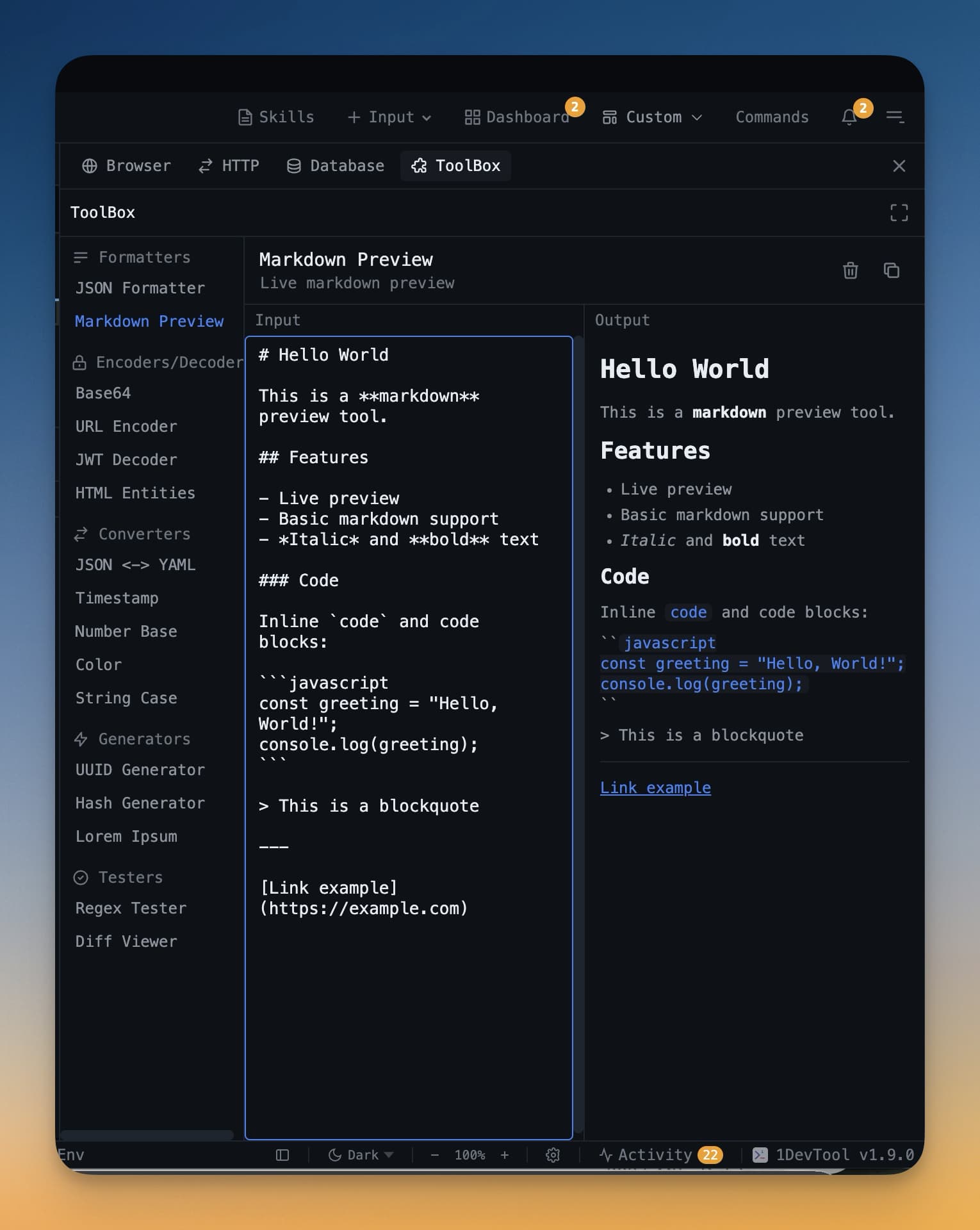
- Markdown preview — open any
.mdfile to get a split view with the raw source on the left and a live rendered preview on the right. - Mermaid diagrams — Mermaid code blocks in Markdown files render as interactive visual diagrams you can drag and rearrange.
When to Use the IDE Strip
The IDE Strip is best for:
- Quickly reading a file an AI agent just created or modified
- Making a small edit without leaving the workspace
- Reviewing a Markdown document or README with the formatted preview
- Following along as an agent codes — open the file it's editing and watch changes appear
For long editing sessions with complex refactors, your full IDE is still the right tool. The IDE Strip is the fast, always-available editor right where you're already working.