Mission Control
The orchestration cockpit that lives above your terminals — participants, counters you can act on, and one-click recovery.
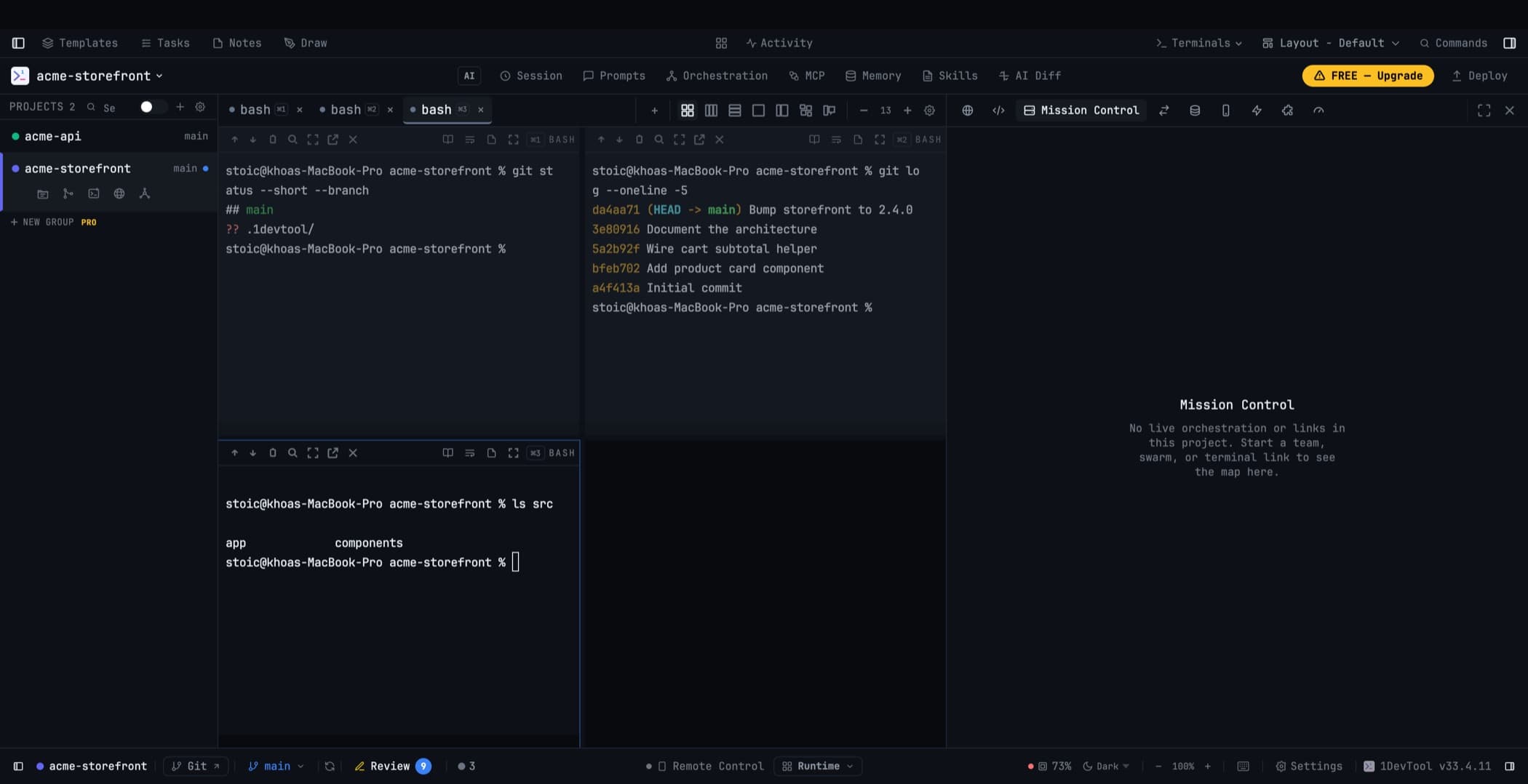
Mission Control is where you watch multi-agent work happen. It sits in the workspace above your terminals rather than behind three clicks in a dialog, and it renders nothing at all until a project actually has something live — so a quiet project stays quiet.
Opening it
Mission Control is a panel like any other. Place it from Settings → Layout, or open it from the project row's quick actions. It can be resized, collapsed, and switched between Map / Runs / Logs — and it remembers those choices per project.
When a team, a swarm, or a linked-agent delivery starts, Mission Control reveals itself once and marks itself with a live pulse while work is active. It is a cue, not a focus lock: switch to another panel and 1DevTool leaves your choice alone. Work happening in another project never switches the project you are looking at.
The participant rail
Across the top sits a rail of agent pills — one per participant. Each shows:
- Status — running, waiting on you, idle, or lost
- Attention — whether this agent needs something from you
- Link direction counts — how many links point in and out
- Context usage — how full that agent's context window is
Click a pill to jump straight to that terminal.
Counters you can act on
The numbers along the top are not decoration; each one opens the work behind it.
- N awaiting reply — delivered requests that are still unanswered. Nudge asks a peer to send the answer it already has.
- N stuck — delegations delivered to an agent with no way to answer back.
- N quarantined — links whose terminal was restarted or closed, with Relink and Clear all.
- Open swarm decisions — visible while agents vote, with Cancel for a decision whose peer disappeared.
Recovery in one action
Two actions cover almost every "it stopped working" case:
- Resume team reconnects a whole project's agents after a restart. Each terminal gets a single catch-up notice, not one per link.
- Restore link context re-sends the link instructions to an agent that cleared its context and forgot how to talk to its peers.
Both report honestly. Restored ✓ or Resumed ✓ appears only when every terminal actually got its instructions; if some still need them, you are pointed to the manual steps on the setup card instead. Switching projects while a restore is running discards the old result, so it can never be applied to the project you switched to.
When a prompt did not send
If a prompt was typed into an agent but never submitted, Mission Control says so plainly — "not submitted — press Enter" — and takes you straight to that terminal. The tab keeps your text as a draft so nothing is lost, and pressing Enter in the terminal yourself clears the warning.
This matters because the alternative is worse: a run that looks live while the agent sits idle, which is exactly what used to happen.
Approvals on the map
A delivery held for your confirmation appears on the receiving agent's card with Submit and Reject. You answer it where you can see it, instead of finding the message in a list somewhere else.
Related
- Linked Terminals — what produces the deliveries you see here
- Team Map — the same picture as a graph
- Orchestration Dashboard — the historical record