Team Map
See your agents as a graph — who is linked to whom, what each one is doing, and how work flows between them.
The Team Map draws every AI terminal in a project as a card and every link between them as an edge. It answers the question a list cannot: who is talking to whom right now?
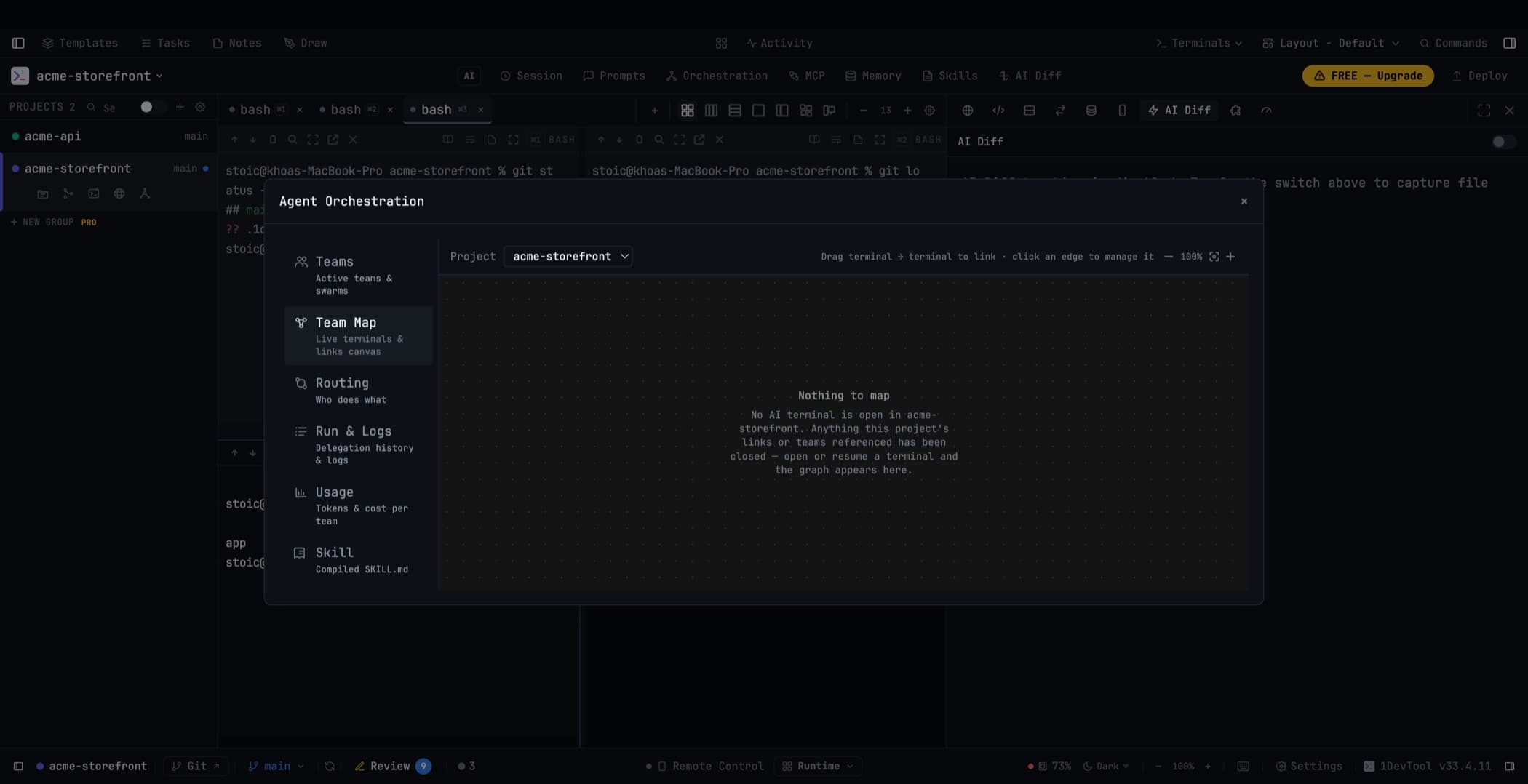
Where to find it
Two places, same map:
- A Team Map tab in the Orchestration Dashboard
- Inline in Mission Control, under the Map view
The map loads on demand and never mounts a terminal just to draw its node, so opening it does not slow the app down.
Reading a card
Each terminal card shows the agent's logo, its live status, how full its context window is, and the latest prompt it received. That last one is usually enough to tell two similar agents apart at a glance.
Click a card to jump to that terminal.
Reading an edge
Links show their permissions — what that link is allowed to do — and pulse green as a message travels along them. An edge that is quarantined (its terminal restarted or closed) is drawn differently so you can see the break rather than wonder why nothing is moving.
Click an edge to unlink.
Linking by dragging
Drag one terminal card onto another to link them. 1DevTool asks for confirmation first, because a link grants capability and creating one by accident is not a small thing.
Zoom, re-center, and remembered positions
Zoom in and out, or hit Re-center to frame everything. Manual node positions are remembered per project, so a layout you arranged deliberately survives a restart. Background refreshes never blank the link lines or pull a node out from under your pointer, and a hidden map stops polling entirely.
The activity rail
Below the map, a recent-activity rail stitches deliveries into chains — claude → codex → fable → claude — and pulses while the newest hop is still waiting. Expand a chain for its timeline, or copy the whole thing as text when you want to paste the story of a collaboration into a bug report.
When the map is empty
An empty graph explains what happened rather than showing you a blank rectangle. App-owned task runs stay visible even when no member terminal survives, and stale endpoints are removed instead of being drawn as ghosts.
On your phone
The phone UI has a Teams tab showing which agents are linked, what has been delivered, what is queued, what is waiting on a reply, and which links are broken. It is read-only by design — the phone shows you the picture, the desktop makes the changes. See Remote Control.
Related
- Mission Control — the cockpit this map lives inside
- Linked Terminals — how links are created and used
- Read Permissions — what the permission badges on an edge mean