IDE Strip — Overview
Workspace में docked lightweight file editor — app switch किए बिना कोई भी file खोलें।
IDE Strip एक code editor है जो 1DevTool workspace में directly built है। यह terminals, browser panel, और अन्य tools के साथ रहता है ताकि अलग application पर switch किए बिना files पढ़ और edit कर सकें। इसे heavy editing sessions में full IDE replace करना नहीं है — यह वो editor है जिस तक पहुंचते हैं जब quickly कोई file check करनी हो, small fix करनी हो, या AI agent के code modify करने के साथ follow along करना हो।
Monaco से Powered
IDE Strip Monaco use करता है, वही editor engine जो Visual Studio Code को power करता है। इसका मतलब वो editing experience जो पहले से familiar है:
- Full syntax highlighting सभी major languages के लिए — TypeScript, JavaScript, Python, Rust, Go, JSON, YAML, SQL, और अधिक
- Autocomplete — Monaco का built-in IntelliSense type करते वक्त completions suggest करता है
- Language detection — language file extension से automatically detect होती है, और tab में badge दिखाता है कि कौन सी language active है
- Bracket matching, indent guides, line numbers — वो सब standard editor chrome जिसकी उम्मीद होती है
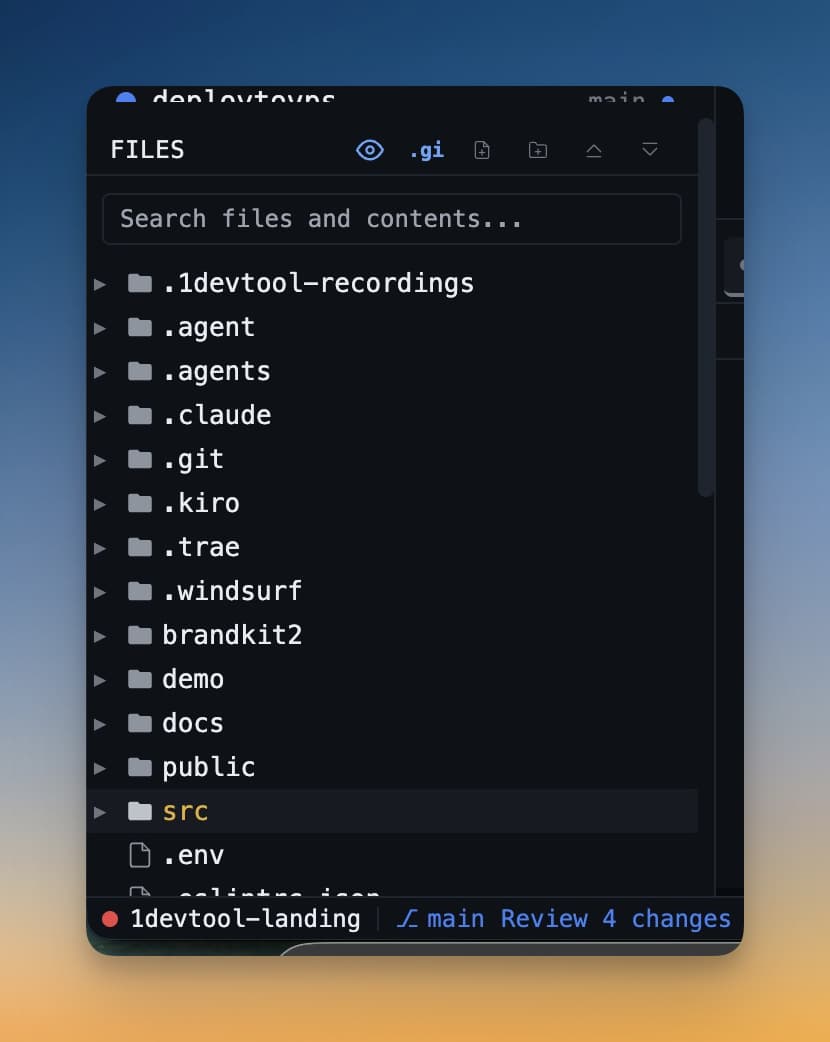
File खोलना
Left sidebar में file tree में कोई भी file click करें। File तुरंत IDE Strip में खुलती है। Strip अभी visible नहीं है तो पहली बार file खोलने पर automatically आती है।
Tabs
एक साथ multiple files tabs के रूप में open हो सकती हैं। Tree में अलग file click करें उसे नए tab में खोलने के लिए। Tabs click करके switch करें। Unsaved changes वाली tabs dot indicator दिखाती हैं।
Markdown और Diagrams
IDE Strip के दो special modes हैं plain code editing से परे:
- Markdown preview — कोई भी
.mdfile खोलें और left पर raw source और right पर live rendered preview का split view मिलता है। - Mermaid diagrams — Markdown files में Mermaid code blocks interactive visual diagrams के रूप में render होते हैं जिन्हें drag और rearrange कर सकते हैं।
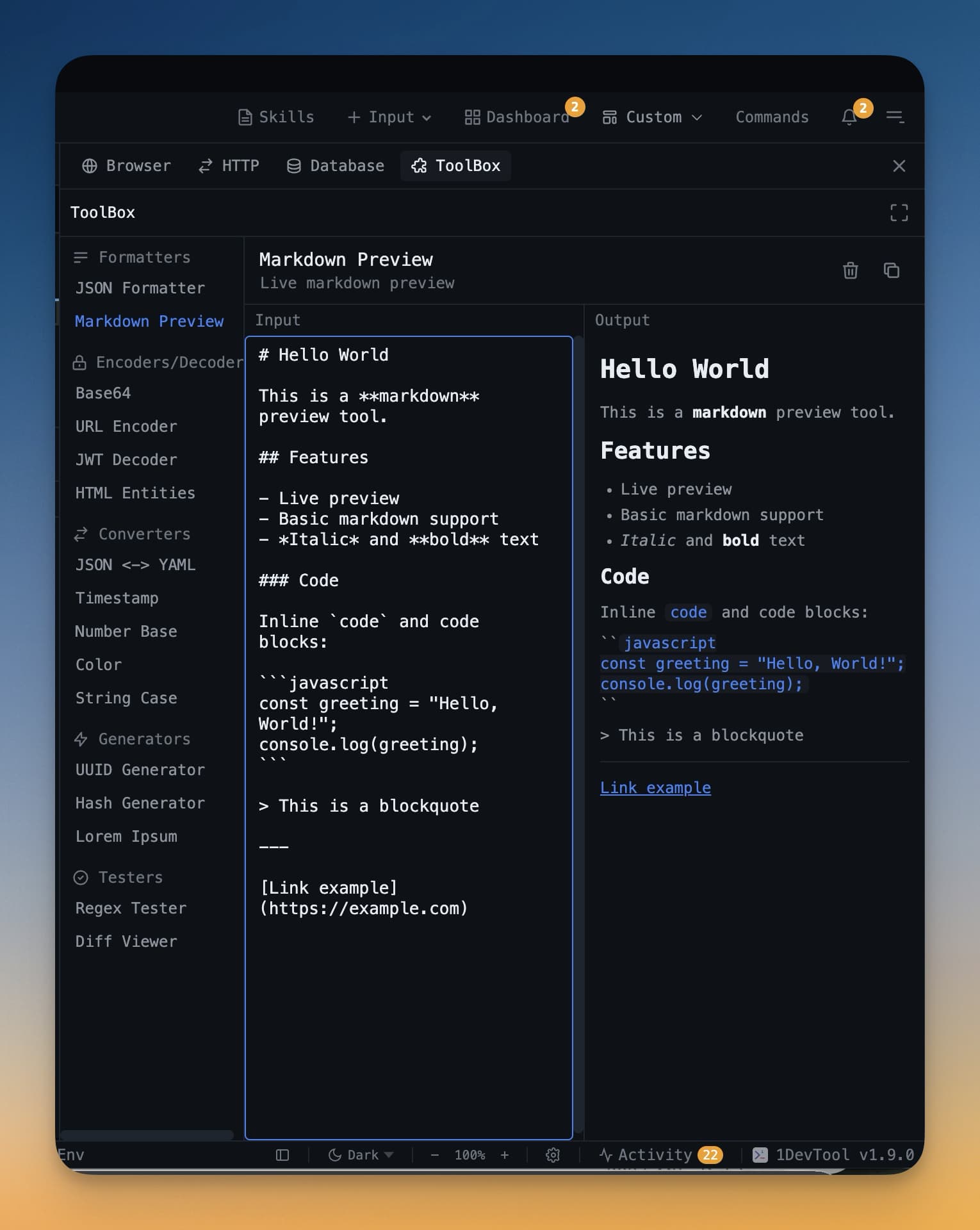
IDE Strip कब Use करें
IDE Strip इनके लिए सबसे अच्छा है:
- AI agent ने जो file बनाई या modify की उसे quickly पढ़ना
- Workspace छोड़े बिना small edit करना
- Markdown document या README को formatted preview के साथ review करना
- Agent के code करते साथ follow along करना — जो file edit हो रही है उसे खोलें और changes appear होते देखें
Complex refactors वाले long editing sessions के लिए full IDE still right tool है। IDE Strip वो fast, always-available editor है जहां पहले से काम हो रहा है।