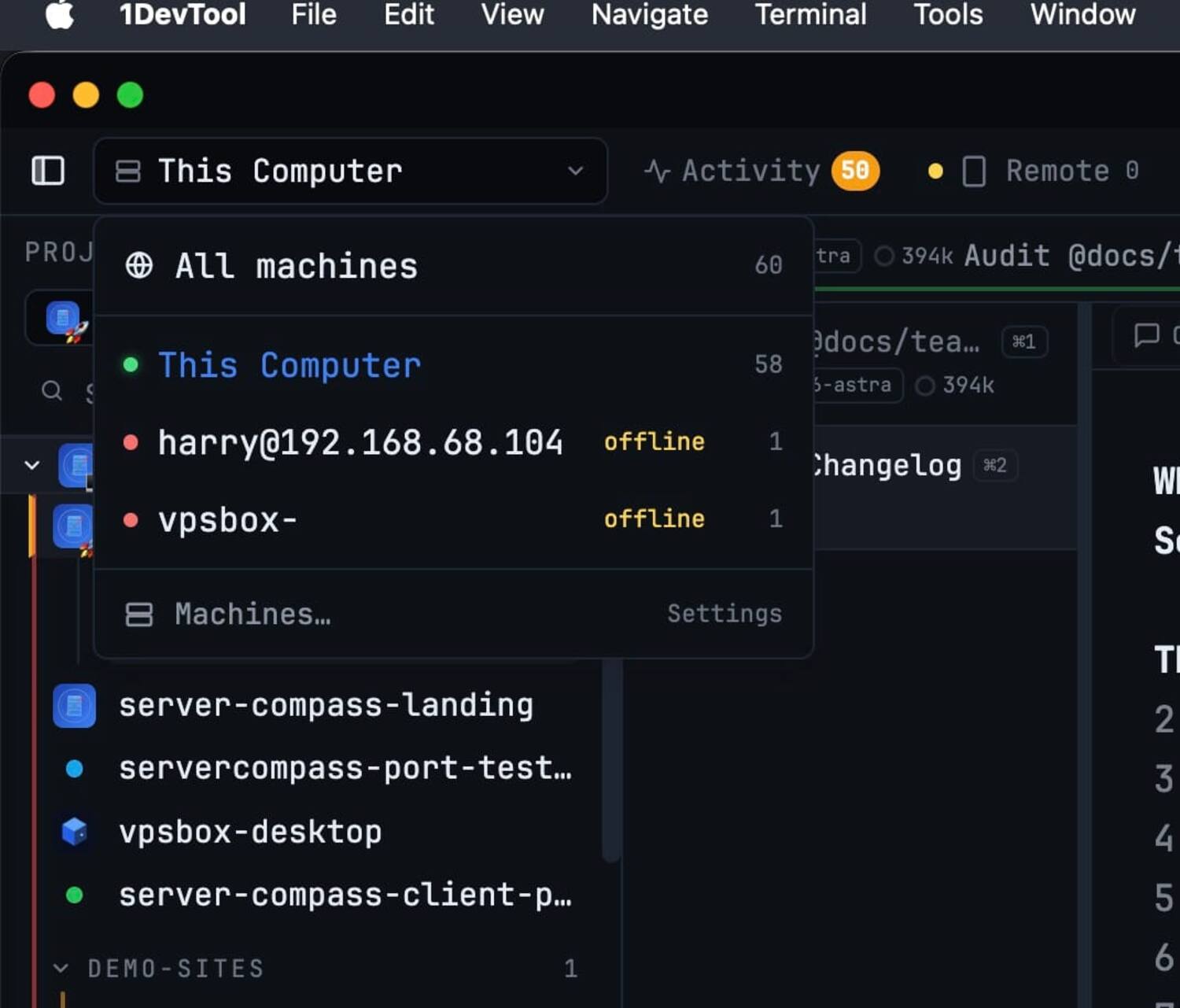
- All machines
- This Computer
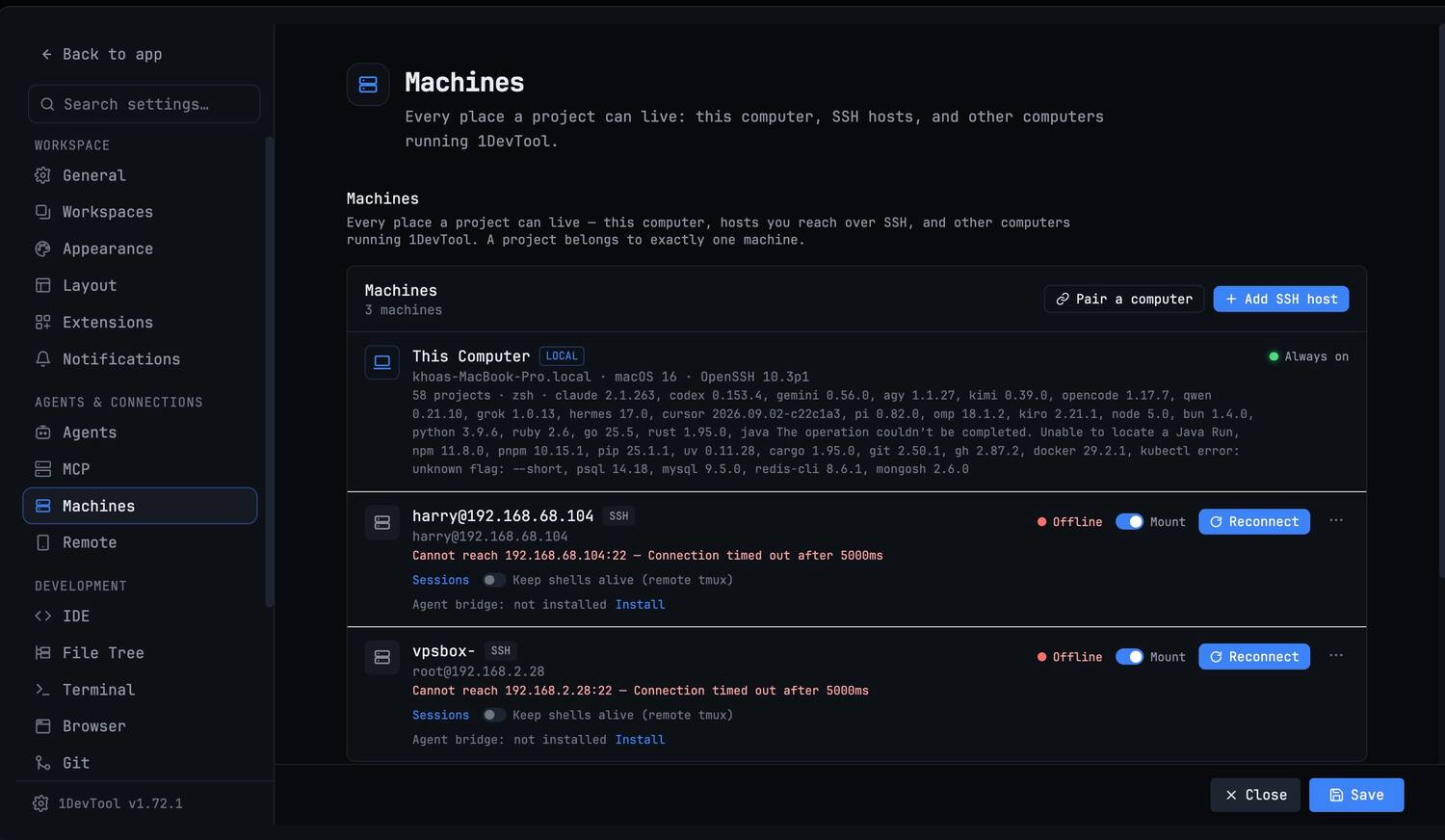
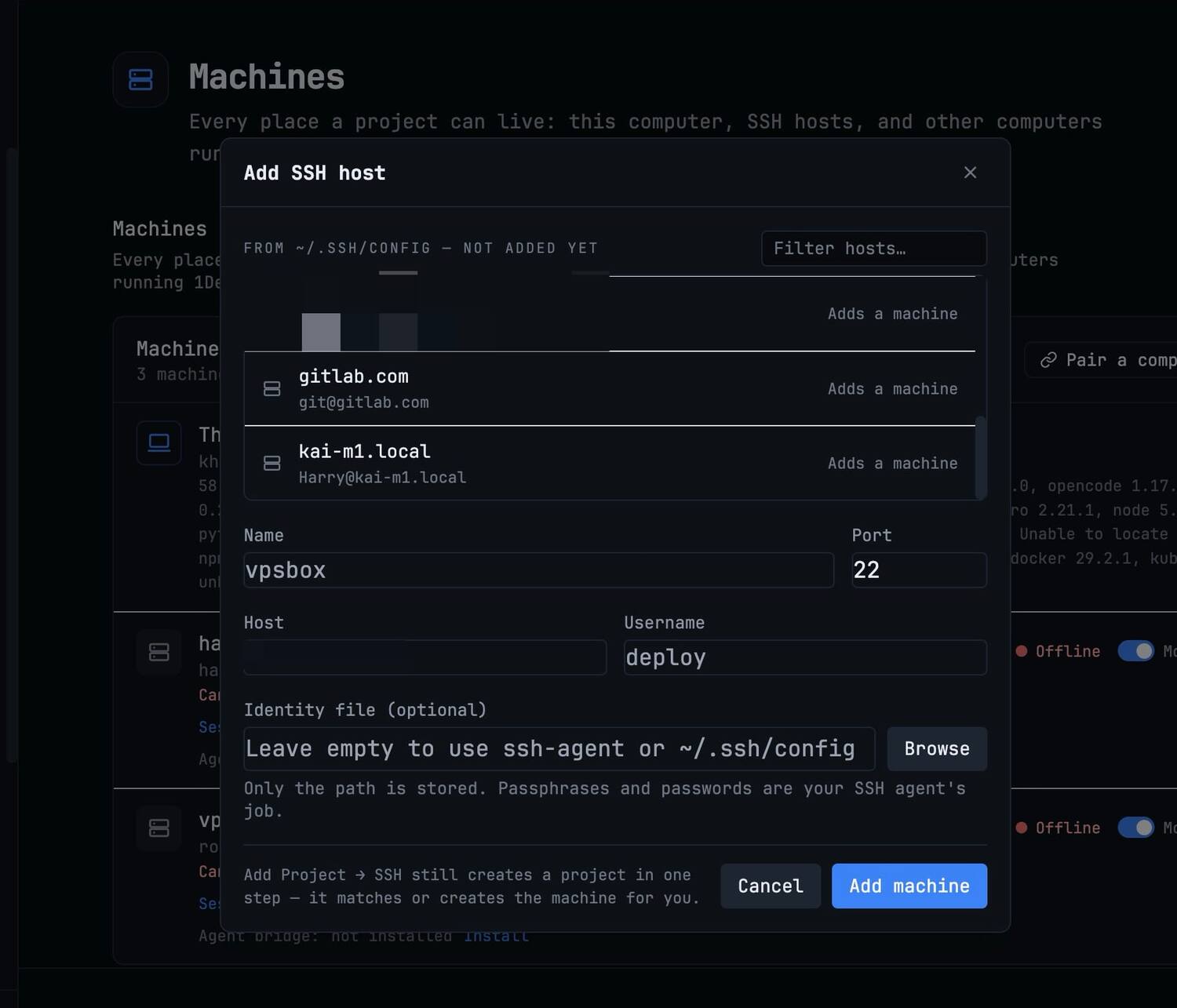
- Paired computers and SSH hosts
- Online and offline state
- Jump to Machines settings
Run a team of coding agents
Brief a team, not a chat. Claude Code, Codex, Antigravity and the rest work the same job in parallel — one window, one live map of who is doing what. Click any pin below to see that feature, or take the guided tour through all 14.
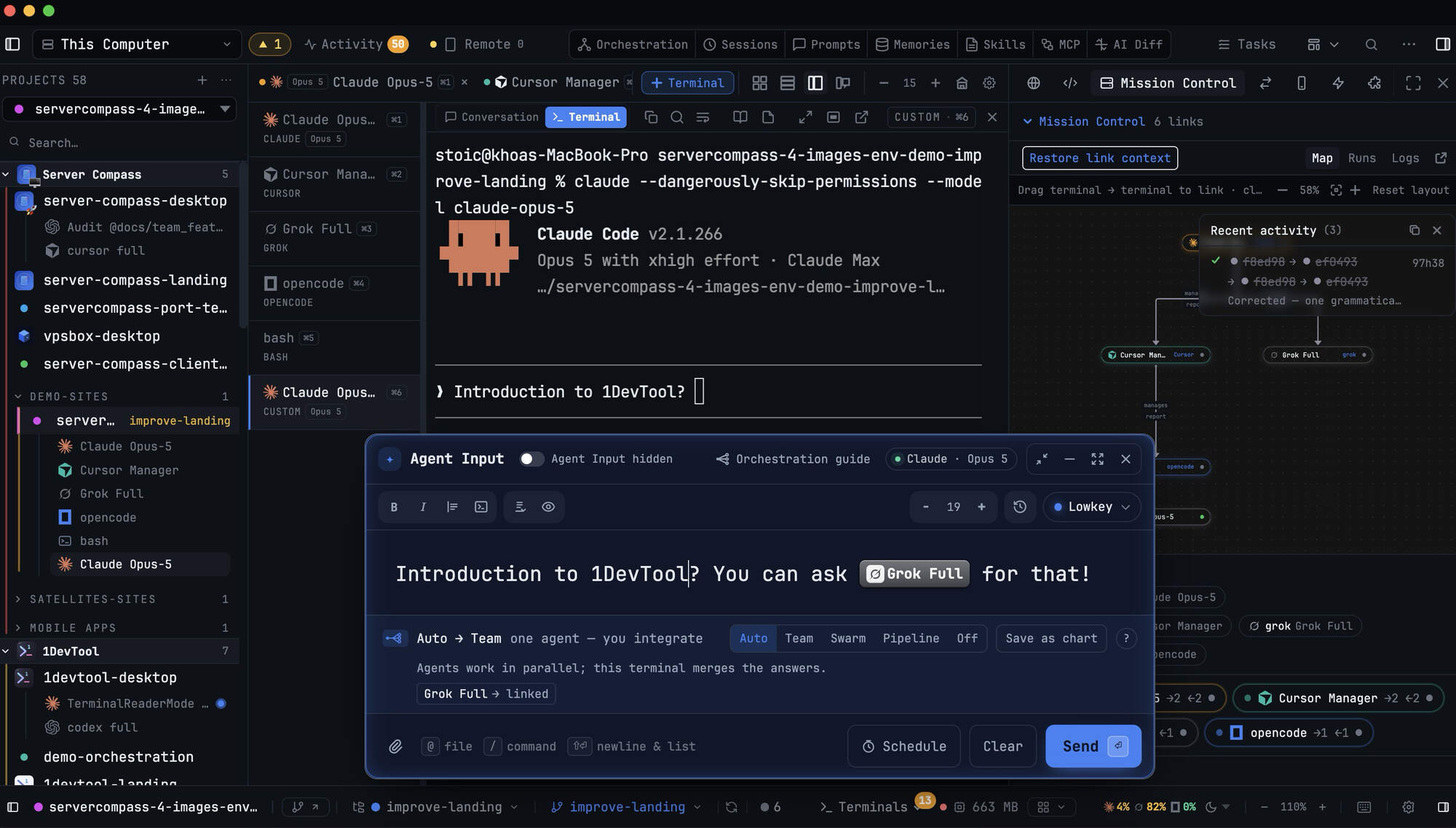
No fork. No wrapper. No proxy. It runs the same command you'd type yourself.


 Trusted by developers shipping with AI daily →
Five agents, four terminal tabs, three projects, and you in the middle: copy-pasting context, checking who is stuck, re-typing prompts after every rate limit.
Your agents have no way to talk to each other, so you are the integration layer. 1DevTool gives them a chart instead of you.
The same afternoon, in one window
Every agent talks to you. Every tool talks to you. Nothing talks to anything else.
 claude codedirector
 codexbackend
 geminireview
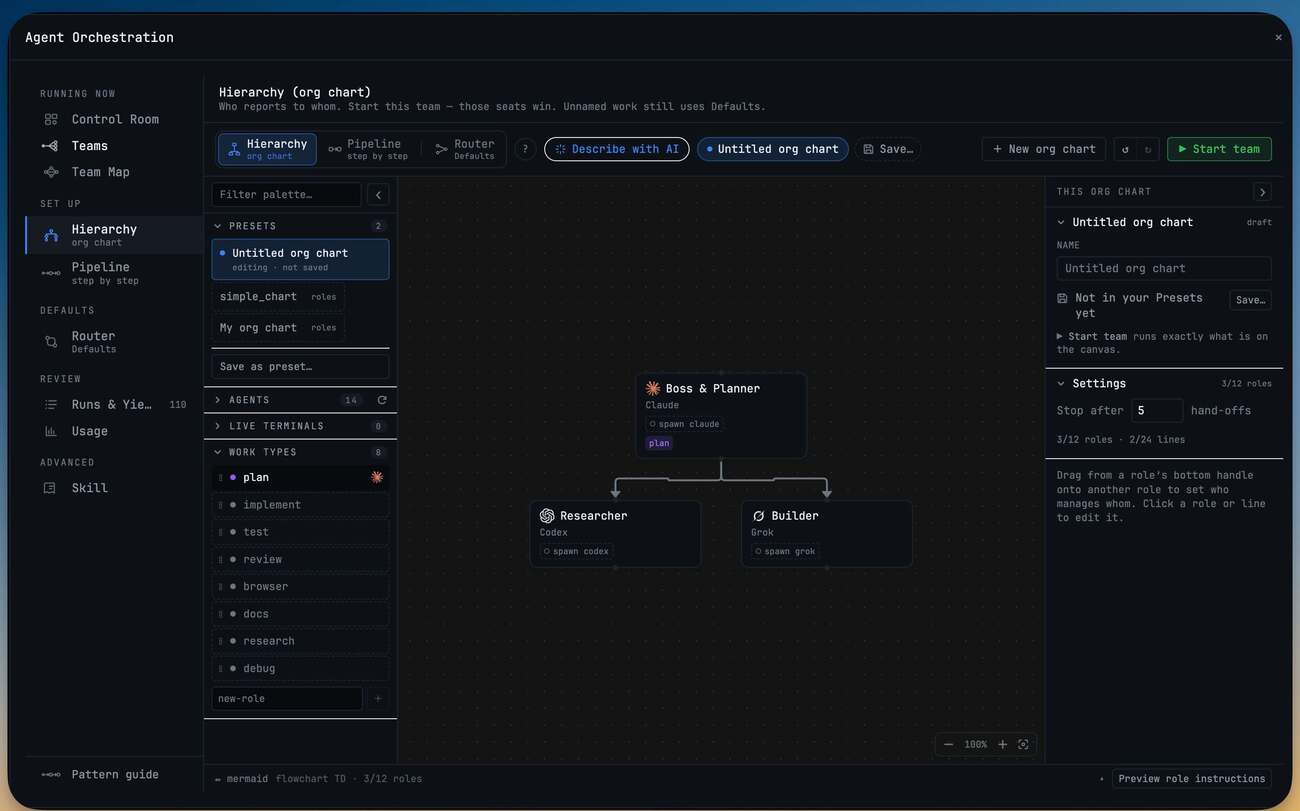
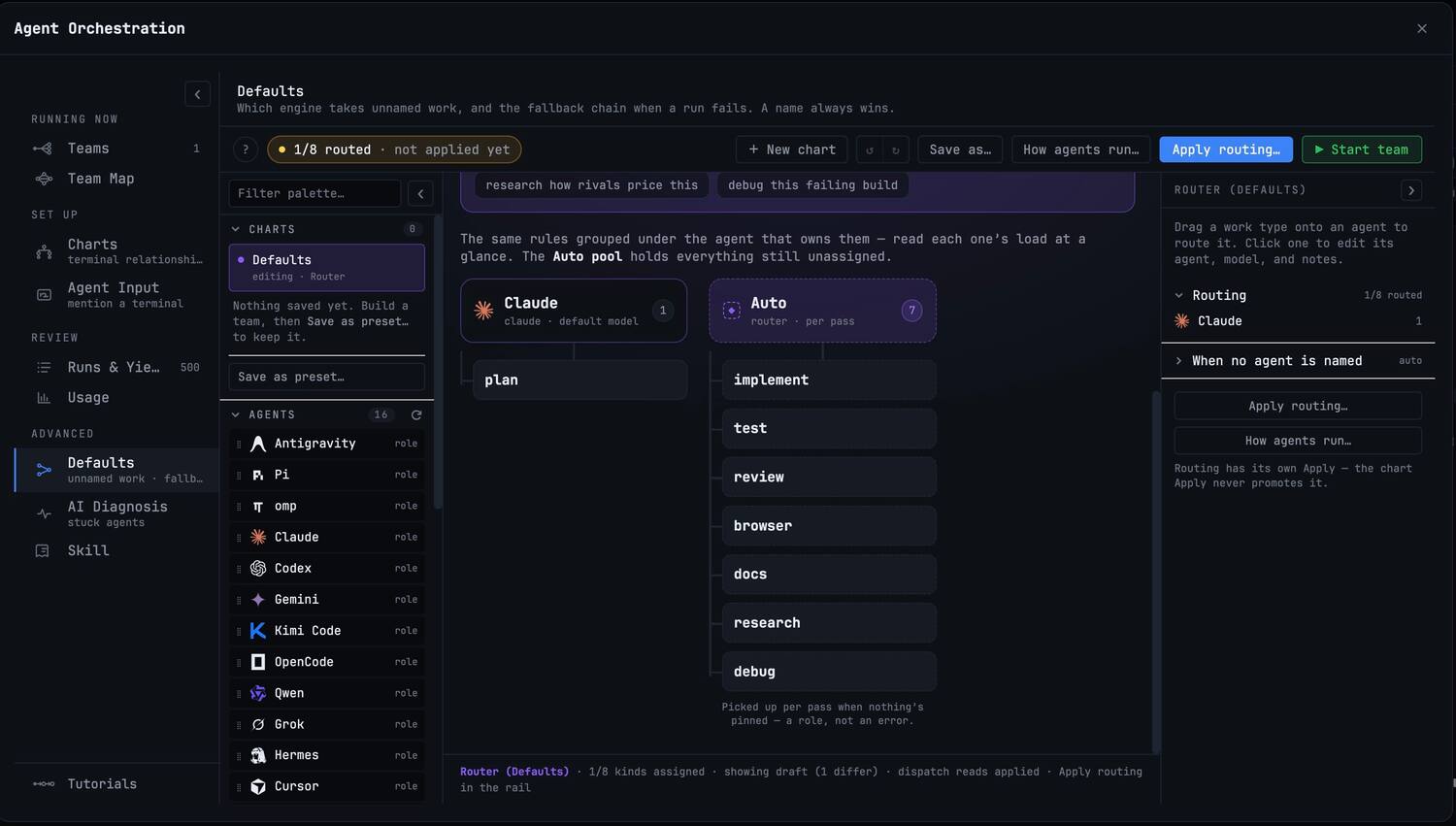
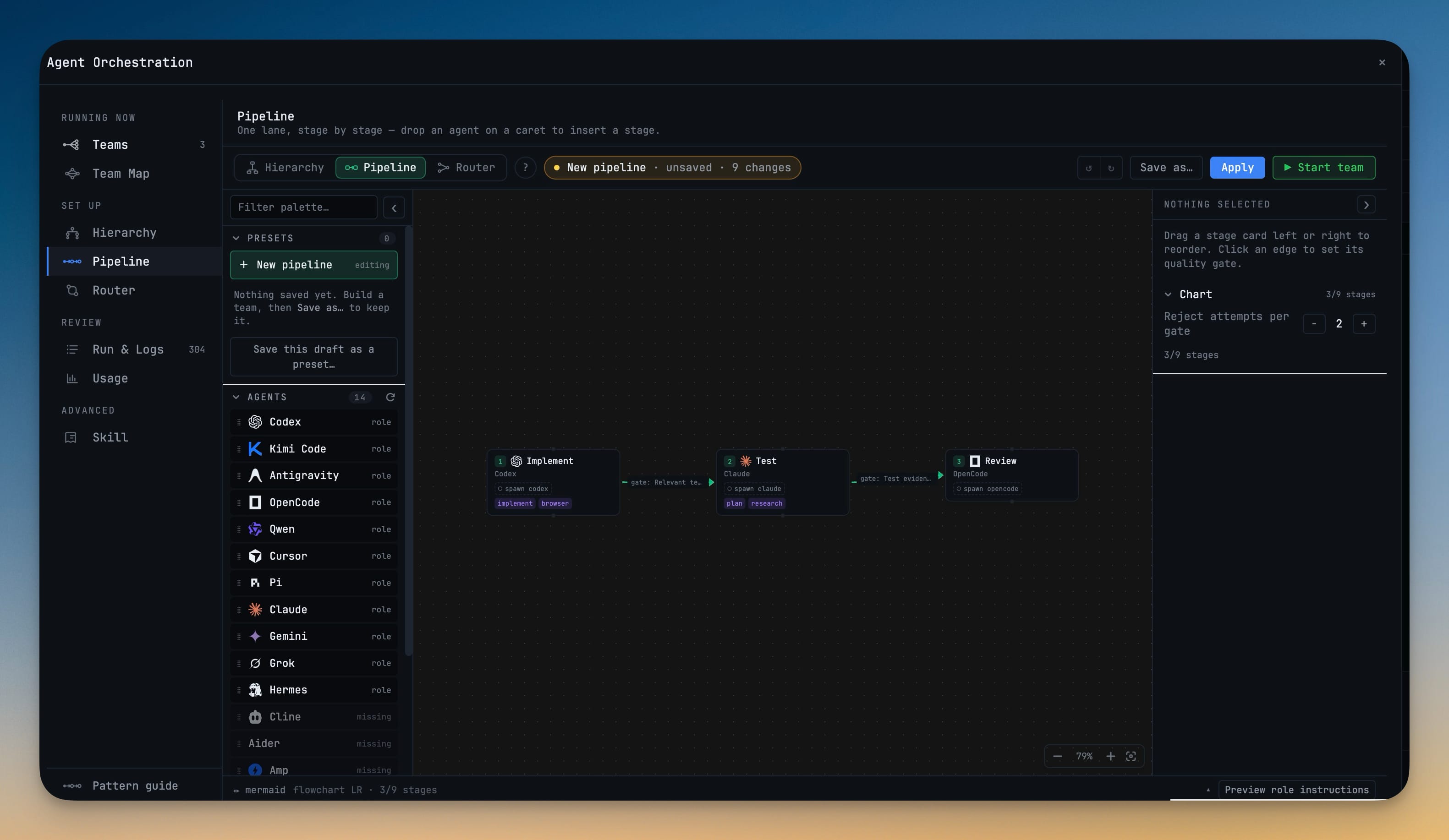
An org chart or a pipeline for your terminals: who reports to whom, who hands work to whom. How orchestration works →
The chart plays before a single terminal opens, and Start stays one deliberate click.
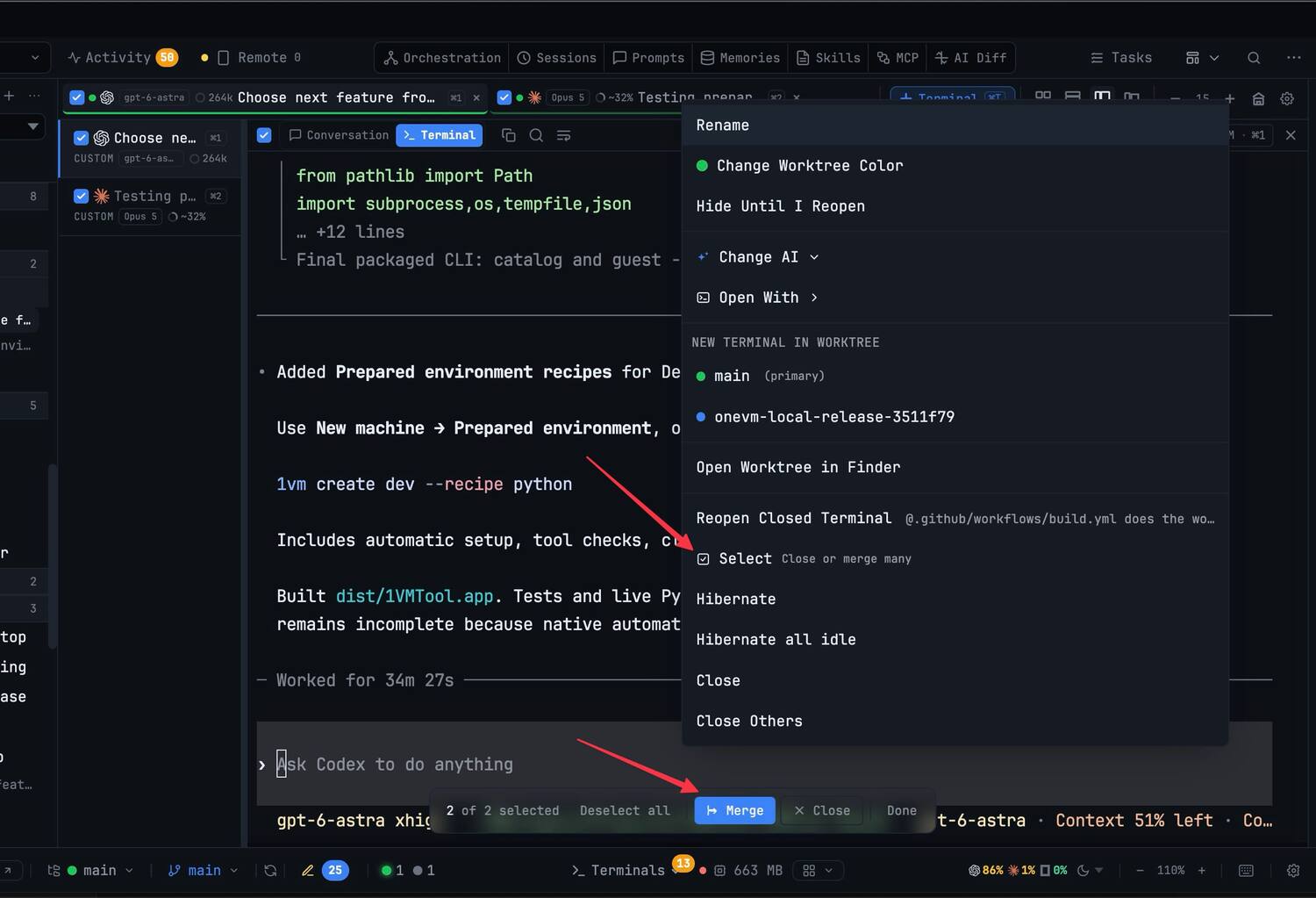
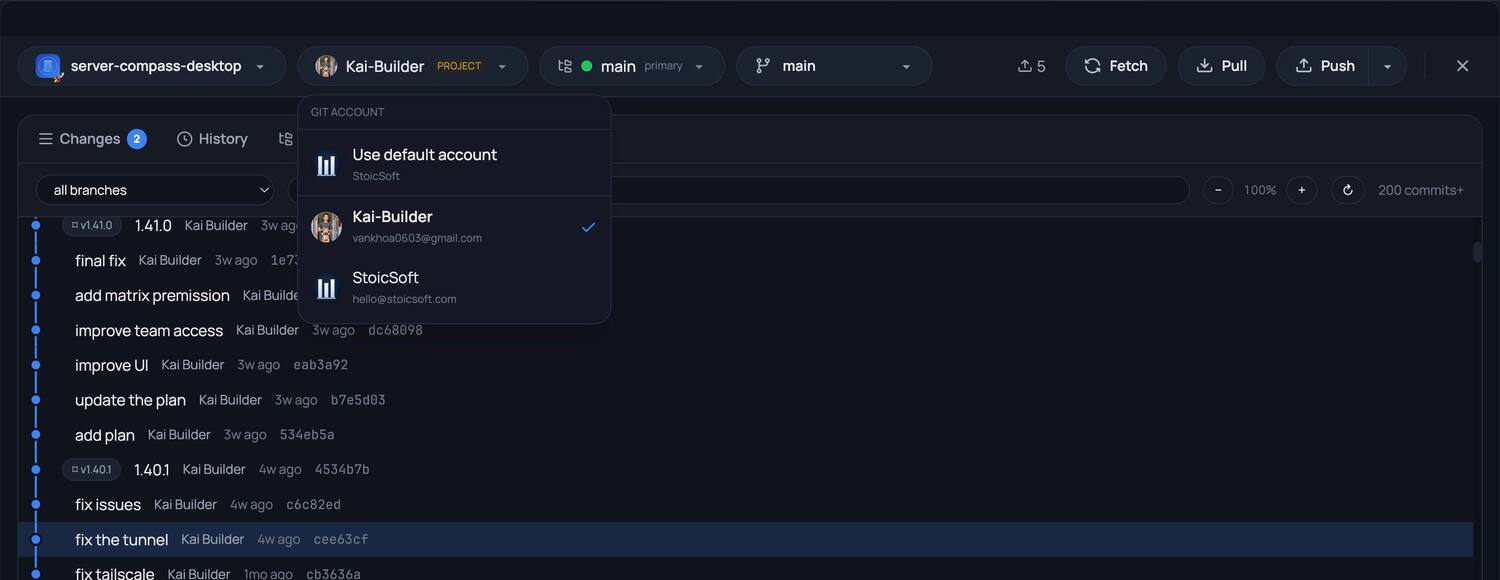
Every machine you code on — this laptop, a paired desktop, a server over SSH, and the terminals 1DevTool never started.
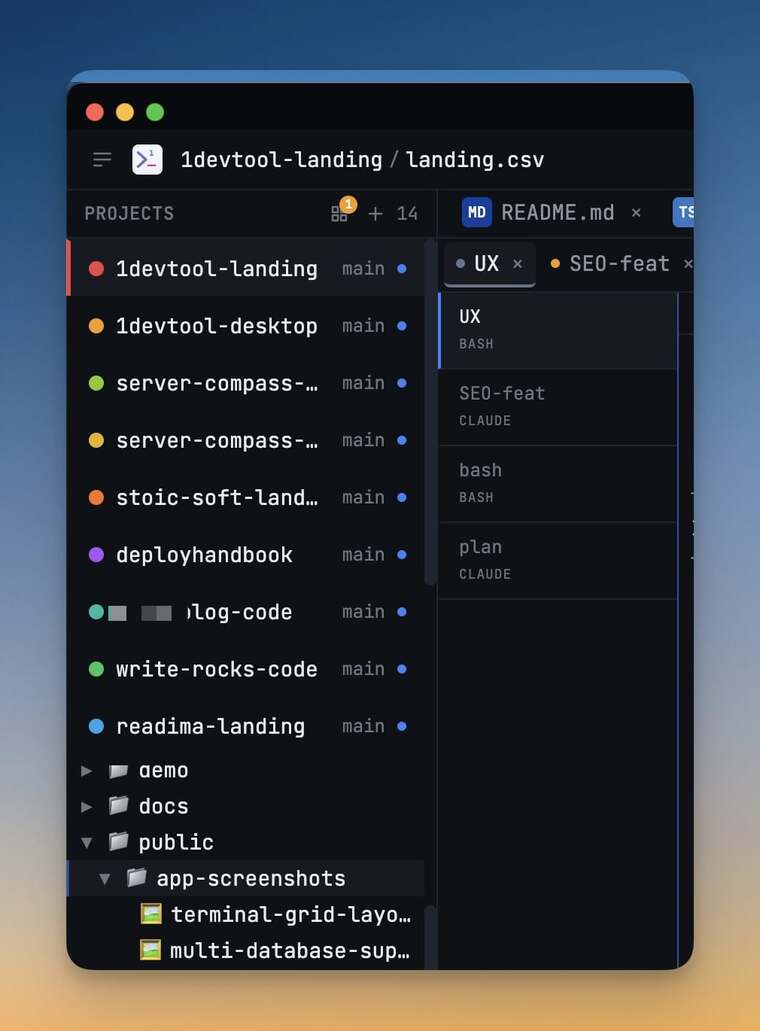
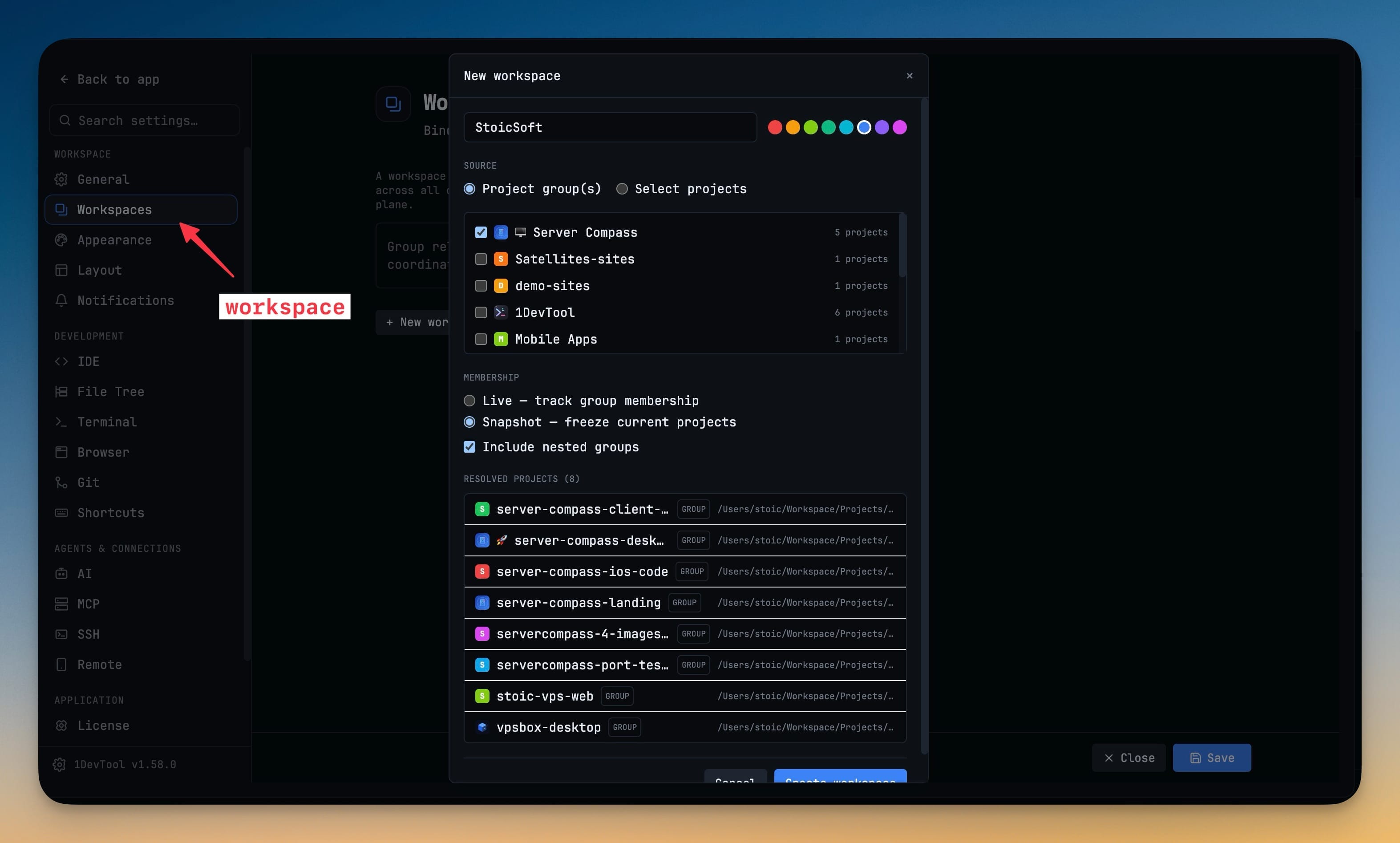
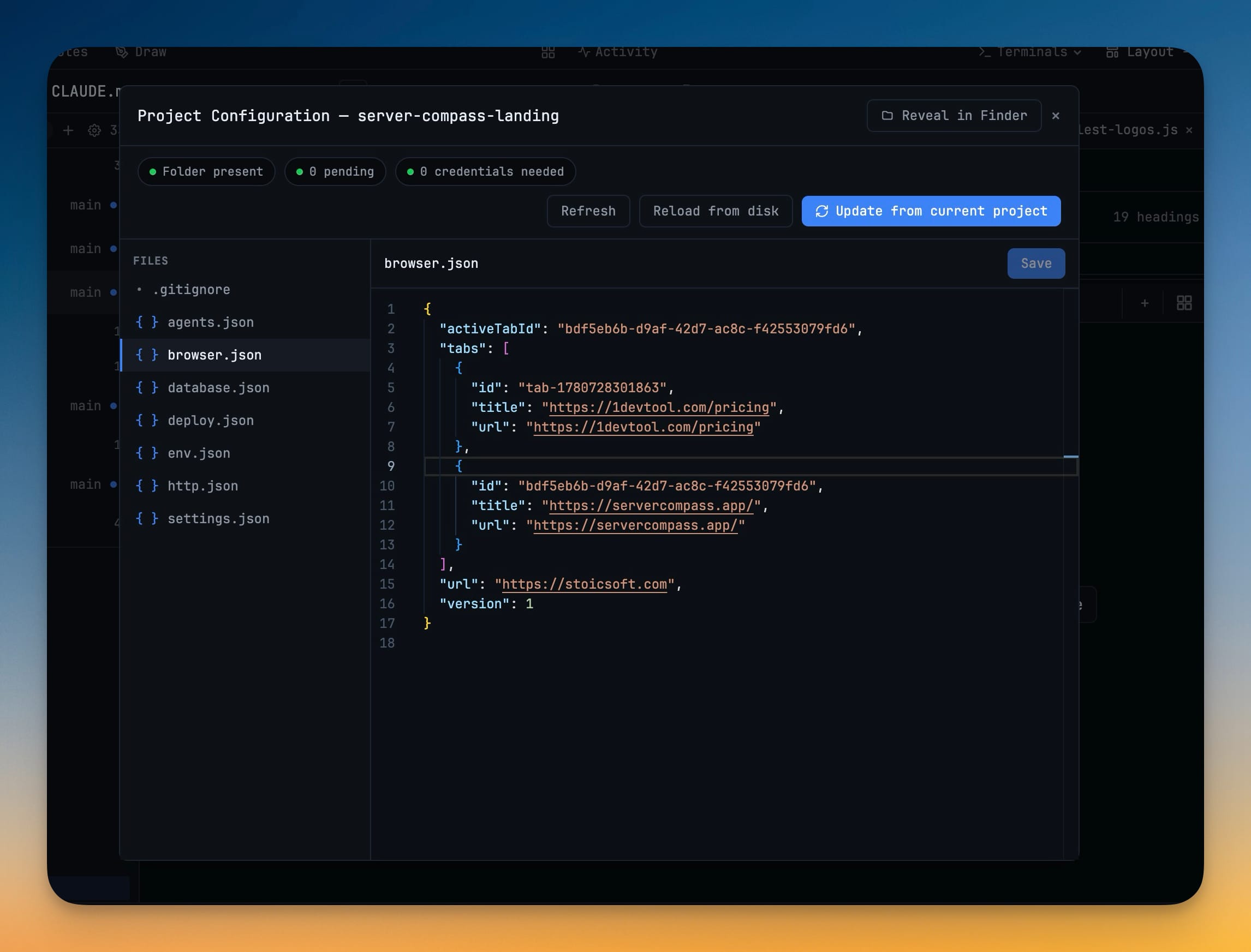
58 projects grouped the way you think. Switch and the panes, branch and worktree come back exactly as you left them.
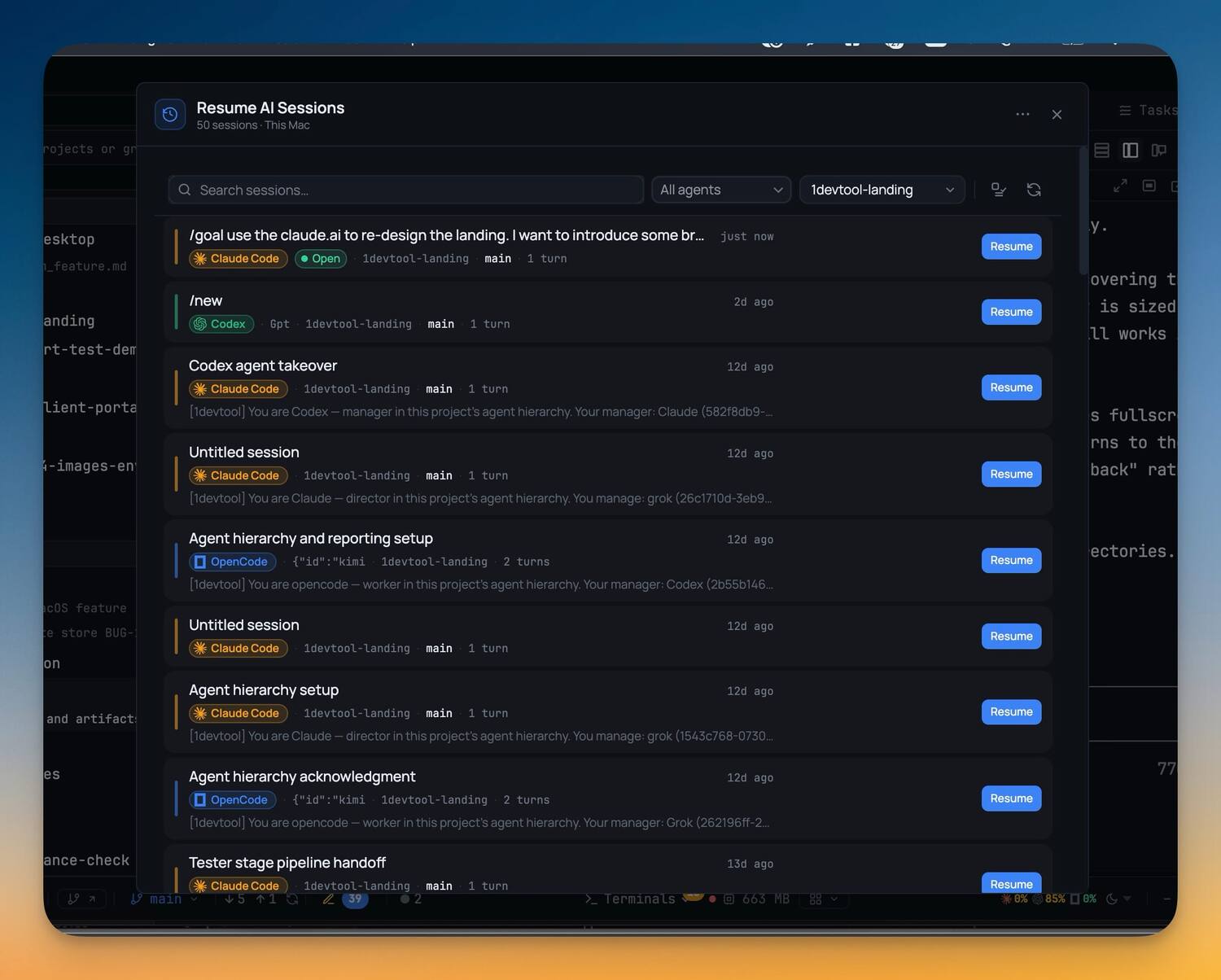
Every coding CLI you run, as a first-class object: named, coloured, pinned to a model, and resumable.
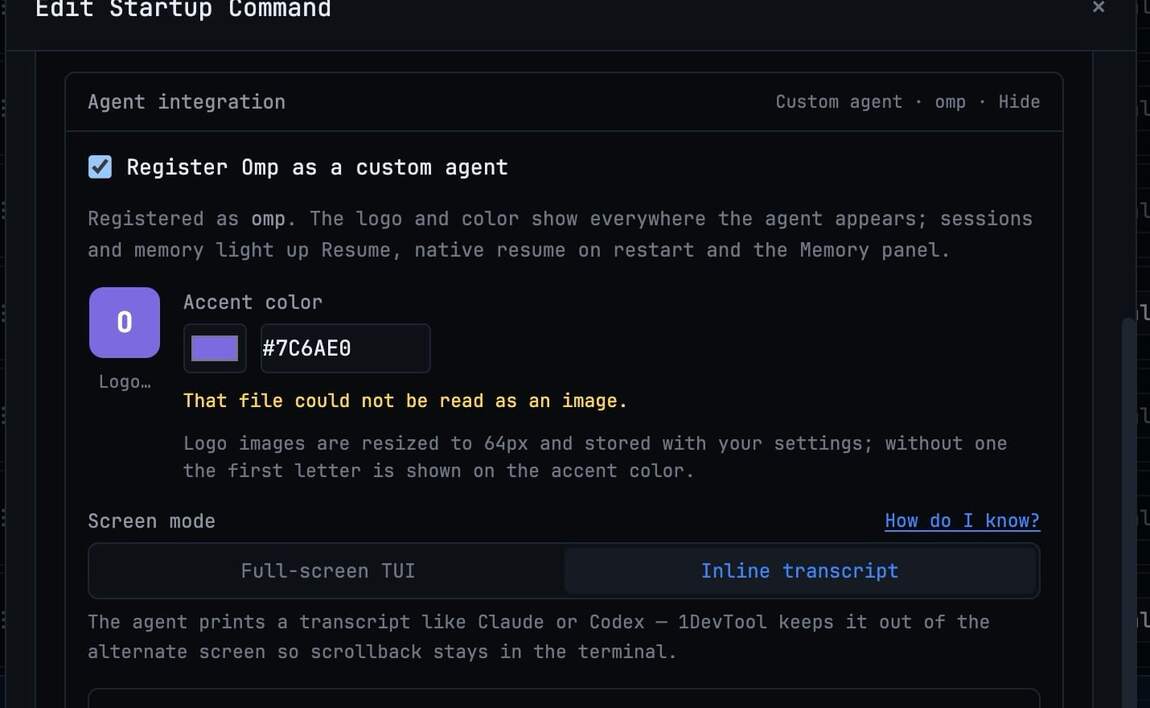
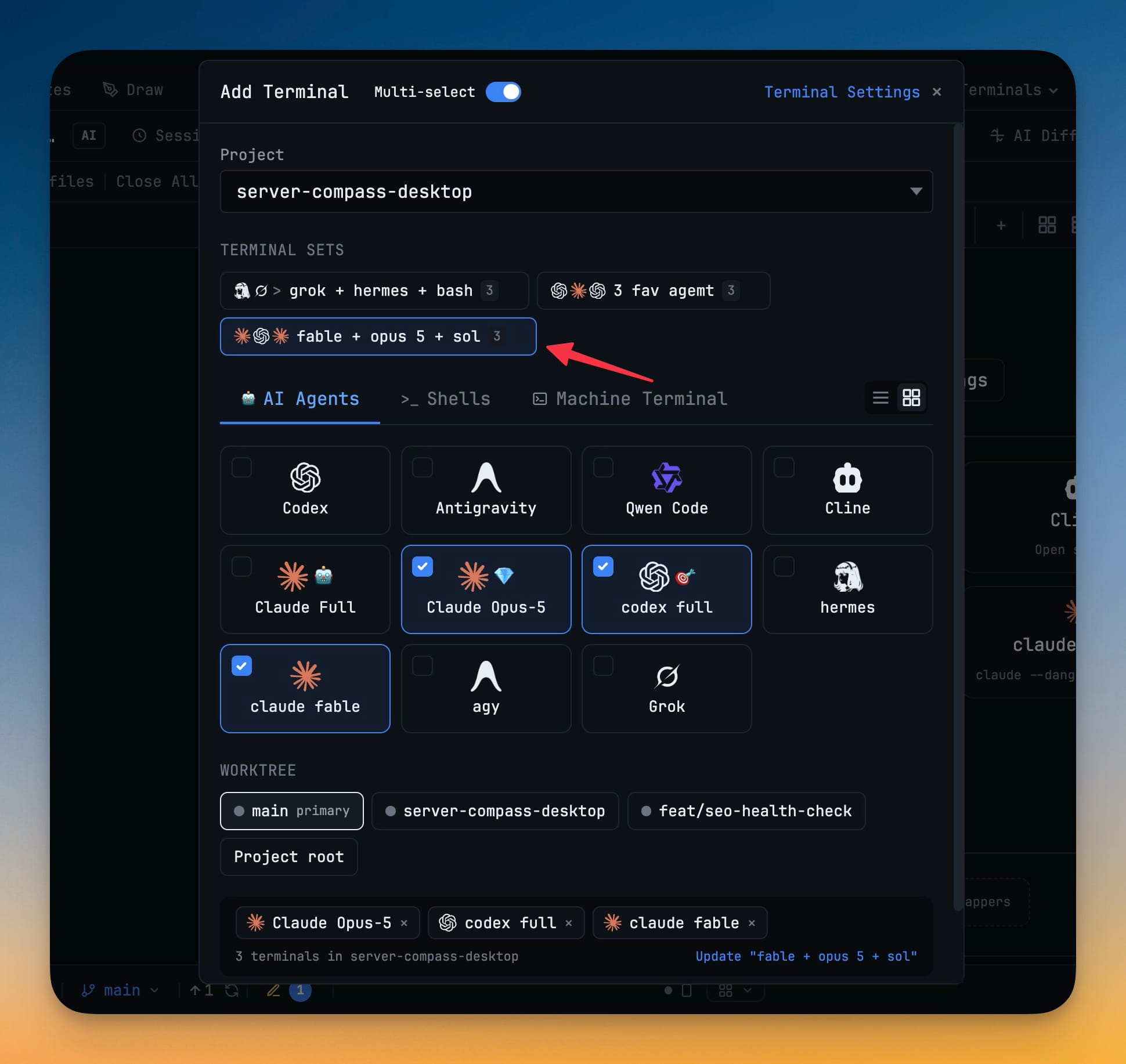
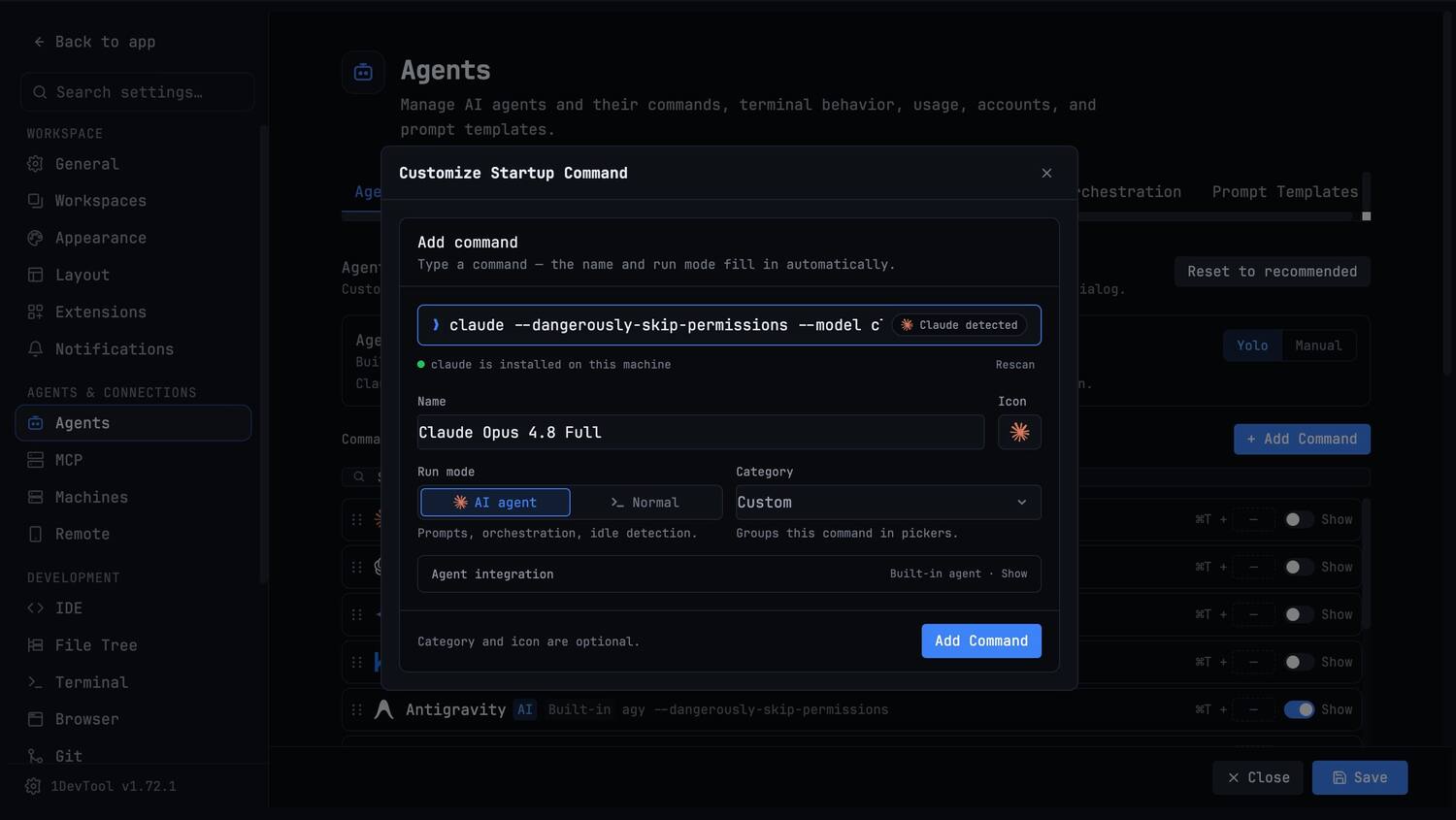
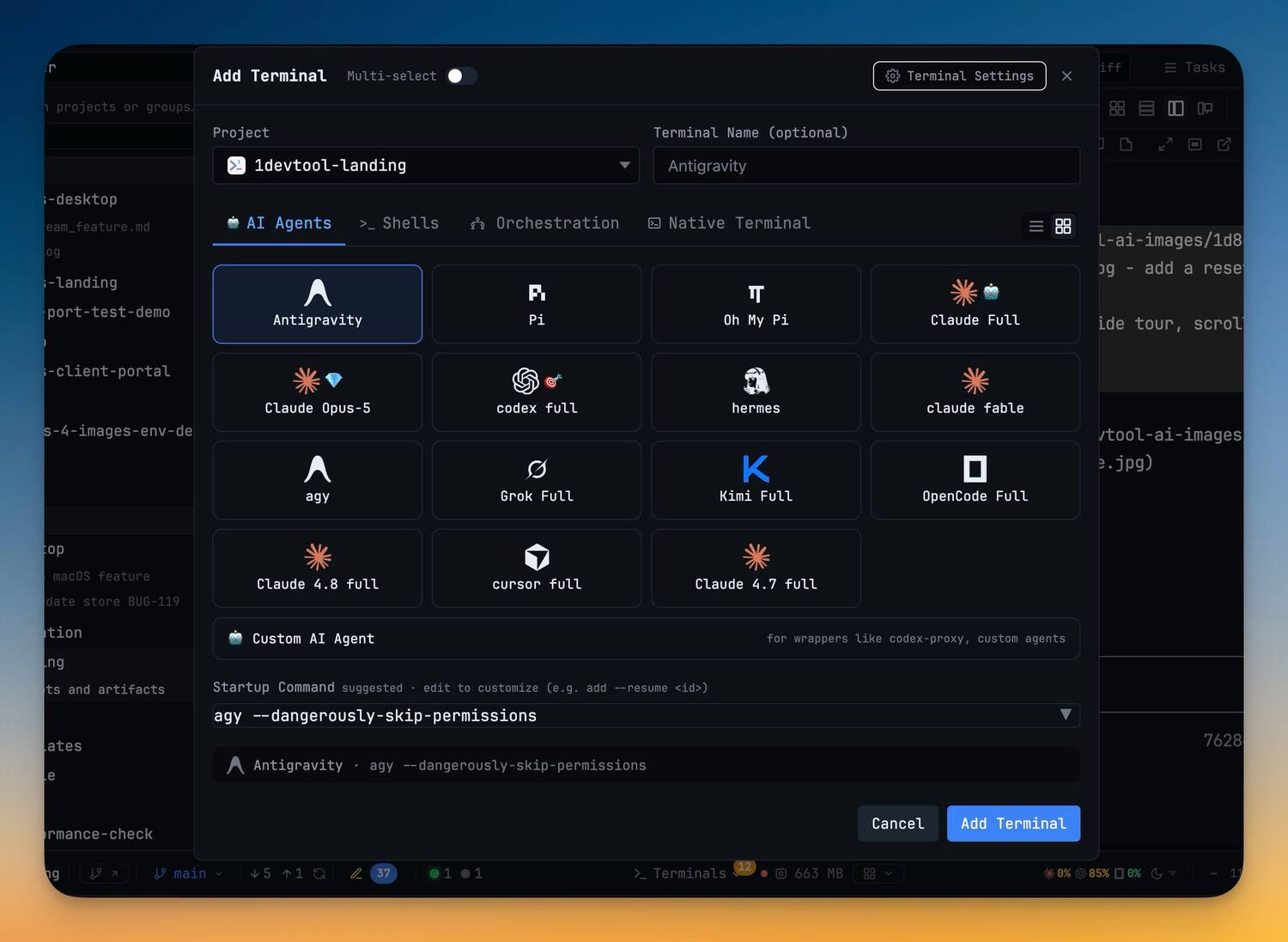
Open a terminal for any agent on this machine, name it, and pin the model it launches with — one tab per agent, added in a click.
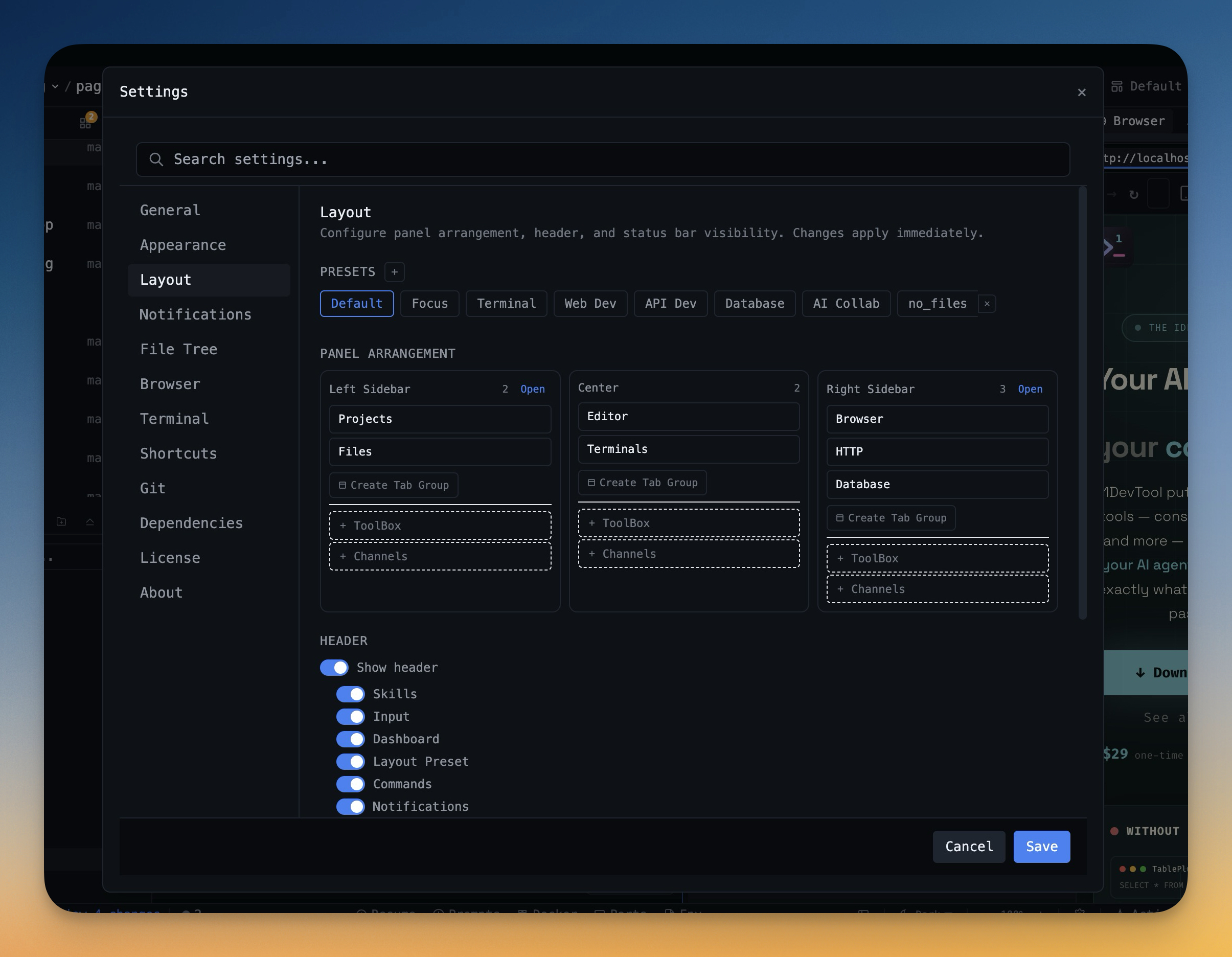
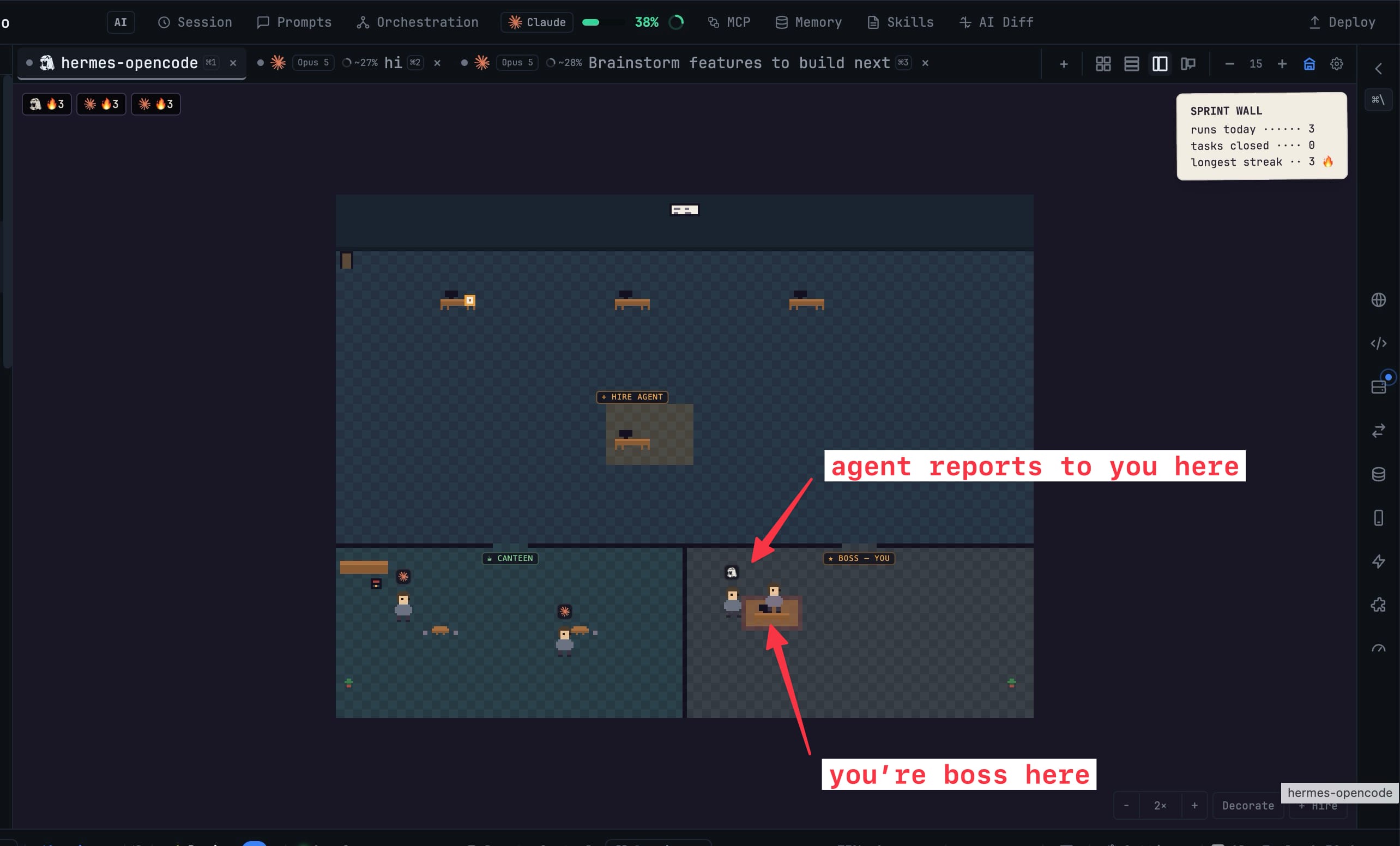
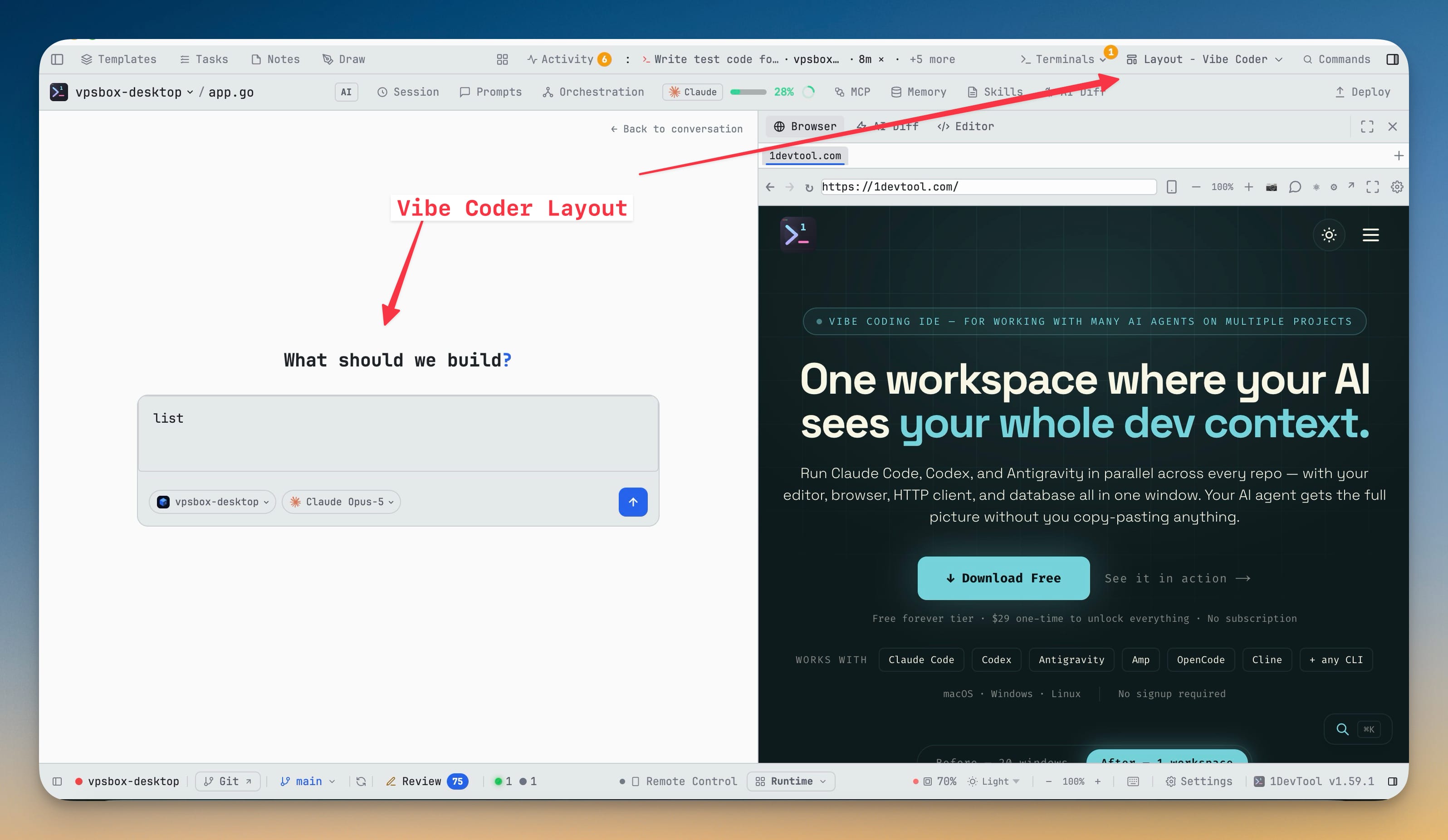
Tile them however the work wants — grid, columns, mosaic, office, vibe. Switching layout never rebuilds a pane.
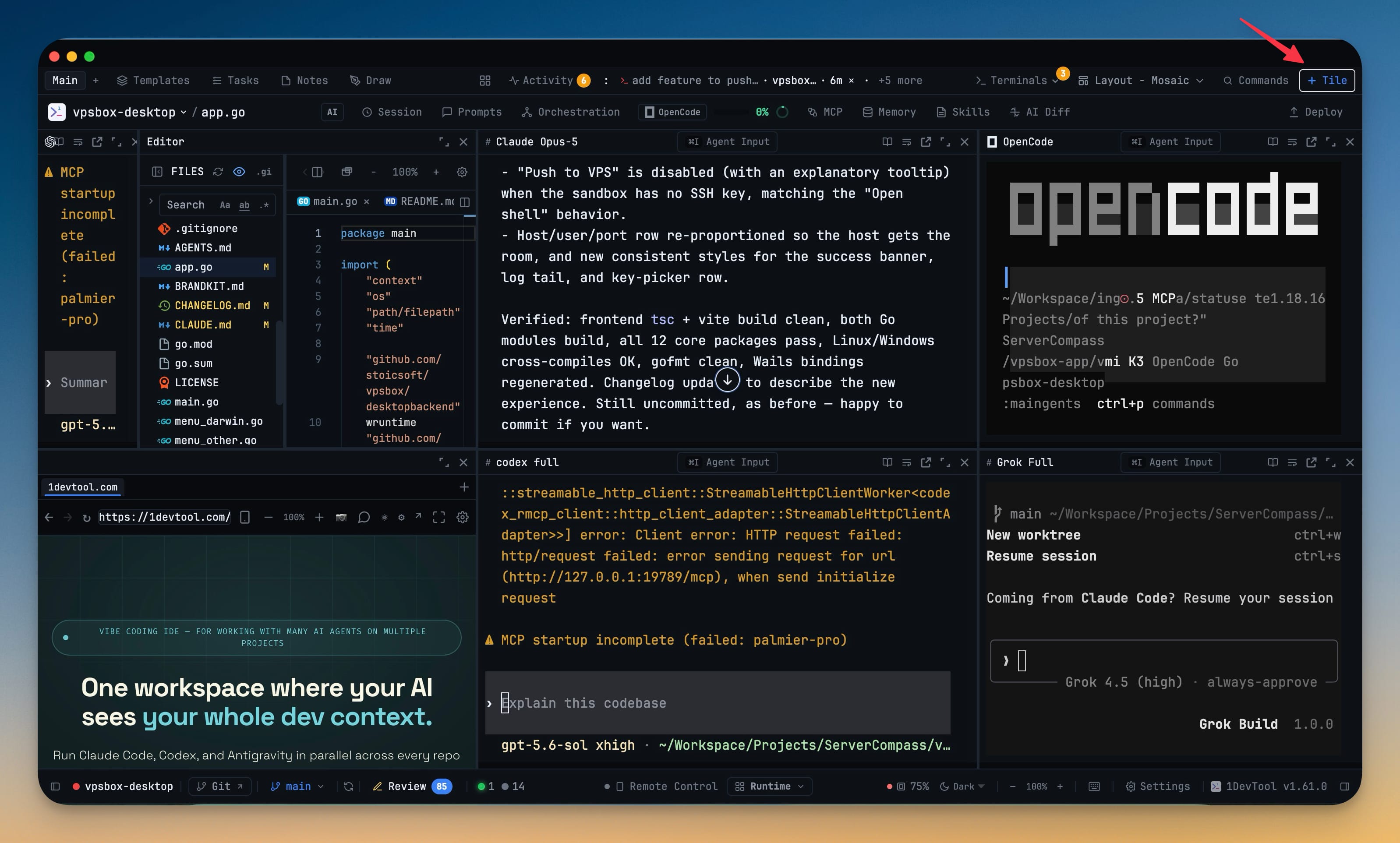
A genuine PTY running the command you'd type yourself. No fork, no wrapper, no proxy.
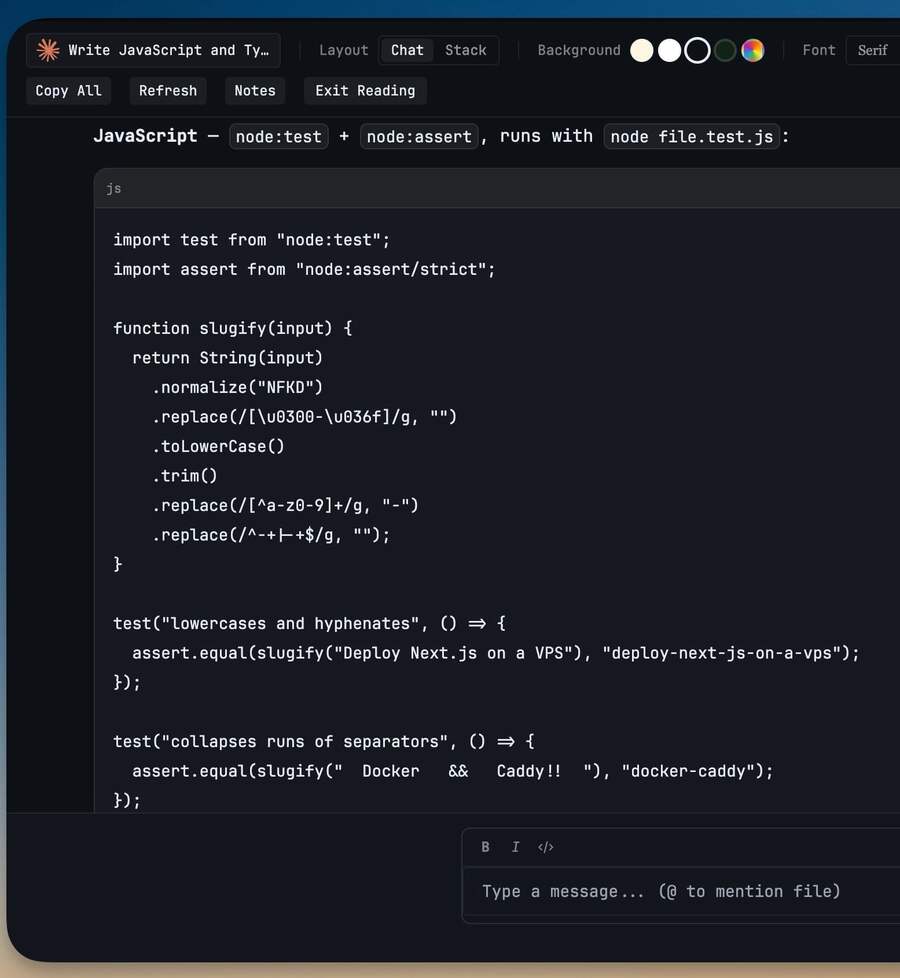
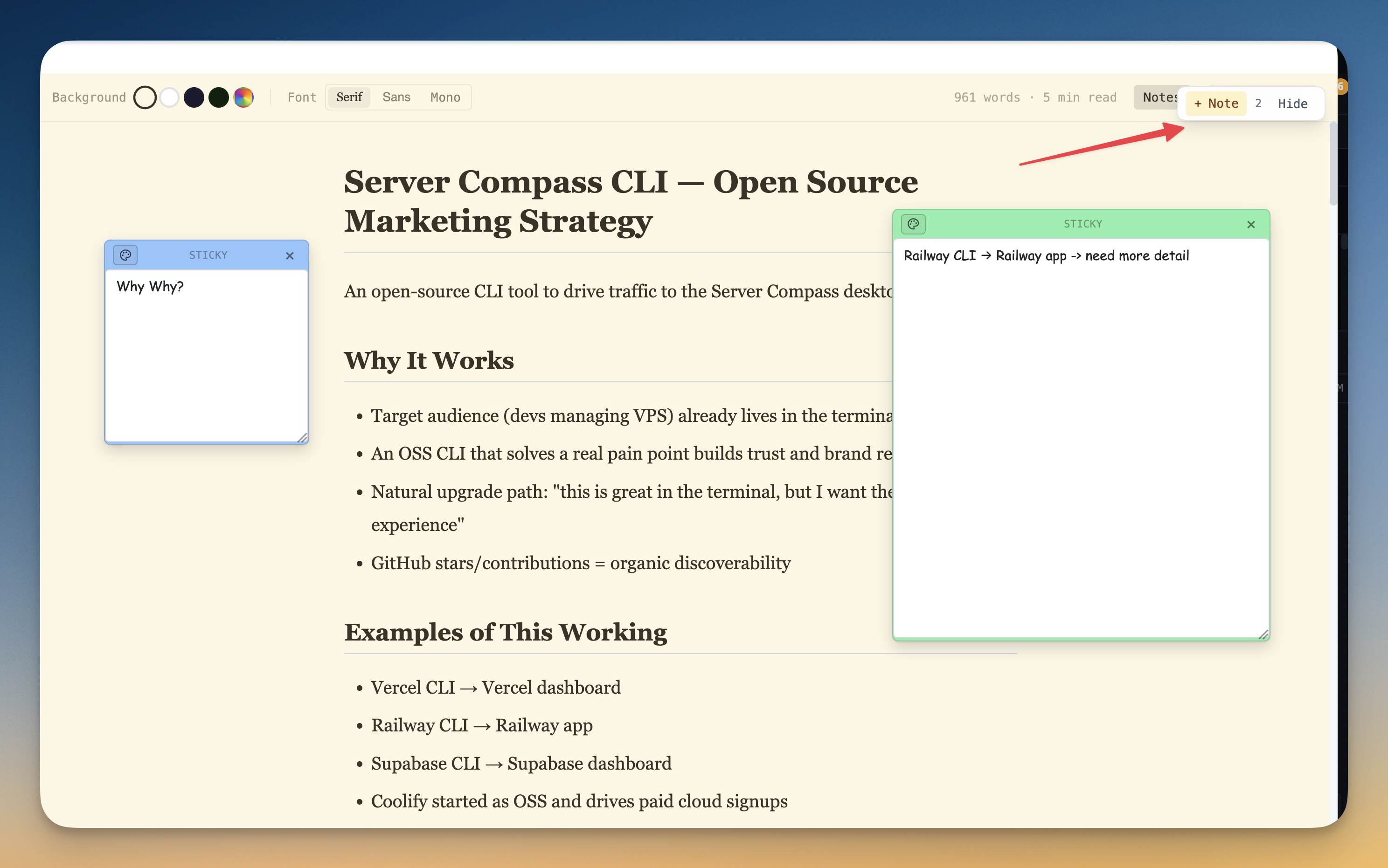
Terminal output is writing. Read it like a page instead of scrolling a log.
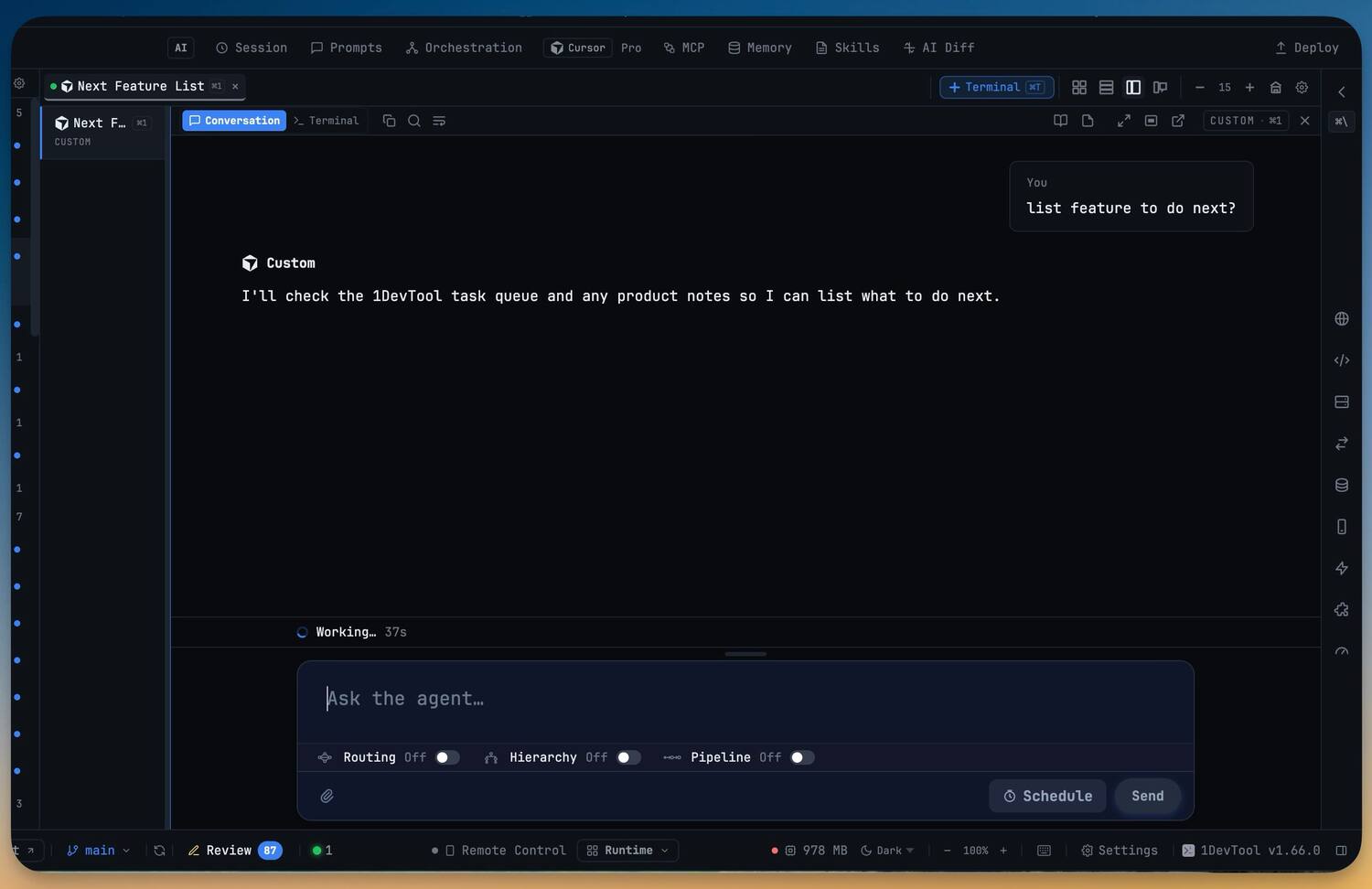
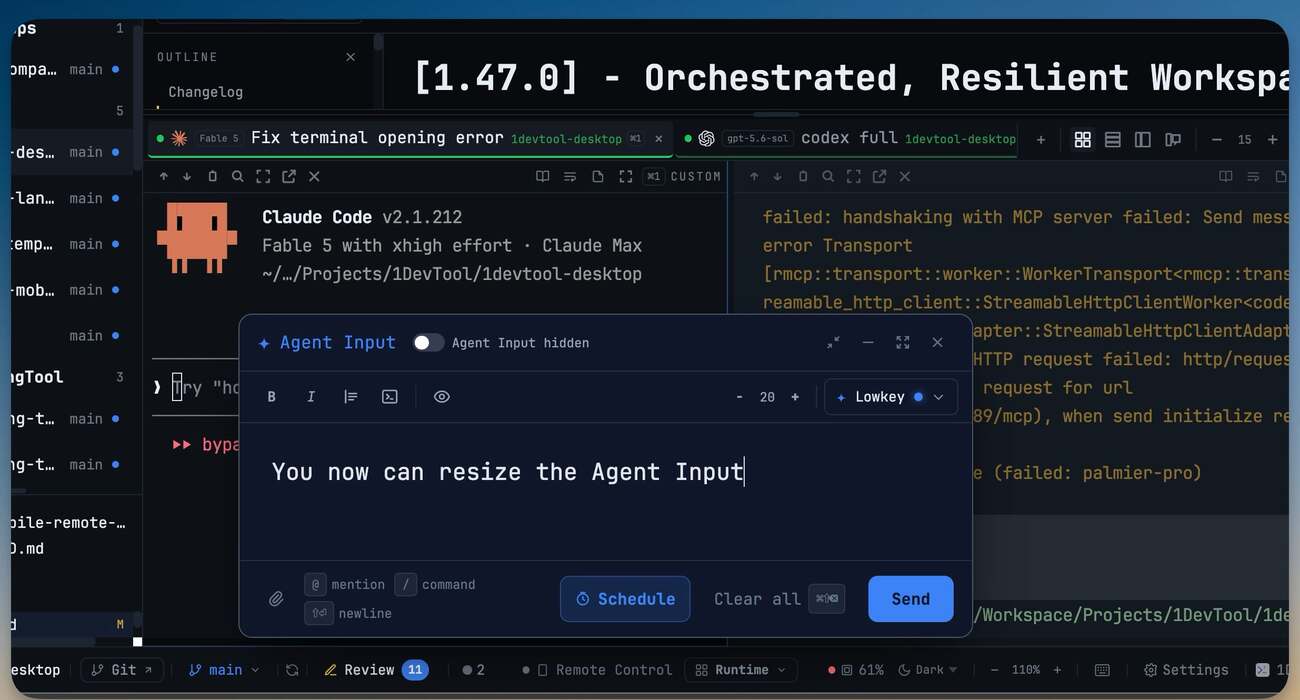
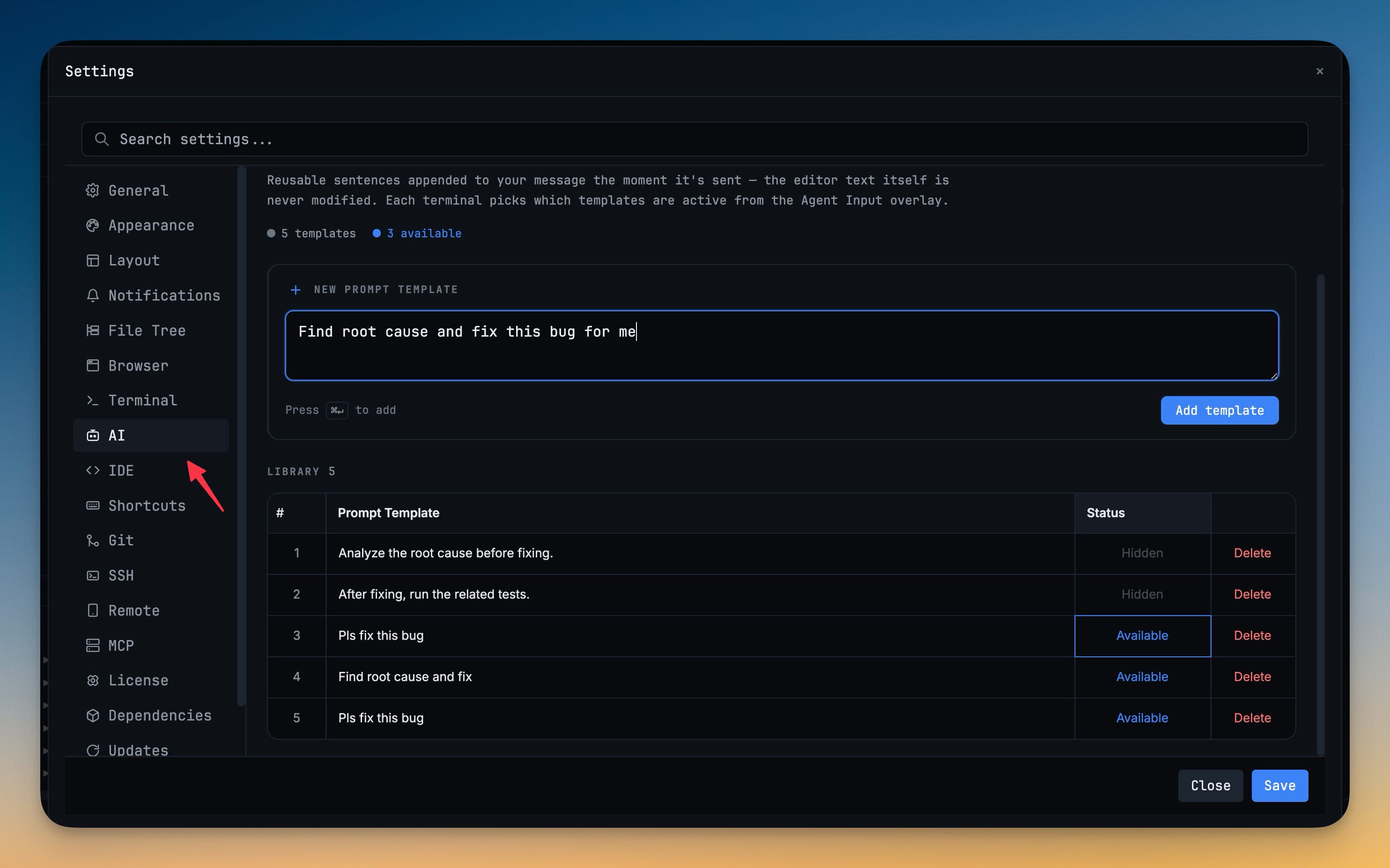
A proper editor that types into the terminal — markdown, mentions, commands, personas, scheduled sends.
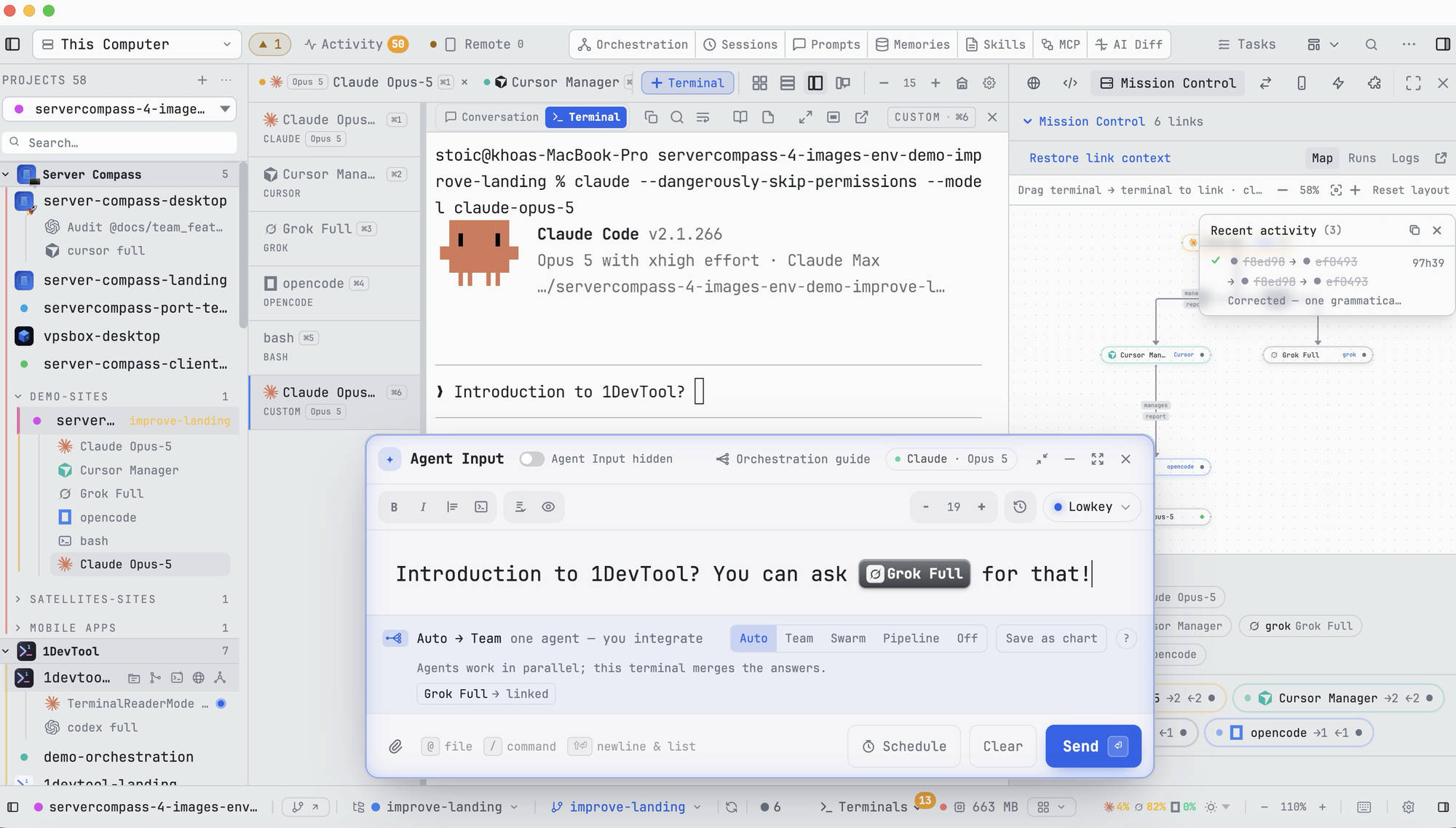
One brief fans out, every agent works at once, this terminal merges the answers.
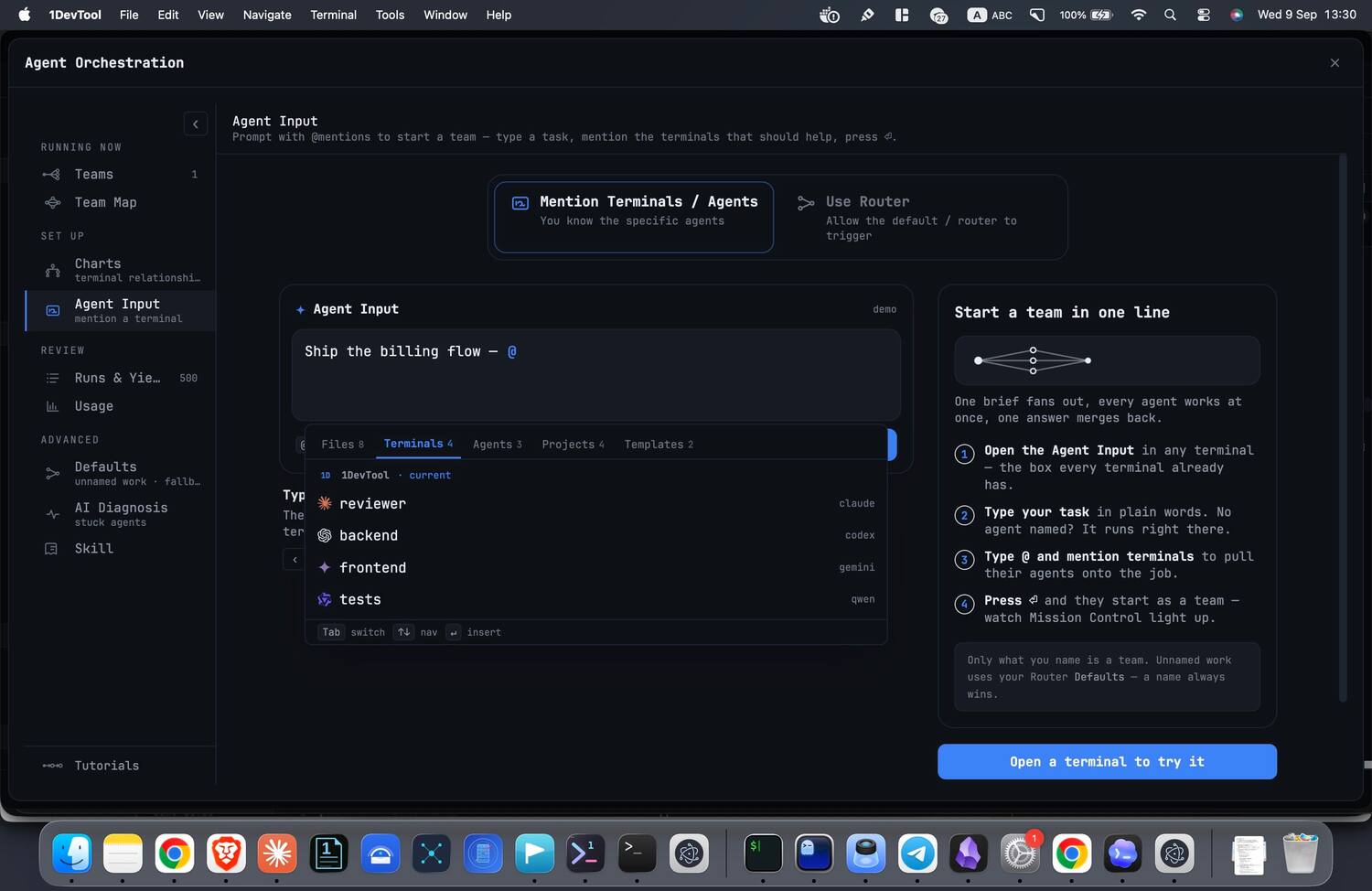
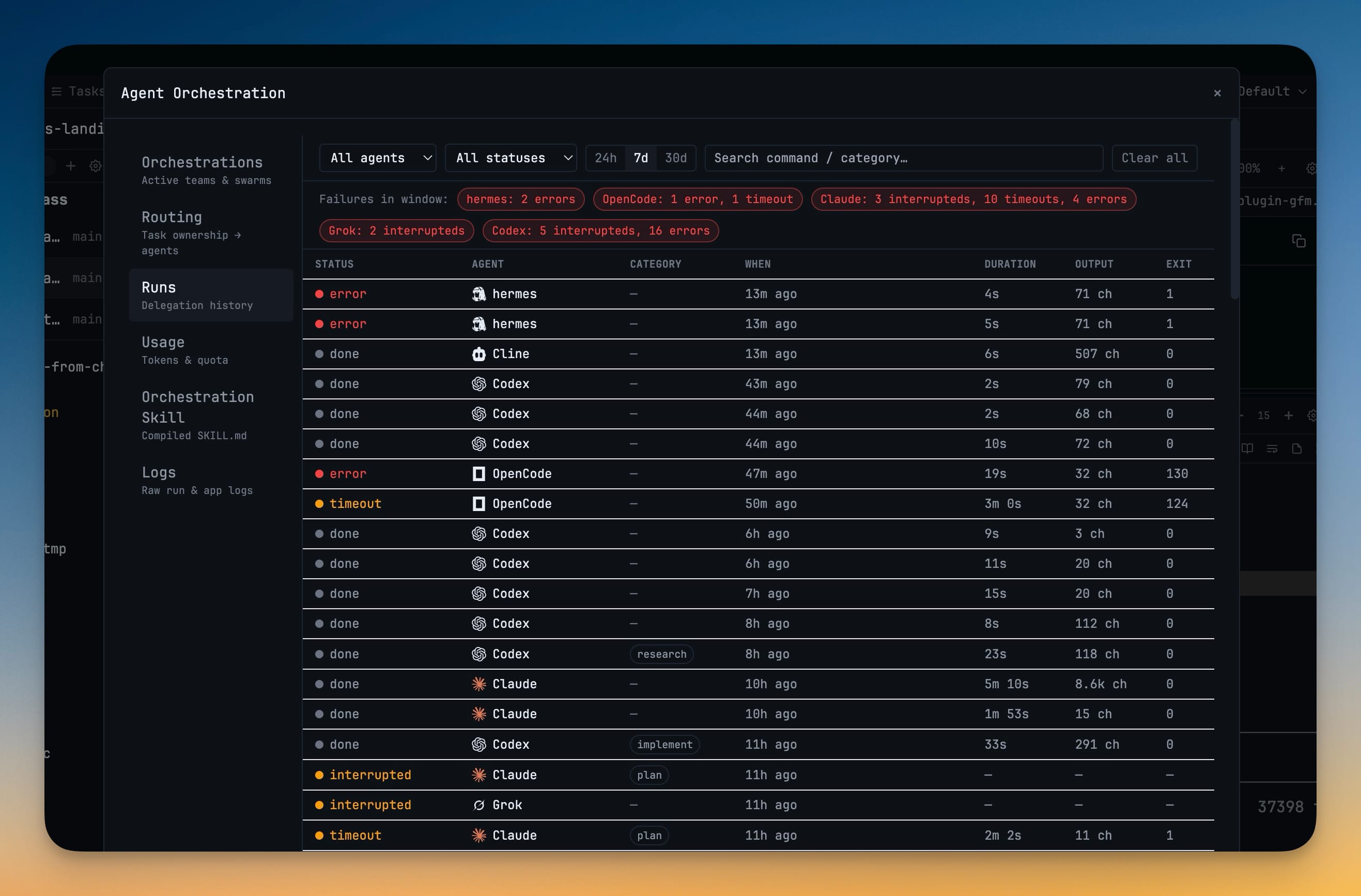
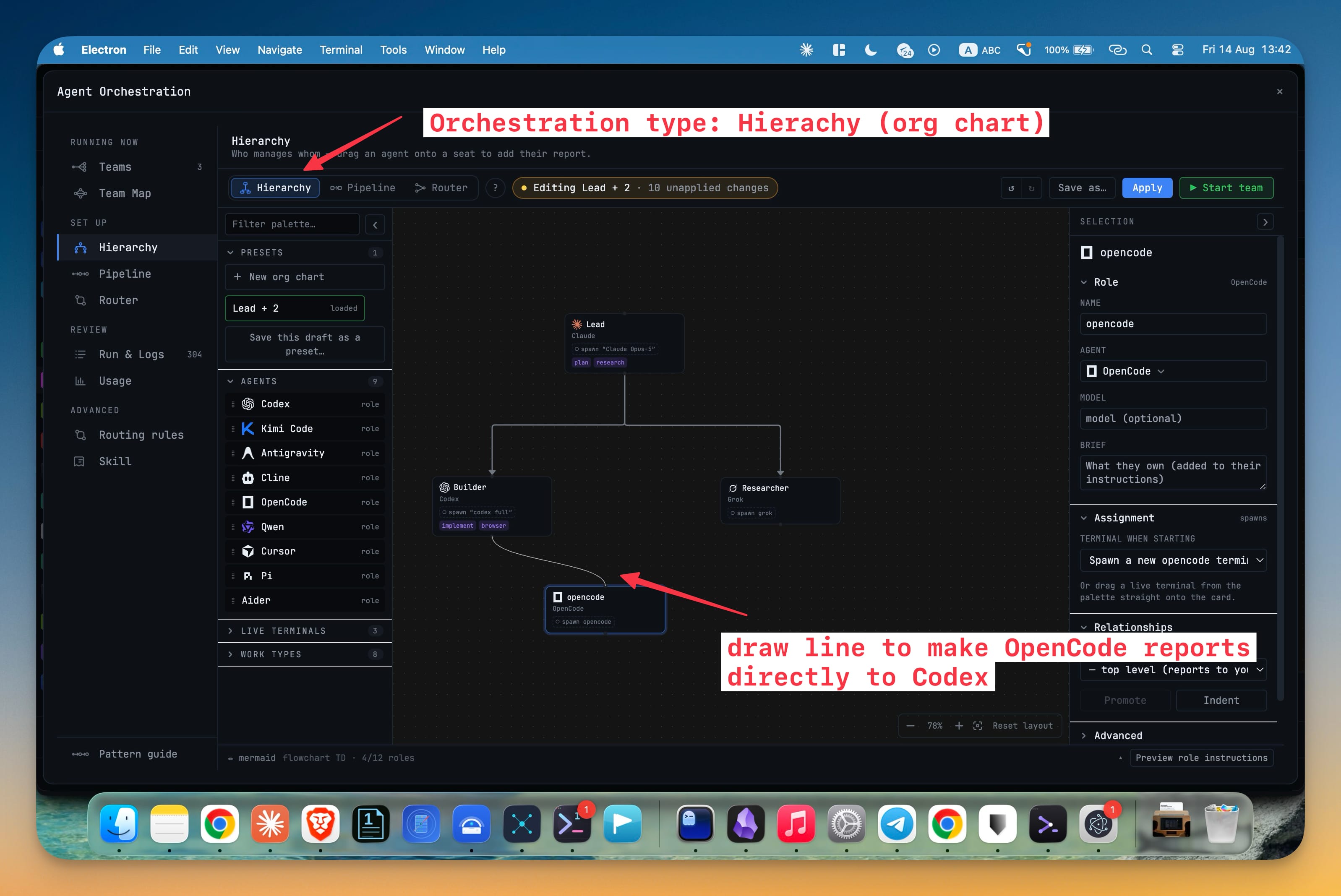
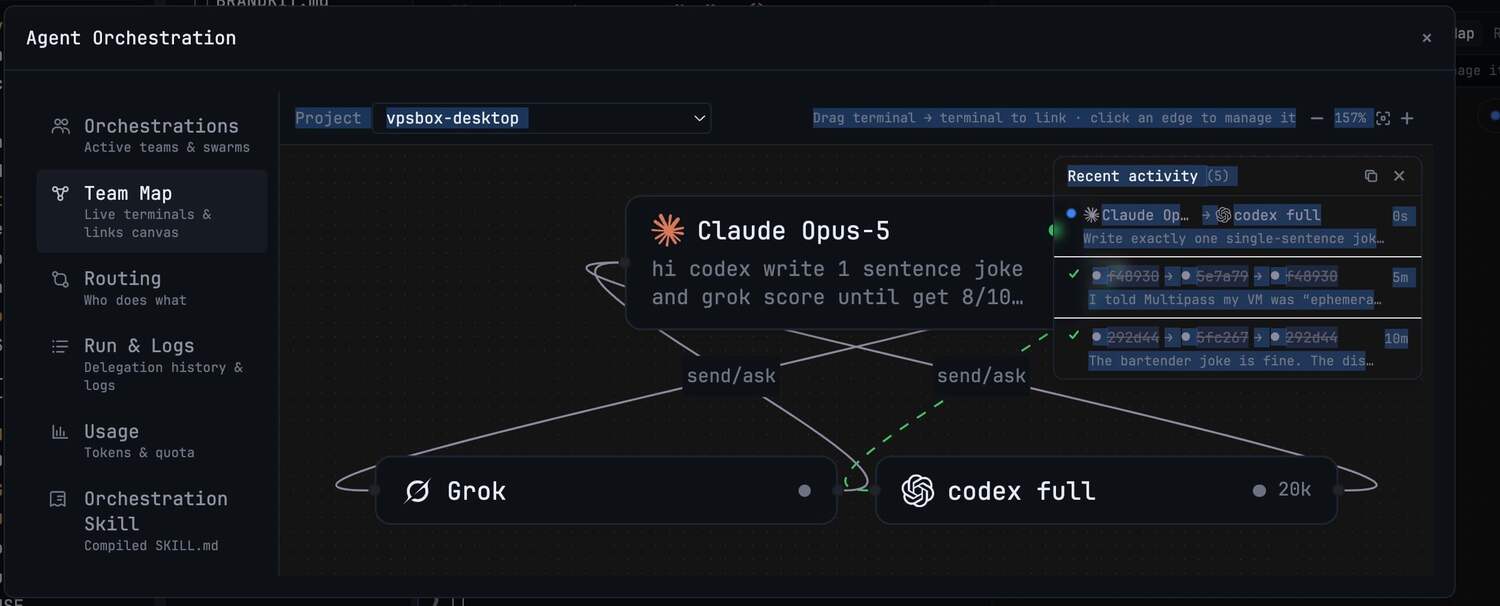
The live map of who is linked to whom, who is working, and who is waiting on you.
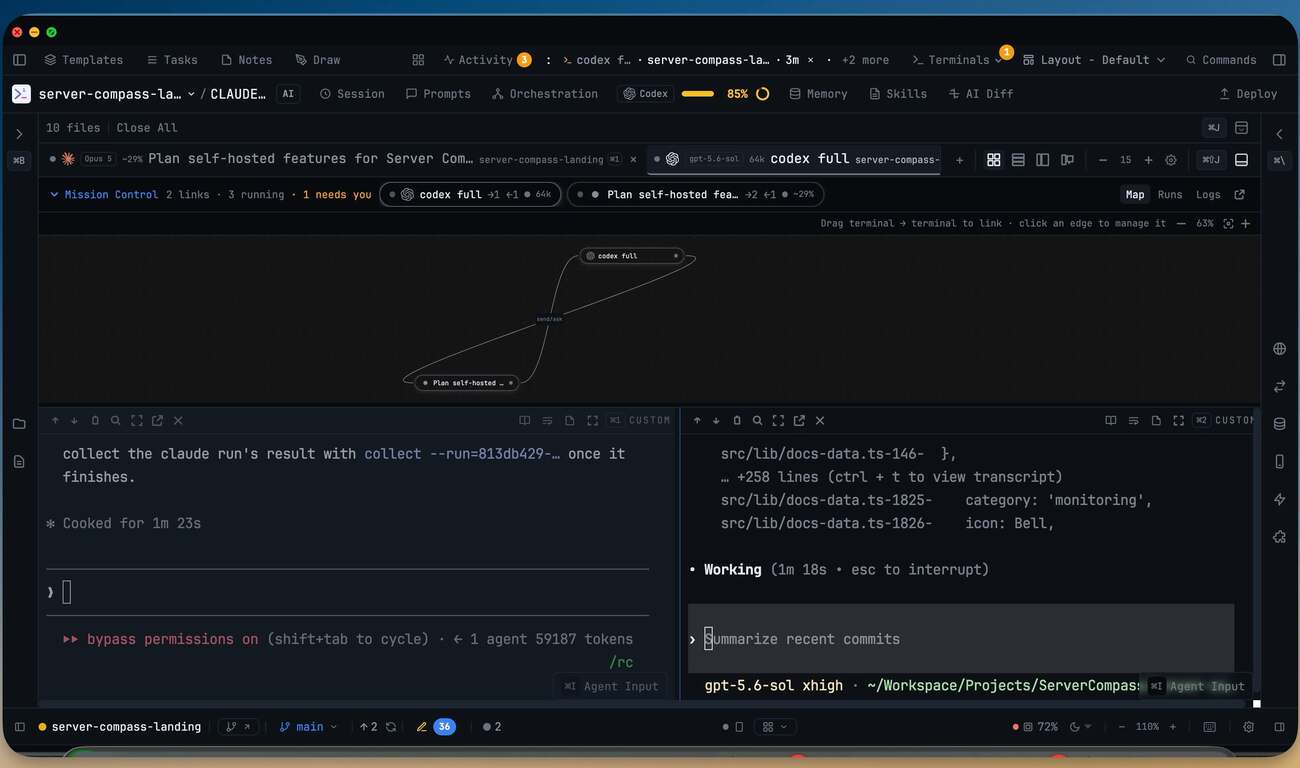
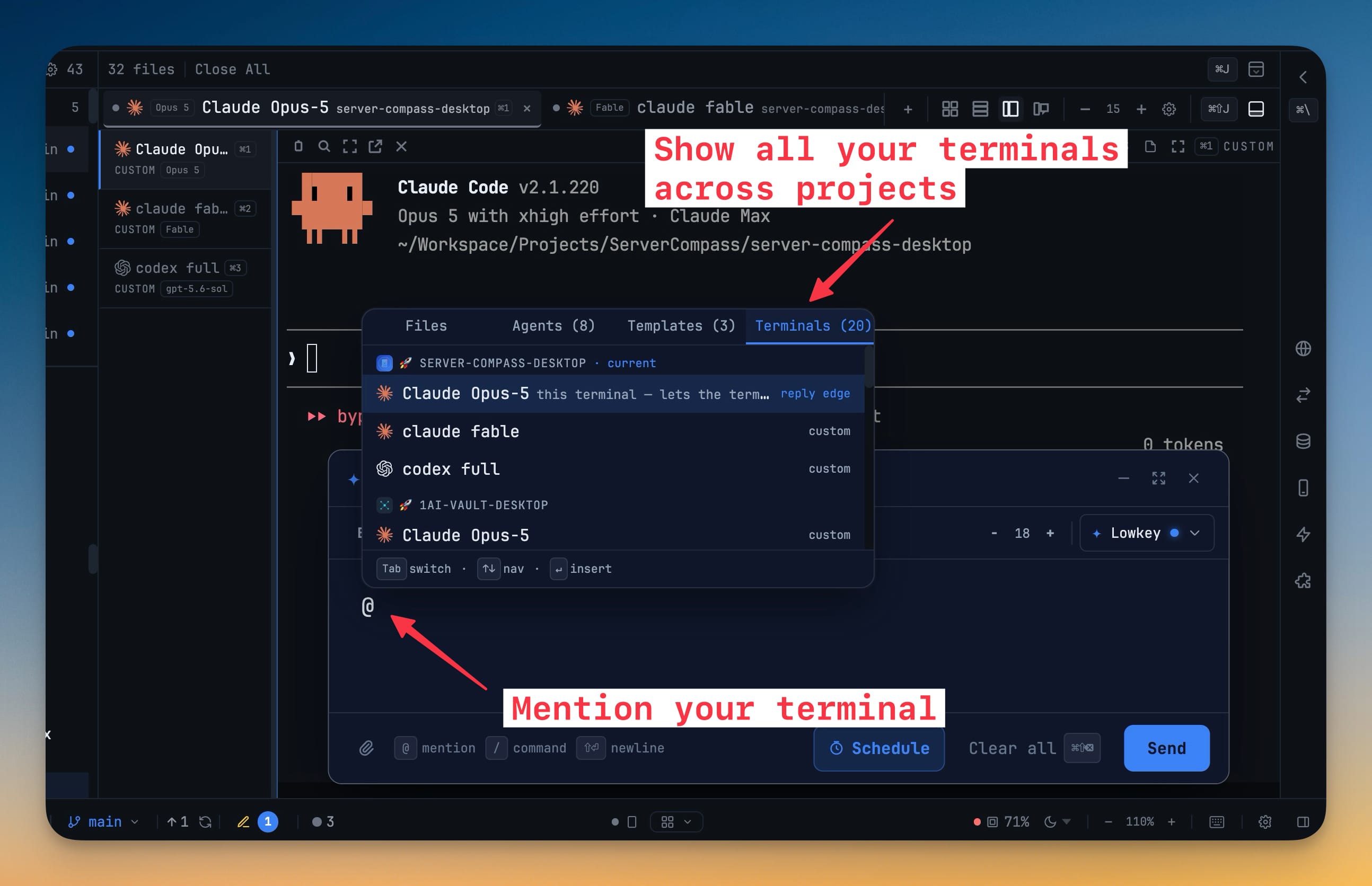
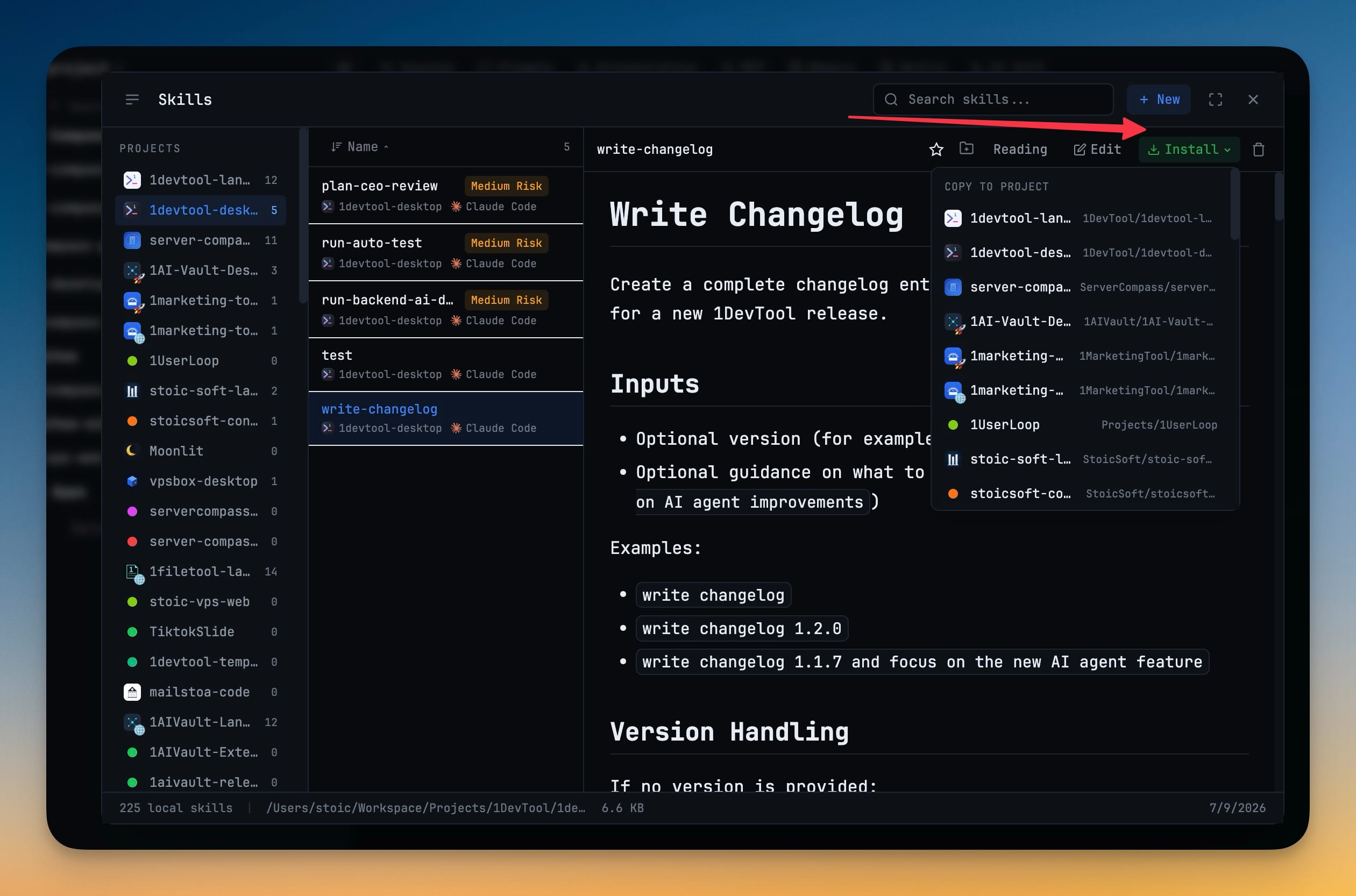
Sessions, prompts, memories, skills, MCP, diffs and tasks — the whole workbench in one row.
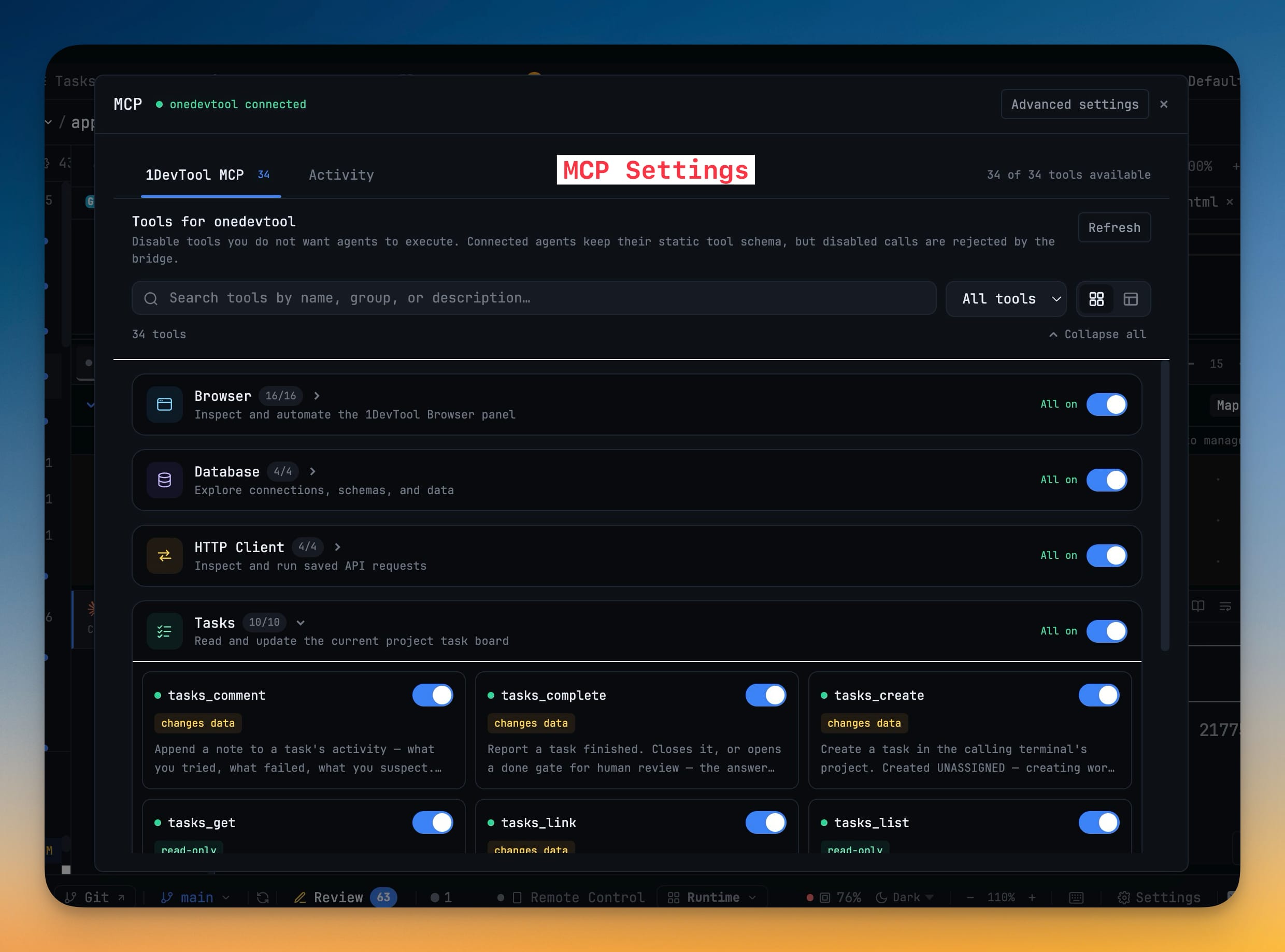
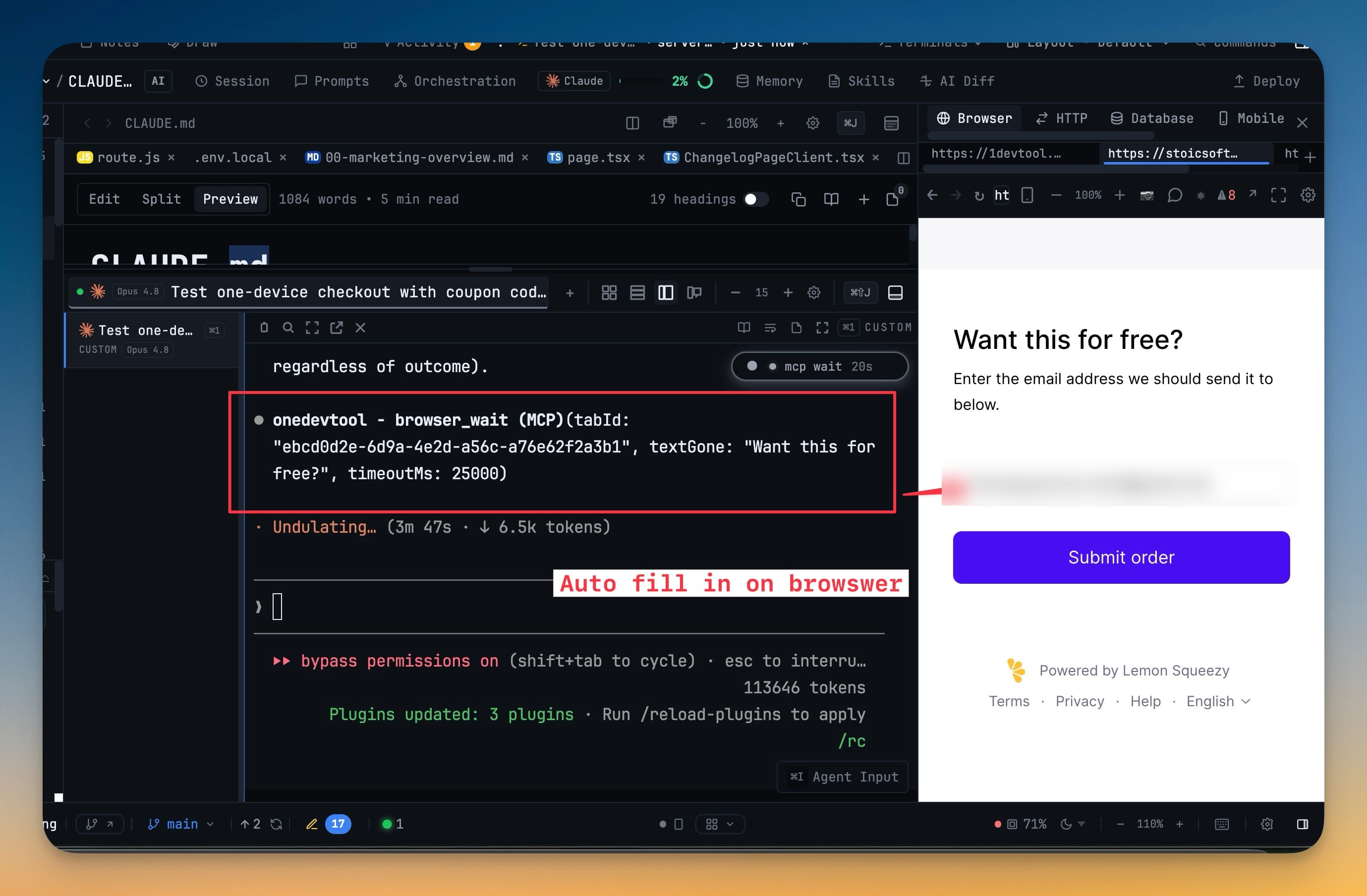
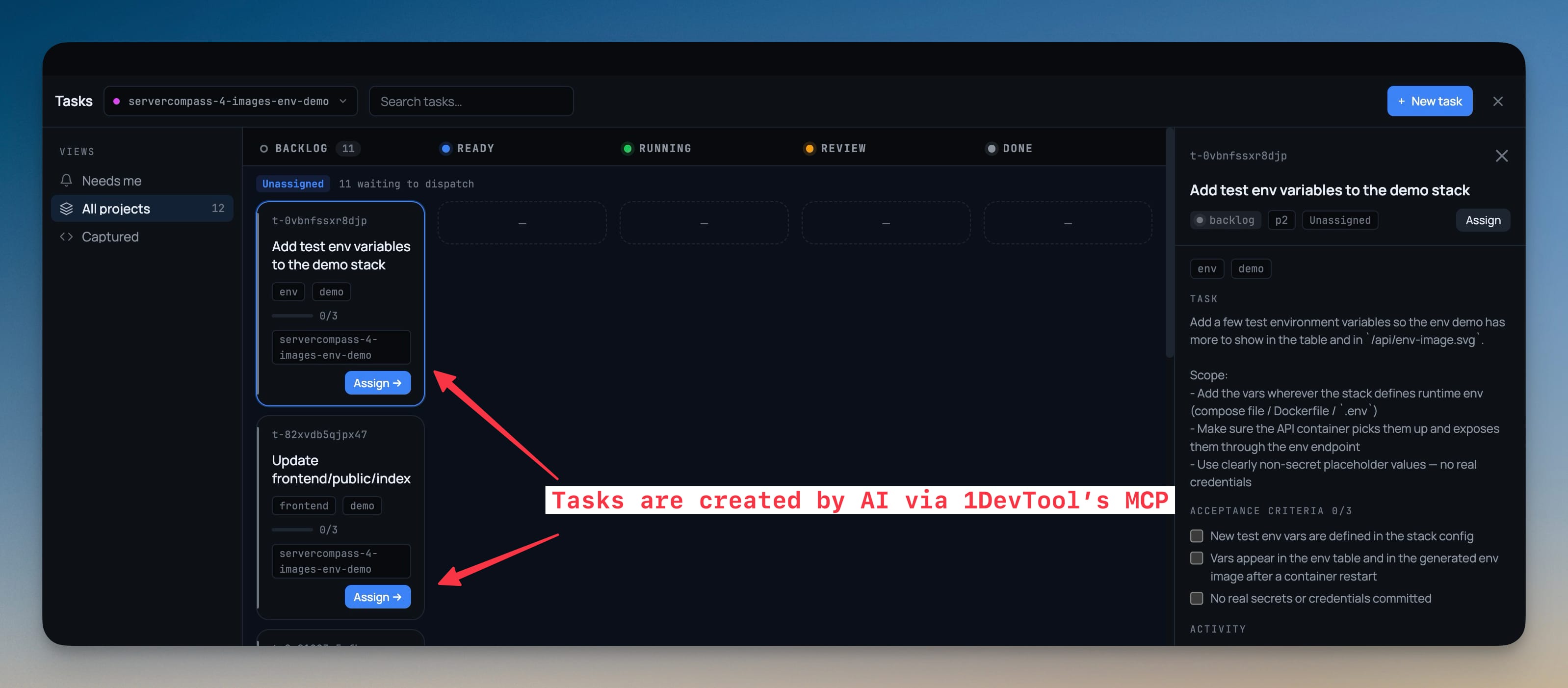
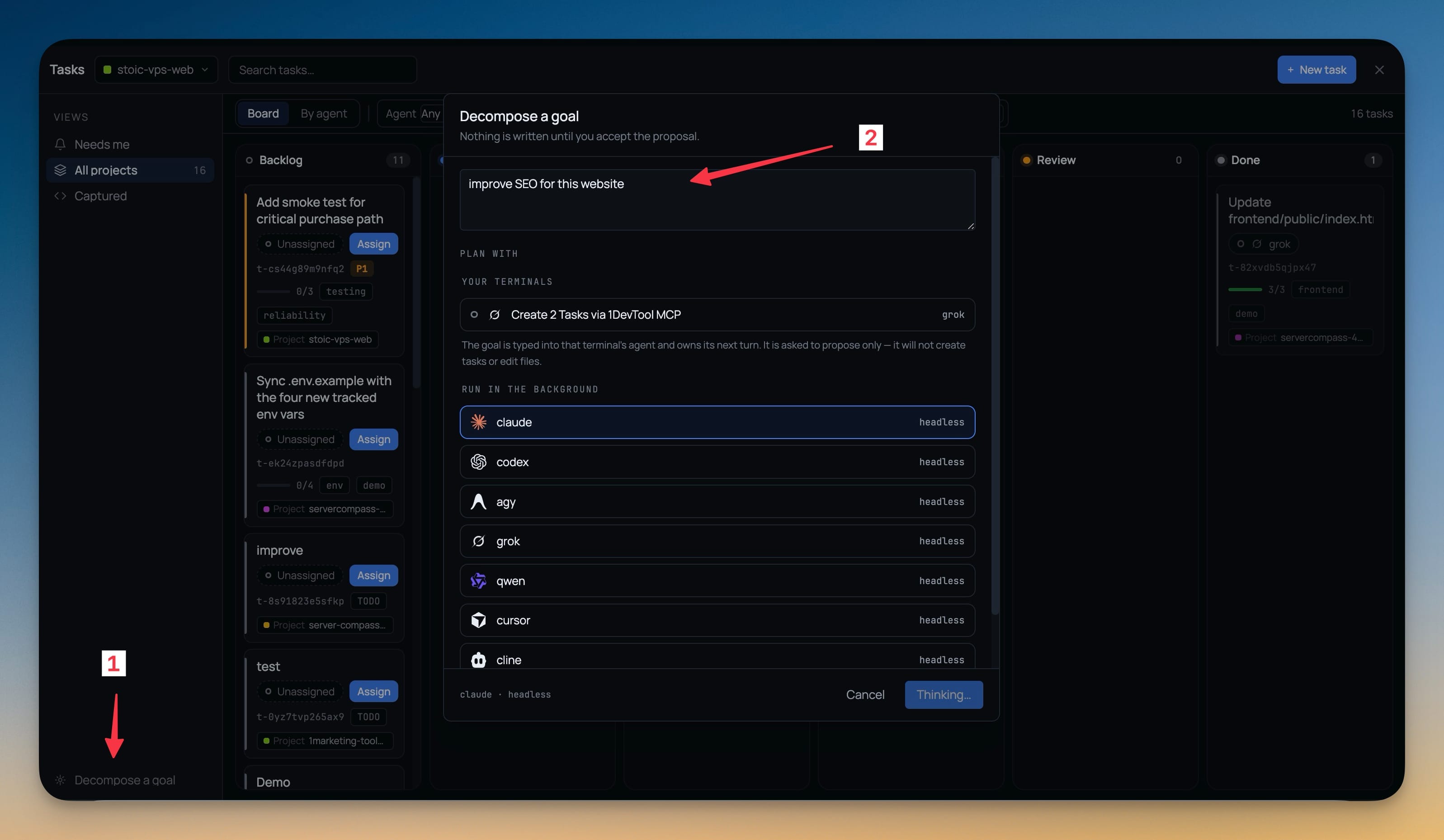
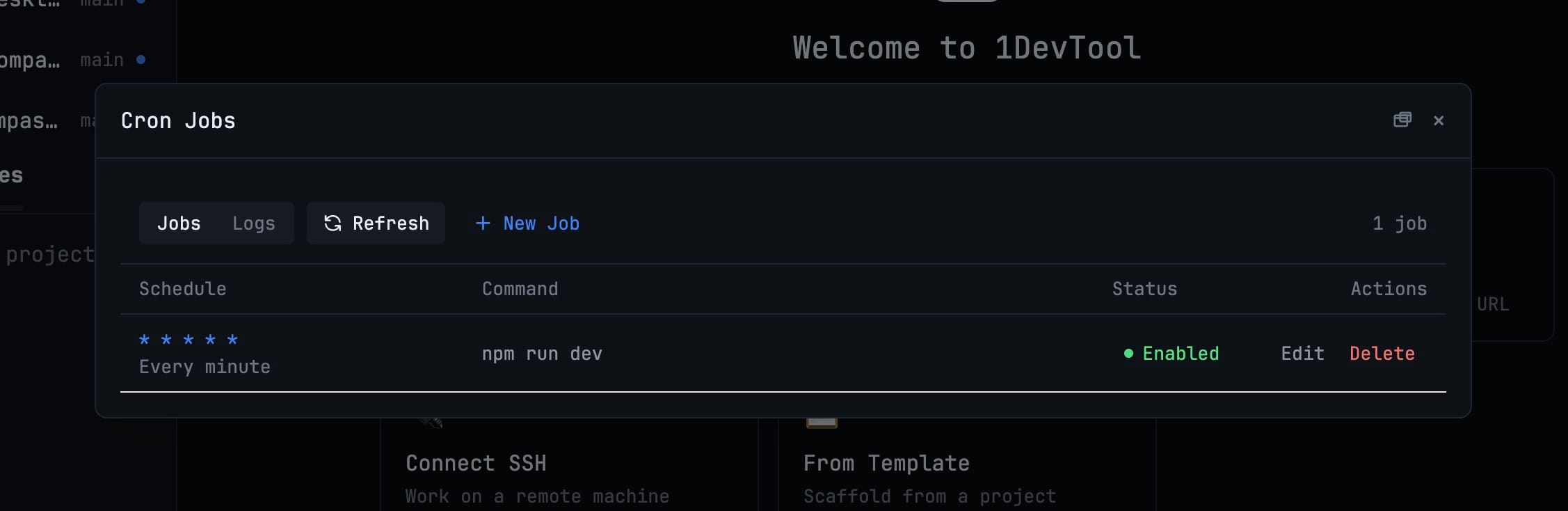
The apps you used to alt-tab to, docked beside the terminal that needs them — and reachable by your agents.
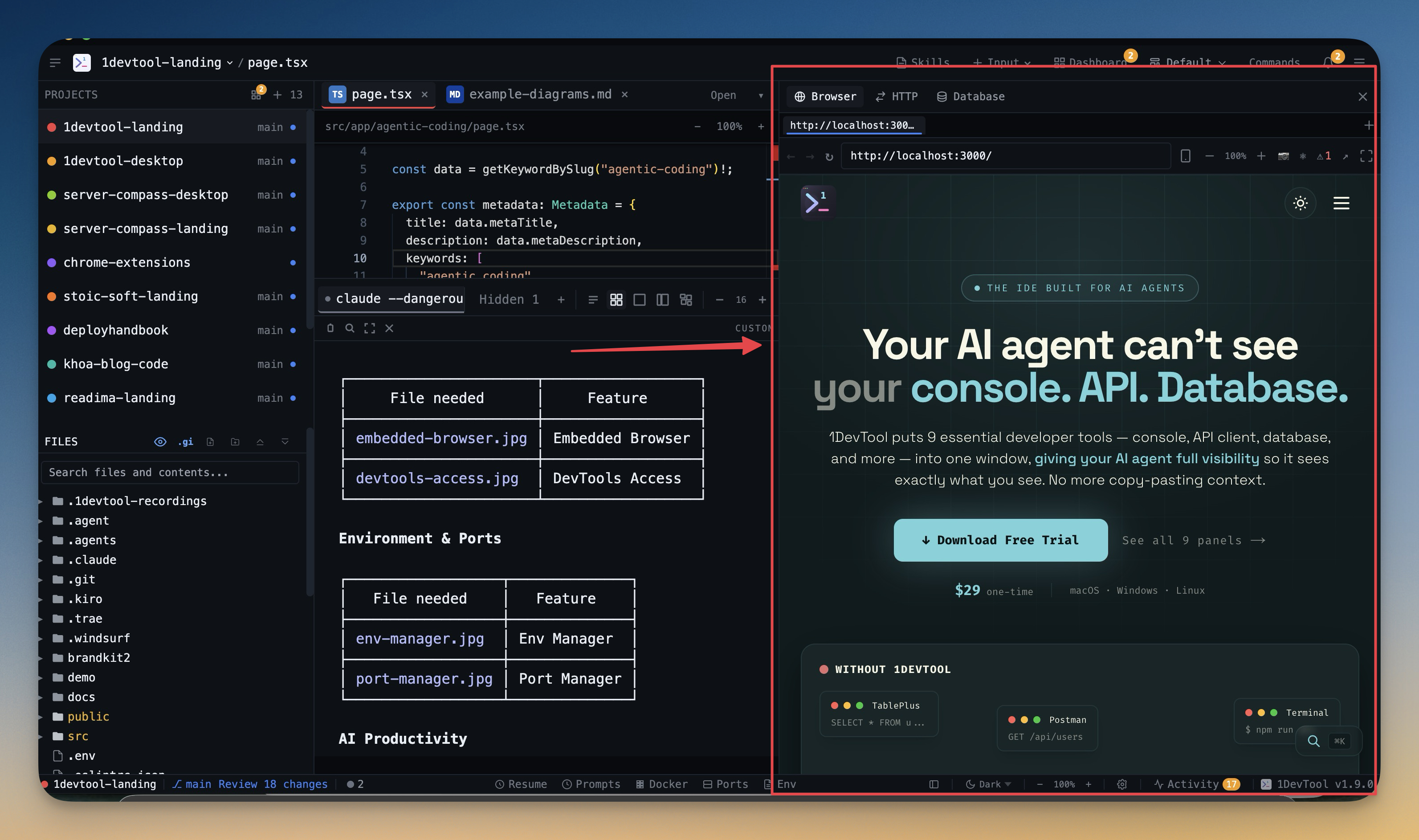
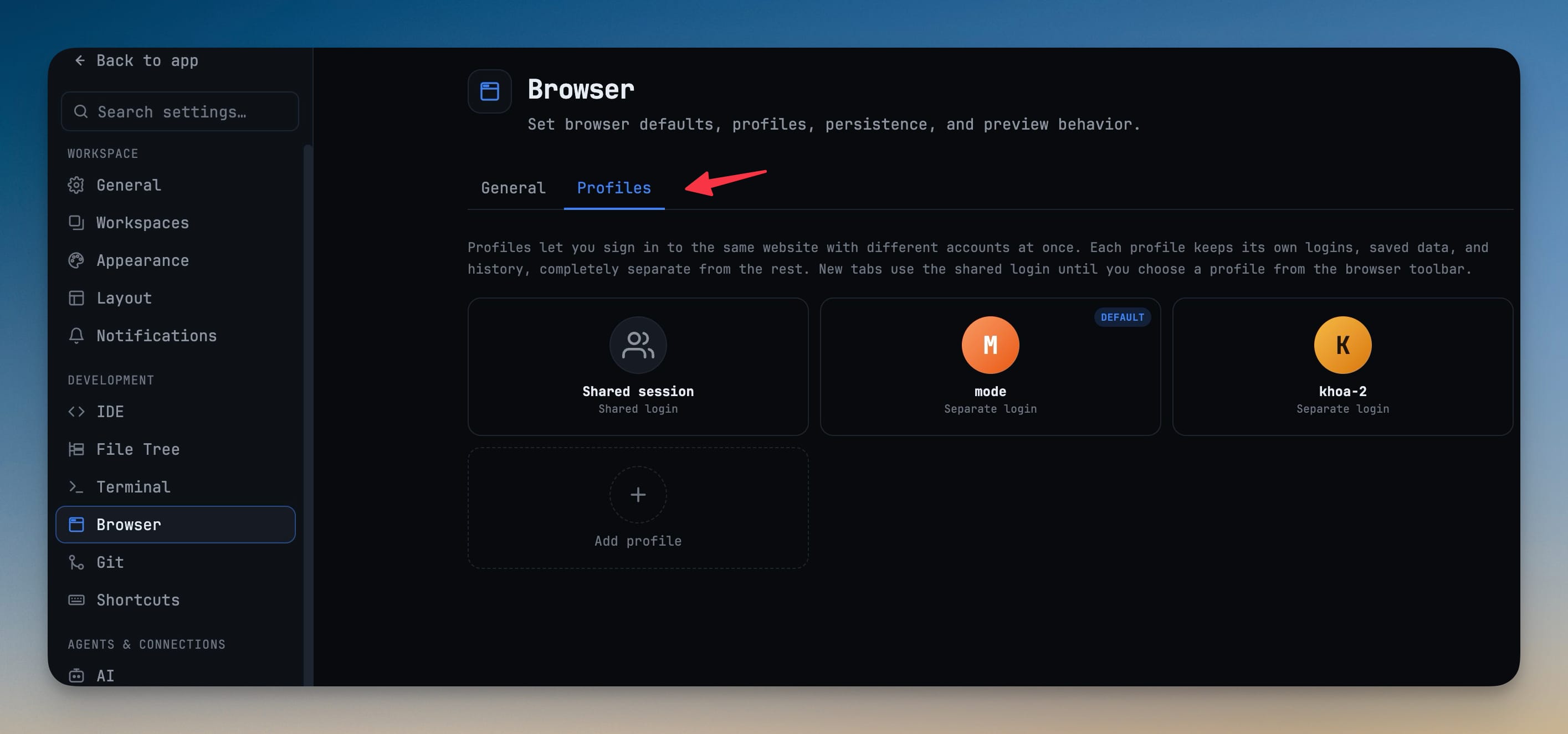
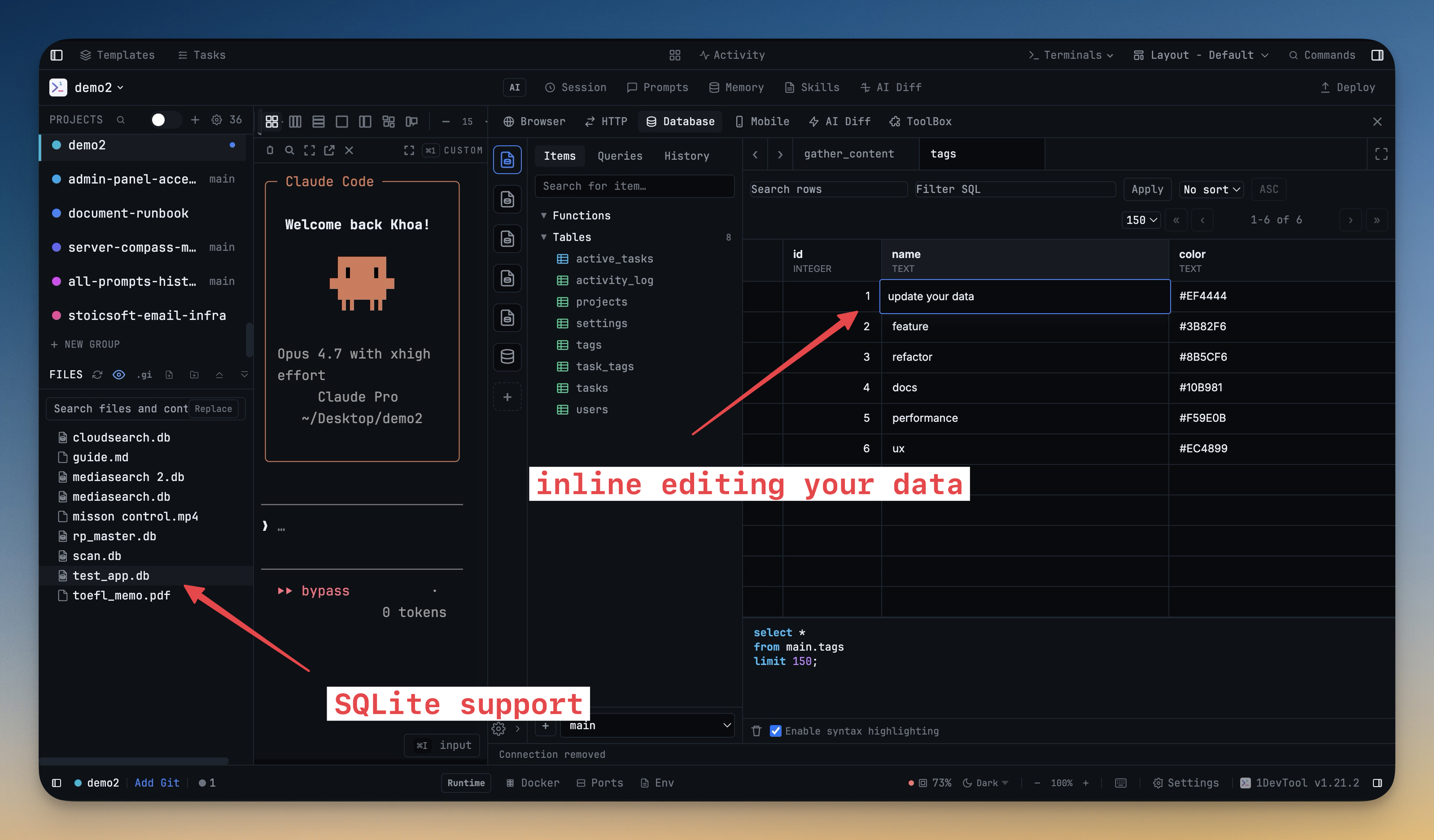
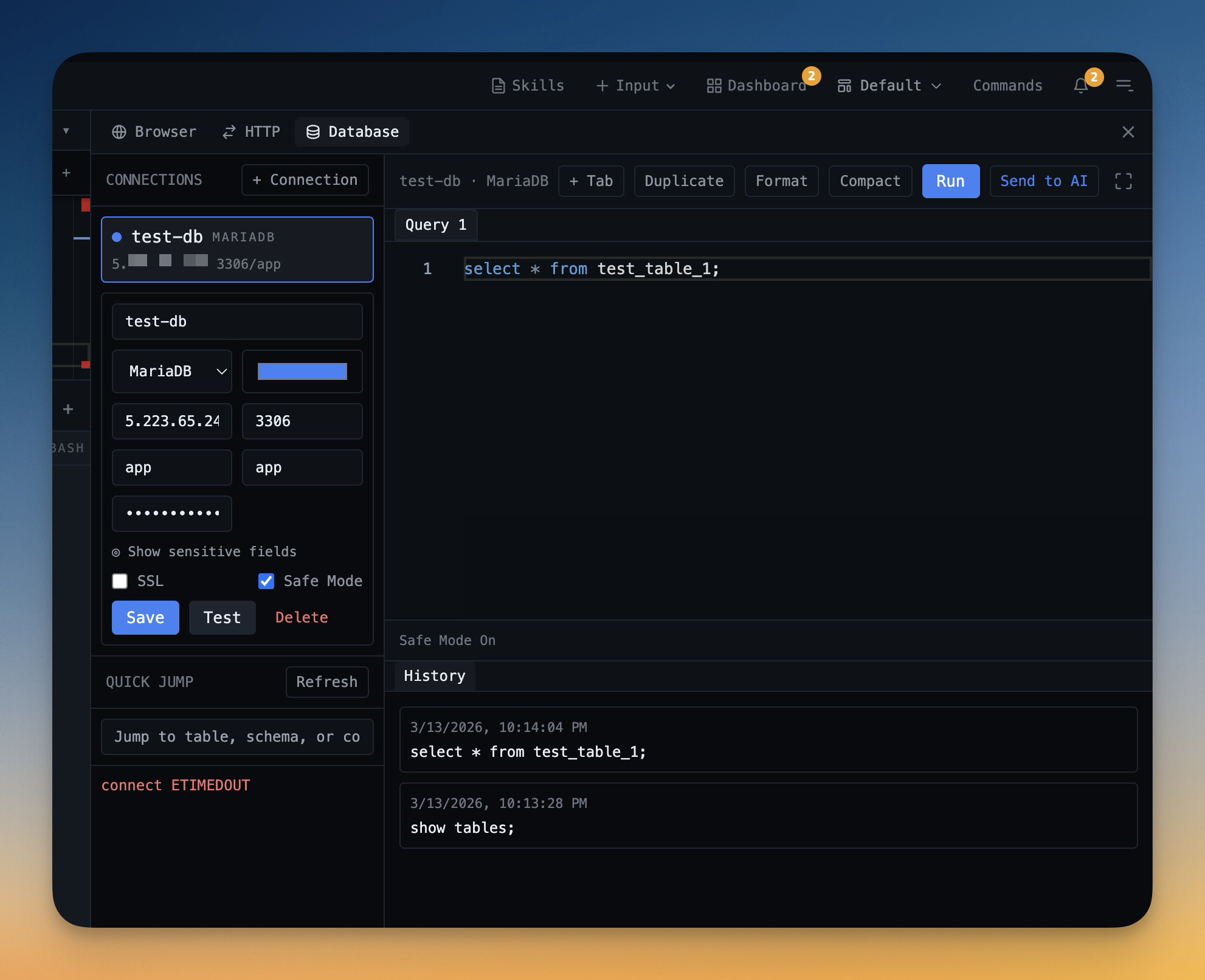
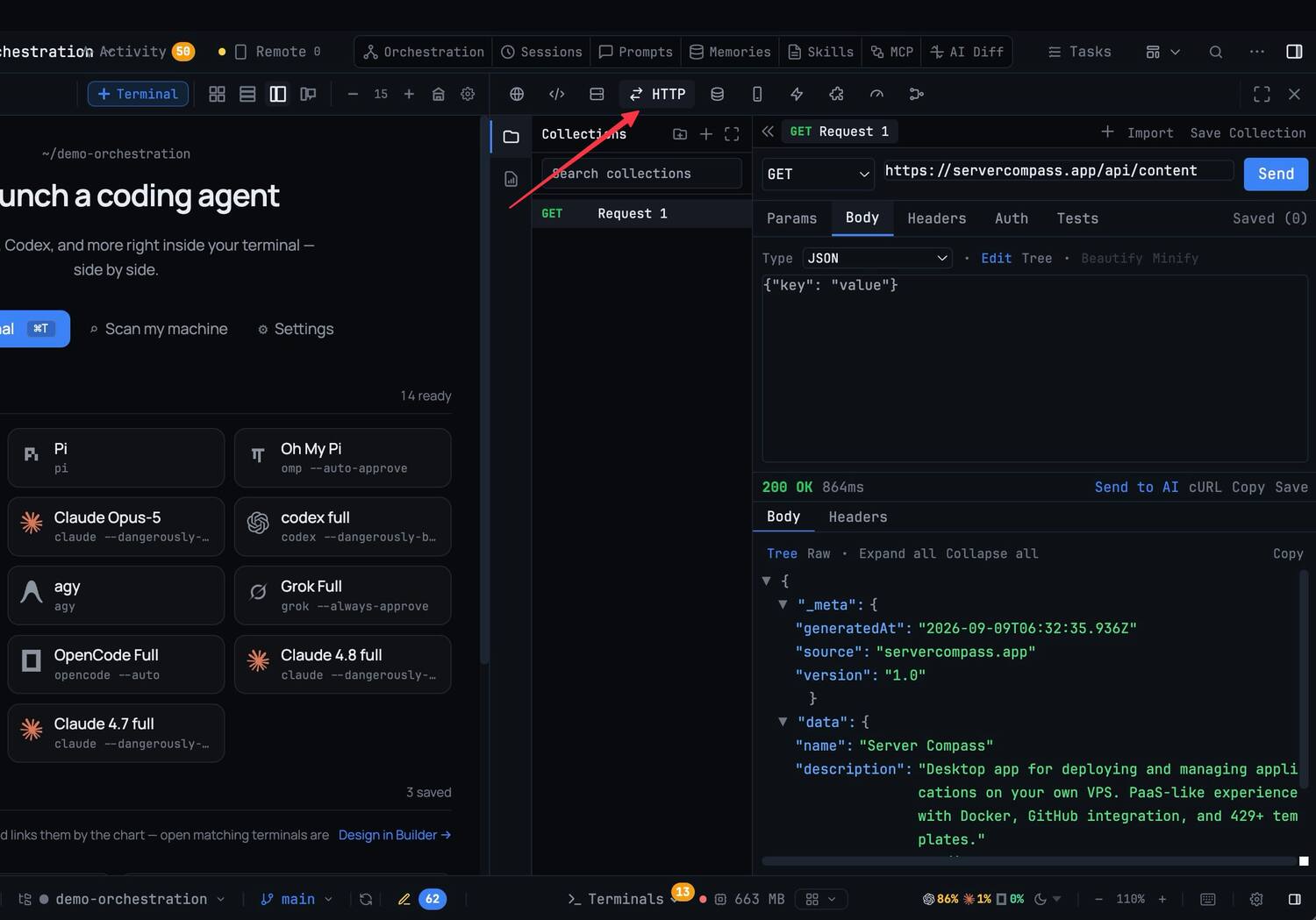
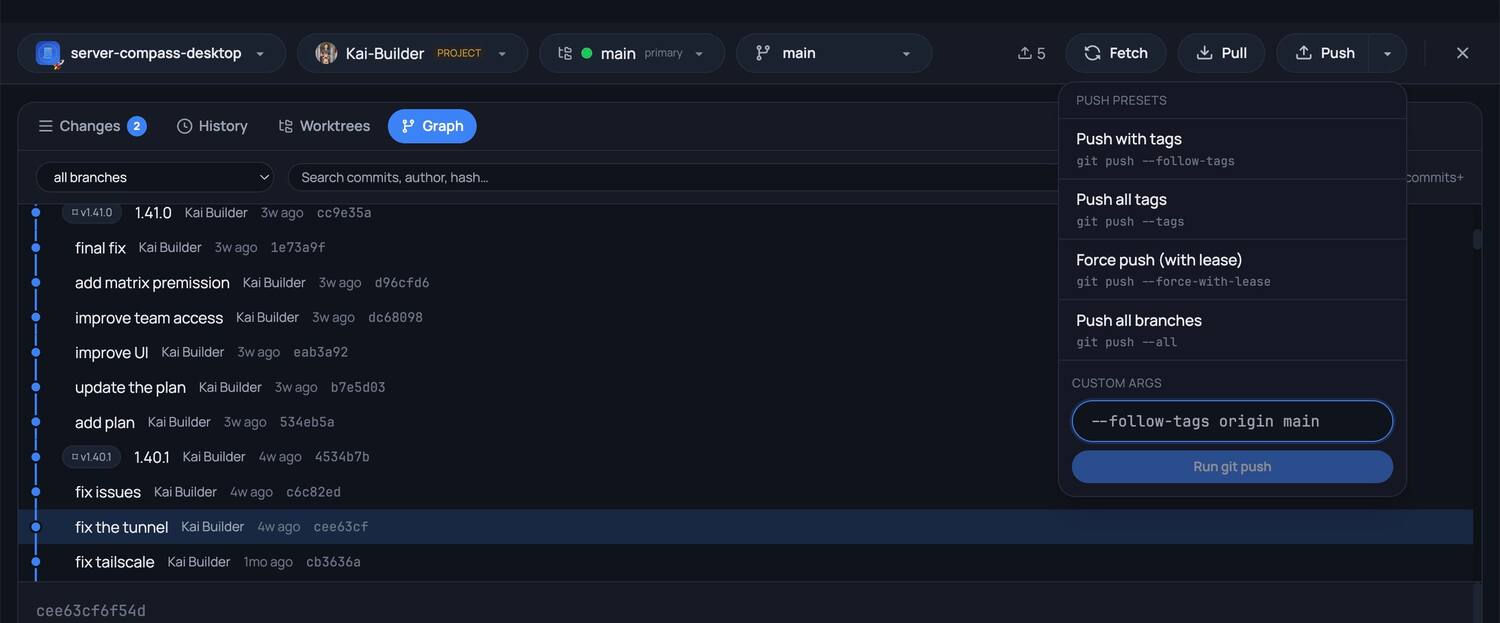
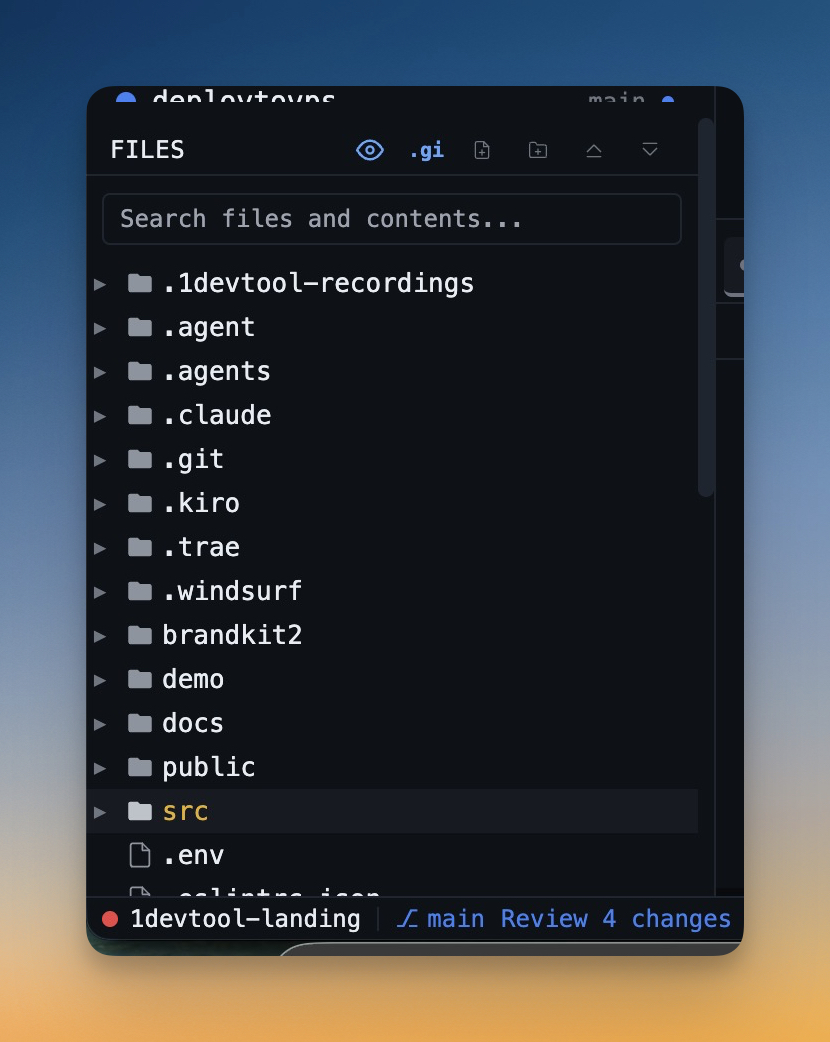
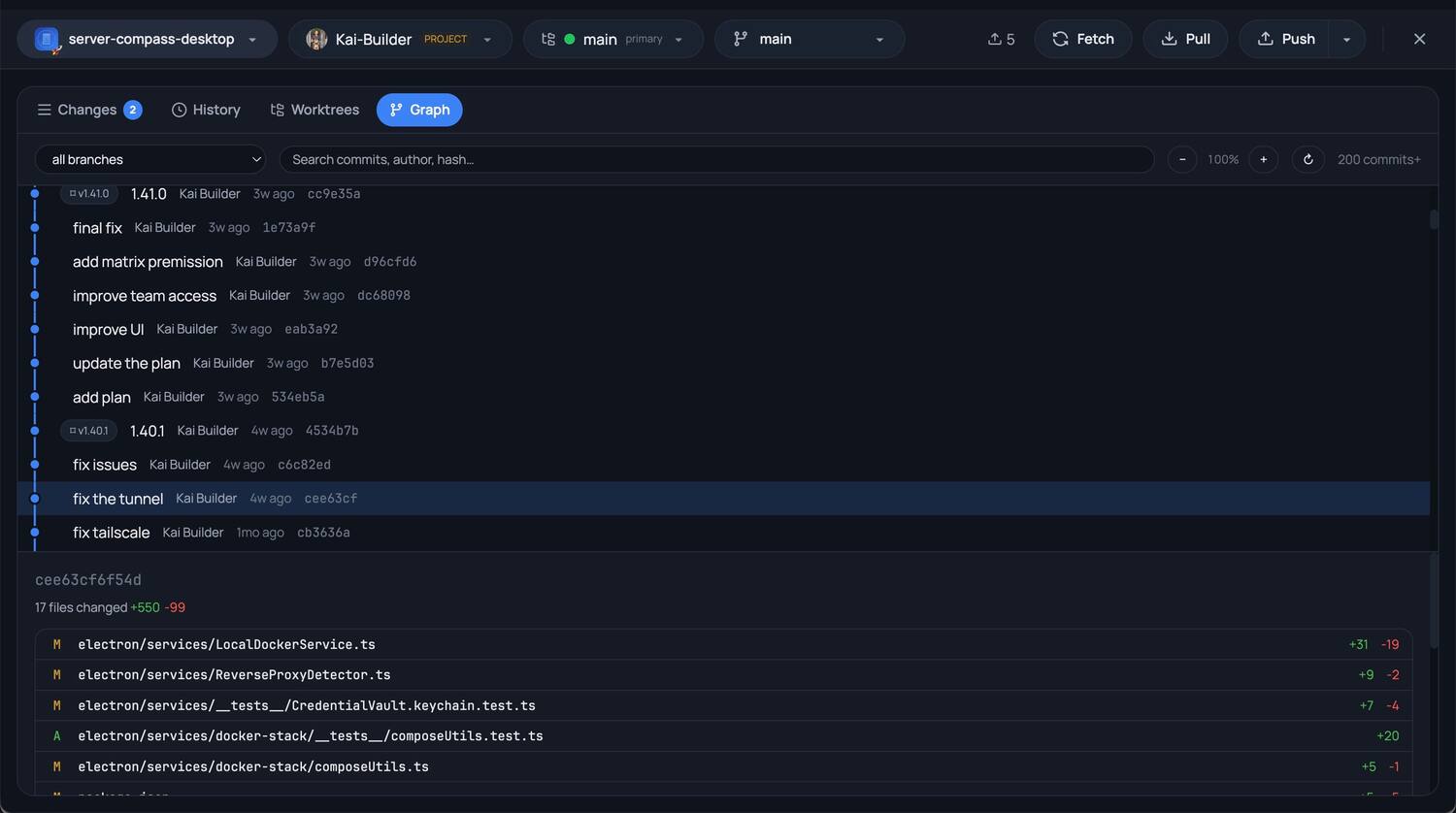
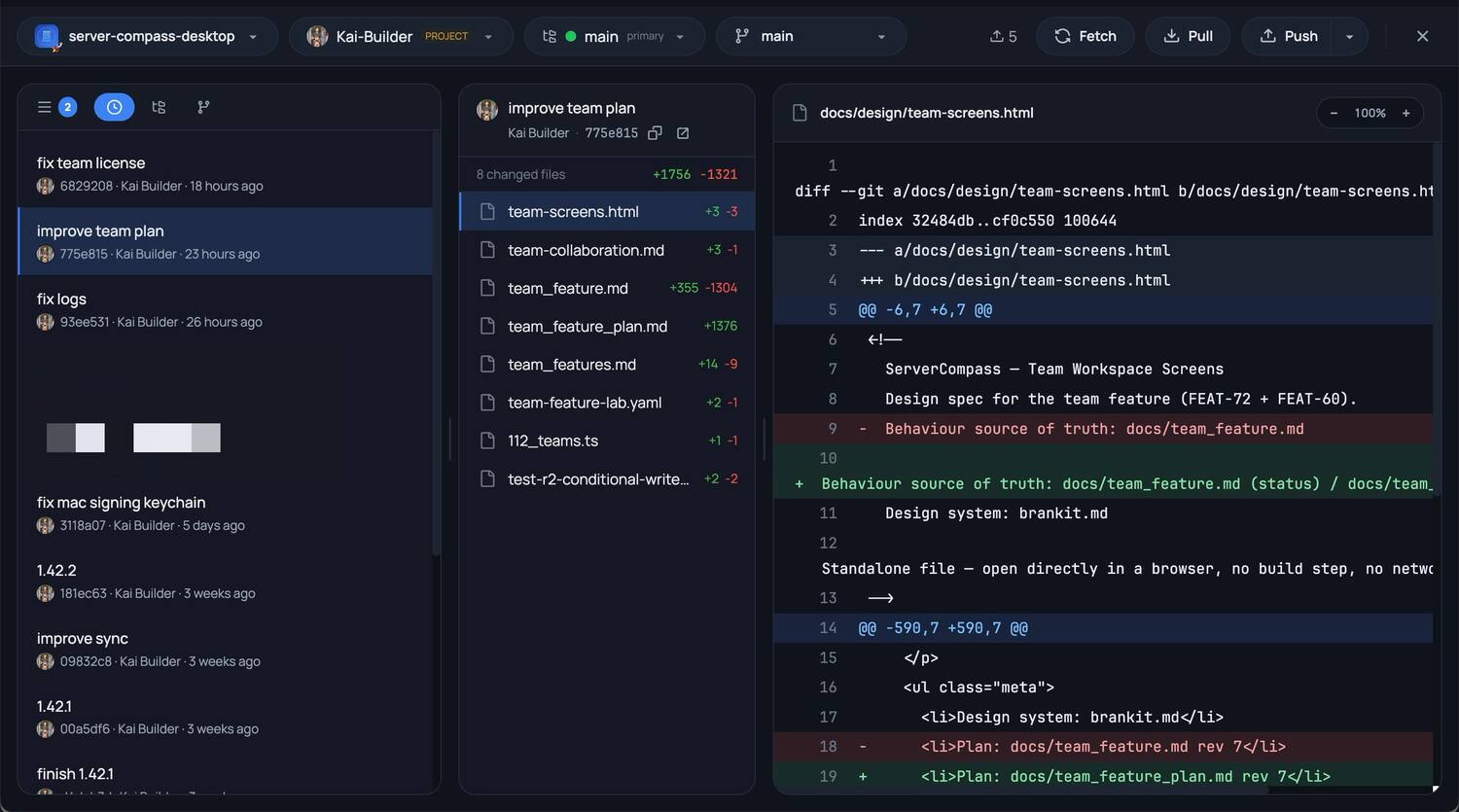
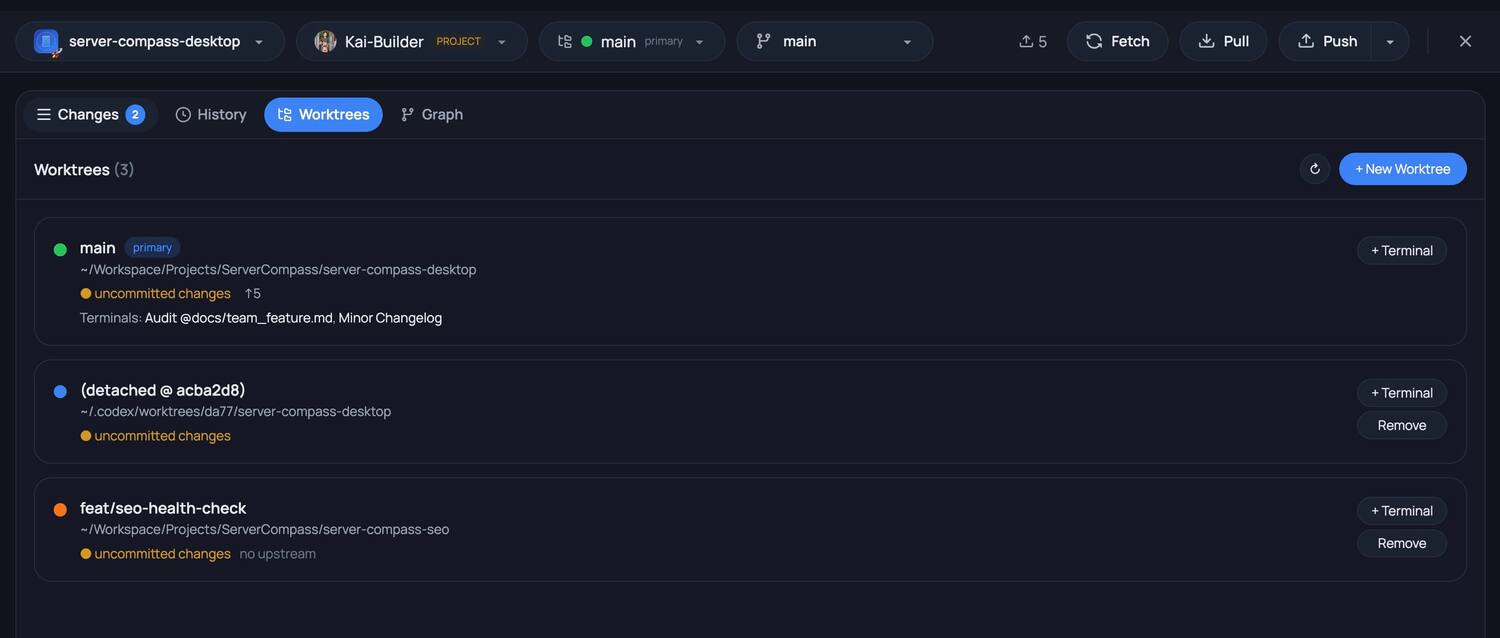
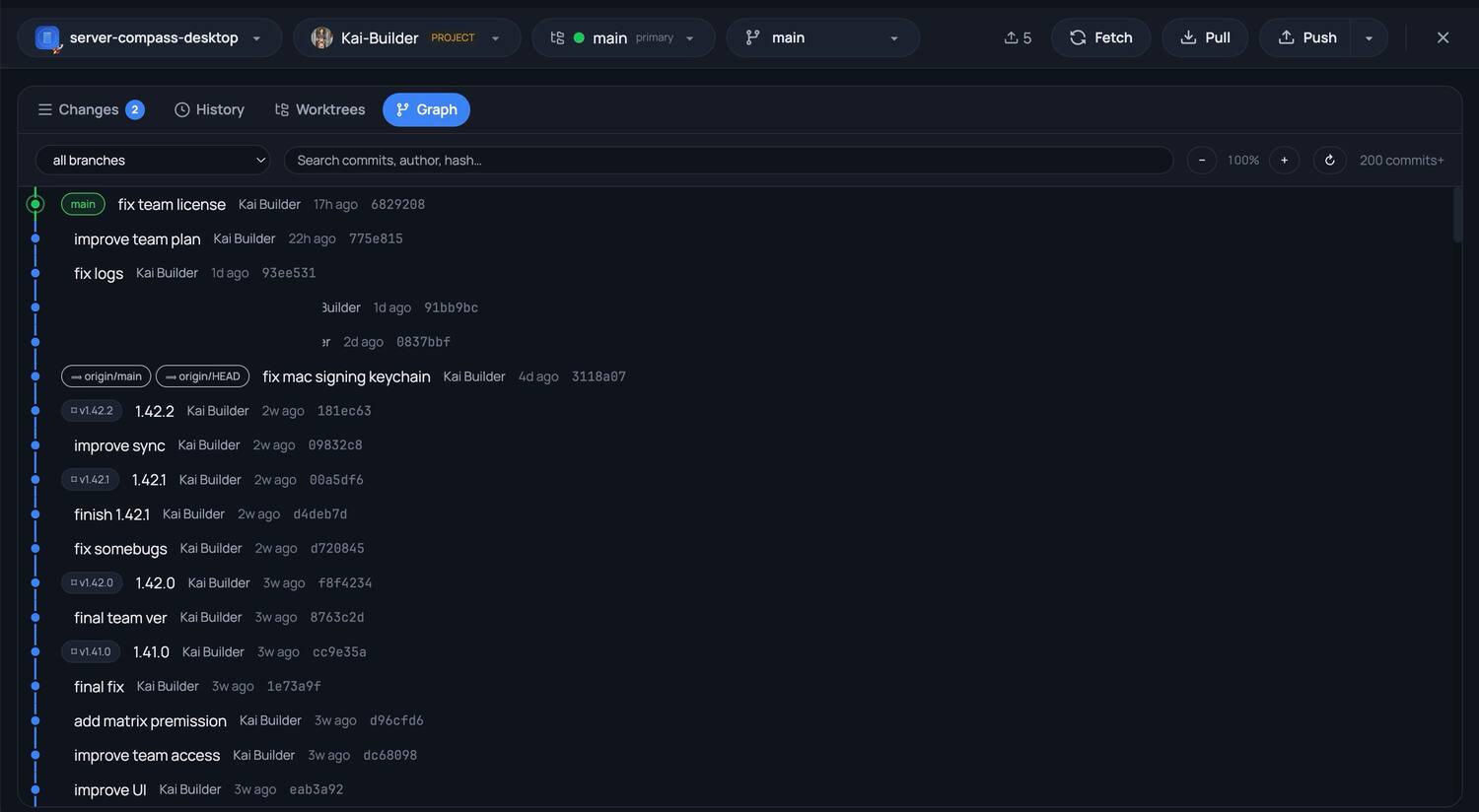
Branch and worktree in the status bar; the full client one keystroke away.
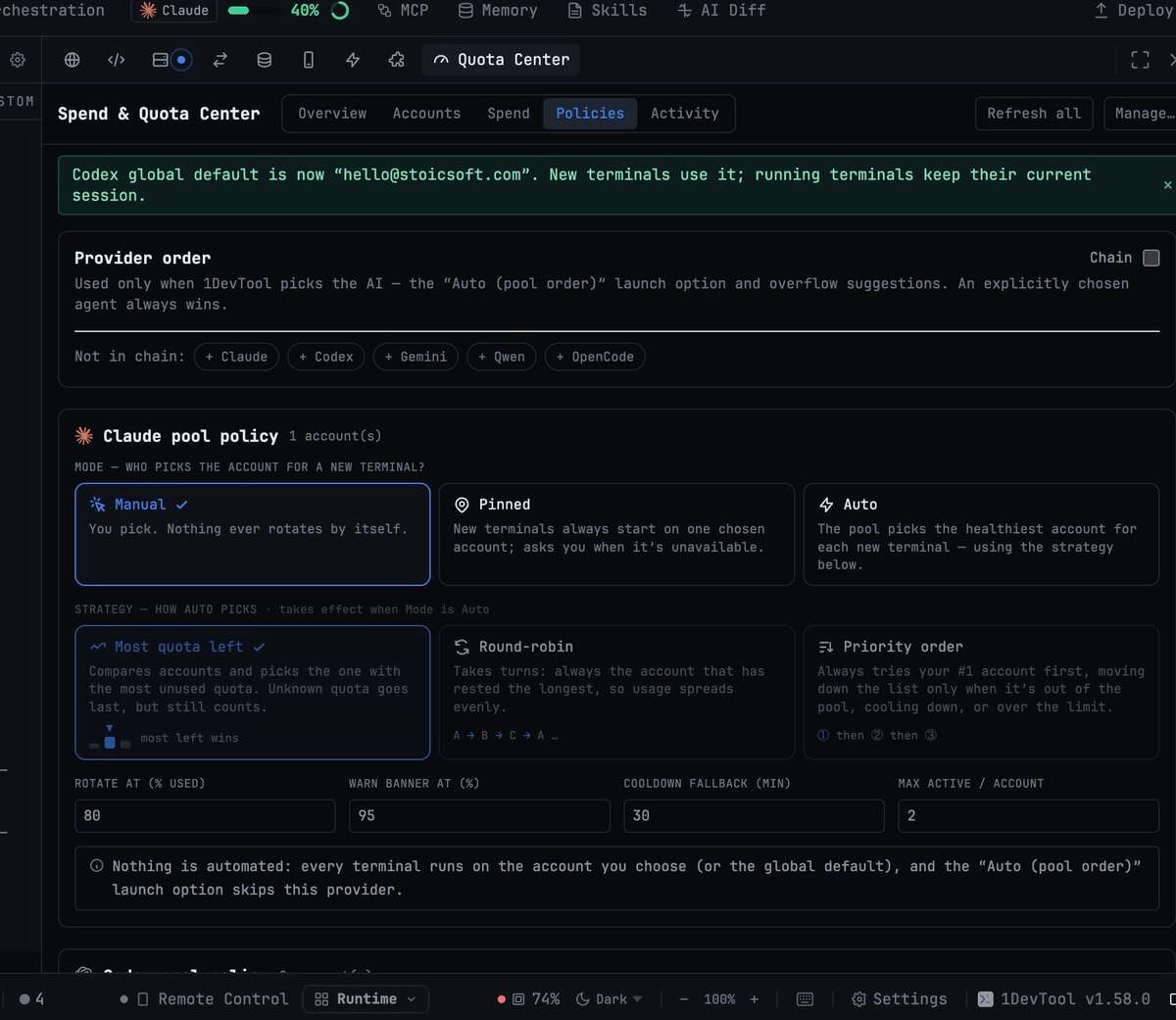
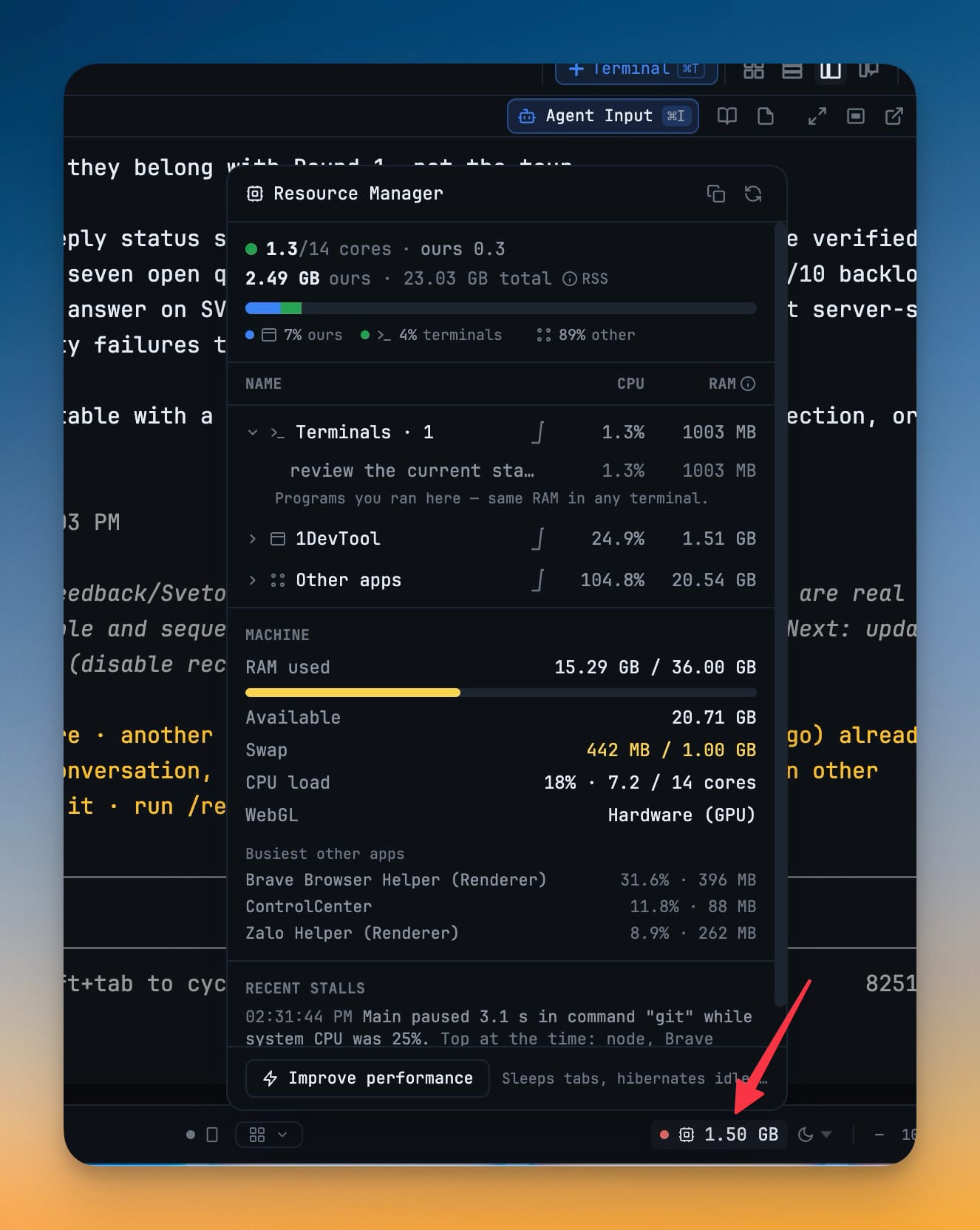
What your agents are costing you — in subscription quota and in machine.
Everyone runs parallel agents in 2026. The difference is what surrounds them: failover, drawn charts, a full workbench, your own subscriptions, and a price that is not a meter.
Feature reading as of August 2026. First-party CLIs run their own vendor's models; Conductor is macOS-only; Warp and Cursor meter usage through credit plans.
tmux, VS Code, Postman, TablePlus, Sublime Text: every tool in your dev stack lives in its own window. 1DevTool fuses them into one workspace with AI built in.
Most devs glue together a stack of single-purpose apps: tmux + iTerm for terminals, VS Code or Sublime Text for editing, Postman for HTTP, TablePlus for databases. 1DevTool combines all five into one workspace, with parallel AI CLIs, rich prompts, and cross-tool context built in, for a one-time $29. No subscriptions, no per-tool seats.
Real users, real names, linked to their sites.
"1DevTool has gotten really impressive. The UX redesign feels much more intuitive. I use the app every day, and seeing consistent updates like this gives me real confidence in it."

"Running Claude Code + Codex across 3-4 projects used to mean a desktop of terminal tabs. 1DevTool puts every project (terminals, browser, HTTP client, DB) in one window, and remembers exactly where each agent left off when I close the app. $29 once, replaces my whole AI dev stack. Best price-to-performance in the market."

"As a fullstack software developer, I use AI to assist with coding almost constantly, every single day — choosing to use and pay for 1DevTool has been the perfect choice for my work. I've been using 1DevTool since day one, and I really appreciate the support as well as the guidance on how to use the app. The developer has always strived to improve and update 1DevTool in the best possible way, based on users' needs. I've also just paid for the 1FileTool app to support my work. Thank you so much, 1DevTool."

"I work with multiple AI agents and projects simultaneously every day. 1DevTool is the first workspace that makes this setup actually manageable. Being able to run and monitor many terminals in parallel while keeping each project organized in its own persistent workspace saves me a huge amount of time and mental overhead."

1DevTool never sits between you and your AI: your Claude, OpenAI, and Google subscriptions stay yours, with no credits and no markup. Pay once for the workbench when you need more room.
Secure checkout via Lemon Squeezy · Bring your own AI CLI, we never charge for AI usage
Claude Code, Codex, Gemini CLI, Cursor, Grok, Kimi Code, Antigravity, Hermes, Pi, Amp, OpenCode, Cline, Qwen Code, and Aider, plus bash, zsh, and PowerShell. You can define custom commands too: if it runs in a terminal, it works in 1DevTool.
They all run agents in parallel now; the difference is what surrounds them. 1DevTool runs the first-party CLIs locally on your own subscriptions (no credits, no markup), lets you draw org charts and pipelines for how agents hand work to each other, fails a dead seat over to a backup agent automatically, and bundles the editor, browser, HTTP client, database client, and phone remote in the same window. It runs on macOS, Windows, and Linux for a one-time $29.
Two safety nets. Per seat: any seat on a chart can name up to three backup agents; when the primary's process dies (a crash, an out-of-quota exit), the next backup opens in that seat and receives the conversation so far. Per type of work: fallback chains route unnamed work to the next engine when a run fails, and Active Teams shows the hop that happened. Closing a tab or quitting the app never counts as a failure.
Yes. Pair your phone by scanning a QR code, over your local network or from anywhere via a secure Cloudflare Tunnel (works on LTE). You can watch terminals live, send prompts with @ file mentions and image attachments, approve permission requests, browse and edit files, use the git client, run HTTP requests and database queries, and get push notifications the moment an agent finishes.
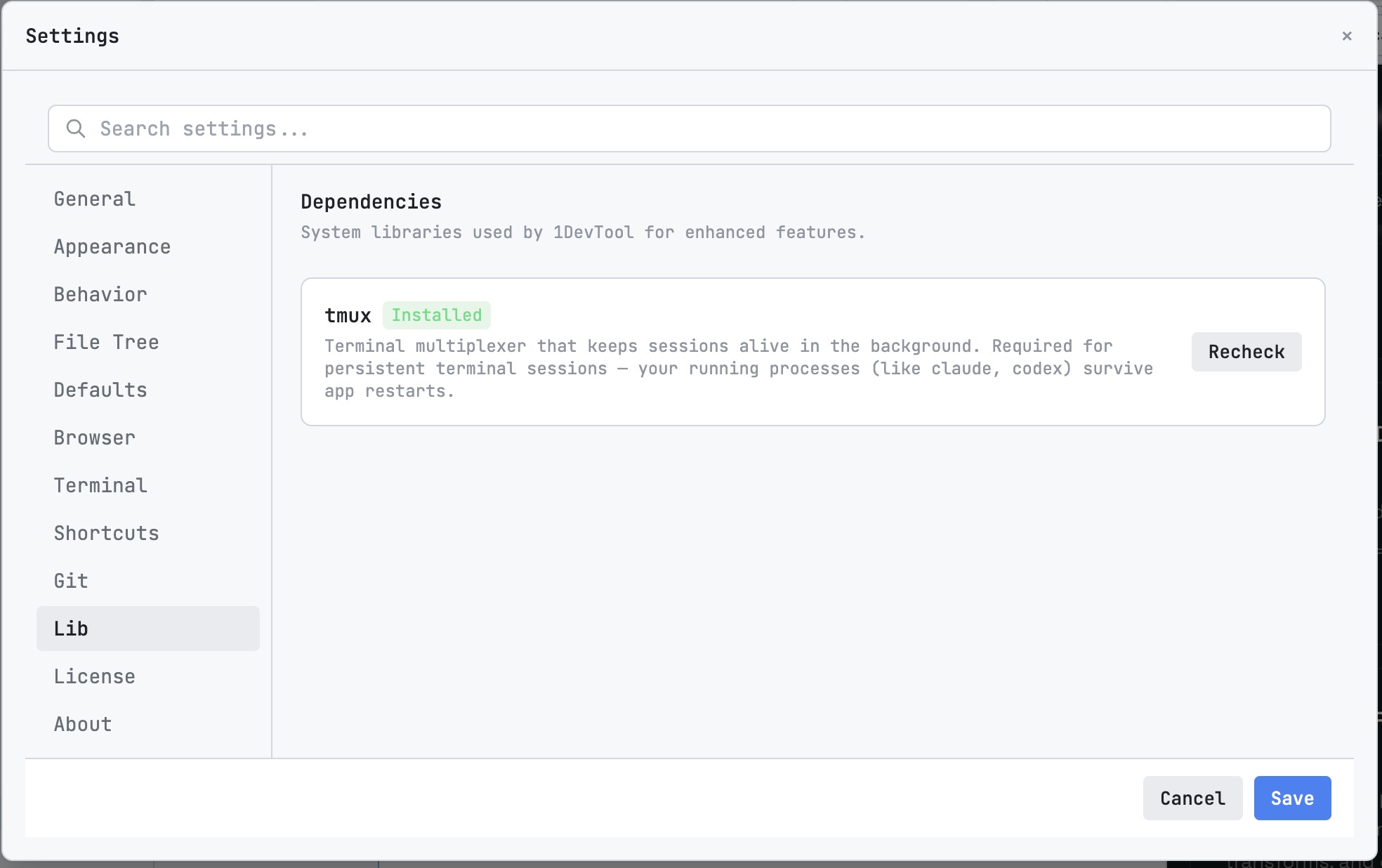
Yes. macOS (Apple Silicon + Intel), Windows 10/11 (NSIS installer + portable exe), and Linux (AppImage + .deb). Full PTY terminal support on all platforms. Tmux-based session persistence is available on macOS and Linux.
No subscription, one-time payment. Your license includes 1 year of free updates. After that, the app keeps working forever, you just won't receive new feature updates unless you renew. Licenses are per-device (1, 3, or 5 devices depending on your plan) and you can deactivate and move them anytime.
If the model has a CLI interface, you can run it as a terminal in 1DevTool. There's no built-in integration with Ollama or LM Studio specifically, but any command-line tool works as a custom agent.
23 database engines across SQL (PostgreSQL, MySQL, MariaDB, SQL Server, SQLite, CockroachDB, ClickHouse, TimescaleDB, Hydra, Neon, Supabase, Amazon Redshift), NoSQL (MongoDB, Elasticsearch, CouchDB, Cassandra), cache (Redis, Valkey, KeyDB), vector/multi-model (SurrealDB, Weaviate), and specialized (InfluxDB, Apache Kafka). Each has schema browsing, query execution, and export support.
Pipelines let you chain AI agents together across multiple terminals. You can set up conditional branching (regex match, contains), delay and checkpoint nodes for human approval, output capture modes (full, regex, last N lines), and transform operations between steps. Great for multi-step workflows like Plan → Review → Revise with different AI agents at each stage.
Yes, a permanent free tier with no time limit. You get unlimited prompts to AI terminals, Agent @mention orchestration, 1 project, 4 terminals, 1 browser tab, 1 git worktree, 1 database connection, 5 saved HTTP requests, 5 AI diffs per day, and 7-day prompt history, resume & memory. All platforms supported. No credit card required.
7-day money-back guarantee, no questions asked. Processed through Lemon Squeezy. If 1DevTool isn't right for you, contact us for a full refund.
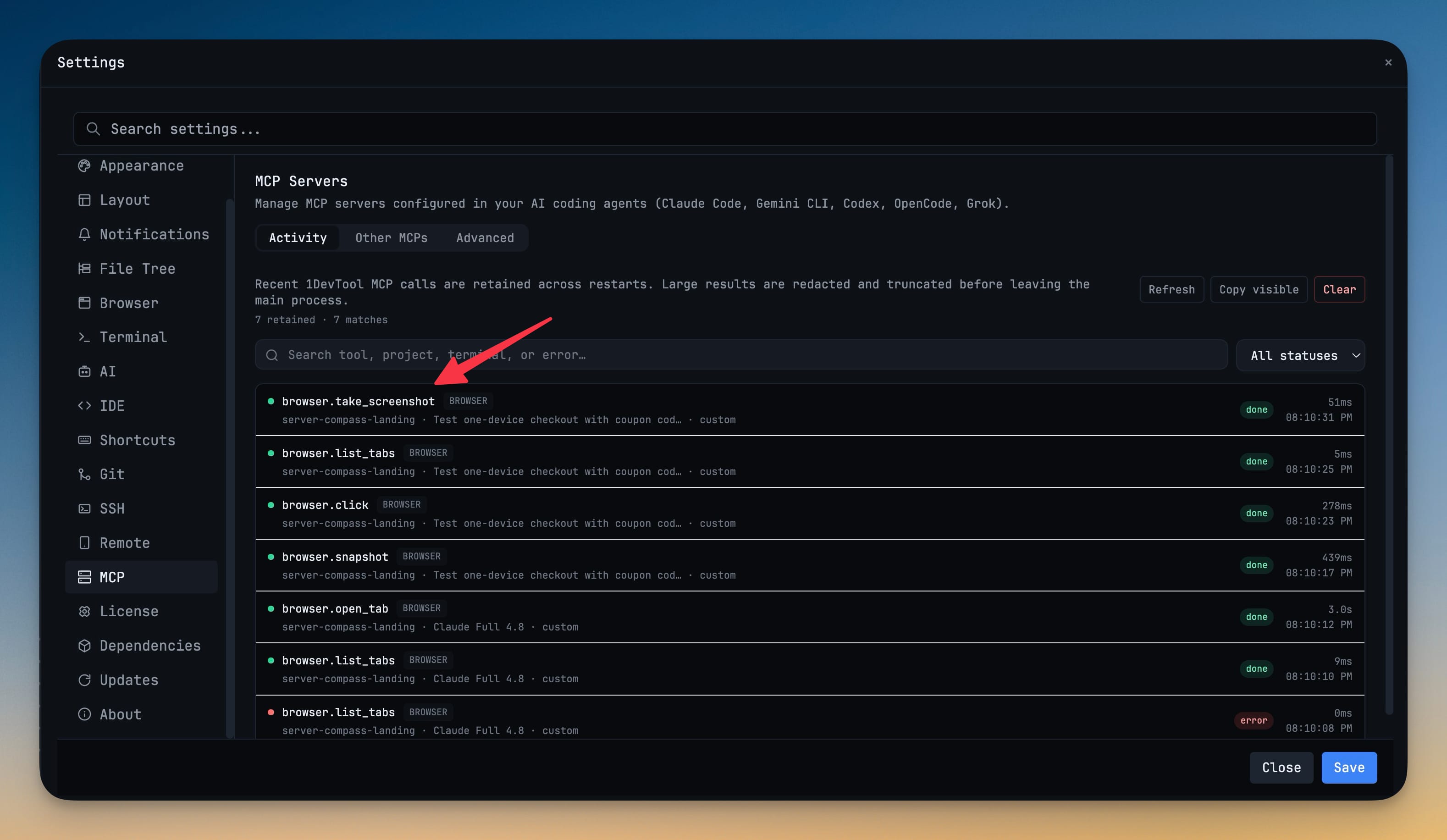
Yes, 1DevTool ships a built-in MCP server that exposes your workspace to any MCP-capable agent. Your agents can query your saved database connections (query, preview_table, describe_schema), run your saved HTTP requests with environments, and more, with live MCP tool-call badges on the terminal so you always see what the agent touched.
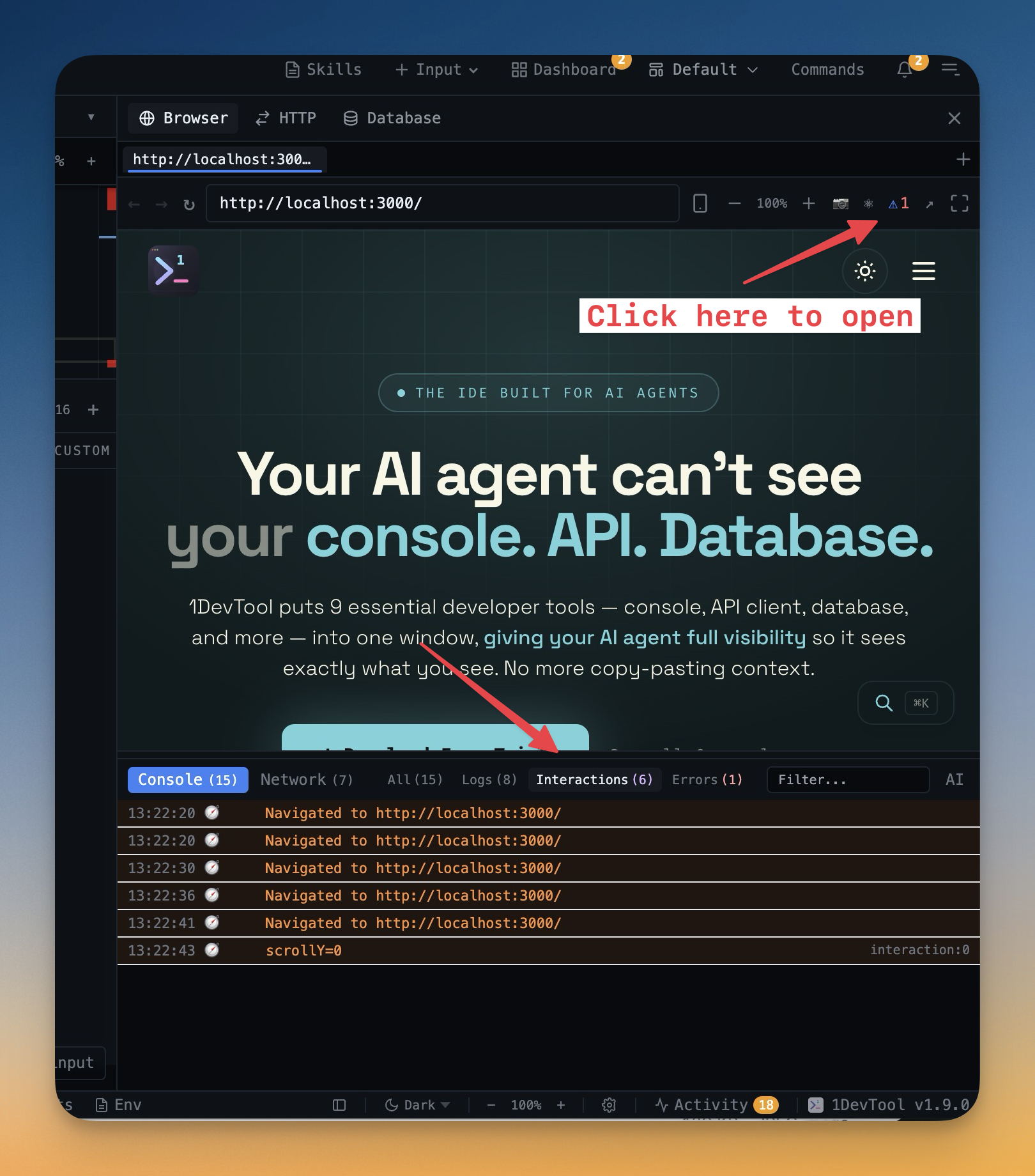
The embedded browser can capture screenshots (including lazy-loaded content and JS state), annotate them with a built-in markup tool, and send the annotated screenshot plus URL context and console logs directly to any AI agent running in your terminals, all in one click.
1DevTool adds project-level persistence with named agent sessions, a file tree, a built-in database client supporting 23 engines, an HTTP client, an embedded browser with screenshot annotation, Send-to-AI integration, agent orchestration, and smart notifications. tmux doesn't know what project you're in; 1DevTool does.
Run every coding agent like a team: drawn charts, automatic failover, one window that sees your editor, browser, HTTP client, and database. And a phone in your pocket that sees all of it too.
Free forever tier · $29 one-time to unlock everything · No subscription