Agent Teams & Swarms
Put multiple AI agents on one job — a team that shares a workspace, or a swarm of headless workers.
Some jobs are bigger than one agent. 1DevTool gives you two ways to scale up, and they are genuinely different tools.
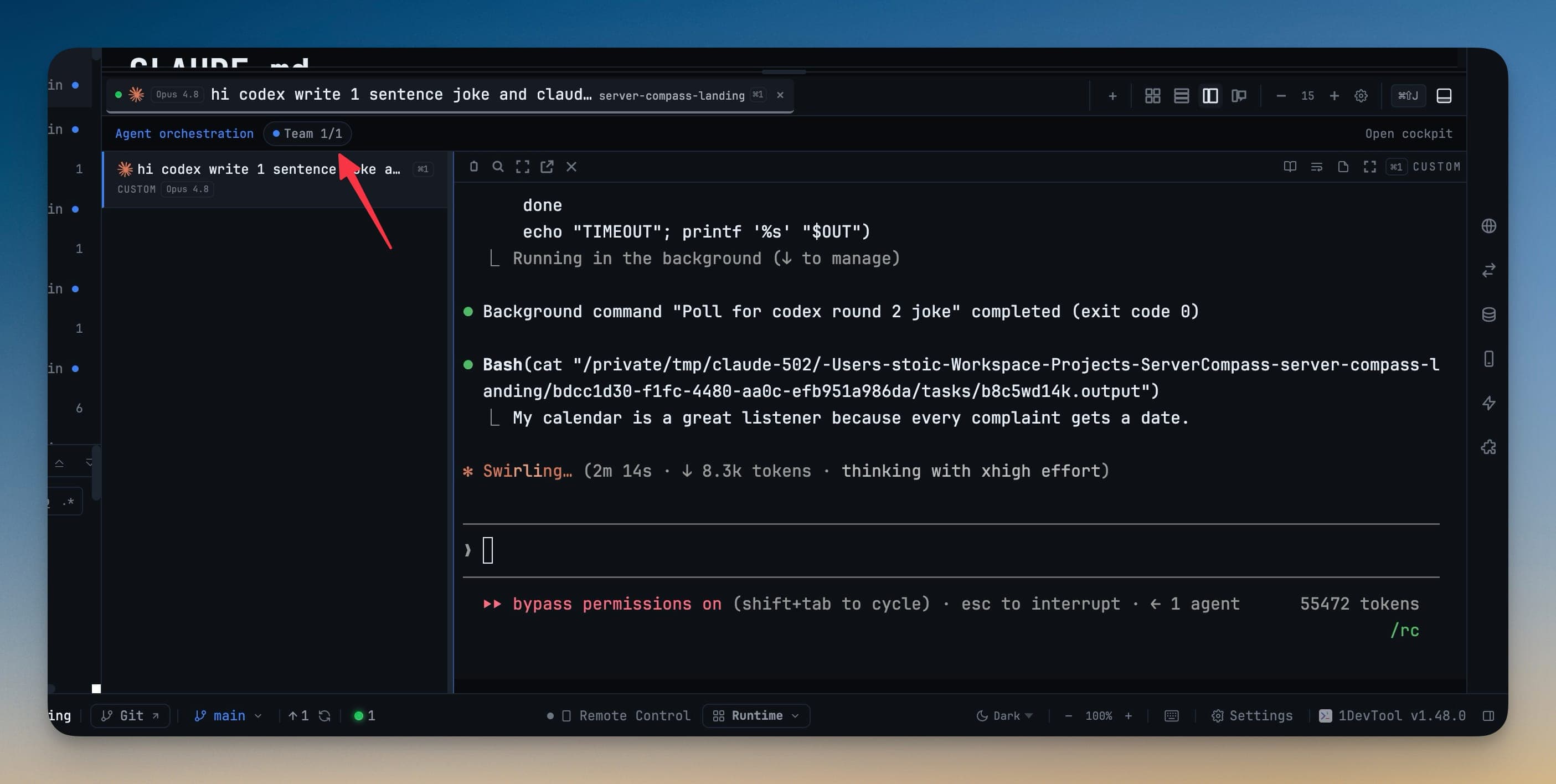
Teams: agents you can watch
A Team is a named group of agents sharing a workspace and a goal. Each member runs in a real terminal you can open, read, and type into. Start one from the Teams tab of the Orchestration Dashboard.
A team gives you:
- Every member's live status at a glance
- A shared workspace you can open to jump straight into the agents' terminals
- A live message rail showing agents handing work off and talking to each other
- Token and cost accounting for the team as a unit
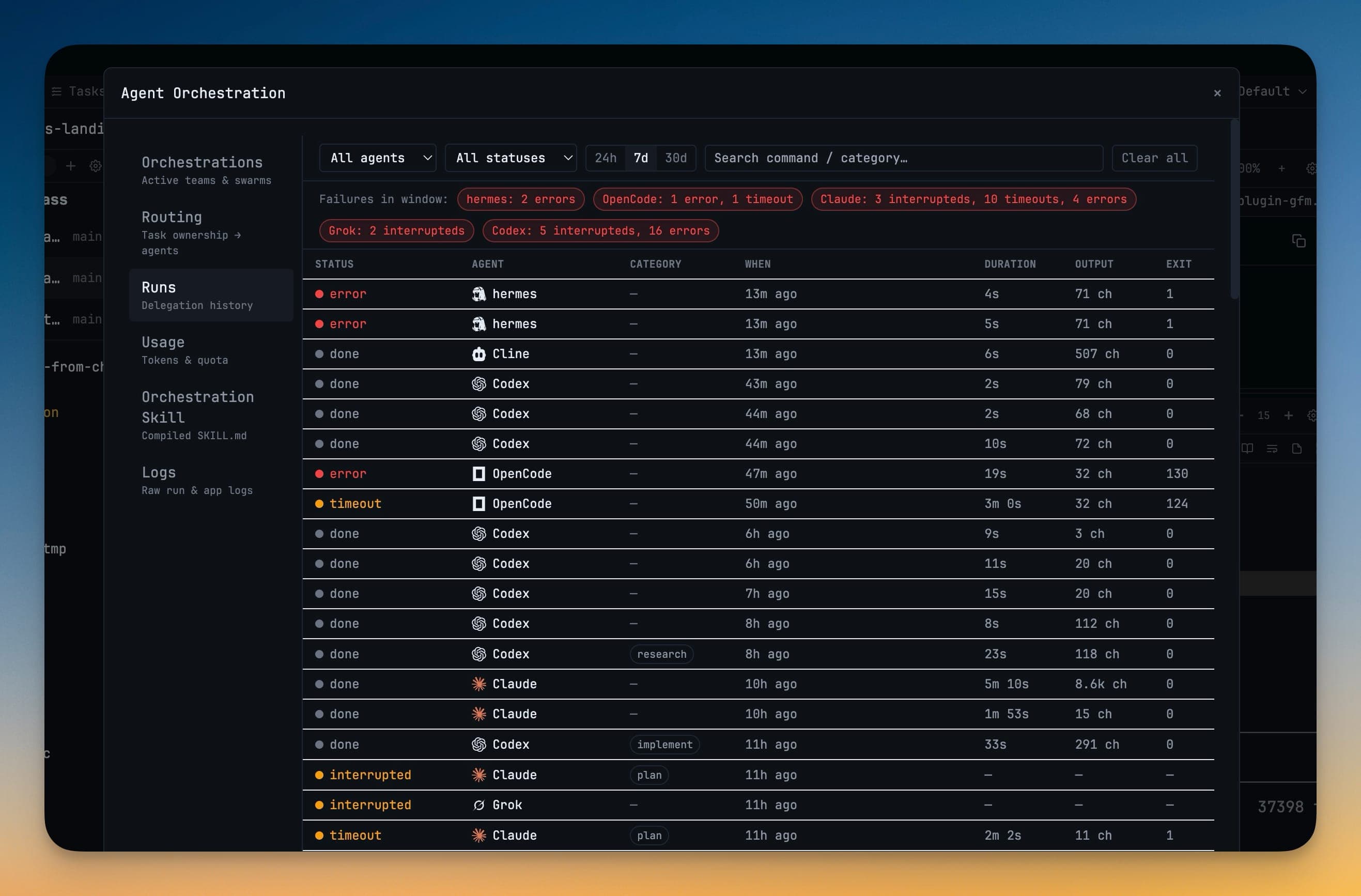
Swarms: headless workers
A Swarm is N copies of an agent working a brief with no terminal and no window — just workers in a sandbox reporting results back. Use a swarm when the work is wide and repetitive (survey every route, check every migration, try N approaches) and you do not need to watch it happen.
You can pause or resume the worker pool at any time to slow things down or free up your machine, and cancel queued workers while letting already-running ones finish.
Which agents can run a swarm
Swarm workers must run inside a locked-down sandbox, and not every agent has one. Today the supported swarm targets are Codex, Claude, and Cursor.
Asking for a swarm on any other agent is refused immediately, with the reason — it names the agents that can run sandboxed workers and points you at terminal swarms, direct delegation, or an Agent Team instead. This is deliberate: those requests used to be accepted and then every worker died within a second, with no output and no explanation. Sandboxing is about the target agent's abilities, not about your operating system.
Delegating agents are told the supported targets in their own orchestration instructions too, so they stop composing swarms that cannot start. Those instructions refresh on the next app start.
When a run fails
A run that dies before its agent ever starts — agent not installed, sandbox unsupported, launch refused — records the reason in its run record. You can see it in the Orchestration dashboard, and it travels with the run files you would attach to a bug report. Previously those runs exported as a bare "error", which is exactly what made them hard to report.
Native protocols where they exist
Codex and OpenCode collaborate over their own protocols rather than a scraped terminal: orchestrated runs with those two stream their output, ask for tool approval, interrupt, and resume through their native interfaces. Every other agent keeps the terminal path exactly as before, and each is verified against the installed version before being used.
When a terminal prompt's readiness cannot be confirmed, Runs can offer a headless fallback while still letting you retry the queued terminal prompt. Headless workers inherit your normal command-line tools, and stopped runs release their workers and capacity cleanly.
Resuming a team
Sessions that ran as one linked team are marked in Resume AI Sessions, and a banner offers to bring every member back in one confirmation. Members show a team chip so you can tell collaborative sessions from solo ones. Once the terminals are running, Mission Control's Resume team reconnects them.
Seeing teams from anywhere
A live team rail on the Dashboard, the All Terminals list, and the Terminal Canvas names each running team, says which project it lives in and what it is doing, and gets you into it in one click.
Related
- Orchestration Dashboard — where teams and swarms are started and reviewed
- Mission Control — the live cockpit
- Tasks — assigning a task is its own kind of dispatch