MCP Control
One place to see every tool your agents can reach through 1DevTool — and to turn individual tools on and off.
1DevTool exposes its own capabilities to your AI agents over MCP: the browser, the database client, the HTTP client, Tasks, and a set of core tools. MCP Control is where you see all of it and decide what stays reachable.
Open it from the MCP button in the top bar — one click, not a settings tab three levels deep.
Tools, grouped by what they touch
Tools are grouped by the surface they operate on:
- Browser — drive the Browser panel: open and select tabs, navigate, read page structure, click, type, screenshot
- Database — list connections, describe a schema, preview a table, run a query
- HTTP Client — send a request, run a saved request, list environments
- Tasks — the ten task tools agents use to work the board
- Core — everything else 1DevTool exposes about itself
Filter by enabled or disabled, and switch between a card view and a dense table when you want to scan a lot of rows quickly.
Turning a tool off
Every tool has its own switch. Turning one off means an agent calling it gets a refusal instead of an action — useful when you want an agent that can read your database but never write to it, or one that can look at pages but not click through them.
When an agent hits a wall
If an agent calls a tool you have turned off, a badge appears on that terminal naming the tool, with a one-click Enable. The agent can then retry instead of guessing why nothing happened.
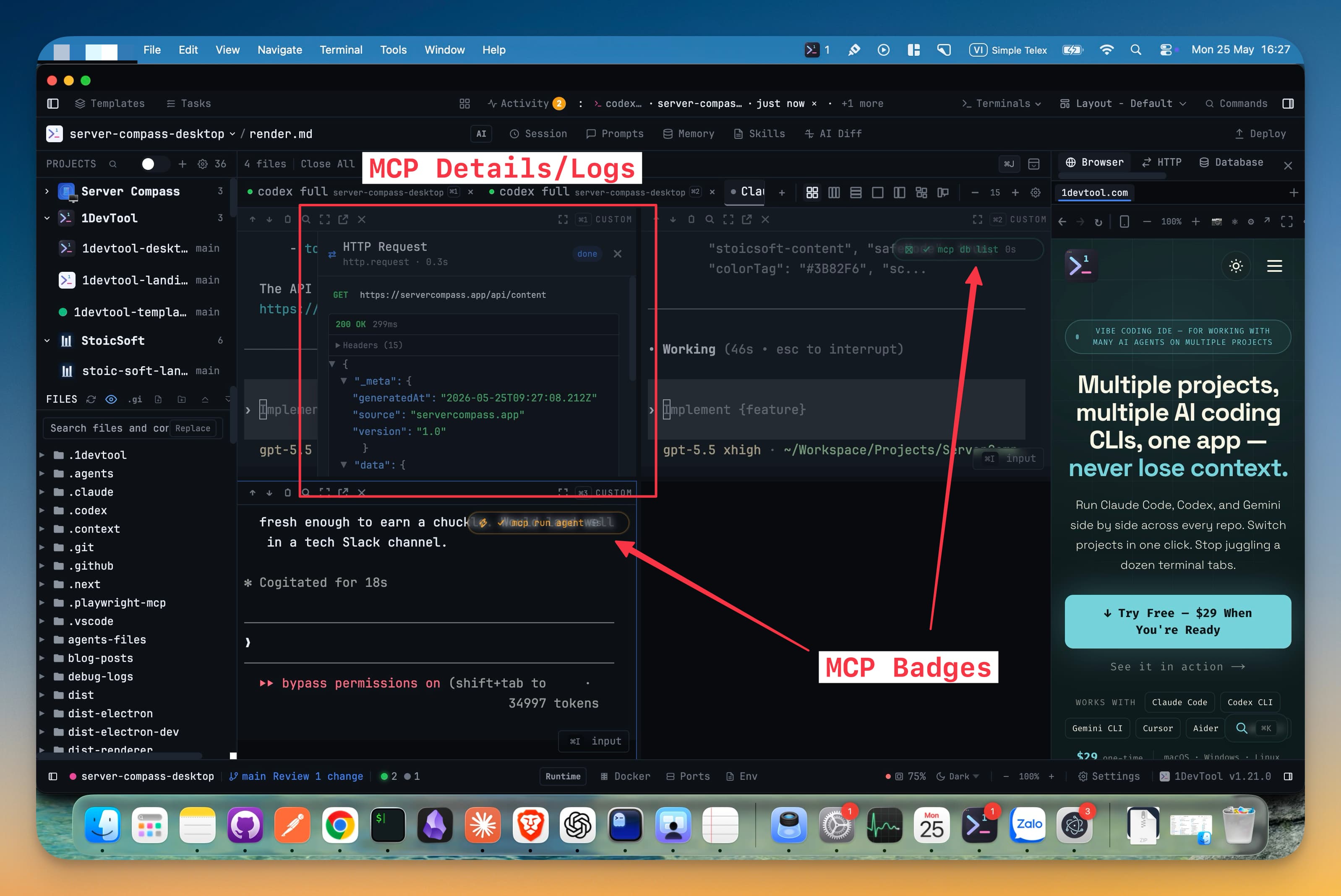
Each terminal shows at most three recent tool calls, and completed badges clear themselves after a short confirmation period, so a busy agent does not bury its own output under badges.
Connecting agents
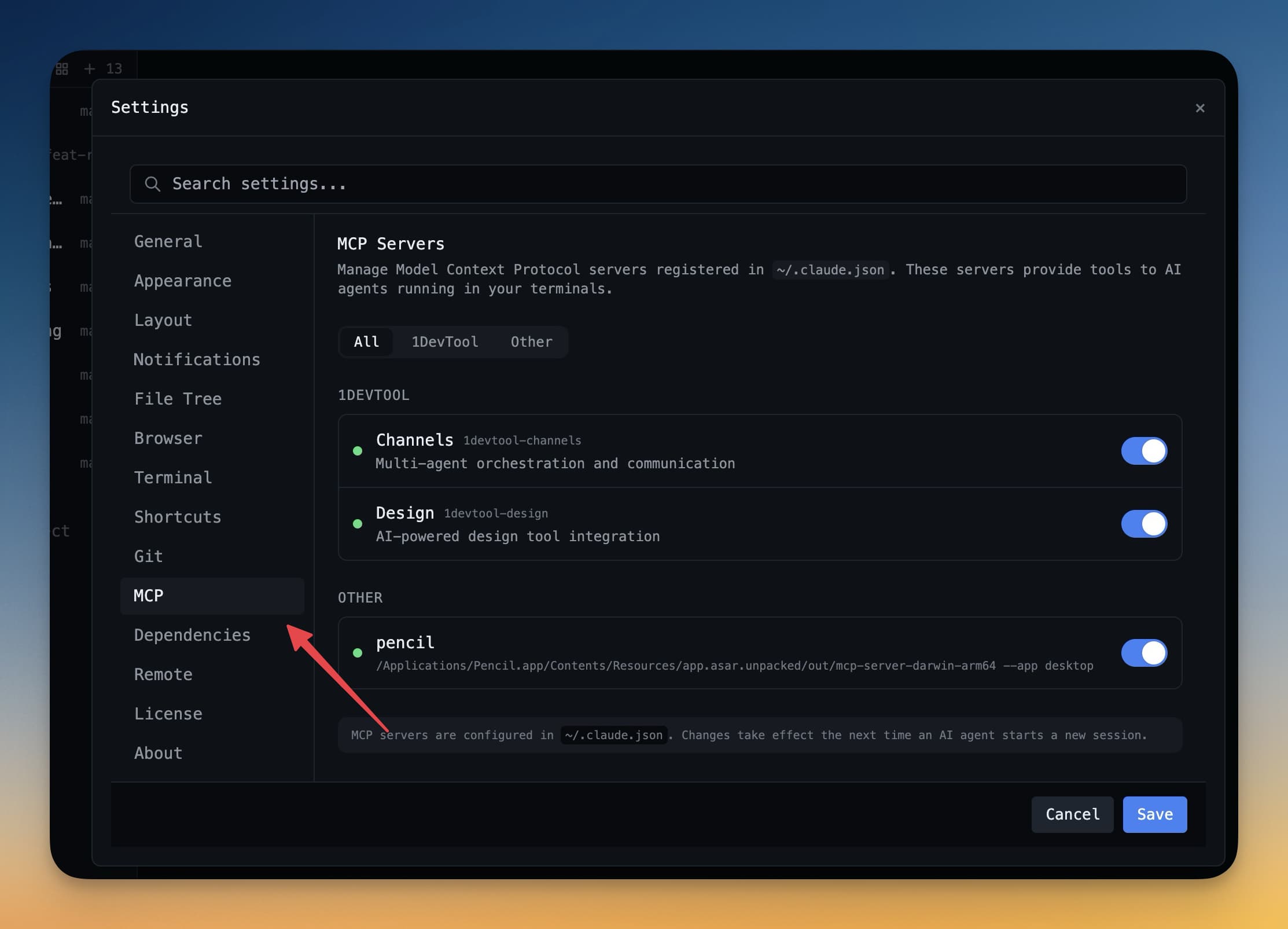
Supported agents are configured automatically; Settings → MCP lists which ones are connected and lets you manage them. Grok, Codex, Claude, Cline, Gemini and the rest each get the server registered under a machine-facing name they accept, while keeping the 1DevTool brand and its aliases.
If you also want to add your own third-party MCP servers to an agent, that is a separate thing — see MCP Servers.
Related
- Activity History — what your agents actually called
- Browser Automation — agents driving the Browser panel
- MCP Servers — adding external servers to an agent