Assign a Task to an Agent
Assignment is dispatch — picking a target spawns the terminal, sends the task, and binds the run to the card.
In 1DevTool, assigning a task is not a label. Picking a target spawns the terminal, sends the task, and binds the run to the task, so the board and Mission Control are describing the same piece of work.
Assigning
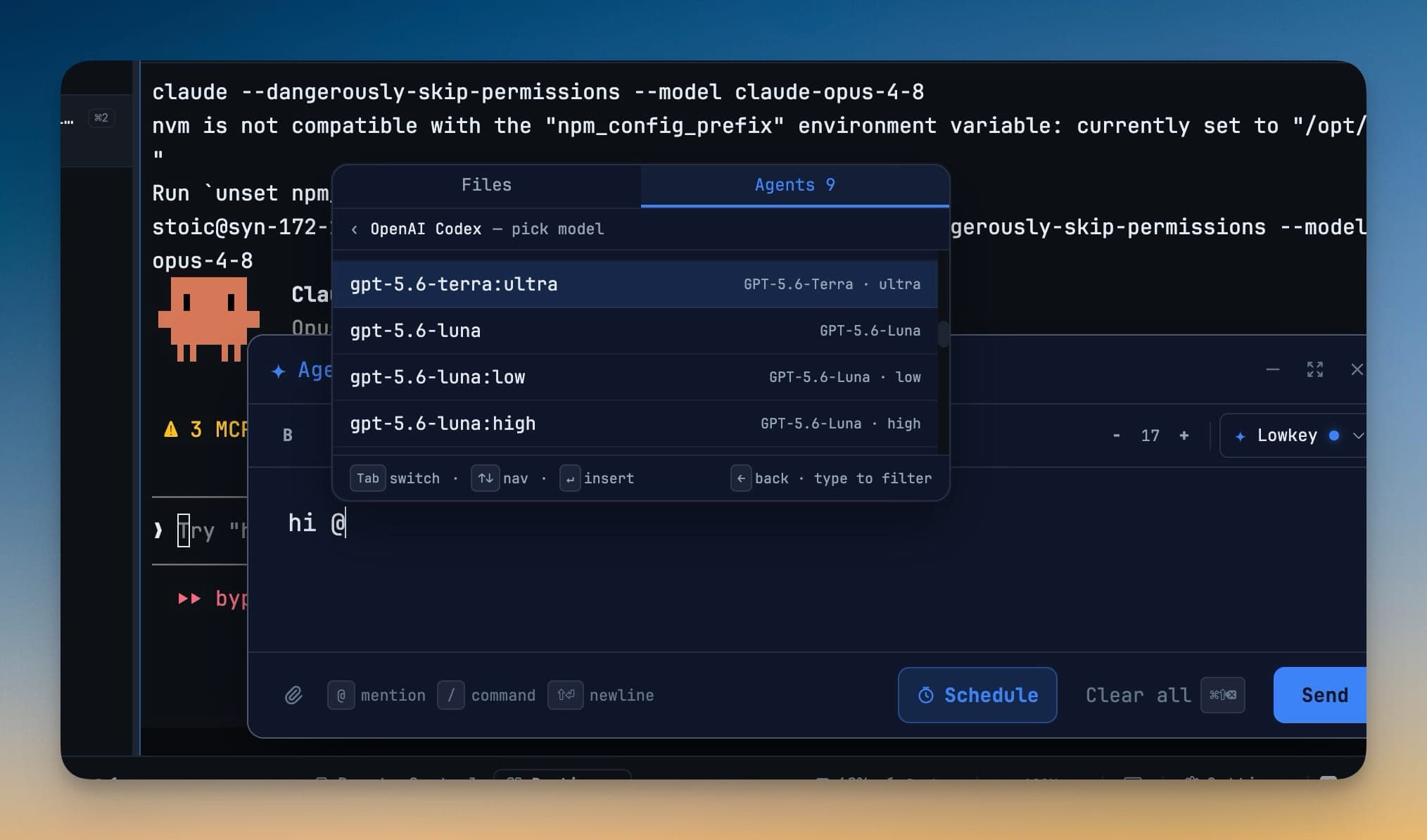
Click Assign on a card. The target picker lists:
- Your installed AI agents (Claude, Codex, Gemini, Grok, Cursor, Cline, Hermes, Amp, OpenCode, Qwen, Antigravity…)
- Every live AI terminal you already have open
Pick one and the task is dispatched. The terminal is opened and brought into view, and the task only moves to Running once it really did start — not optimistically the moment you clicked.
Agents cannot assign themselves
This is a hard rule in the MCP layer, not a convention. An agent can create tasks, claim work it was given, comment, request approval, and complete — but it cannot hand itself a task. Assignment is a human decision.
Watching it run
Once assigned, the card shows the terminal's live state: running, waiting on you, idle, or lost. Click through to the terminal at any time.
If the prompt was typed into the agent but never submitted, the task does not pretend otherwise — Mission Control says "not submitted — press Enter" and takes you to the terminal, with your text preserved as a draft.
Unassigning
Unassign takes the task back. It does not close the agent's terminal or discard its work; it just breaks the binding so the task can go to someone else.
Queueing behind a busy agent
Assigning to an agent that is mid-turn queues the work rather than interrupting it. A queued delivery retries on its own and says what it is waiting for. A supported agent that was busy when the message arrived keeps waiting behind a fresh check instead of needing you to submit it by hand.
Dragging is not assigning
On the board, dragging a card between columns changes its status, never its owner. Assign is the only way an agent is given work. This is deliberate: a drag is a fast, low-attention gesture and handing an agent a job should not be one. See Board & Filters.
Bulk actions
Select several cards to set priority, add a label, or cancel them together. Bulk actions never dispatch — they only change fields you can see.
Related
- Approval Gates — what the agent asks you before and after doing the work
- Board & Filters — the two board views and the drag rules
- Agent Teams & Swarms — when one agent is not enough