Sticky Notes
Pin a note to a terminal, a file, or a project — written in Markdown, readable as formatted text, and visible on your phone.
Sticky notes are the small thoughts that would otherwise become a scratch file you forget to delete: the command you always mistype, the reason this terminal exists, the thing to check before merging.
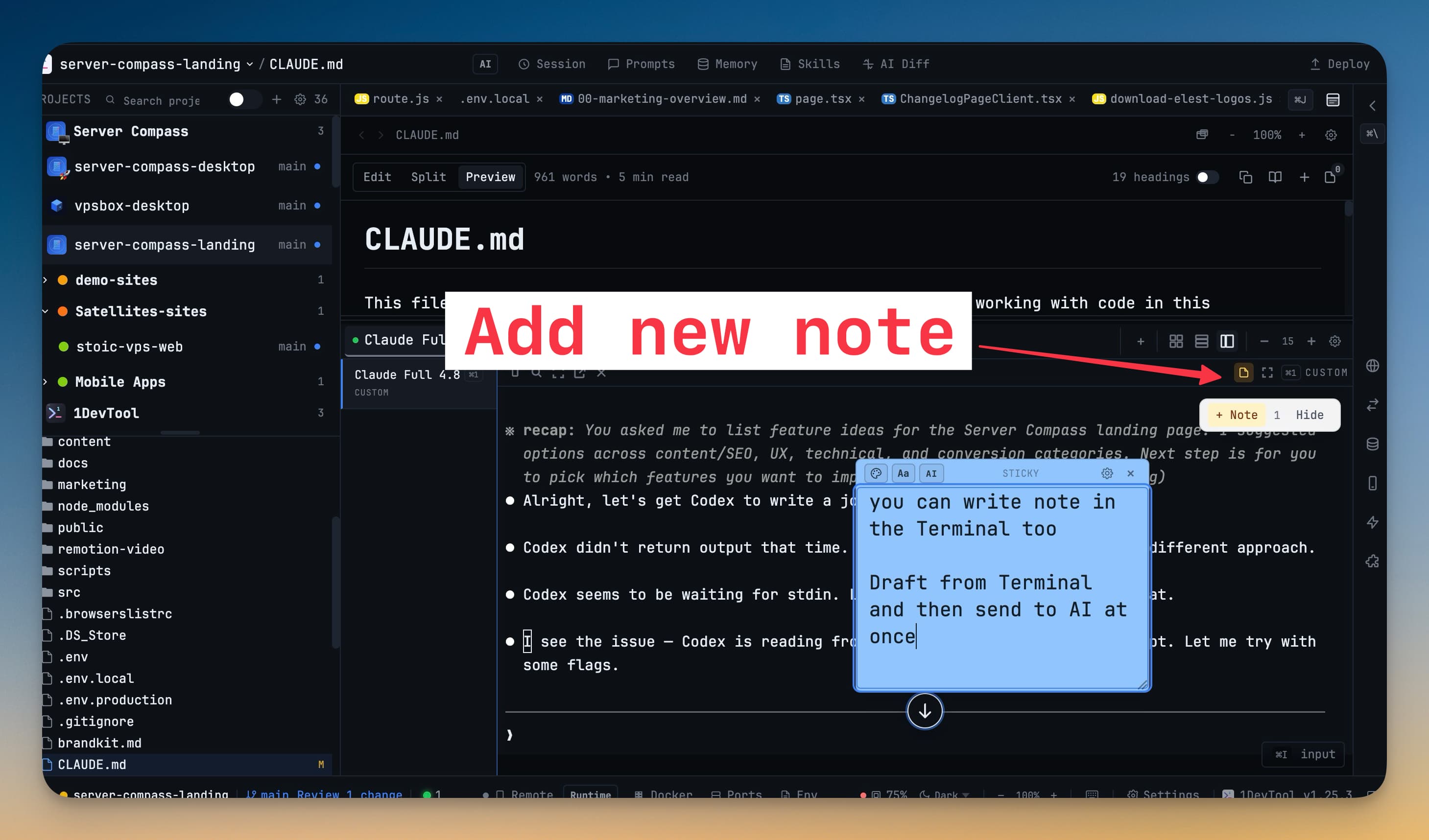
Where notes live
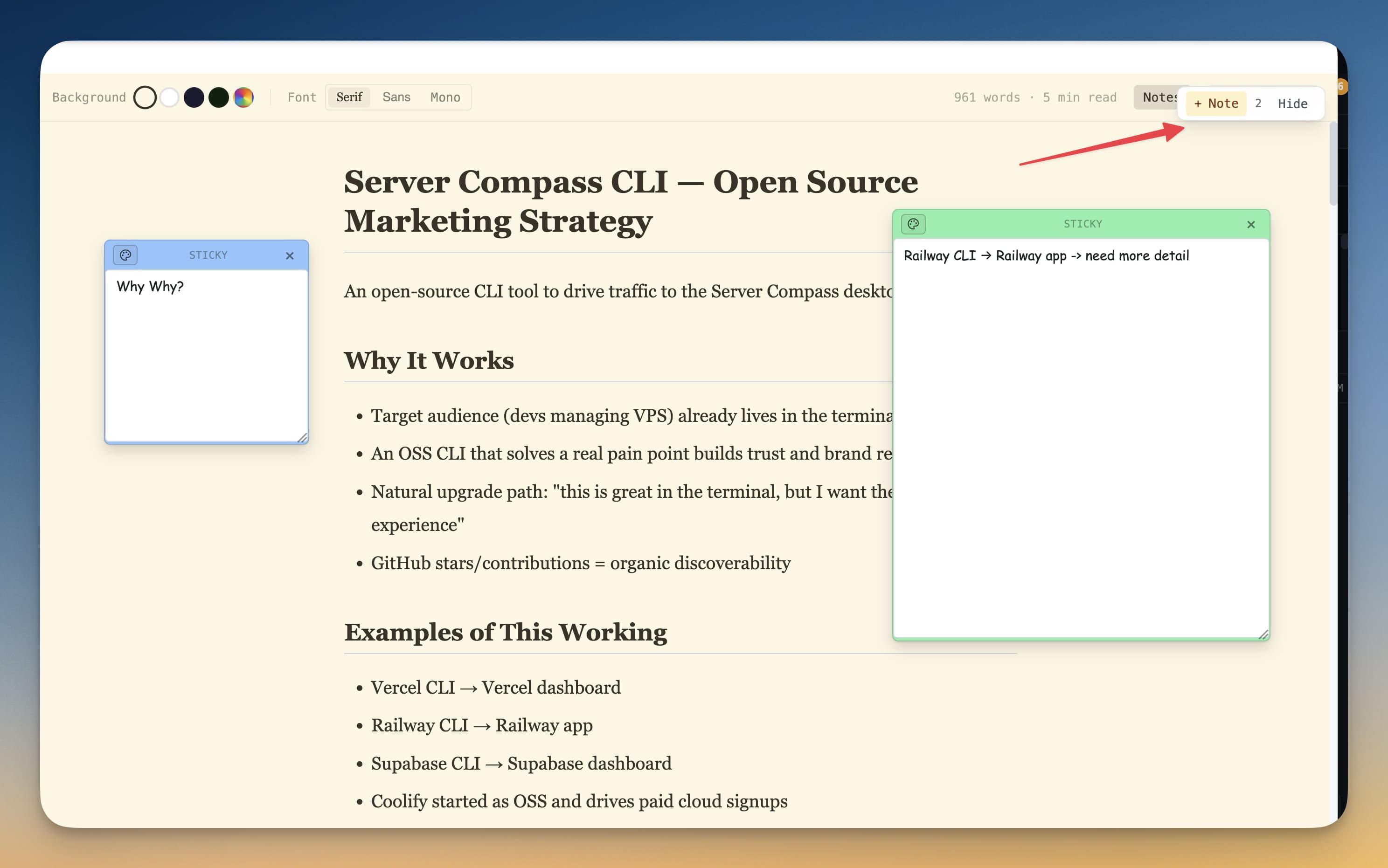
A note can hang off:
- A terminal — pinned to that pane, visible while you work in it
- A file — shown alongside the document in Reader Mode
- A project — a Manual note, written from the notes library and belonging to the project rather than to anything inside it
Markdown, written and read
A note you are not editing renders as formatted text: headings, lists, checkboxes, quotes, tables, code blocks, and links. Click anywhere on it to go back to editing, or use the MD button in the note toolbar to switch between writing and reading.
Links open in your browser. A link to a heading inside the same note scrolls to it.
A brand-new, empty note opens ready to type in — writing a quick thought is still one action.
The notes library
Notes in the top bar lists every note across your projects.
+ New note opens a composer right in the list, so a thought that belongs to a project no longer needs a file or a terminal to hang off:
- Choose the project it belongs to
- Pick its colour
- Save with
⌘⏎or the Save note button Escapecloses the composer without closing the library
Notes written this way are grouped under Manual notes and are findable with the Manual source filter. The composer inherits the sticky-note font, size, and dimensions you already set, and the list relaxes any filter that would otherwise hide the note you just wrote.
Typing in other languages
The note editor keeps composition input (Vietnamese, Chinese, Japanese, Korean) intact and turns spell-check off, so accents and diacritics are not mangled as you type.
On your phone
Notes reach Remote Control, including manual ones, labelled Manual note in the notes history. It is the easiest way to jot something for a project while you are away from the desk.
Performance
The notes overlay mounts only when it is open and stays off the terminal's hot path, so having notes does not cost you terminal responsiveness.
Related
- Reader Mode — notes shown beside the document
- Tips & Tricks
- Control 1DevTool From Your Phone