Capture & Decompose
Turn a stack trace into a task with a right-click, or describe an outcome and let an agent propose the task set.
Tasks come from two places in practice: something broke and you want to write it down without losing your place, or you have an outcome in mind and no idea how to break it up. 1DevTool has a path for each.
Capture from where the problem appears
Select a stack trace in a terminal, or a few lines in the editor, right-click, and choose Add task.
The dialog opens with your selection captured, and the task keeps a reference back to where it came from — the file and line, or the terminal name at the time. The Captured view in the views rail lists everything created this way.
The reference is a plain, best-effort pointer, not a re-locatable anchor. A reference that no longer resolves is just a stale reference, and the card says so rather than pretending.
Decompose a goal
Describe an outcome — "make checkout work offline" — and an agent proposes a task set for you to edit and accept.
Nothing is written until you accept it. A bad decomposition costs one click, not a cleanup of .1devtool/tasks/.
You pick who plans
The decompose dialog has a target picker listing your installed agents and every live AI terminal. You can run the planning quietly in the background, or hand the goal to the agent already sitting in front of you.
You can watch it work
A live log streams the run with an elapsed-seconds counter, names the binary it started and where it found it, and says out loud when an agent (like claude -p) prints nothing at all until it finishes. A missing CLI, a slow one, and one stuck on a permission prompt no longer all look like the same spinning Thinking… button.
If the answer cannot be parsed, you see what the agent actually replied instead of a dead end.
Borrowed terminals are given back
Planning inside one of your own terminals never closes it and never leaves it claimed — even if the run times out.
Writing one by hand
+ New task takes a title, body, priority (P0–P3), and labels. Write one task does the same from the empty board.
Merging duplicates
Capture and decomposition both produce overlap sometimes. Merge keeps one task and turns the rest into tombstones whose ids still resolve, so an agent holding an old id follows it to the survivor instead of failing.
Related
- Tasks Overview — where captured and decomposed tasks live
- Assign a Task to an Agent — putting an agent on one
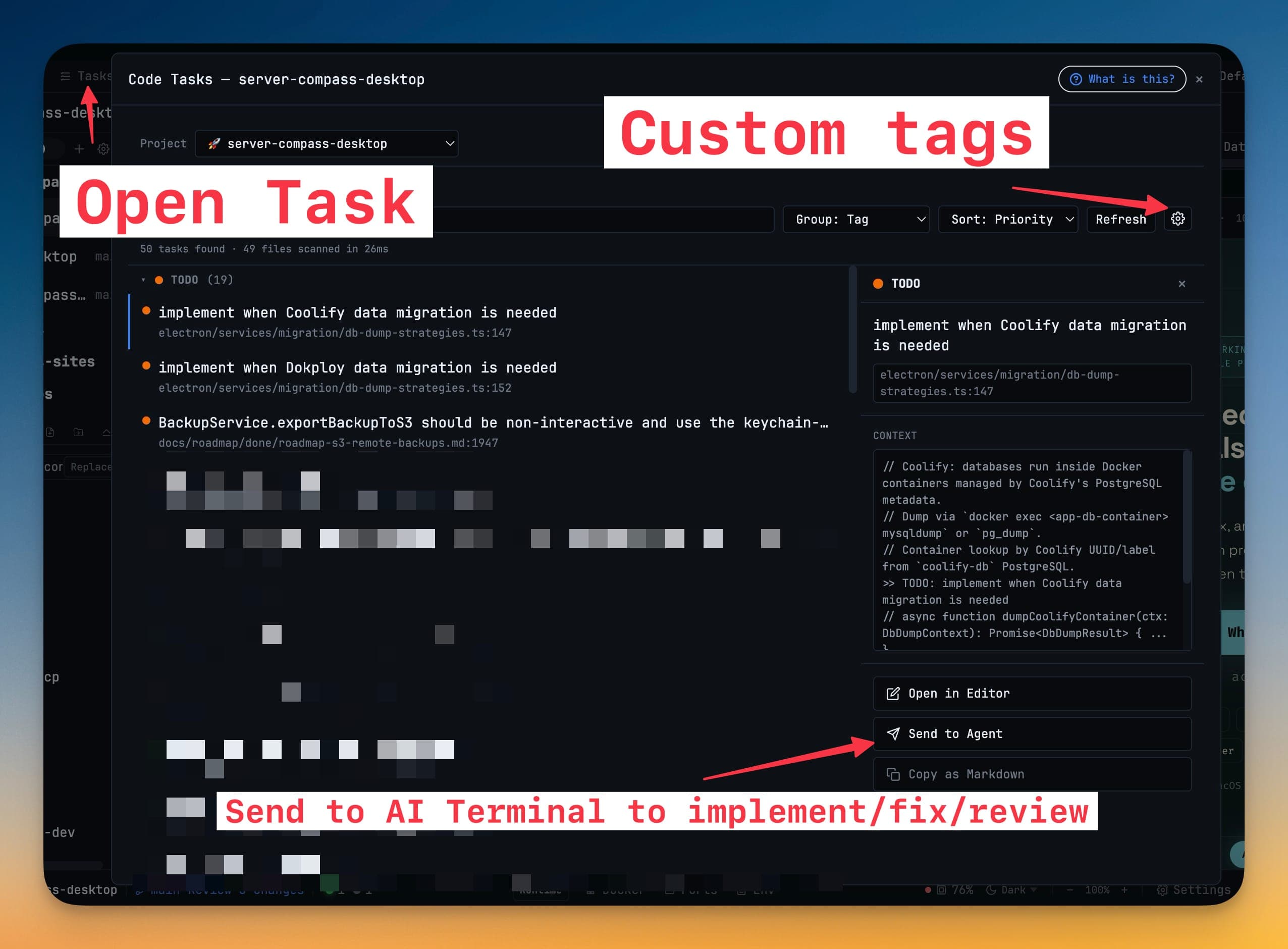
- Code Tasks — what replaced TODO-comment scanning