Skills & Slash Commands
Browse, edit, and insert the skills and slash commands your AI agents can run — from the desktop and from your phone.
Most coding agents support skills (reusable instruction packs) and slash commands (shortcuts you type into the prompt). They live in different folders for every agent and are easy to forget you wrote. 1DevTool puts them all in one browser.
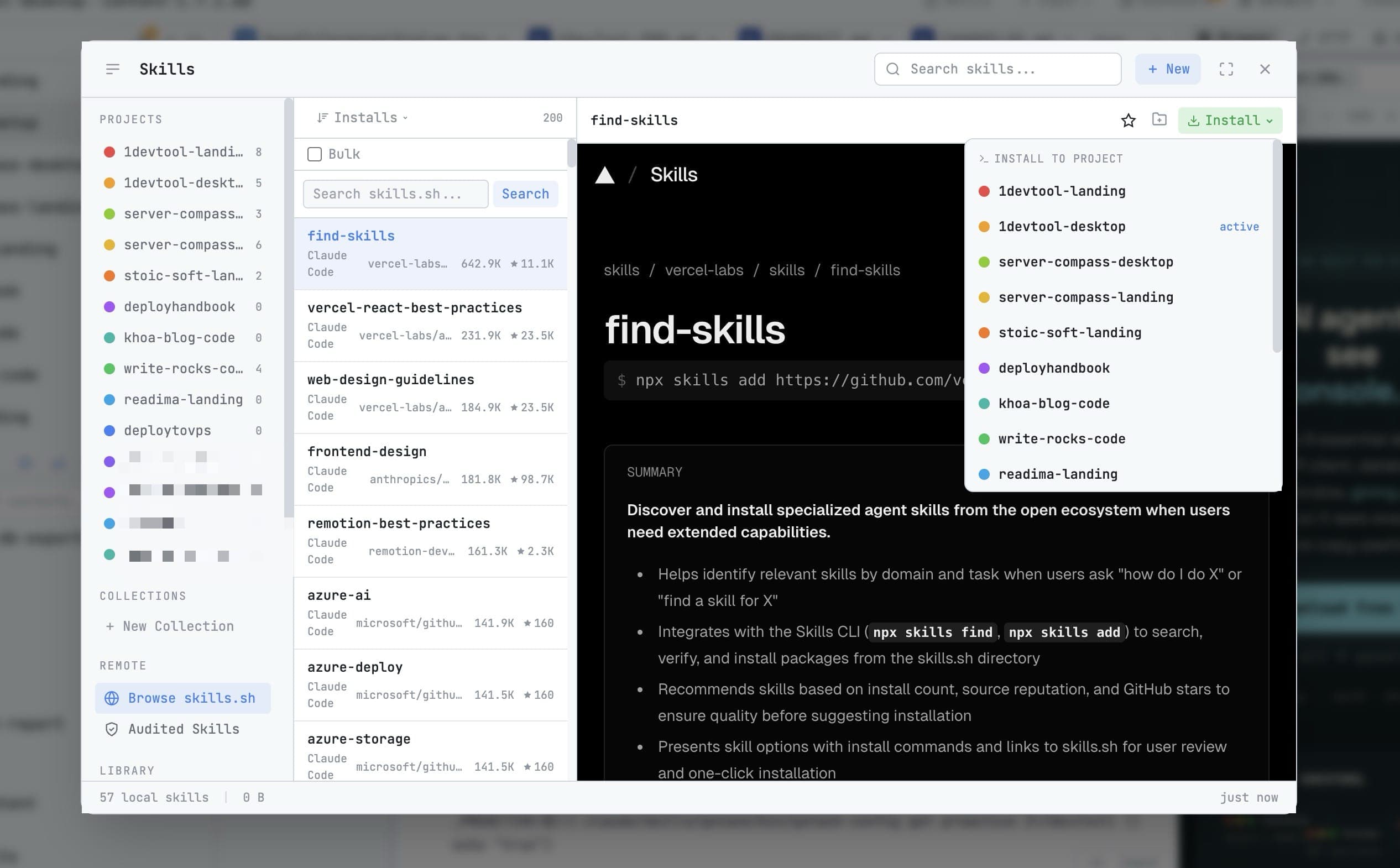
Opening the browser
Skills in the top bar. It lists what each installed agent has, reading from that agent's own directory — so a skill you wrote by hand outside 1DevTool shows up here too.
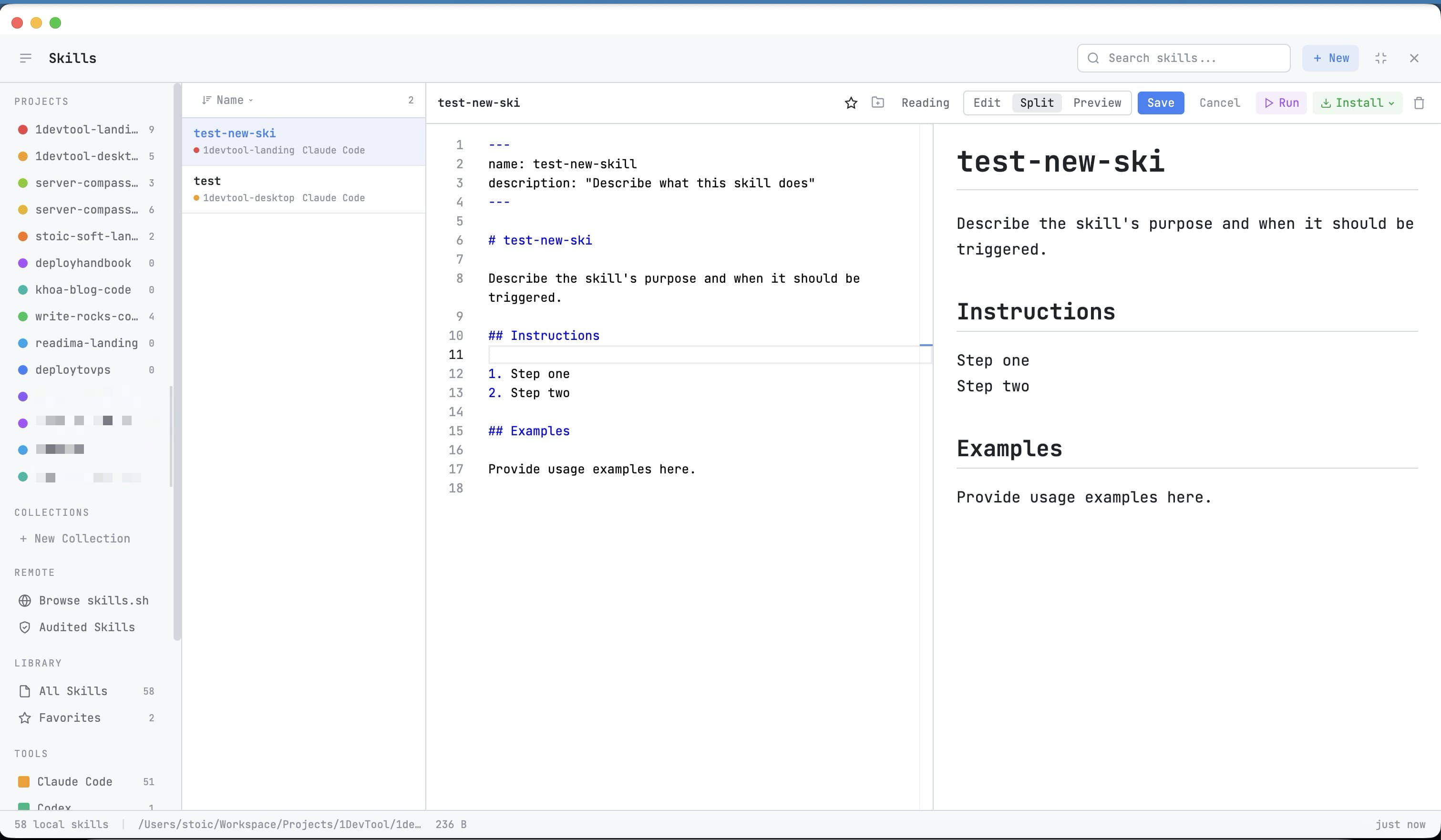
Editing
Open a skill to read it, and edit it in place. The editor renders Markdown, including Mermaid diagrams, so a skill that documents a flow is readable rather than raw.
Inserting one into a prompt
In Agent Input, type the prefix your agent expects and pick from the autocomplete list.
The prefix differs by agent, and 1DevTool uses the right one:
- Codex uses
$skillfor skills, and keeps/commandfor its built-in commands - Most other agents use
/
Each prefix shows its own autocomplete list, so a Codex skill is never inserted as a slash command that Codex does not have.
From your phone
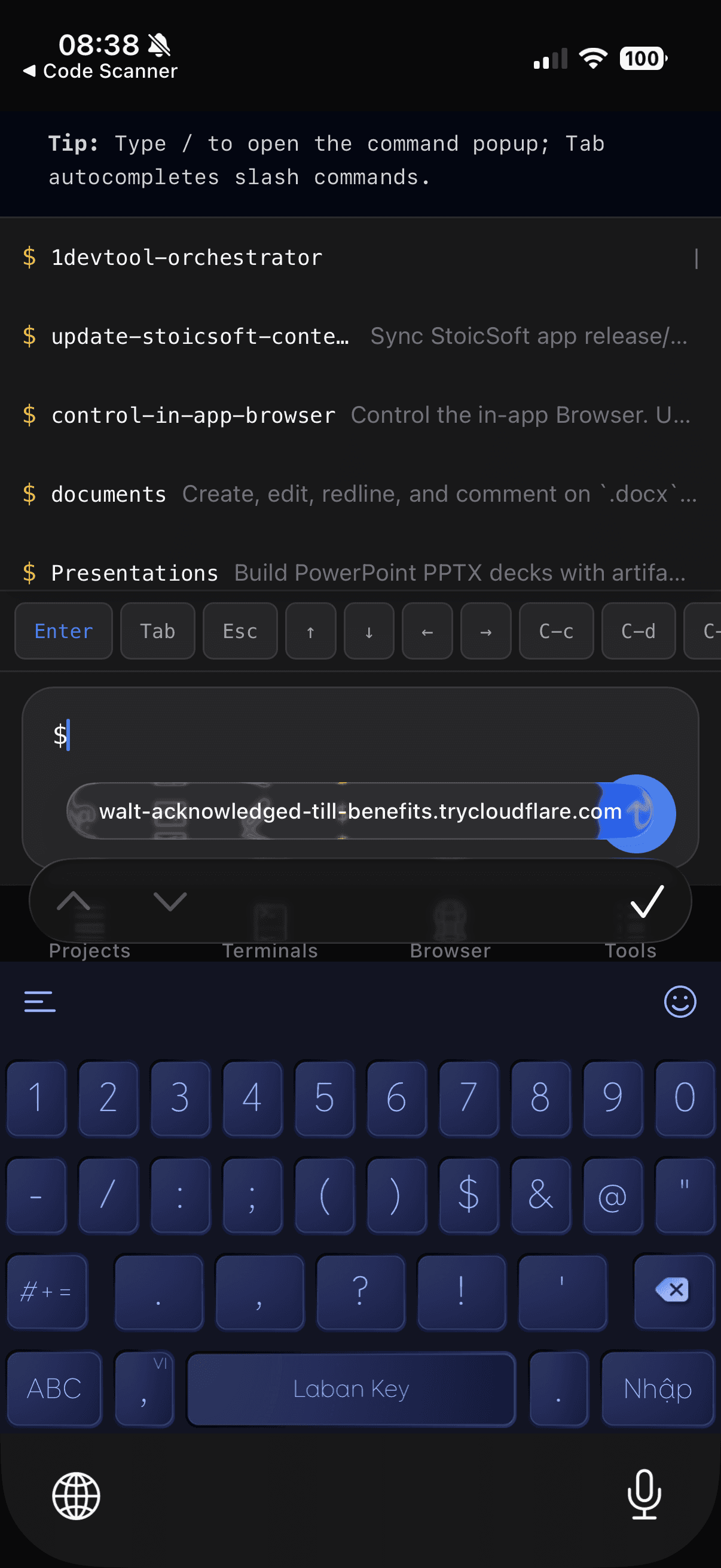
The skills picker is available in Remote Control too — open a terminal on your phone, tap the skills button, and insert one without typing its name from memory.
One library, every project
Copying a skill folder into every project is how skill sets drift. The Control Plane view in this dialog keeps a versioned library on your machine instead, with a per-project version pin and a manifest you can commit — see Skills Control Plane.
Orchestration skills
1DevTool installs its own skill into each agent's directory: the instructions that teach agents how to delegate, how to reply to a peer, and which swarm targets are supported. You can read the compiled version in the Skill tab of the Orchestration Dashboard.
Those instructions refresh on the next app start after 1DevTool updates them, so an agent's understanding of orchestration follows the app version rather than drifting.
Where each agent keeps its skills
1DevTool writes into the directory each agent actually reads, and only into agent homes that already exist — installing 1DevTool never creates a config folder for an agent you do not have.
Related
- Prompt Templates — 1DevTool's own reusable instructions
- Agent Input
- Skills Control Plane — one versioned library, pinned per project
- Orchestration Dashboard — the compiled orchestration skill